Monday, March 4, 2019

17 Plugins, Tutorials, and Resources for Gutenberg

The WordPress community officially has Gutenberg fever. While there has been some grumbling (and not without some cause), the blocky little editor that could, has gone mainstream. People have been building, writing, collating, and generally just adapting to the changes, and I’m here to show you some of what they’ve done… Enjoy!

Plugins

As is usual, the WordPress community has gone wild, and has already developed loads of plugins for the new editor; we can’t possibly list them all. Besides, so many of them add pretty much the same new blocks, or very similar blocks, so I’ve decided to list only the ones that caught my eye.

For more complete lists, see the “Authority Sites and Directories” section below.

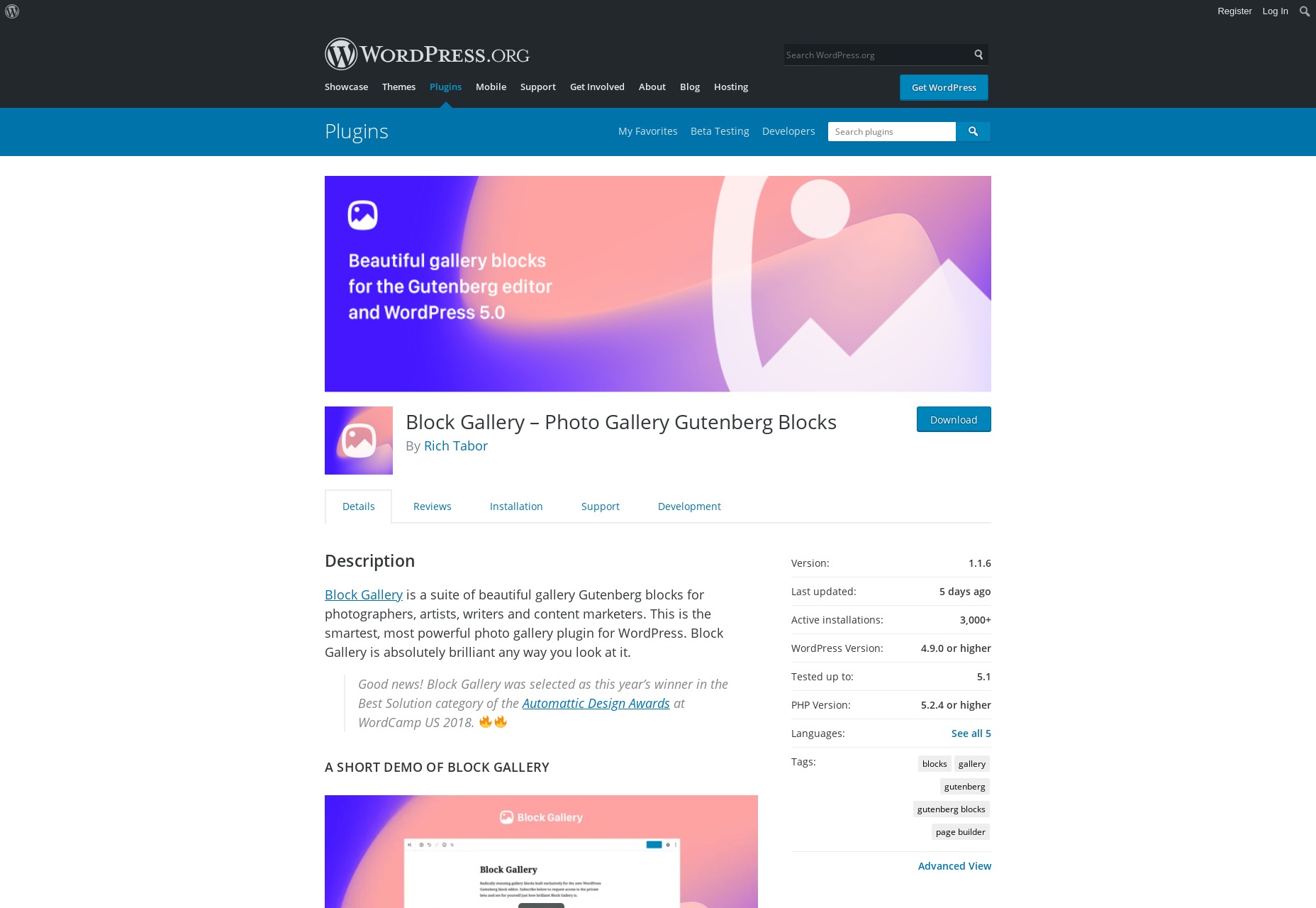
Block Gallery

A photo gallery plugin that does what it says, and doesn’t come with a thousand other blocks. What more could you ask for?
Block Options for Gutenberg

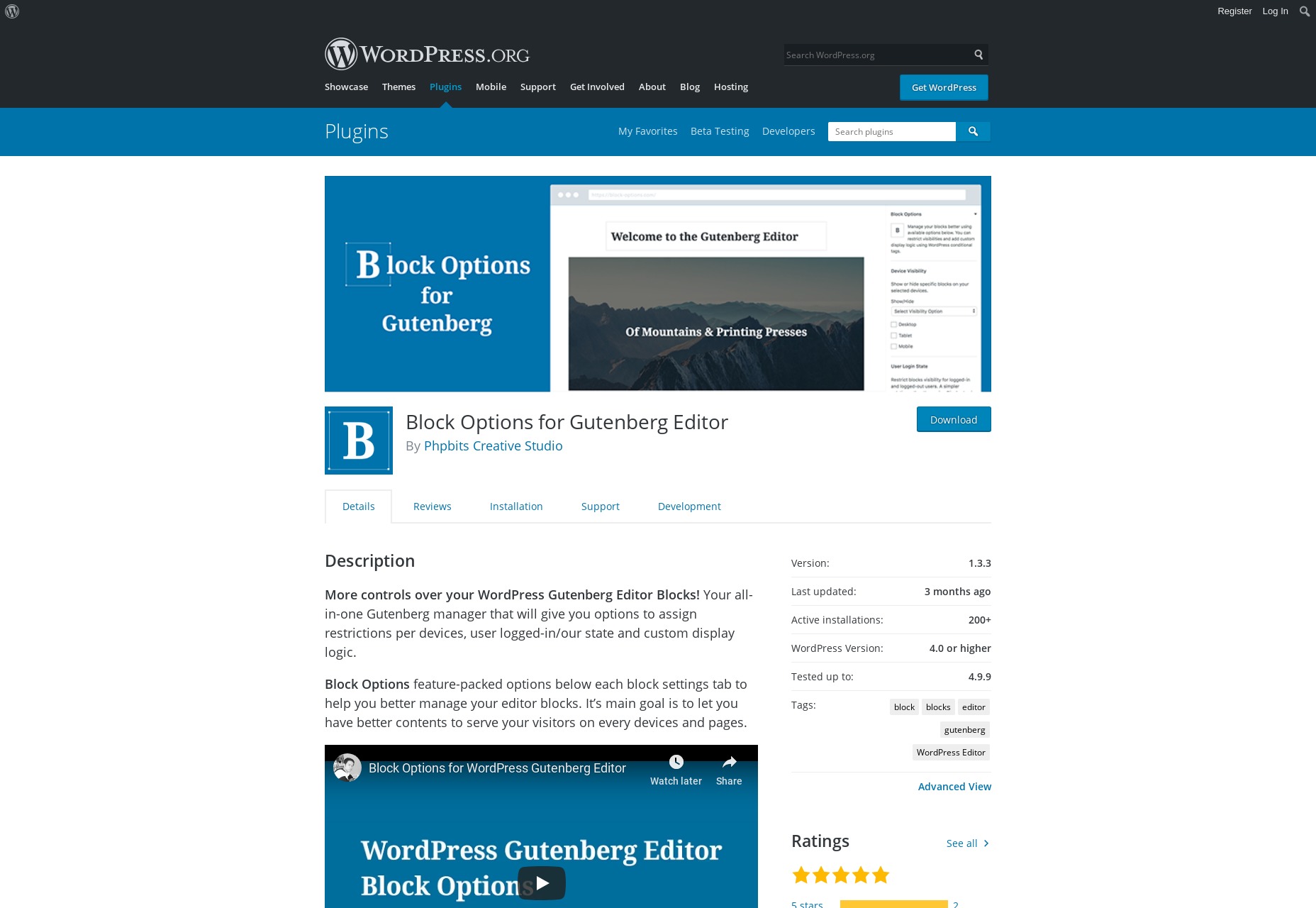
Block Options for Gutenberg allows you to show or hide blocks based on a number of factors, including:

  • What device is being used to view the site;
  • Whether the user is logged in or not (great for calls to action, perhaps?);
  • Based on field values in Advanced Custom Fields;
  • And based on custom conditional logic you might set up yourself.
Coblocks

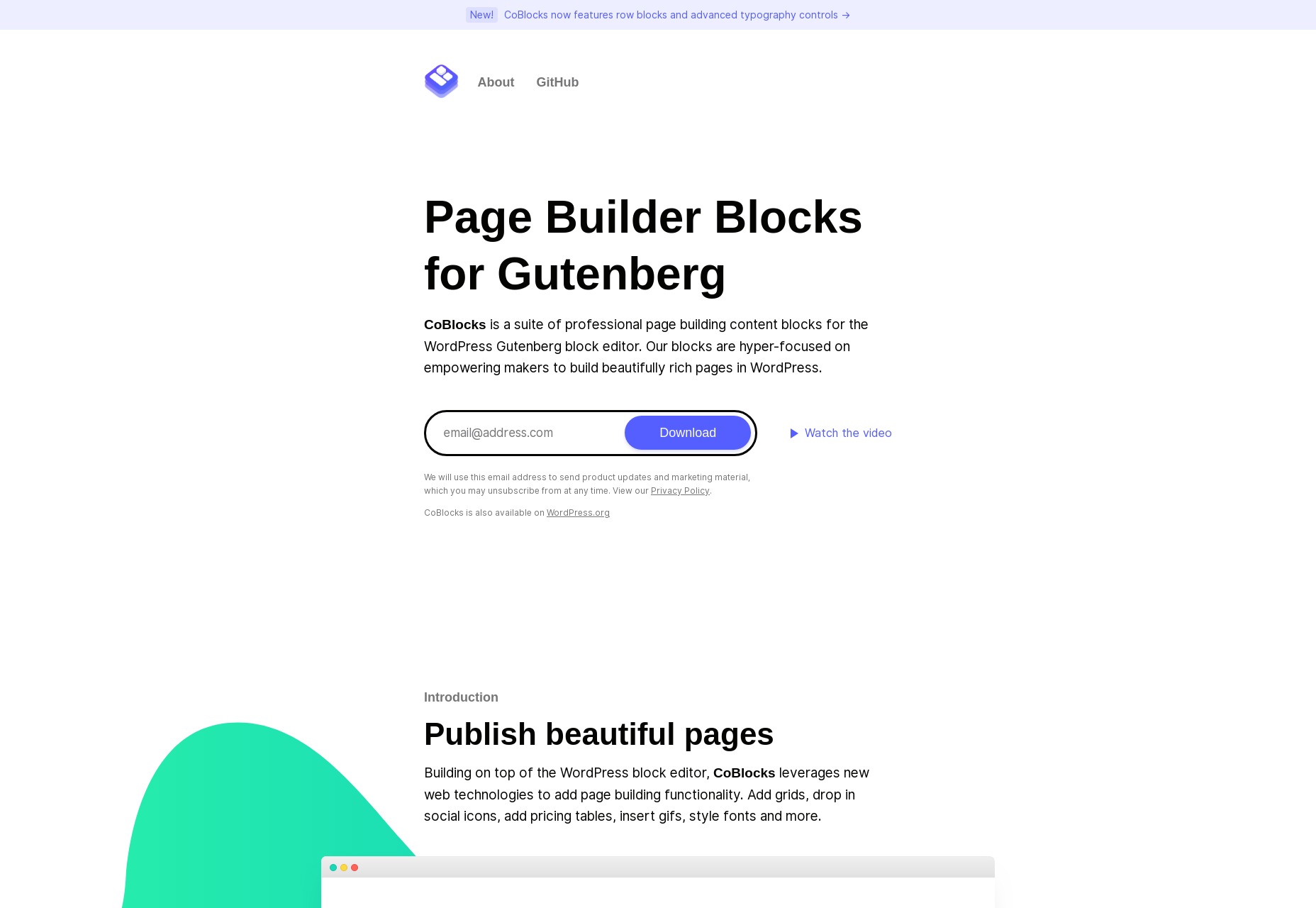
There are already lots of plugins that aim to turn Gutenberg into a full-on page builder, but Coblocks is the one I currently have my eye on. Sure, they’ve got plenty of layout options and features, but they’re mostly kept light and simple as opposed to overly animated. They seem largely style-agnostic as well.

They don’t use JavaScript on the front end when they don’t have to, and they provide quite good controls for custom typography. Overall, I’m quite impressed.
Disable Gutenberg

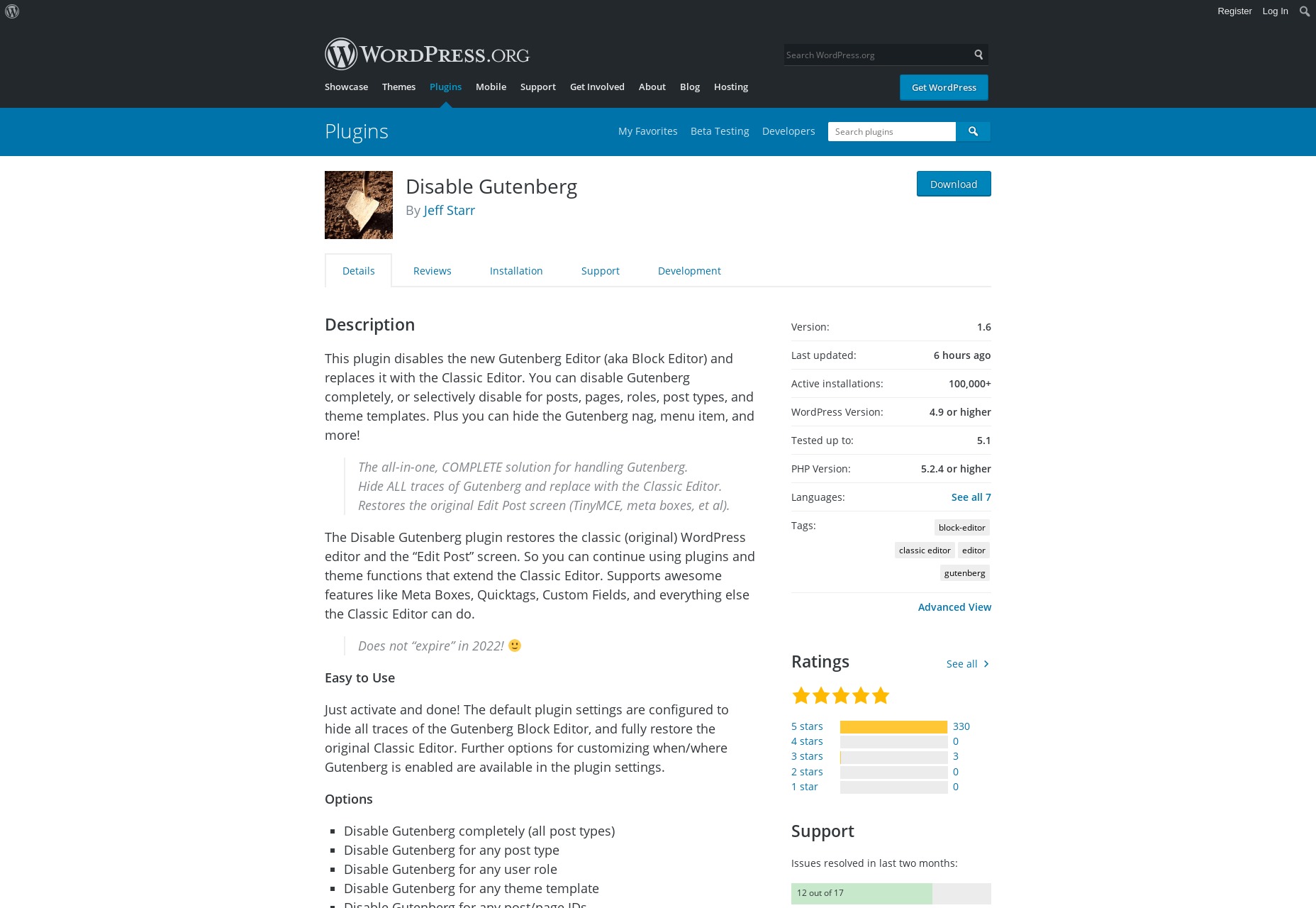
Disables Gutenberg. Doesn’t expire in 2022. ‘Nuff said.
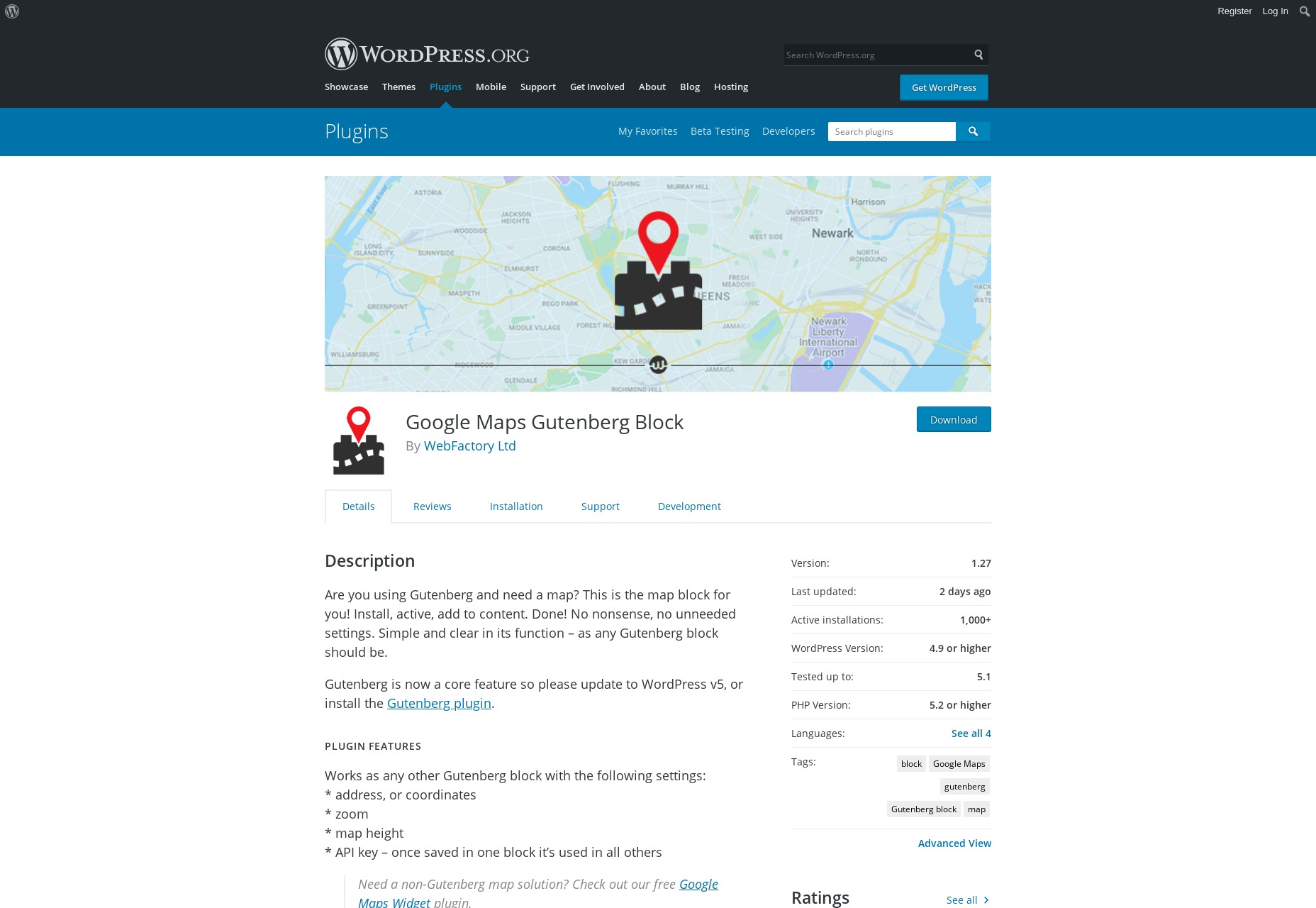
Google Maps Gutenberg Block

While this one not the only plugin that provides a map block, it’s one of the few that only provides a map block. Again, does what it says, and doesn’t bloat the menus. I’ll be a fan of these single-purpose block plugins until there aren’t quite so many of those “ultimate block collection” plugins.
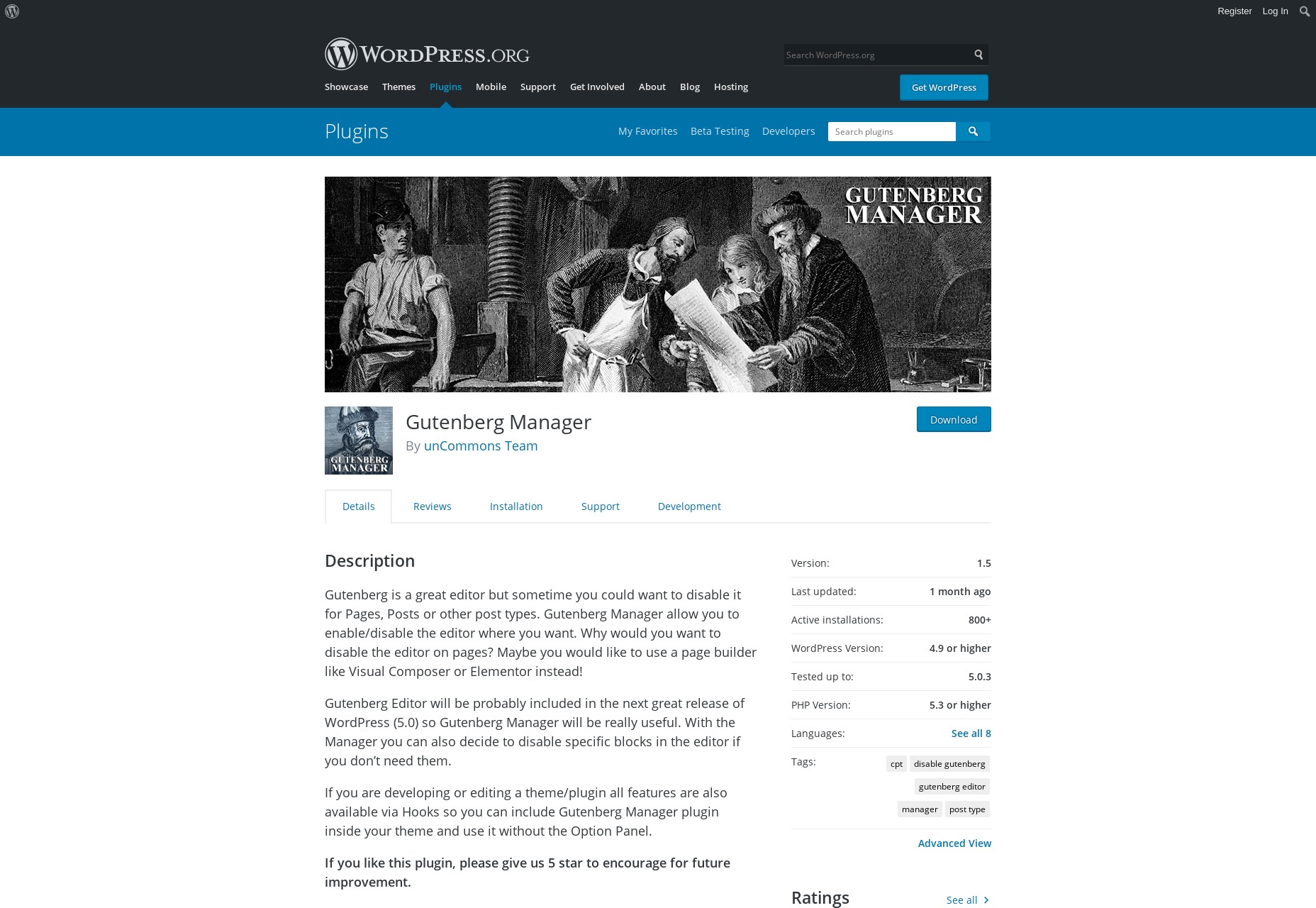
Gutenberg Manager

The Gutenberg Manager plugin allows you to enable or disable Gutenberg for posts, pages, or custom post types as you see fit. Basically this allows you to use another plugin in its place for some content types (such as a proper page builder plugin), without disabling Gutenberg completely.

Those looking for flexibility in their content editing experience will want to grab this one.
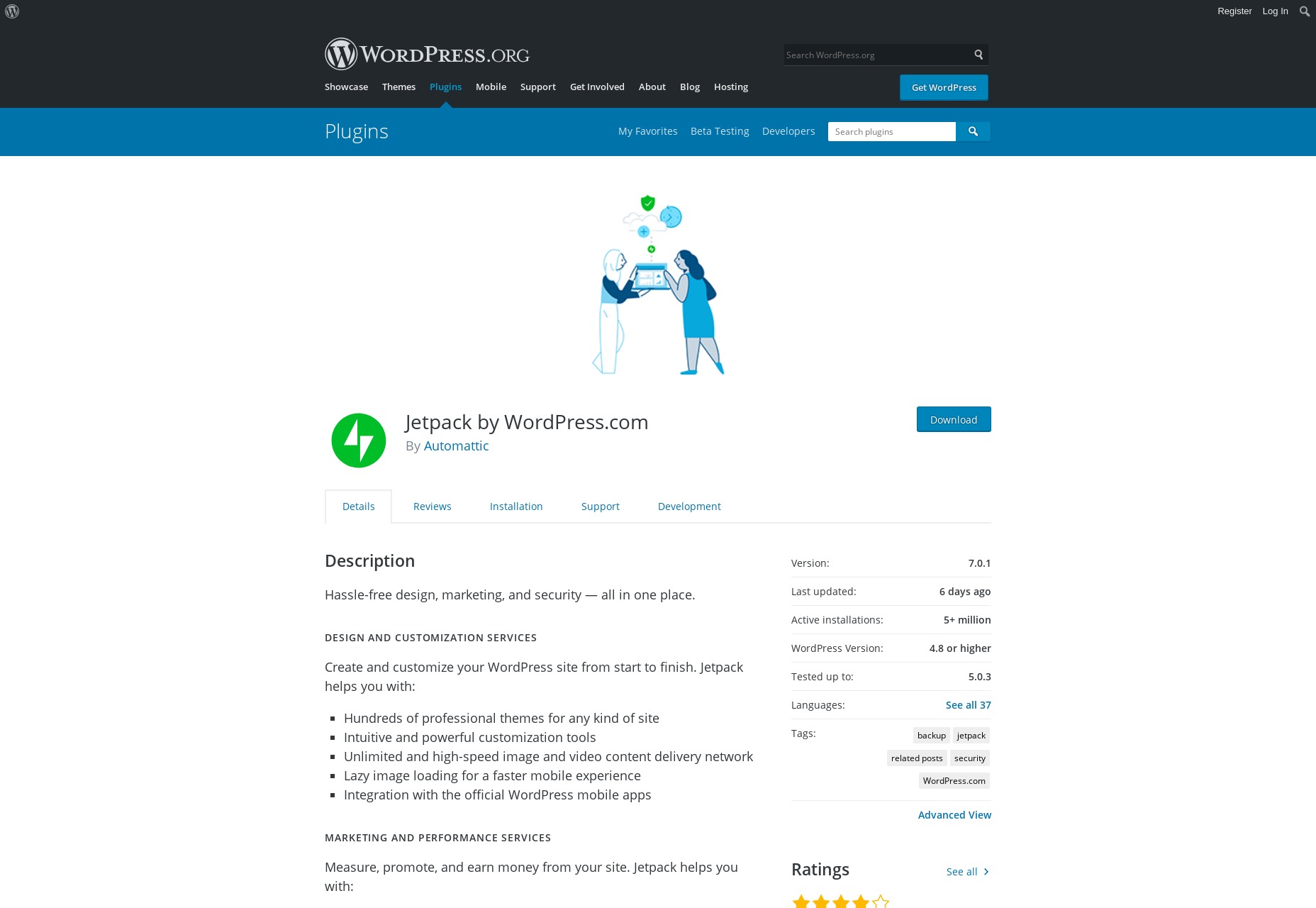
Jetpack

Yes, that Jetpack. As of November 27th, 2018, Jetpack features a few blocks of its own, including a Markdown-enabling block, payment buttons, maps, and a full-fledged contact form.

It should be noted that some of the blocks, like many Jetpack features, require being on the Jetpack premium plan.
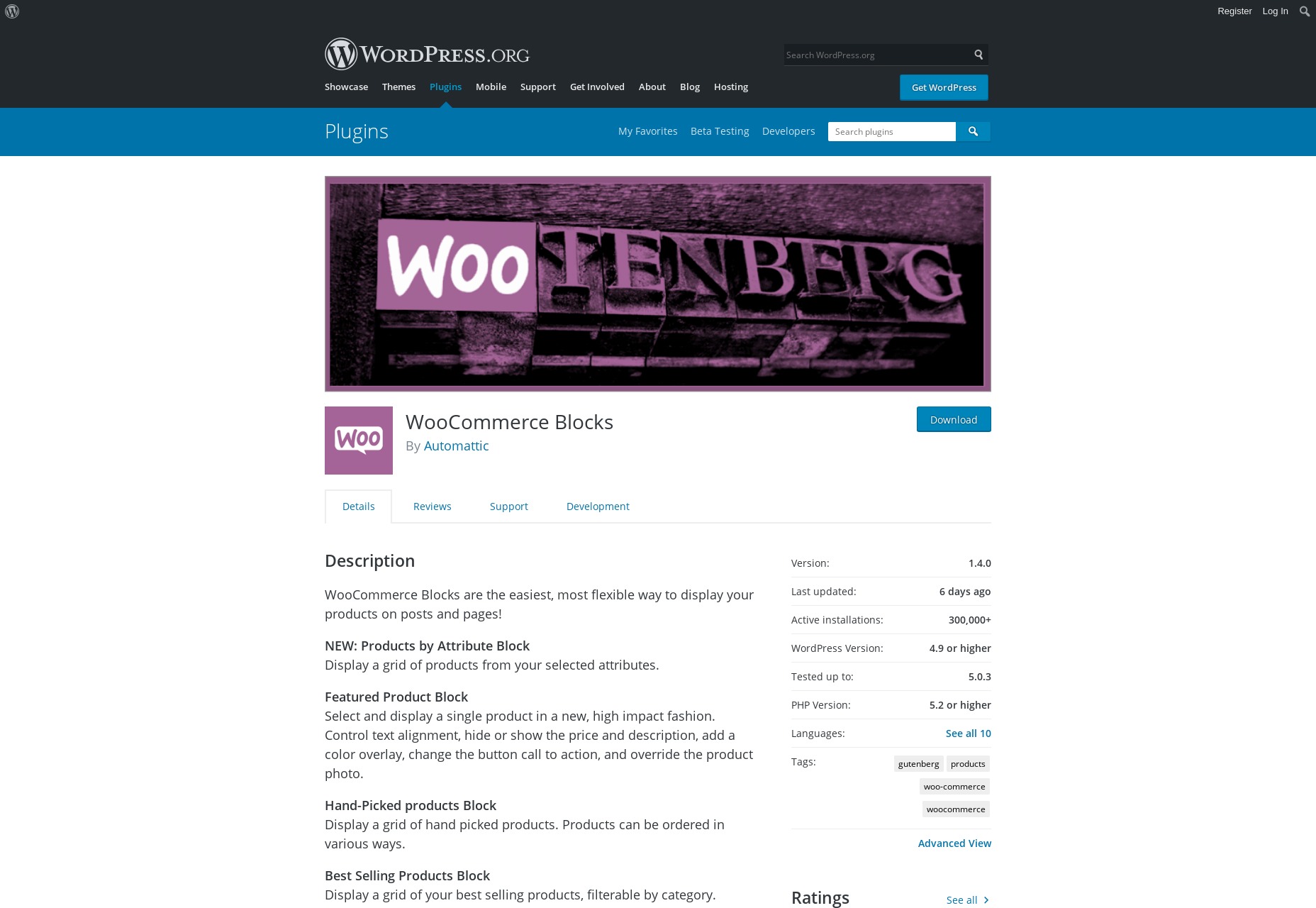
WooCommerce Blocks

Made by Automattic themselves, WooCommerce Blocks provides Gutenberg integration for (you guessed it!) WooCommerce. There are blocks for product grids, featured products, hand-picked products, best-selling products, hand-picked products, and much more.

Combine it with your favorite layout plugins for Gutenberg for the best effect, and you’ve got yet one more way to turn WordPress into a hand-crafted store.
Tutorials and Guides

Gutenberg wasn’t even properly out yet when people started writing tutorials and guides. People from all over the industry wanted to be ahead of the curve, and we’re all reaping the benefits. Here are some of the best I’ve found so far:

Adding Gutenberg support to WordPress theme – What it says in the title. This’ll get you started.
Create Style Variations for WordPress Gutenberg Blocks: Part 1 and Create Style Variations for WordPress Gutenberg Blocks: Part 2 – This two-part series is for when you’ve already learned how to build a custom block, and want to give your users some extra options.
Getting Started With Gutenberg By Creating Your Own Block – From our friends at Smashing Magazine.
Gutenberg Handbook – This is the official developer’s handbook from WordPress themselves. Obviously it’s not exactly meant for beginners.
How to Build Gutenberg Blocks Using JSX – This one’s for you React developers out there, specifically.
Styling the Gutenberg Columns Block – An older tutorial from CSS-Tricks that deals with one specific block, but can be used as a starting point for customizing all block-related styles.
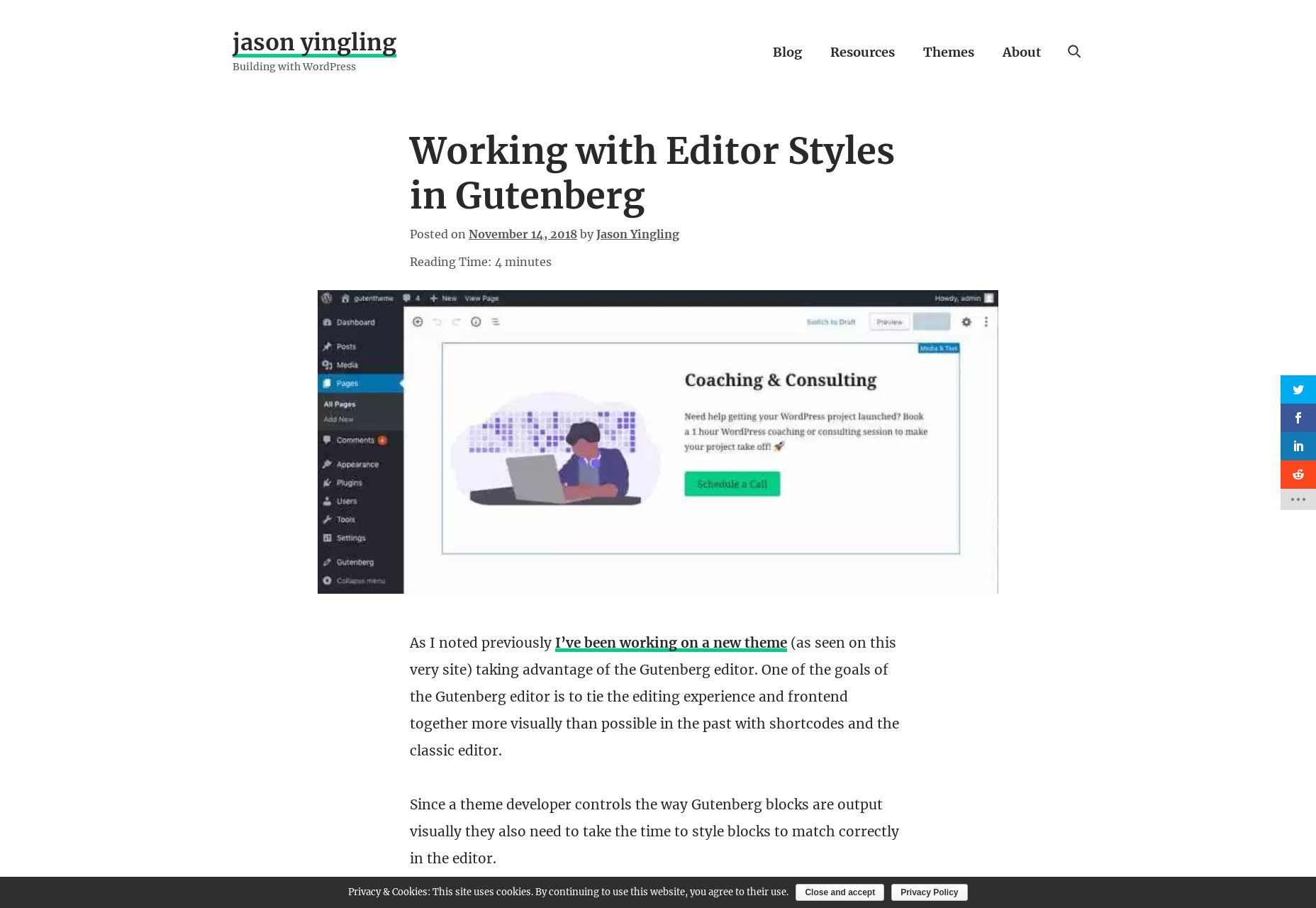
Working with Editor Styles in Gutenberg – Lastly, we have a tutorial on adding custom styles to the editor so that what the users sees in the back end is more or less what they get on the other end.
Authority Sites and Directories

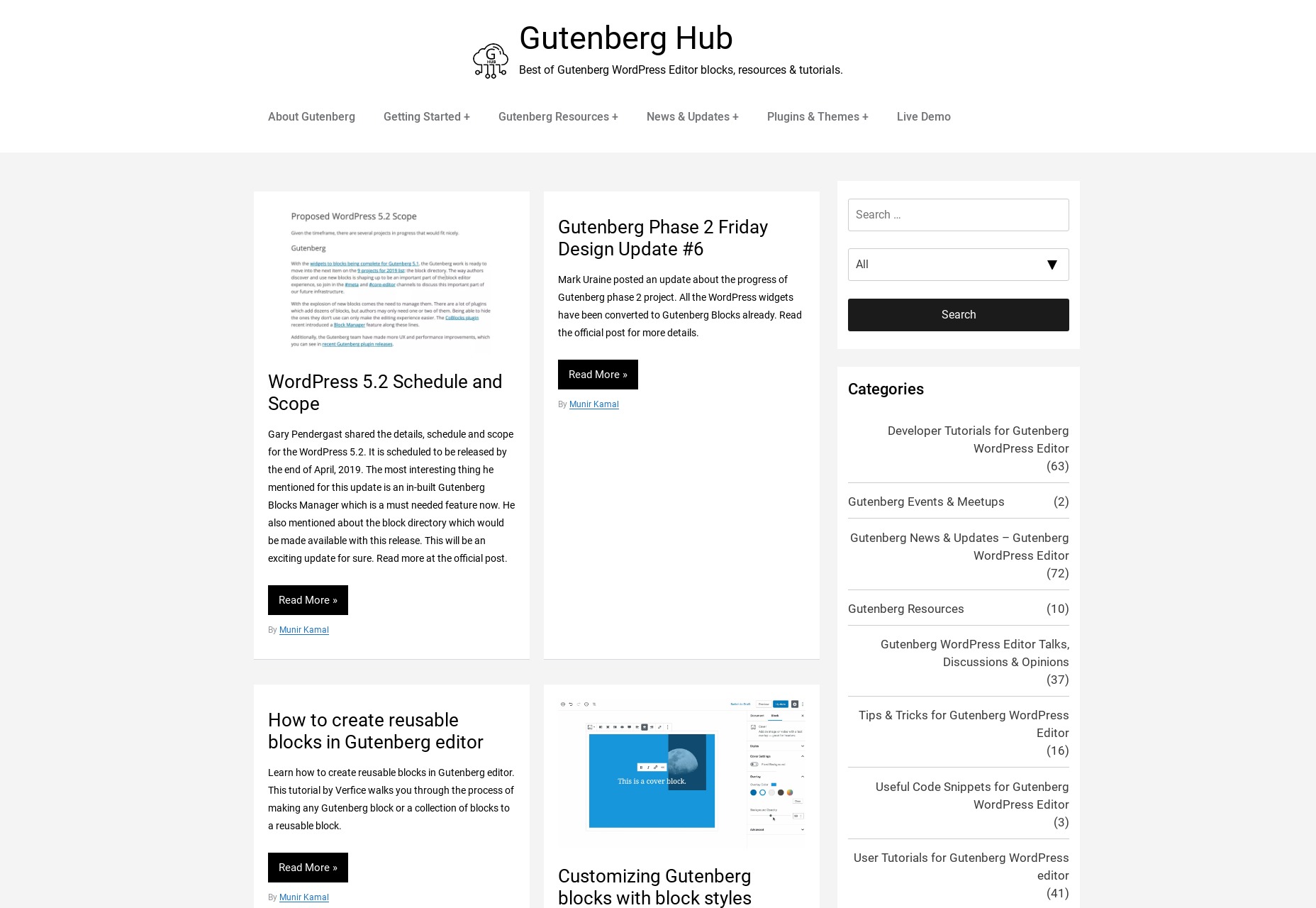
Gutenberg Hub

Gutenberg Hub aims to be the one-stop shop for all things blocky in WordPress. They’ve got massive lists of themes and plugins, their own tutorials, and even a section for Gutenberg news. Whether you just want to learn how to get started, or go full on obsessive about a content editor (there is no shame in that), this is probably the place to start.
WP Gutenberg

WP Gutenberg is a resource hub that focuses heavily on a listing style of content, and forgoes editorial. They have tons of plugins and Gutenberg-supporting themes listed, more than we could reasonably put in an article here on WDD.
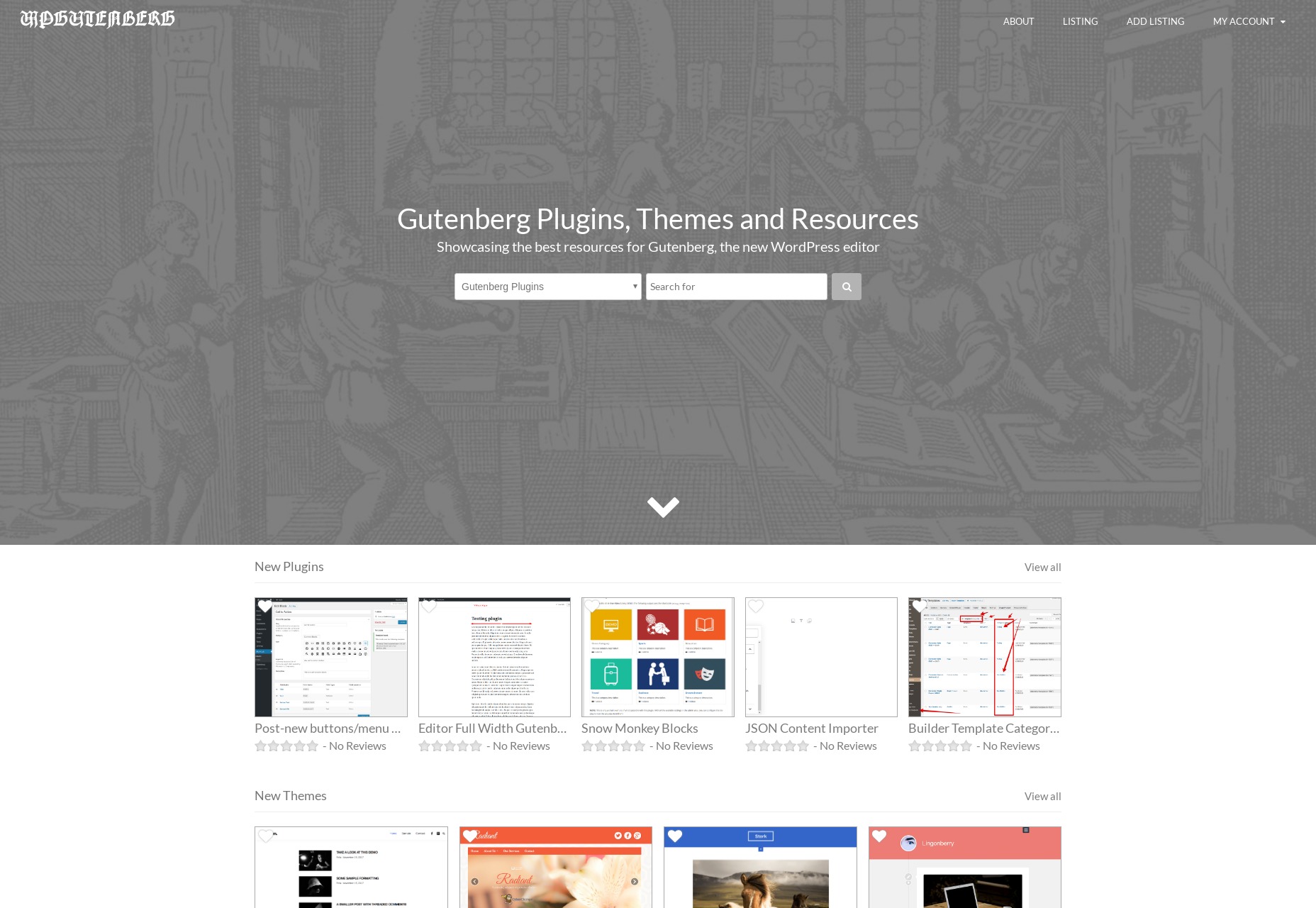
The only problem is that at the time of this writing, the site is a bit bugged. Clicking on any listing will take you to a 404 page, so you might just have to copy/paste titles into Google to find the resources listed.

I’ll make the joke for you. It’s buggy like Gutenberg. See? it wasn’t that funny.


Featured image via Unsplash

Add Realistic Chalk and Sketch Lettering Effects with Sketch’it – only $5!

Source

p img {display:inline-block; margin-right:10px;}
.alignleft {float:left;}
p.showcase {clear:both;}
body#browserfriendly p, body#podcast p, div#emailbody p{margin:0;}

from Webdesigner Depot https://ift.tt/2GZl73g


from WordPress https://ift.tt/2UjzylZ

Sunday, March 3, 2019

Popular Design News of the Week: February 25, 2019 – March 3, 2019

Every week users submit a lot of interesting stuff on our sister site Webdesigner News, highlighting great content from around the web that can be of interest to web designers. 
The best way to keep track of all the great stories and news being posted is simply to check out the Webdesigner News site, however, in case you missed some here’s a quick and useful compilation of the most popular designer news that we curated from the past week.

Note that this is only a very small selection of the links that were posted, so don’t miss out and subscribe to our newsletter and follow the site daily for all the news.

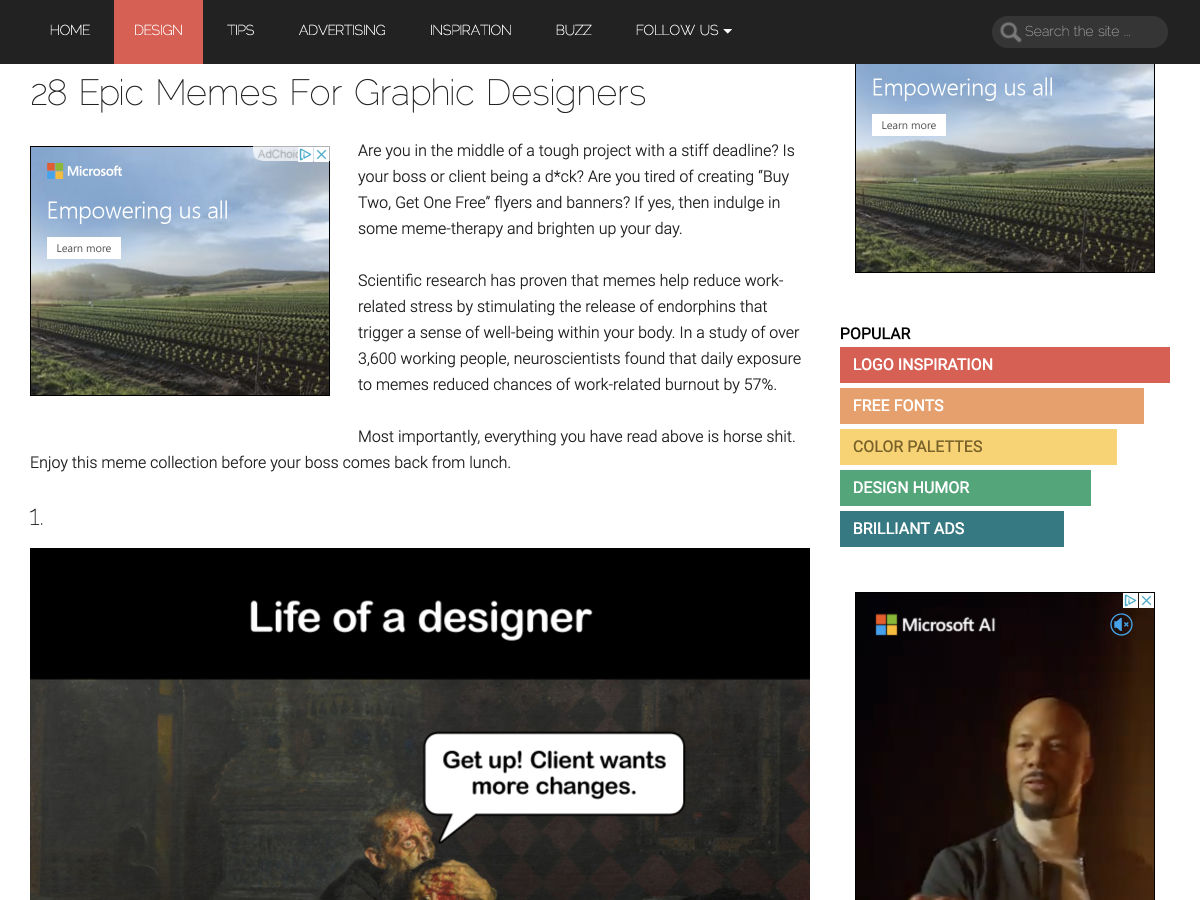
28 Epic Memes for Graphic Designers


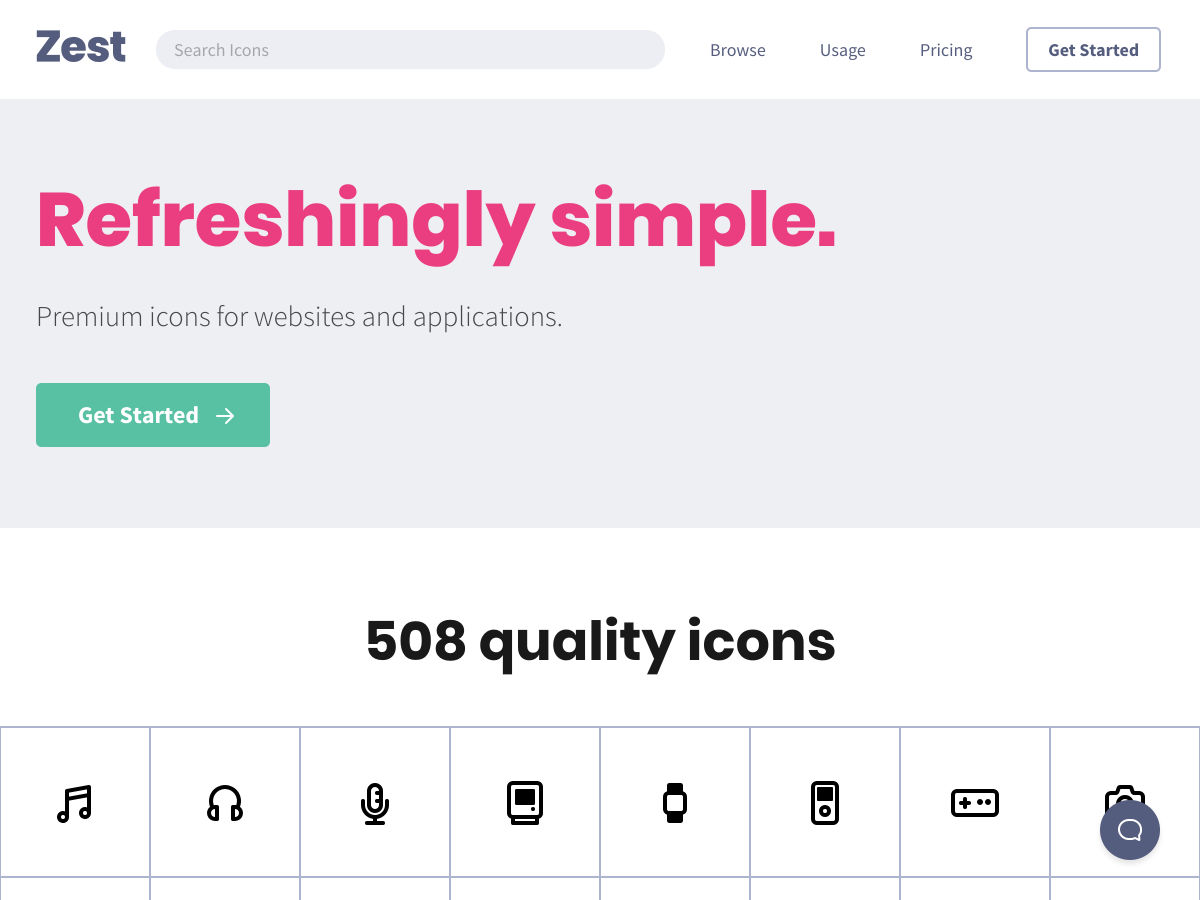
Zest Icons


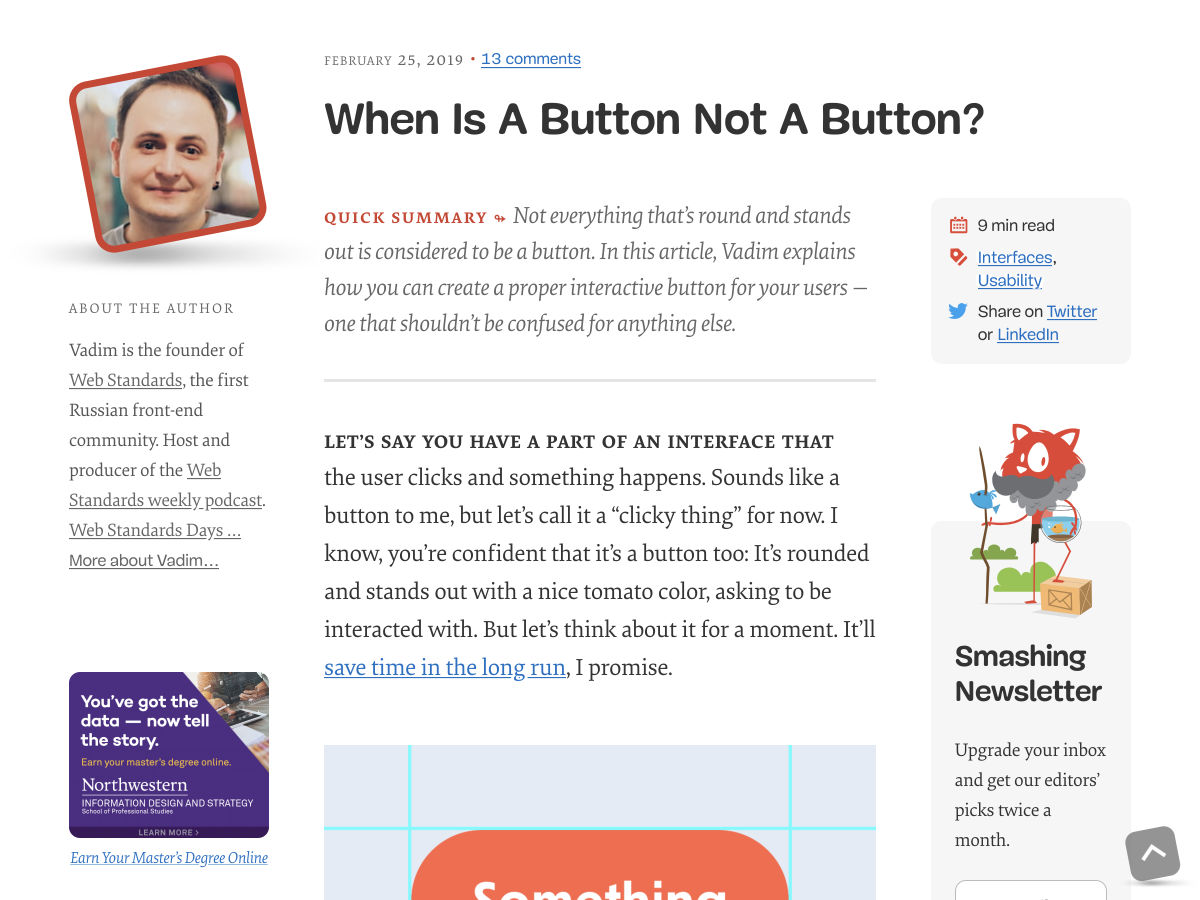
When is a Button not a Button?


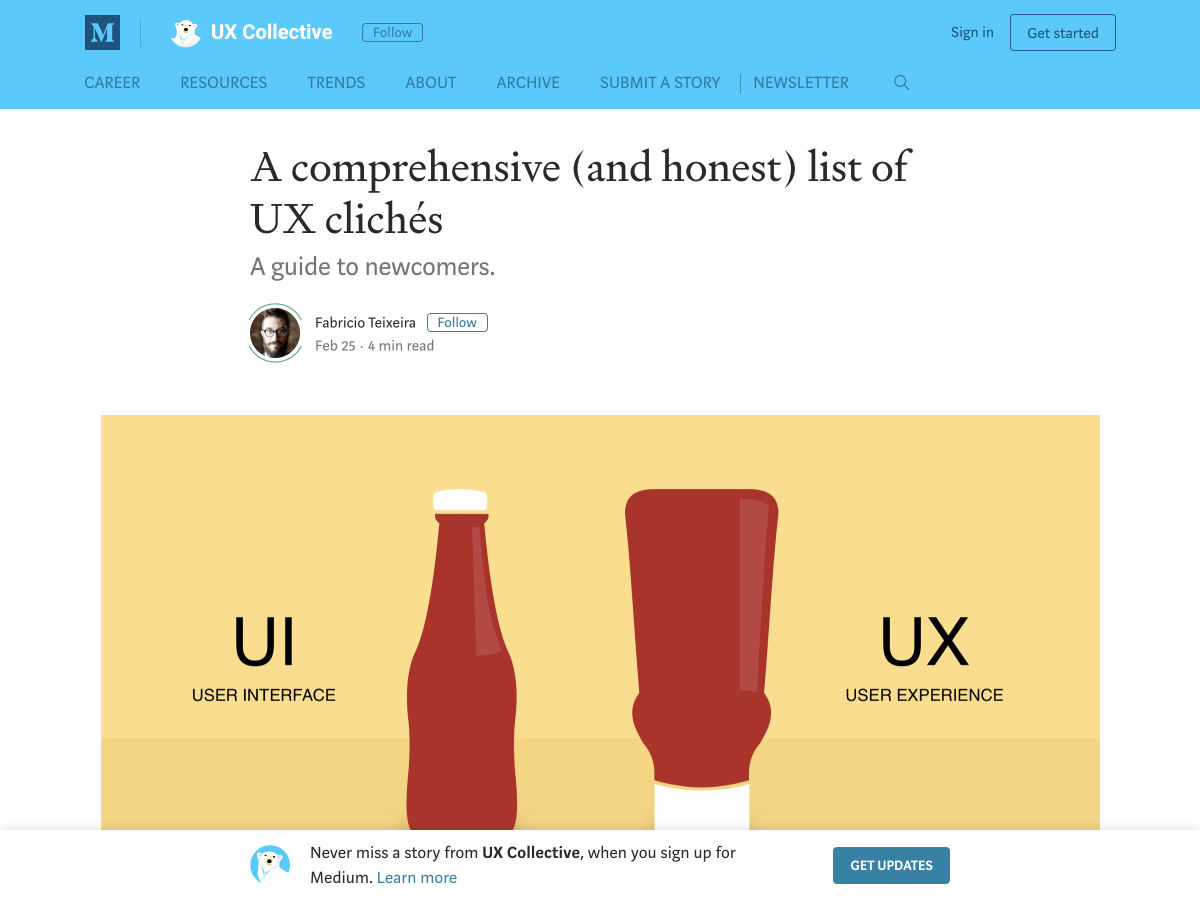
A Comprehensive (and Honest) List of UX Clichés


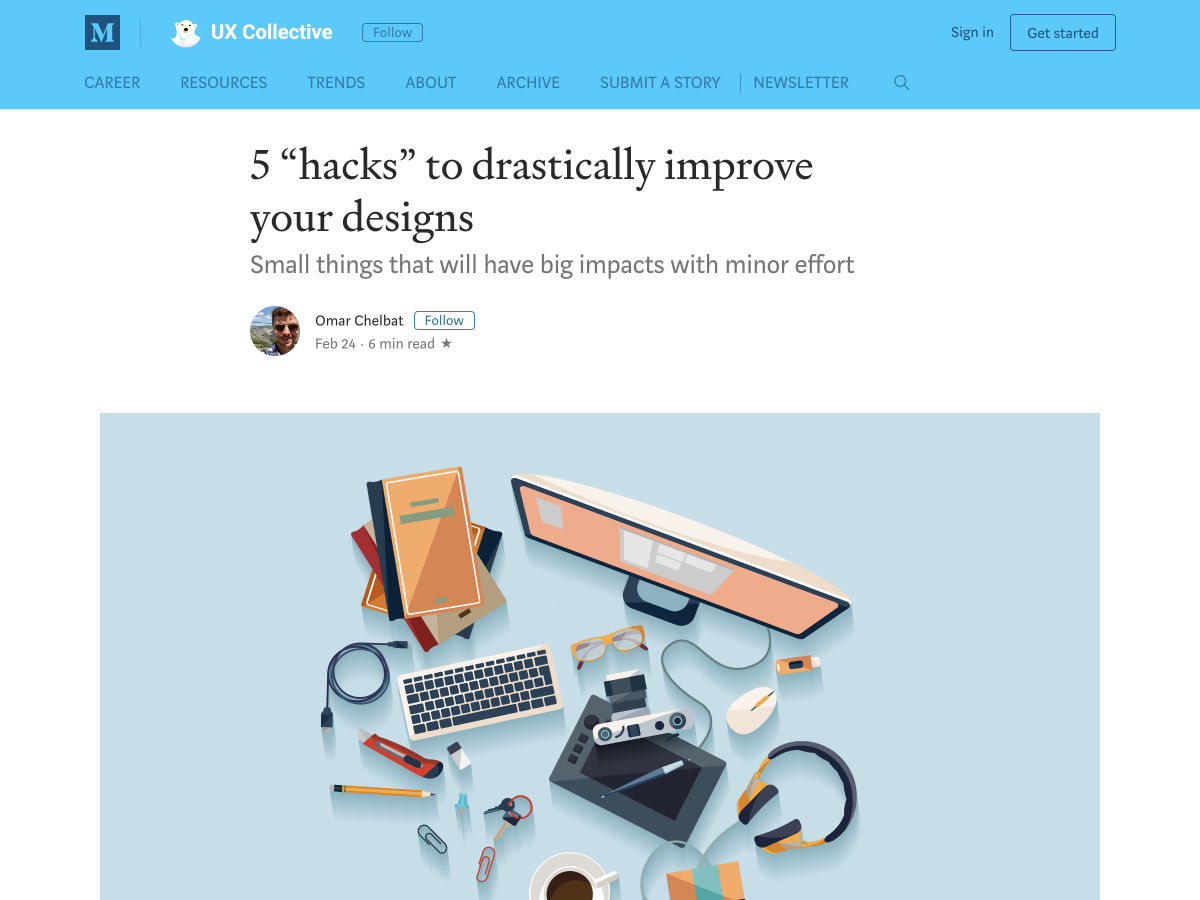
5 “hacks” to Drastically Improve your Designs


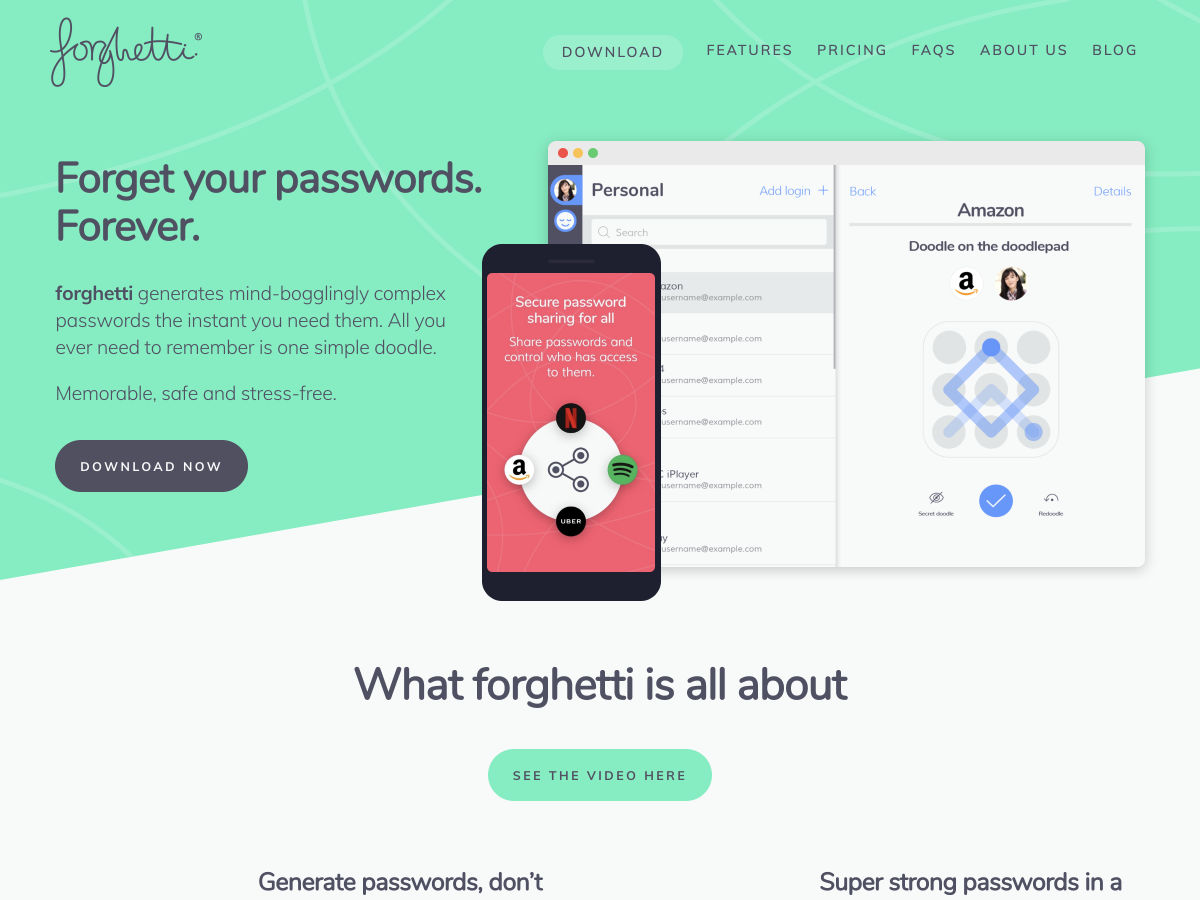
Forghetti™ — Forget your Passwords. Forever.
 

The Underlying Principles of Branding and Design in Email


How to Create a SaaS Landing Page that Converts


Site Design: Adtrak Agency


An Interview with Stanley Wood, Head of UX at Volvo


Logo Psychology: How to Design Logos that Inspire Trust


Why Designers Should Understand Code


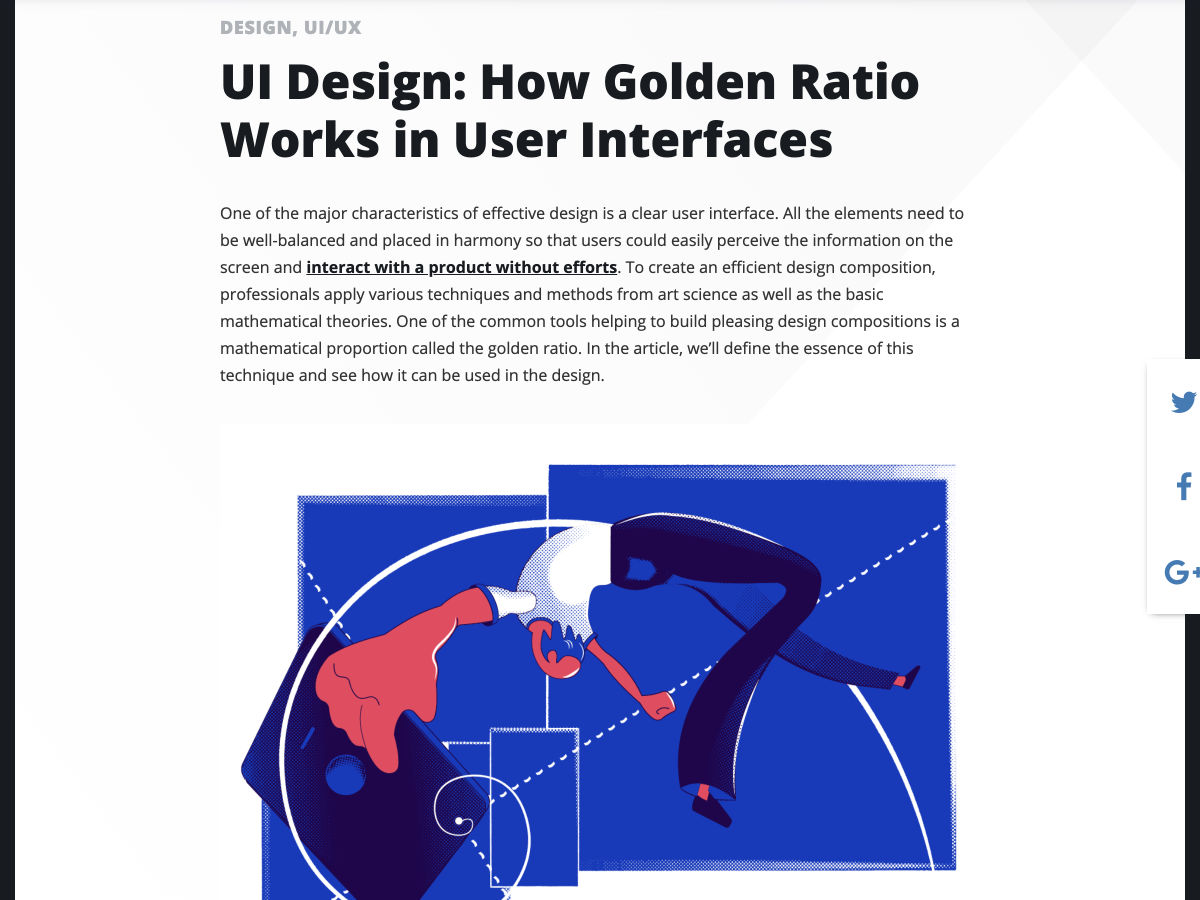
UI Design: How Golden Ratio Works in User Interfaces


The Dribbble Experiment


Color Spaces


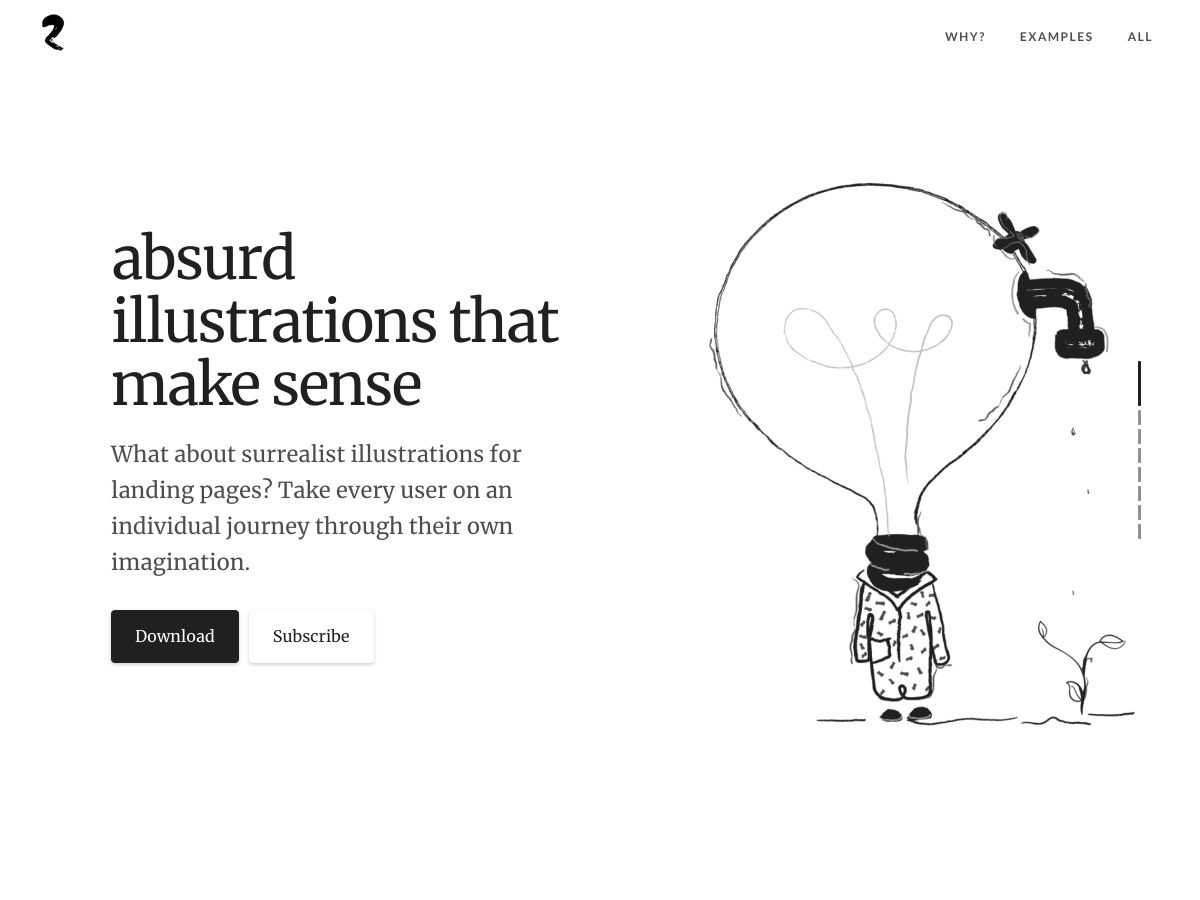
Absurd Design – Free Surrealist Illustrations for Landing Pages


Mint, a New HTTP Library for Elixir


How a Good UX Designer Can Save a Startup


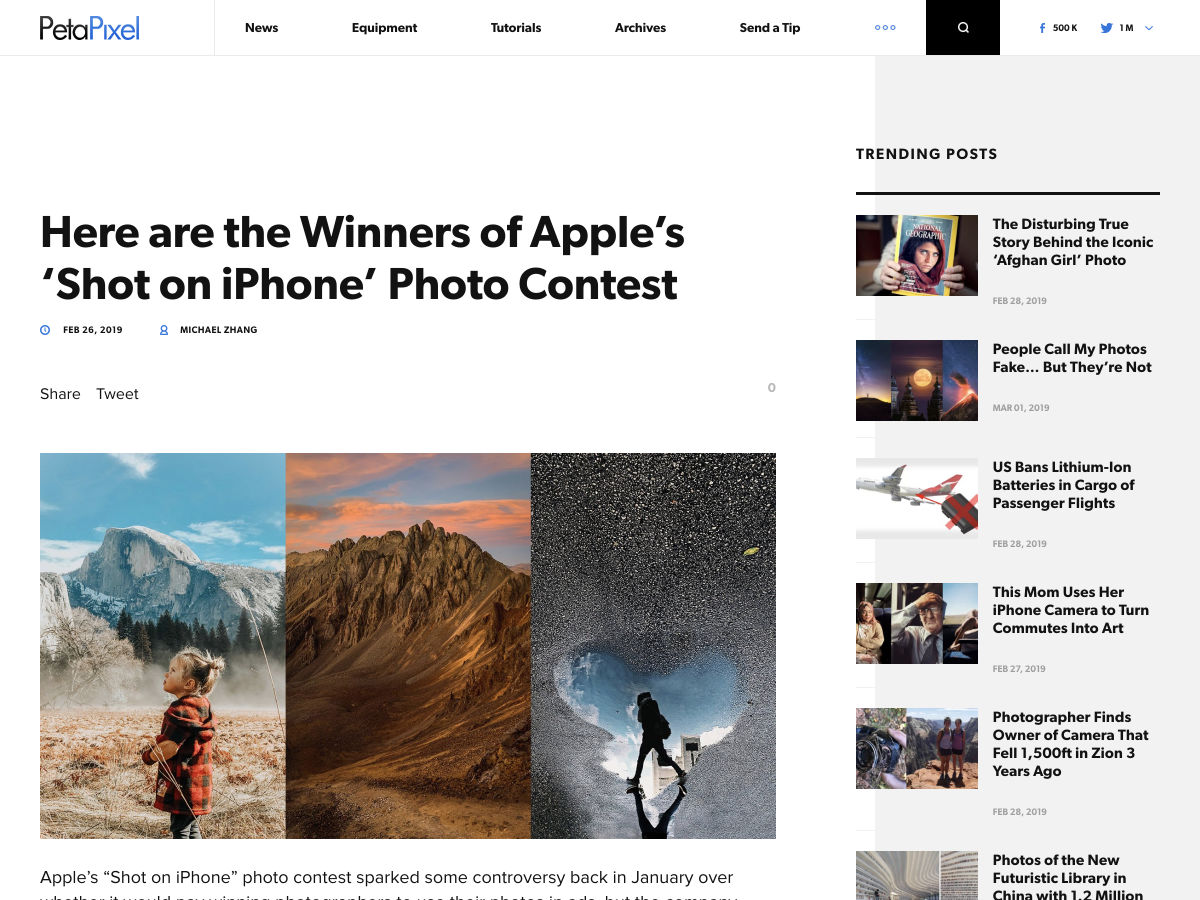
Here are the Winners of Apple’s ‘Shot on iPhone’ Photo Contest


20+ Best Free Photoshop Actions 2019


Six Tips for Better Web Typography


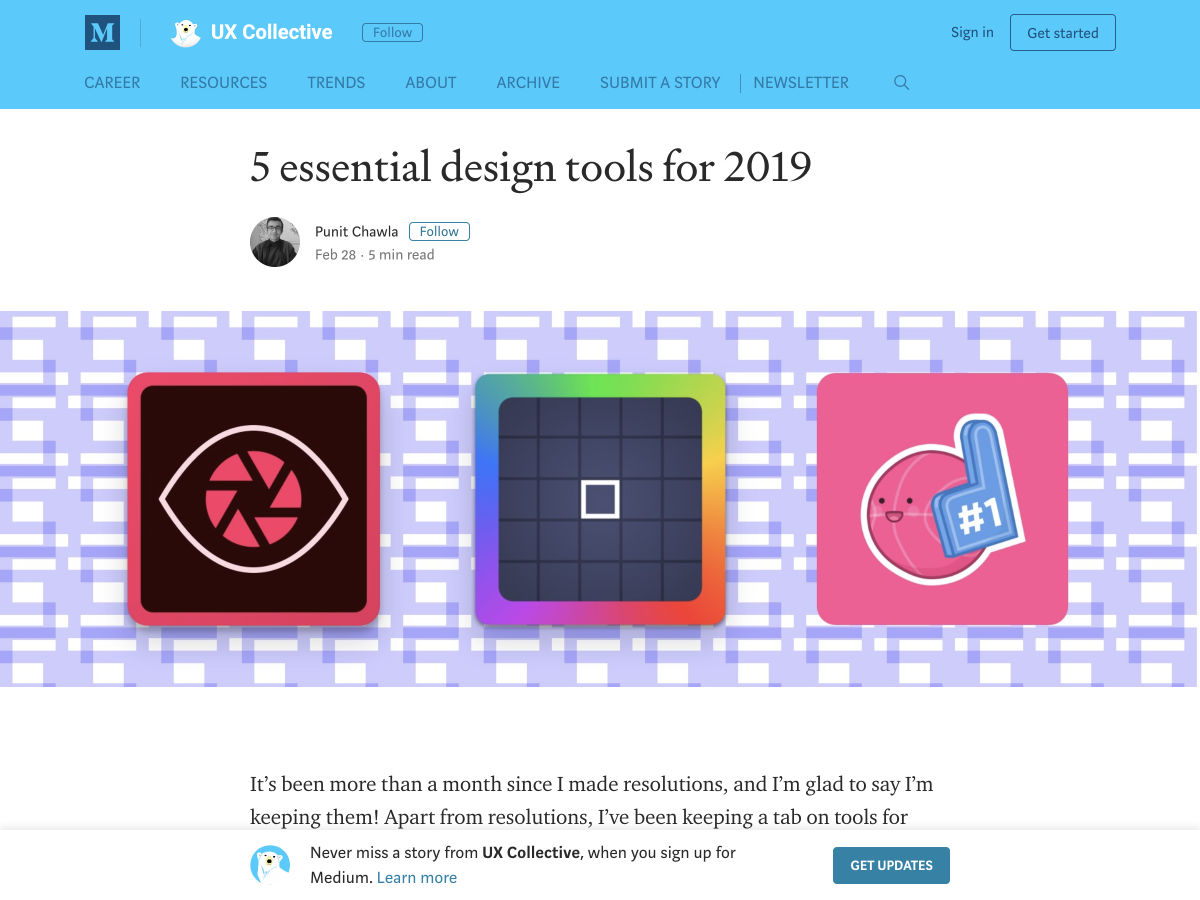
5 Essential Design Tools for 2019


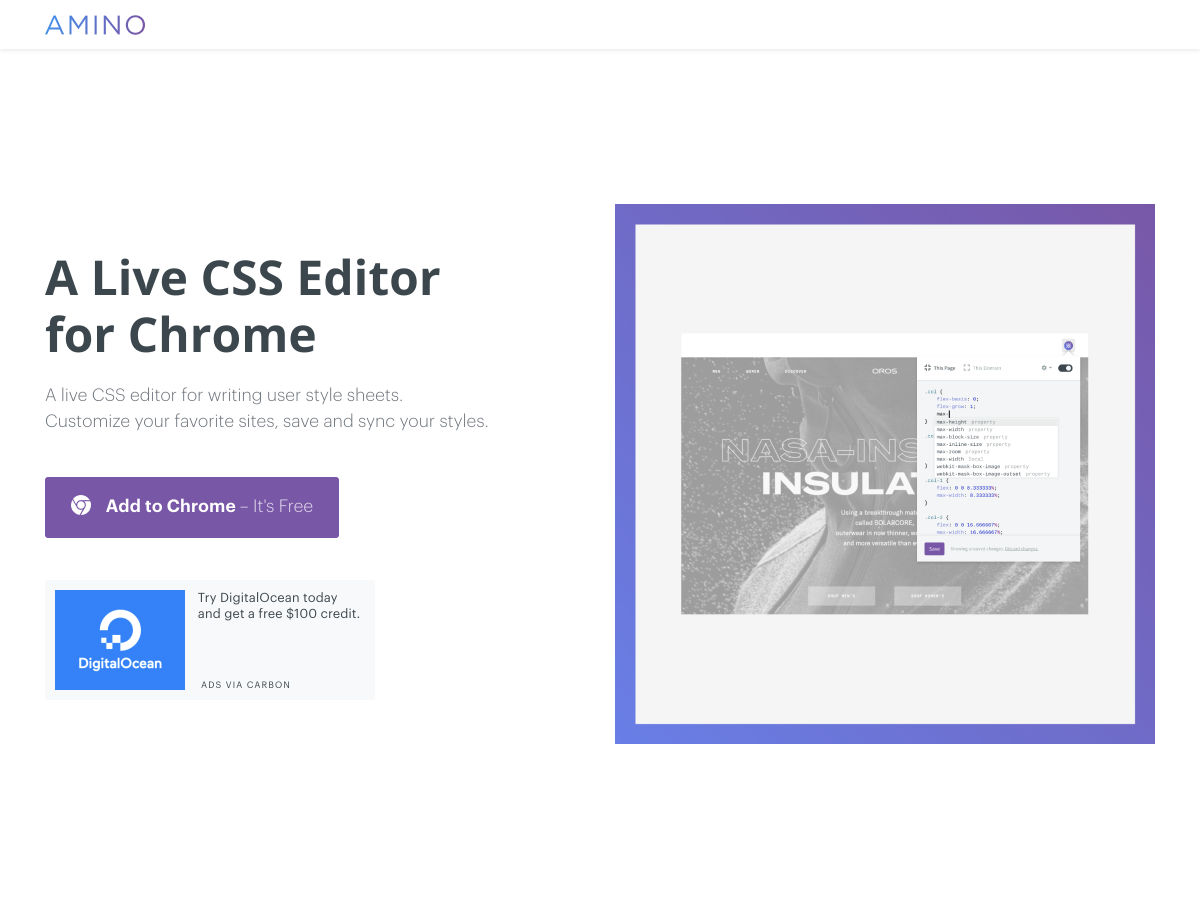
Amino: Live CSS Editor for Chrome


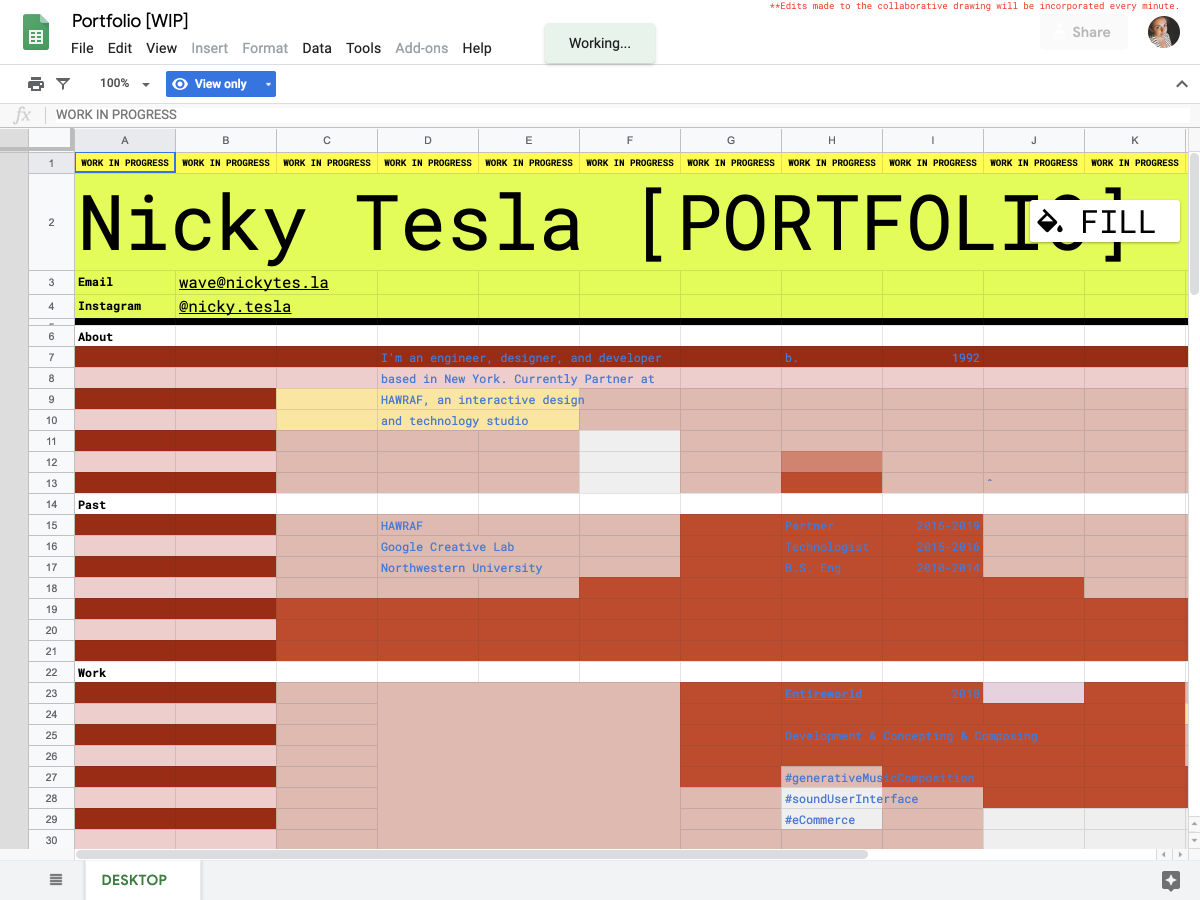
Site Design: Nicky Tesla


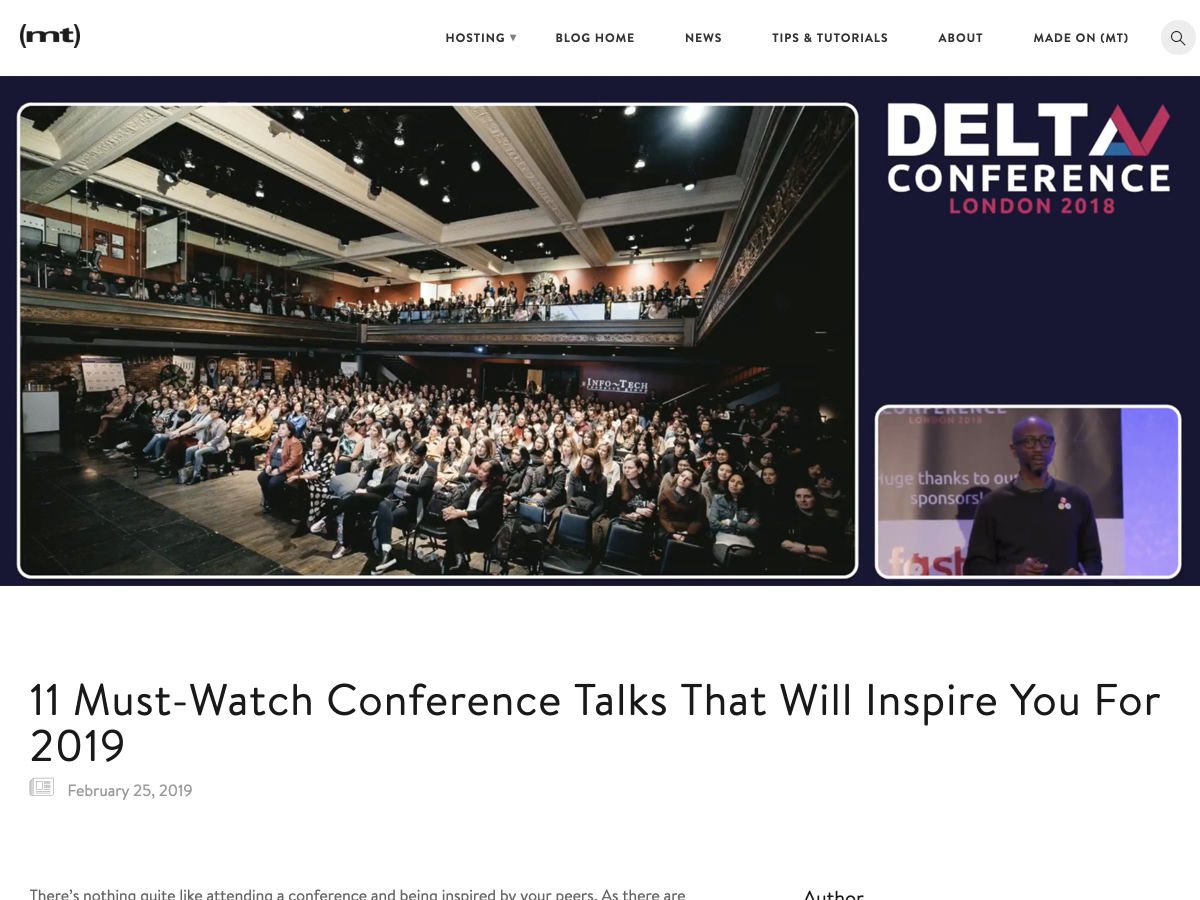
11 Must-Watch Conference Talks that will Inspire You for 2019


Want more? No problem! Keep track of top design news from around the web with Webdesigner News.

Add Realistic Chalk and Sketch Lettering Effects with Sketch’it – only $5!

Source

p img {display:inline-block; margin-right:10px;}
.alignleft {float:left;}
p.showcase {clear:both;}
body#browserfriendly p, body#podcast p, div#emailbody p{margin:0;}

from Webdesigner Depot https://ift.tt/2VzJCaM


from WordPress https://ift.tt/2Hckp1Z

Friday, March 1, 2019

How to Make Gamification Work on the Web

The somewhat controversial topic of the usefulness of gamification in business has been sparking debates recently.

One claim is that it’s a great business tool that helps engage and retain clients, as well as lead them in the right direction. The opposite view holds that there are few real successes in gamification.

Today we’re going to the consider the case for gamification in interactive design, and illustrate it with some great examples.

The ABCs of Gamification

Gamification applies game elements, game mechanics and game thinking into non-game processes, like apps or websites, in an effort to make them more fun and engaging. However, it’s important to point out that gamification does not equal gaming or creating games for businesses. It simply borrows game features.

According to Statista calculations, the gamification market is expected to grow from the $4.91bn it was valued in 2016 to almost $12bn by 2021. The impressive gamification statistics doesn’t end at that. 40% of top organizations in the world are using gamification as their primary mechanism to transform business operations. The faith in this business tool is so big that some experts believe that by 2020 gamification will be widespread.

The main components that game mechanics are based on are the following:

  • Motivation — The reason users have to care, act or behave in a certain way;
  • Mastery — A set of rules, skills and knowledge users need to have to complete the task;
  • Triggers — The implementation of opportunities for users to fulfill their motivation.

Motivation is the first important element in this chain. It gives users a reason to behave a certain way, to take a desired action, complete that training or adopt a healthier lifestyle. Studying how users behave and how to motivate them to take a desired action has a lot to do with behavior design. The principles of Burrhus Frederic Skinner and his Operant Conditioning Chamber lay the basis for studies on how to influence a certain human behavior in order to design a certain habit.

Next follows the How or Mastery — game mechanics can’t be based purely on a random luck, skills, knowledge or some rules needed to be involved in gamification as well. For a successful gamified experience, users need to feel a sense of achievement and improvement. That they are leveling up their skills. It should trigger a feeling of achieving something or mastering a skill. And as a user levels up, the difficulty of a task should go up as well.

And finally Triggers, cues to action. Effective triggers are essential for gamification. Very often between motivation and mastery, one very important element is missing, that will help your users overcome fears, doubt or distraction and finally complete the action. These are triggers.

According to behavior scientist, BJ Fogg, there are three types of triggers: facilitator (for users that have high motivation but the lack of ability), signal (is a reminder, users already have the motivation and ability to perform an action), and spark (for users that have high ability but low motivation).

And in order to achieve a desired action, gamification uses the following mechanics that serve as rewards: goals; badges; leveling up; fast feedback; leaderboards; competition; collaboration; points.

How to Make Gamification Work

Gamification rises quite high expectations. It’s believed to be a great tool to motivate users to change their behavior, develop skills and habits and solve problems. Businesses apply it to increase customer engagement, improve employee performance, to help with training, education and onboarding, personal development, innovation management, and the list goes on.

Businesses that used gamification drive more website traffic and lower time for conversions and onboarding. Even potential employees are gamification proponents. According to a study, 55% of Americans are interested in working for a company that uses gamification as a tool to increase productivity.

Can gamification really be the answer business has been looking for? Well, you never know until you try. But the important thing is to set the right expectations and use business gamification the right way:

It’s All About Correctly Designed Experiences

We know that poor UX design is the death of any product. So happens to be the case with gamification elements. If poorly designed, and that includes setting the right business objectives, the whole project will collapse.

Have Clear Business Goals

Don’t incorporate gamification just because it’s a trend. They’re has to be a clear business objective behind this decision. After business goals are set you have to perform a deep analysis to see if gamification is really the best tool to achieve them.

Create a Meaningful Motivation

Simply giving away badges, points or creating leaderboards is not enough. To truly engage for users, you need to offer them rewards that have some meaning and can be a real motivator to proceed with the desired action.

When Business Objectives Meet User Objectives

Don’t design gamification elements with purely your business goals in mind, failing to think that your efforts should be client-centered and with their desires and objectives in mind is the biggest misconception businesses have when opting for gamification.

Gamification Apps

What better way to understand how to apply gamification and whether it can really be a game changer for your business than through the success stories of others? Here are some of the most fruitful cases of applying gamification in business apps.

Magnum Pleasure Hunt

An AR app that gamifies its interaction with customers. As a result, a game where users can complete puzzles and collect Magnum ice cream bars has gathered more than 20 million plays and created a significant marketing buzz.

eBay

One of the eCommerce leaders has been gamifying shopping experience of its customers for years. eBay uses a bidding system, mutual buyer seller feedback interface, leveling up, and achievements to make online shopping a lot more fun.

Duolingo

A learning gamification app with around 60 million users. Duolingo has its own currency, badges, challenges, and achievements and the whole experience looks more like a game than learning.

Starbucks App

After adding gamification features to their app, Starbucks has managed to achieve shocking results — they’ve amassed 120 million users. The update included such fun features like using AR technology to play with your cup, sending a Valentine card and added some rewards like free downloads, product giveaways etc.

Nike+

The app uses rewards, trophies, and surprise gifts to help the users achieve their running goals — the more you run, the more rewards you get. By introducing an element of competition, the app allows its user to track and challenge their friends.

Foursquare & Swarm

By using gamification the app managed to grow their users base to 50 million users. The main game components they are using are check-ins and location sharing. They also motivate users by giving out points, badges, and mayorships to the most active ones.

Conclusion

Gamification offers wonders to business. It is deemed to able to solve many of its pressing issues: engage and retain customers, help with employee training and onboarding, attract more visitors to your website and convert them into your customers with a higher success rate. It’s important to remember that gamification isn’t a solution to every business problem, but if designed correctly, it can assist in achieving certain goals. The most important thing to remember is that it should be aligned not only with the business problems but customer problems, their goals and wishes as well.

Add Realistic Chalk and Sketch Lettering Effects with Sketch’it – only $5!

Source

p img {display:inline-block; margin-right:10px;}
.alignleft {float:left;}
p.showcase {clear:both;}
body#browserfriendly p, body#podcast p, div#emailbody p{margin:0;}

from Webdesigner Depot https://ift.tt/2tK1hRi


from WordPress https://ift.tt/2EG5VG7