Wednesday, August 5, 2020

How to Integrate AI Into Your Toolset

Artificial Intelligence is the use of computers or machines that have been created to work and react like humans. Some of the computers that have AI, are designed to include speech recognition, and learn user behaviours so they can predict activities or decisions before they happen.

AI creates a bridge to a new kind of interface, making work processes easier for businesses and customers alike.

Why is AI Important?

There are constant AI technological advances being made, so why not make the most of them and start integrating them into your toolset today? Read on to find out just why AI is important and how you can benefit from it in your work too.

Lower Costs

By integrating Artificial Intelligence into your toolset, you can stand to both save and earn more money. AI will leave you spending less time on various aspects of website management and development, freeing some of your time up and allowing you to finish websites faster. It will also leverage your set of skills and allow you to build greater sites that people will be willing to pay more money for.

Improve Customer Experience

Artificial Intelligence can be used to analyse data in much more depth than the human eye, so will greatly improve the customer experience. It will allow a more personalised and streamlined experience that users will be grateful for. By integrating AI into your toolset, you will soon learn about certain trends and patterns that AI picks up and utilise this with future sites you build, as well as being able to make suggestions to improve the customer journey on the site.

It’s The Future

With so many devices in our everyday lives tuning in to AI, it’s important websites are no different. Just look around many homes and you will likely see a device such as Amazon’s Alexa or Google Home. Phone’s have Siri or Bixby and many laptops have AI systems such as Cortana. As our technology continues to develop, websites need to do this too. Soon we will expect everything to be integrated and be able to control websites in a similar way to our AI devices with voice control and recognition.

How To Integrate AI Into Your Toolset

Chat Bots

One popular example of AI that is integrated into many different websites now, is the chat bot. A feature on a number of major sites, chat bots allow customers to ask and receive answers to questions without an employee having to take time out of their day to answer menial questions that they get asked all the time. The use of AI cuts out the middleman and recognises certain phrases and words to give the most relevant and comprehensive answer.

The first chatbots used to rely on simple, pre-programmed conversational pathways, but these had disappointing and often irrelevant results. More recently they use sophisticated natural language processing (NLP) systems which are a lot more complex and don’t follow just a scripted path, but allow for more meaningful conversations.

Sketch to Code

If you’ve just started in web design, or there are certain elements you are still learning about, AI can help with “sketch to code”. This clever piece of AI can transform a handwritten note, sketch or diagram into a valid HTML mark-up code that maintains itself. This can work from something as simple as a new design for a quote system, to something more complex.

Background Systems

AI can work in the background of a site in the run up to events and collect key aspects such as website analytics. Once this data is complete, the AI can take final instructions from you such as the content, theme and color preference and create a design from scratch that it thinks will perform the best due to the intelligence and knowledge it has been gathering in the background.

Voice Recognition

Back in 2012, the W3C Community introduced the Web Speech API specification with the aim of enabling speech recognition and synthesis in modern browsers. At present, Google Chrome is the only browser that has introduced this, however there is a HTML5 Speech Recognition API will allows JavaScript to have access to a browser’s audio stream and to convert it into text.

It’s important to get up to speed with voice recognition API’s as it’s predicted voice control will be huge in the future. If populating websites, think about how people speak and be sure to include some long-tail keywords that sound more natural. This will help those sites to rank when voice control is adopted more widely.

Adobe Sensei

Adobe Sensei is an AI and machine learning framework that is powering Adobe tools. It is a handy option to add to your toolkit to manage and work on your files.

If you are sourcing images for a website in Adobe Stock, there are over 100 million assets to sift through. Adobe Sensei uses AI and deep learning to understand what exact objects are within an image as well as deeper components such as the aesthetic quality, composition, color palette and even the emotional concept behind the images. This means it can quickly find the image most matched to your needs, saving you hours of time you would have spent sorting through to find the image you want.

Yossarian

Yossarian is a great tool that allows you to craft mood boards. With an aim to generate new ideas faster, it cites itself as “discovery with a twist.” Yossarian uses AI when creating mood boards to return “diverse and unexpected concepts” that share loose associations with what you have searched for, allowing you to be more creative. It will source different ideas and inspiration around what you are searching for, including many you might not have thought of associating with your initial search term.

Brandmark

If you create logos and design templates within your work, Brandmark logo maker is a great AI tool to add to your library. They cite themselves as the most advanced AI logo design tool on the market at the moment. Whether logo creation is something you currently offer, or something you are looking to do, this AI tool can make it easier.

Autodraw

Autodraw is another useful tool you can use for design jobs, where you draw a rough sketch and it will turn it into a neat graphic. This is a handy one to use in association with the concept of sketch to code above. It pairs the magic of machine learning with drawings to help you create professional looking graphics and visuals, quickly.


Featured image via Unsplash.

Source

p img {display:inline-block; margin-right:10px;}
.alignleft {float:left;}
p.showcase {clear:both;}
body#browserfriendly p, body#podcast p, div#emailbody p{margin:0;}

from Webdesigner Depot https://ift.tt/3i71dSH


from WordPress https://ift.tt/2PnmWtg

Tuesday, August 4, 2020

Welcome to Content Marketing Unlocked: Your Free Blogging Course

Blogging is so effective that there are over a billion blogs on the web.

Just think about that… that’s roughly 1 blog for every 7 people.

Sure, we don’t really need any more blogs, but people still create them because they can be such effective marketing channels.

And best of all, unlike social sites, the moment you create a blog that has an audience, you can continually reach them without having to worry about algorithm changes.

So, to help you with your content marketing efforts, I’ve created a free 4-week training course called Content Marketing Unlocked.

Introducing Content Marketing Unlocked

As I mentioned, over the next 4 weeks I am going to teach you all about content marketing.

Everything from the basics of content marketing and how it works to the advanced parts such as generating traffic and sales from blogging.

To get you started, make sure you watch the welcome video:

The welcome video breaks down what you’ll learn over the next 4 weeks and, under the video, you’ll find a goal worksheet and a course outline.

Then you’ll learn about the history of content marketing:

In that lesson, you’ll find 2 worksheets:

  1. Content outline – this will show you how to outline and create content.
  2. Content steps – this breaks down the steps you need to follow in order to write amazing content.

After you get the hang of writing content, you’ll want to learn how to rank your older (existing) content on your site.

And in that lesson, you’ll also get a list of tools that you should use and a master resource guide that’ll help speed up the process.

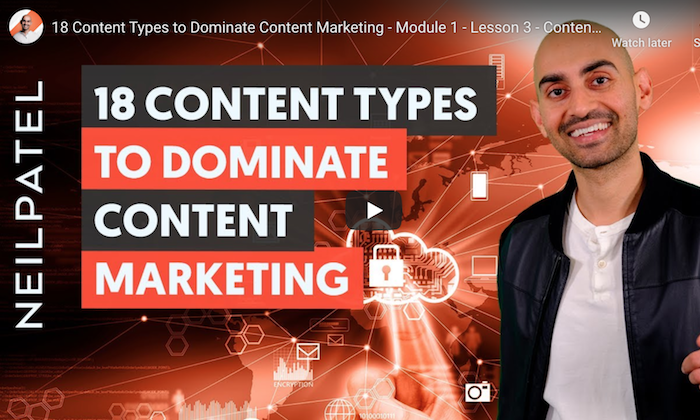
From there I teach you about the different types of content you can leverage to get more traffic. Believe it or not, there are actually 18 types you should be using.

Over time I will continue to add more lessons, but I don’t want to drown you in information by embedding all the lessons in this post.

So, what else will you learn?

The four lessons above are a great start, but there is much more to the content marketing course. This is what you can expect from Content Marketing Unlocked:

Week #1

Lesson #1: Getting Started

  • Course Introduction
  • Strategies You’re Going to Learn
  • What Google Wants
  • Content Production Strategy Overview
  • Understanding the Algorithm & Updates
  • The Right Mindset

Lesson #2: History of Content Marketing

  • History of Content Marketing
  • Fact & Fiction About Content Marketing
  • Understanding Your Target Audience
  • How to Find Keywords That Will Make You Money
  • Refining Your Keyword Lists
  • Content Examples

Lesson #3: Optimizing Your Existing Content

  • How to Audit Your Existing Content
  • How to Optimize Your Content the Right Way
  • How to Re-Write Your Content So It Gets You Traffic
  • Step-by-Step On-Page Optimization Tactics
  • Content Templates to Rewrite Your Content

Week #2

Lesson #1: Major Content Types

  • Credibility & Trust Through Content
  • Types of Content
  • Blogs
  • Articles
  • Infographics
  • Videos / Visual Content
  • Podcasts / Radio Shows
  • Facebook Posts / Pages
  • Courses / Digital Classes / eBooks / Checklists
  • How-to Guides
  • SlideShare / PowerPoint / Webinars
  • Photographs / Graphics / Art
  • Instructional Guides
  • Magazines (Digital & Print)
  • Streaming Media (Periscope, Facebook Live, Snapchat)
  • Forums / Wikis / Groups / Resource Centers
  • Whitepapers / Case Studies
  • Memes (Twitter/Facebook)
  • Testimonials / Reviews
  • Content Templates for Different Content Types

Lesson #2: Pilar & Cluster Pages

  • Turn Your Keywords Into An Outline
  • How to Write Content That Gets You Traffic
  • Topical Clusters
  • Pillar Pages
  • Cluster Pages
  • Pillar & Cluster Templates

Lesson #3: Alternative Content Strategies

  • Building Authority Through Guest Posting
  • Content Production Tools
  • Plugins to Use
  • FAQ Schema
  • Live Case Studies, Market Data & Field Reports
  • Share Worthy Content
  • Content Outline Templates

Week #3

Lesson #1: Marketing Your Content

  • Site Structure
  • Theme & Topic
  • How to Rank Your Content Faster
  • Promote Your Content on a $0 Budget
  • Content Marketing Strategy
  • Content Promotion Workflow

Lesson #2: Link Building Tactics

  • What is Link Building?
  • External Link Building
  • Internal links
  • Your Link Profile
  • Advanced Linking and Off-Page Optimization Strategies
  • How to Build Links from Authority Sites
  • How to Launch Link Campaigns

Lesson #3: Tracking & Analytics

  • Setting Up Google Analytics / Google Tag Manager
  • Setting Up Google Search Console
  • Must Have Content Marketing Tools
  • Live Ranking Case Studies, Market Data & Field Reports
  • Determining KPI’s
  • Budget Planning

Week #4

Lesson #1: Ranking 1 Long Term

  • You’ve Got Content & Links, What’s Next?
  • Content Marketing in a Competitive Space
  • How to Get Started if You Are New & Have Little to No Budget
  • How to Scale if You Do Have a Budget
  • Build a Brand Long-Term

Lesson #2: Media Outlets

  • Getting on Huge Media Websites (Forbes, HuffPost, NYTimes, etc)
  • Guest Blogging
  • Podcasts
  • Social Media
  • Connecting with Influencers

Lesson #3: Omni-Channel Strategies

  • Going Omni-Channel
  • Back Office Infrastructure
  • Analyzing and Measuring Results
  • More Content Marketing Case Studies
  • Become A Great Content Marketer
  • Summary – How to Get the Most Out of This Course

How can I follow along?

You can go to the training section of this site as I keep all my courses there.

Every Monday, Thursday and Saturday I will be adding new lessons and content.

Each lesson is roughly 10 minutes in length and contains worksheets, templates, cheat sheets, checklists, spreadsheets, and more that will make your life easier.

In general, if you take the time to follow along each week and complete your homework assignments, it shouldn’t take you more than two to three hours each week.

Some weeks will be less work, but because this course involves writing and promoting content, you will have to put in a little bit more effort than some of my other courses.

As a heads up, I won’t be blogging about each lesson, so the easiest way to keep up is to subscribe to my YouTube channel.

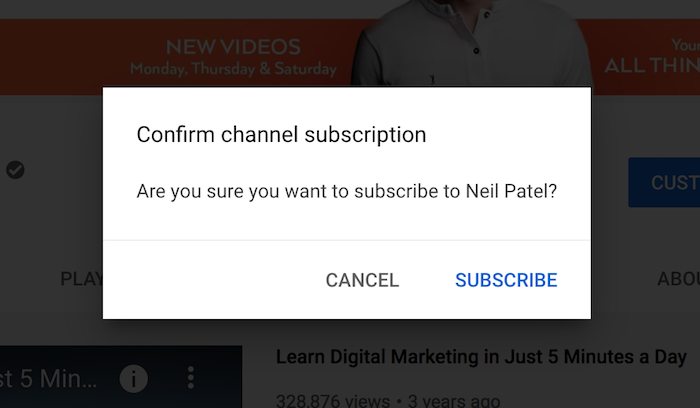
Once you click the link above, you’ll see a subscription box popup on YouTube. All you have to do is click the “SUBSCRIBE” button.

A screenshot of a cell phone Description automatically generated

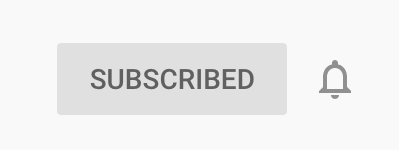
Once you click “Subscribe,” you’ll notice a bell image next to the subscribe button. Make sure you click that as well.

A close up of a logo Description automatically generated

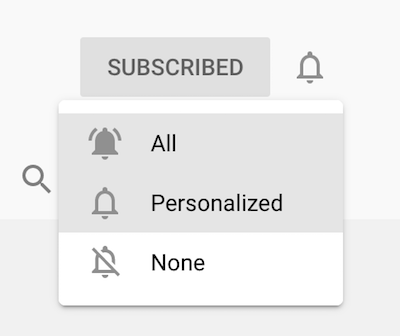
When you click on the bell, you’ll be given a few options.

A screenshot of a cell phone Description automatically generated

Click on the “All” option. Next to the “Subscribed” button, you should see a new bell notification:

A close up of a logo Description automatically generated

This makes it so YouTube notifies you when I release a new Content Marketing Unlocked lesson.

Conclusion

I hope you enjoy Content Marketing Unlocked.

I created this course because content marketing is one of the best ways to market your business and compete with the large companies.

Best of all, you won’t have to spend a dollar on marketing.

Let me know what you think about the course so far.

And also, what free course would you like me to create next?

The post Welcome to Content Marketing Unlocked: Your Free Blogging Course appeared first on Neil Patel.

from Blog – Neil Patel https://ift.tt/39V8d20


from WordPress https://ift.tt/3gvNqEE

Monday, August 3, 2020

3 Essential Design Trends, August 2020

Do the lazy days have you longing for a new design technique to try? You are in luck.

This month’s collection of essential design trends is packed with functional ideas to spruce up design projects. And all of them are fairly easy to accomplish and will give your project a modern – or intentionally old-school – look.

Here’s what’s trending in design this month:

Angles

There are so many ways to add and use funky angles in design projects.

An angle with a color-block can be a great way to help add a place for a text element on top of an image or video to help ensure readability. Use a color for the angled element that contrasts with the background and text overlay for a striking visual or use a color that matches the background for a more subtle feel.

Another bonus for using angles in the design is that they can help create a distinct eye-tacking pattern from one part of the screen to another to help create visual focus. On a smaller, more vertical screen (such as a mobile device), large angles can even serve a pseudo-split screen purpose and create a way for text and other elements to stack in more vertical orientations.

Angles can come in all different degrees and sizes. There aren’t a lot of rules with how to use them. The common factor is that they make the design easier to understand.

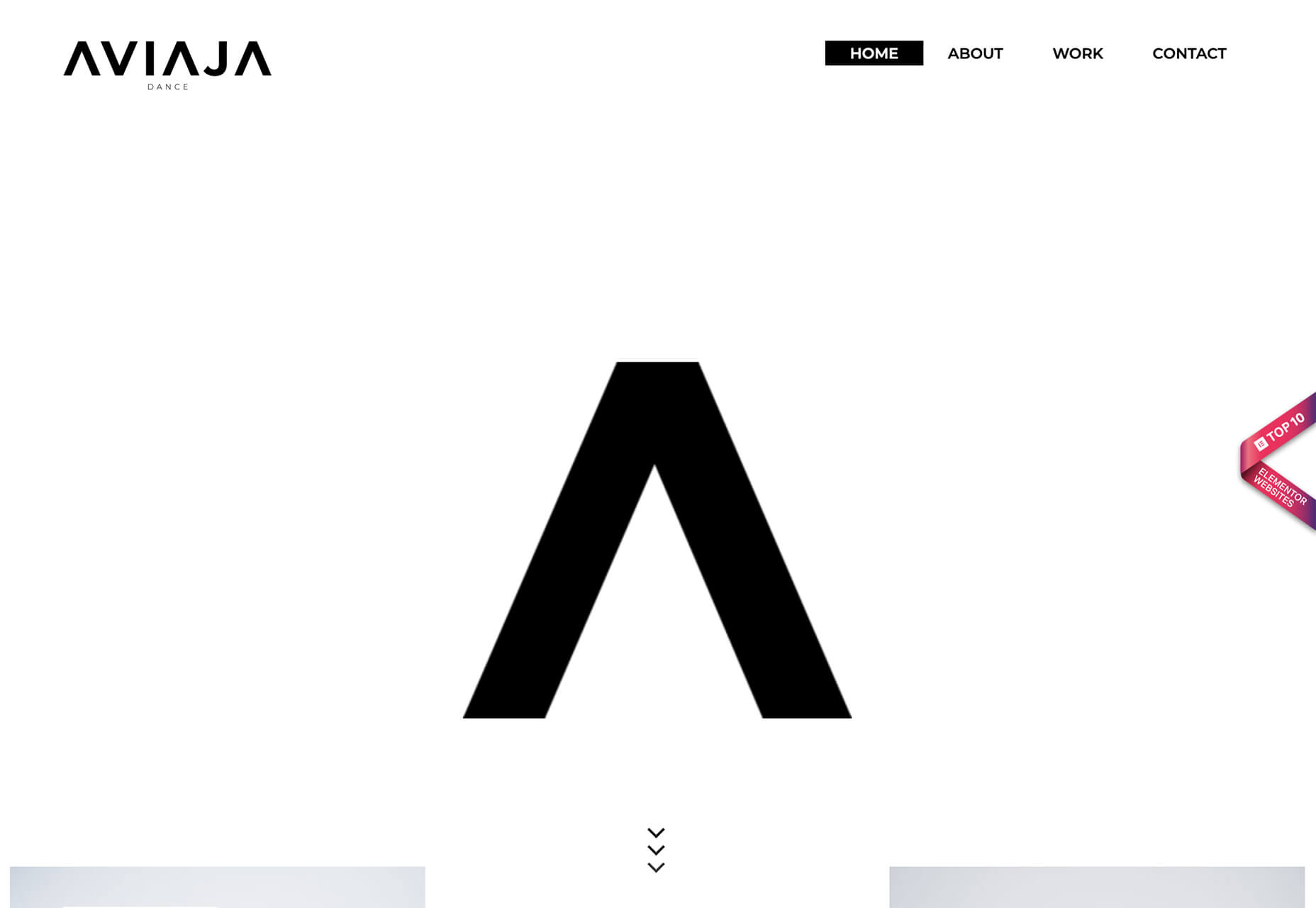
Alternatively, angles can be an independent design element that really has nothing to do with function or adding a text layer. That’s exactly what Aviaja Dance does with their design. The main use of angles comes from the fun “A” in the logo. It’s the main visual on the homepage above the scroll and is rotated in other locations throughout the design.

The next two examples use color-blocked angles.

Dantia uses a small blue angle in the top corner to anchor the logo against video that uses a lot of different colors. This way the logo is always visible. Small triangles are used as bullets throughout the design to further emphasize this shape.

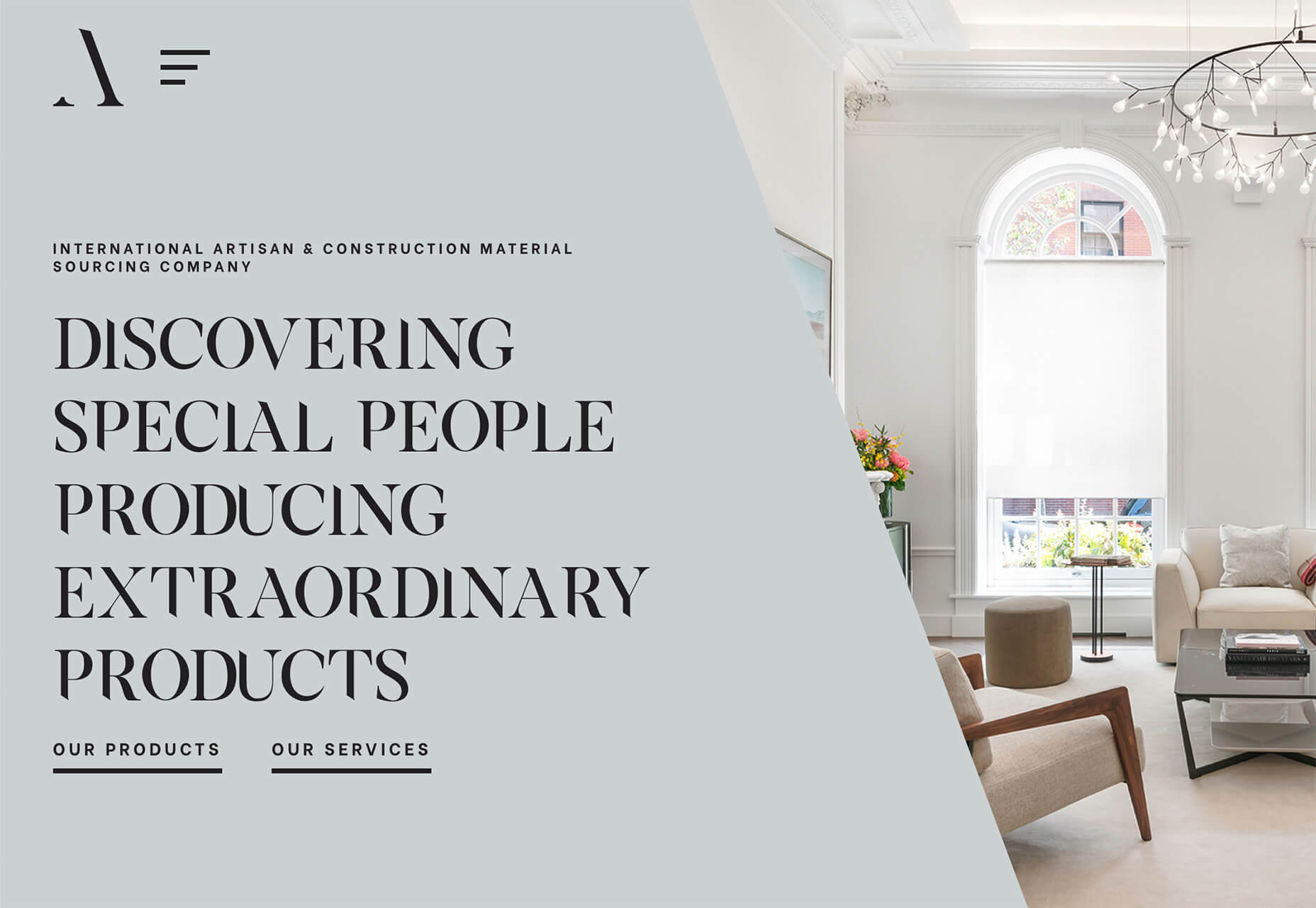
Adige Design uses a large angle in a color that almost fades into the background to almost split the screen in half – part text, part visuals. This is a popular and effective use of an angle to enhance readability and add visual finesse.

Overprint Effects

While overprinting is a print design technique, the visual it creates is popping up in plenty of digital projects. It’s a cool look that creates additional colorways and almost always has a funky vibe.

When a design uses overprint, one color “prints” over another forming a mixed shade from the two hues. It has a certain elegance because as a print technique, it is often reserved for special projects.

That same feel comes through in digital design as well.

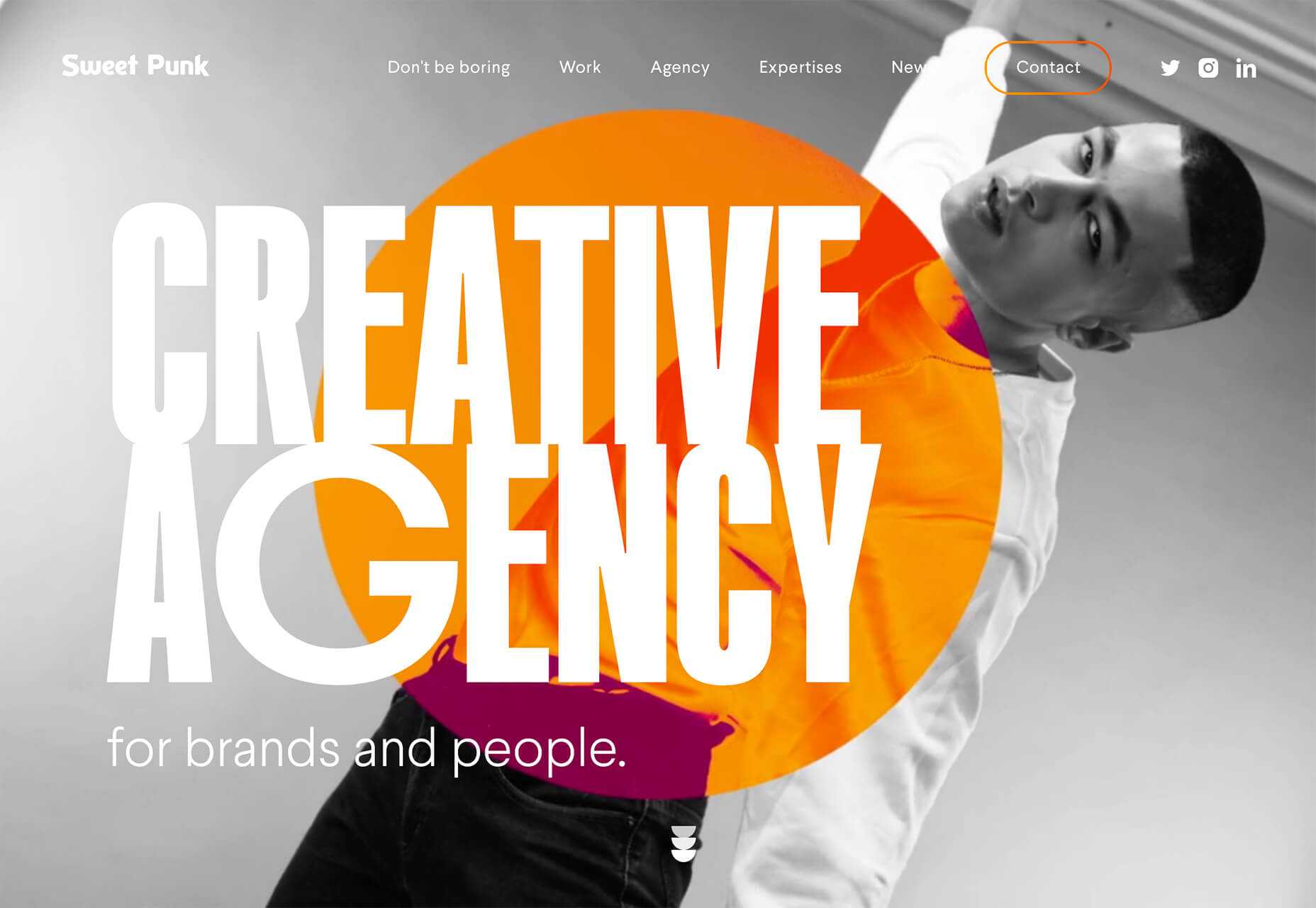
Sweet Punk uses a fun overprint with a bright orange circle and black and white image to create a lot of contrast in an interesting color effect. What makes it stand out even more is that the overprint slide is just part of a bigger set of moving images. It stands out because of the color choices and technique.

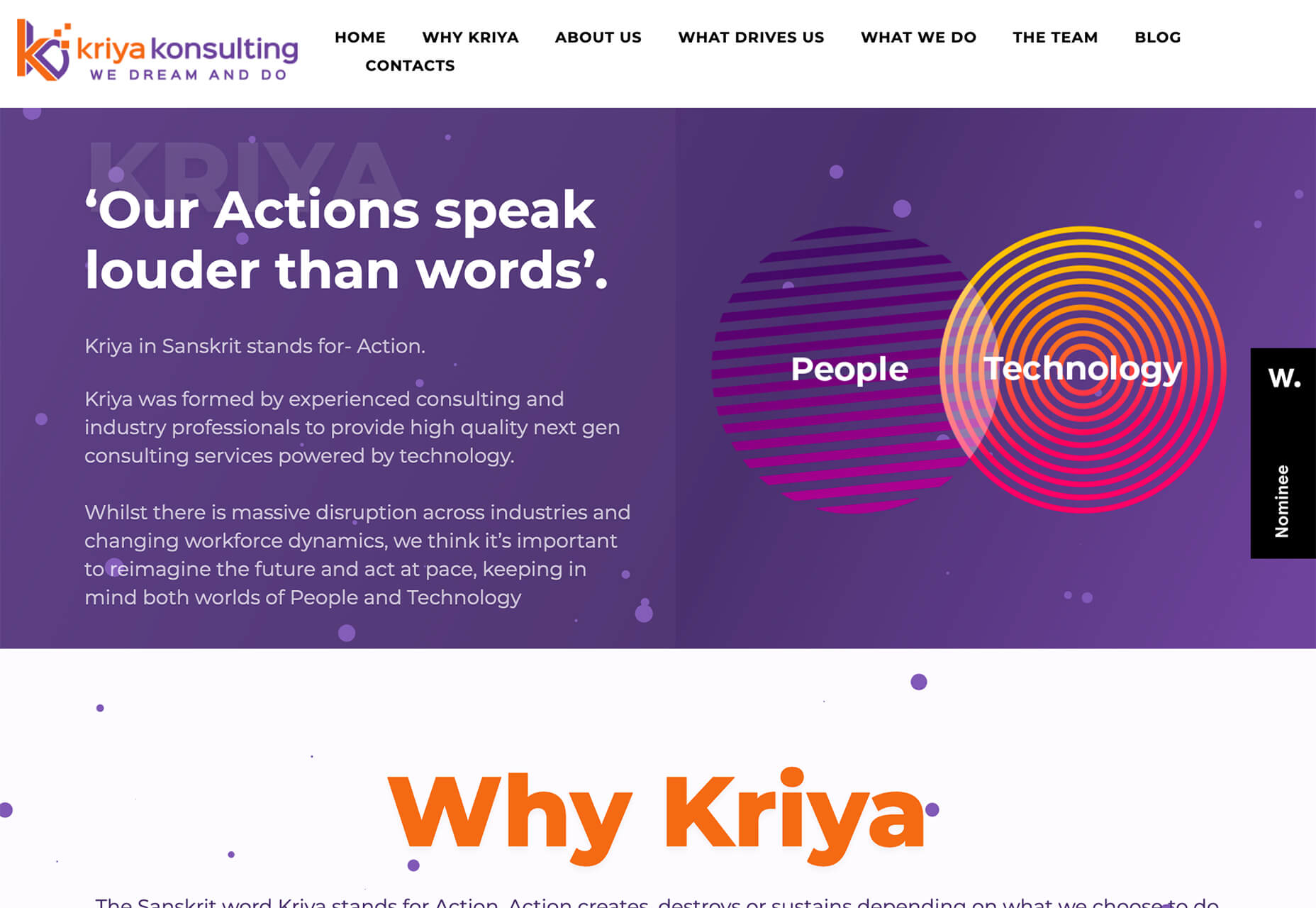
Kriya Konsulting uses a small overprint feature in a graphic to create a focal point away from text. The effect is subtle and with color and lines inside shapes, it gives you a lot to look at. The overprint graphic is just one of many circles on the screen that come together for a full effect. The interest of the overprint area serves as a starting point for the eye, which moves to other circular elements and text on the screen.

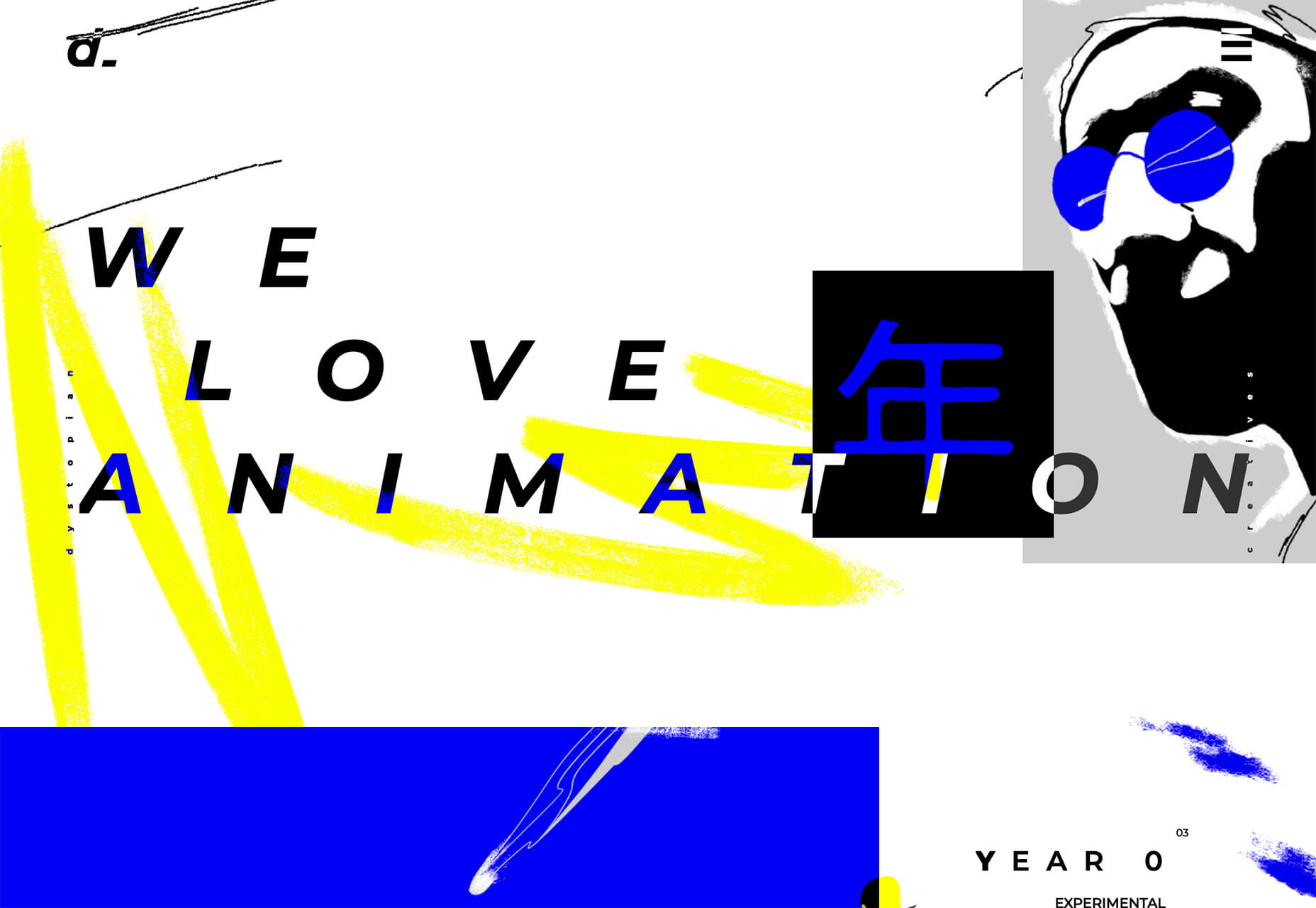
Dystopian Creatives uses an overprint effect in a quick animation as the site loads and then in several locations on the scroll. It’s so subtle that you might miss it if you aren’t looking thanks to a pretty bold overall aesthetic.

Turn of the Last Century Typography

Tall, skinny, modern-style typefaces are in. Bonus points for using this trend in a way that evokes feelings of the roaring 20s (1920s that is).

These font styles seem to mimic media posters from the era. While most of these typefaces fall into the category of modern serif, there are some sans options that create a similar feel.

The primary commonality is the use of extremely tall x-heights, and strokes with distinctly variable thick and thin options. Most of these typefaces are rather condensed as well.

Note how each of these examples takes a different approach.

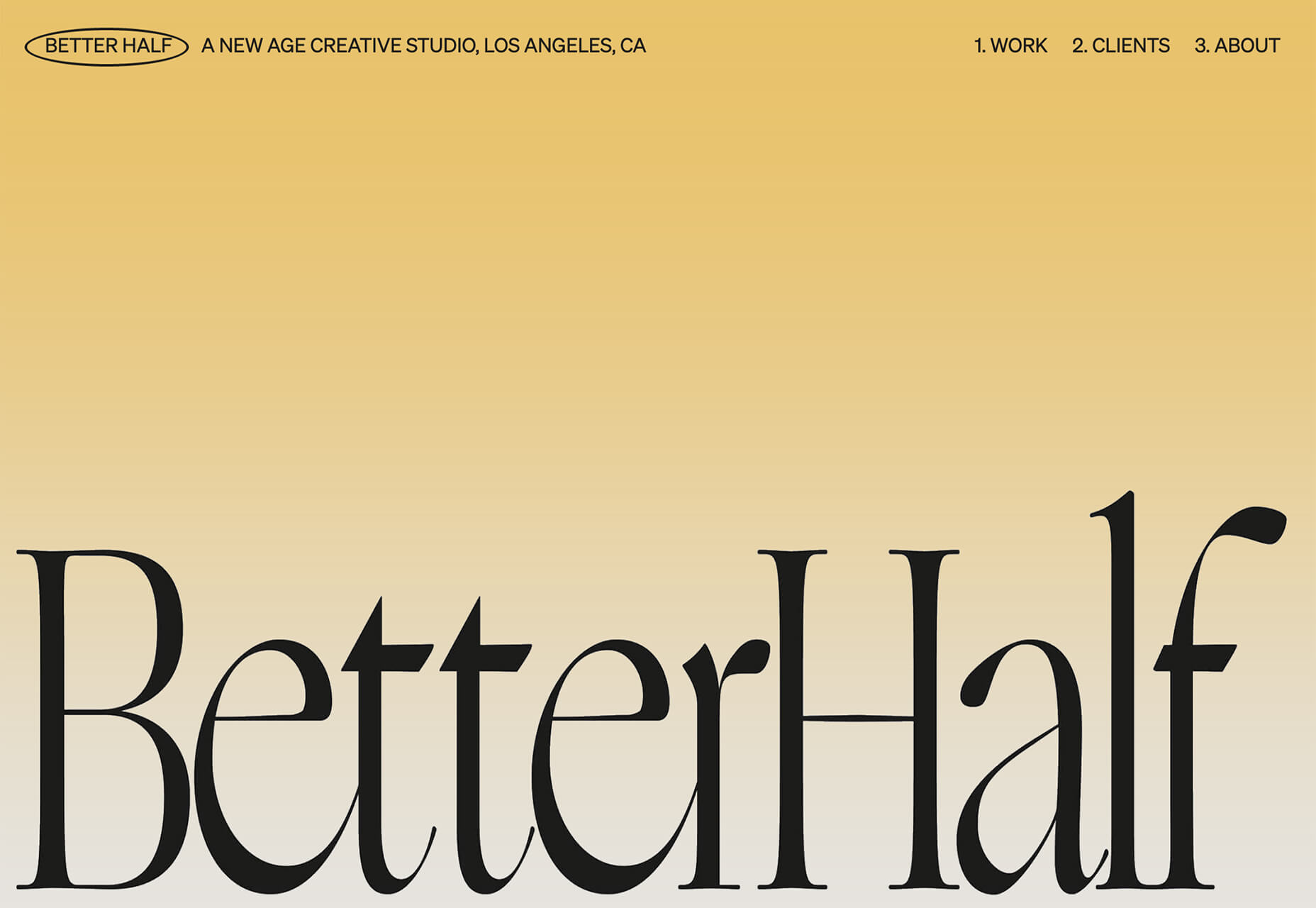
Better Half uses a modern serif with a dramatic x-height. Note the use of upper and lower-case letters for the headline. It brings attention to the high-drama of the typeface.

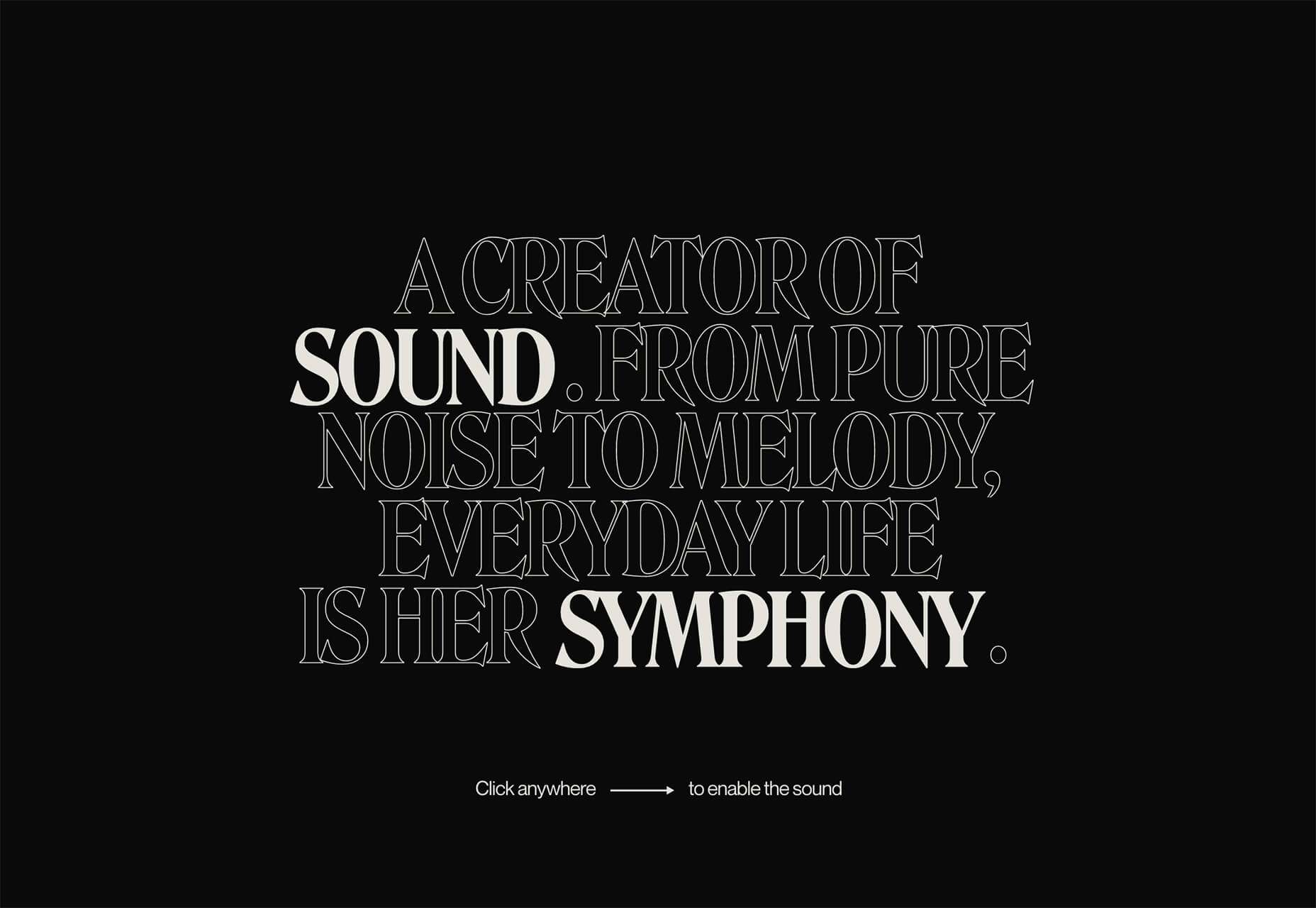
Chiara Luzzana takes the opposite approach with an all uppercase character set and mixes outline and filled lettering. The text is somewhat reminiscent of the title credits from “Stranger Things” with dual throwback vibes to the 1920s and 1980s. (Proof that everything that was popular once comes back around again.)

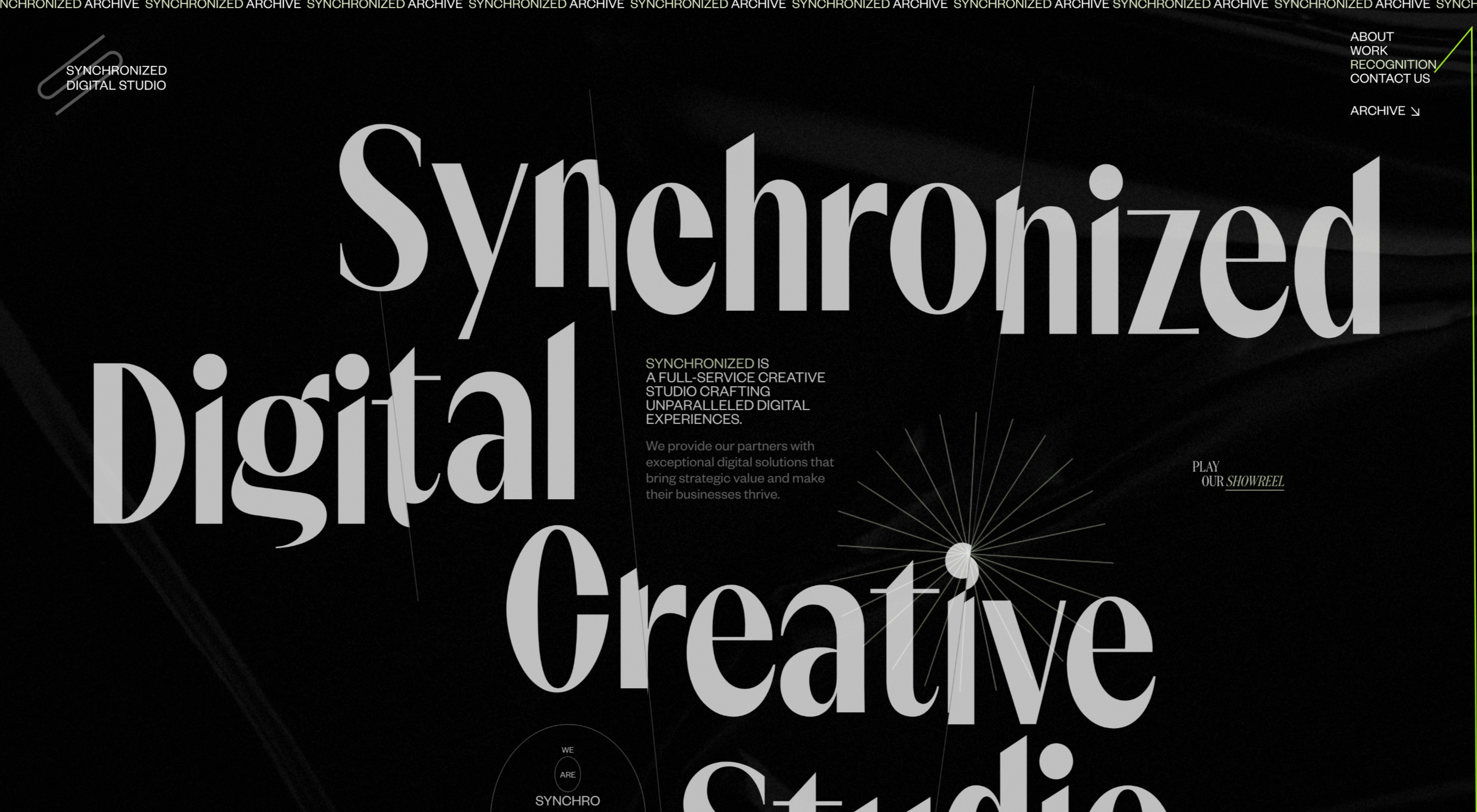
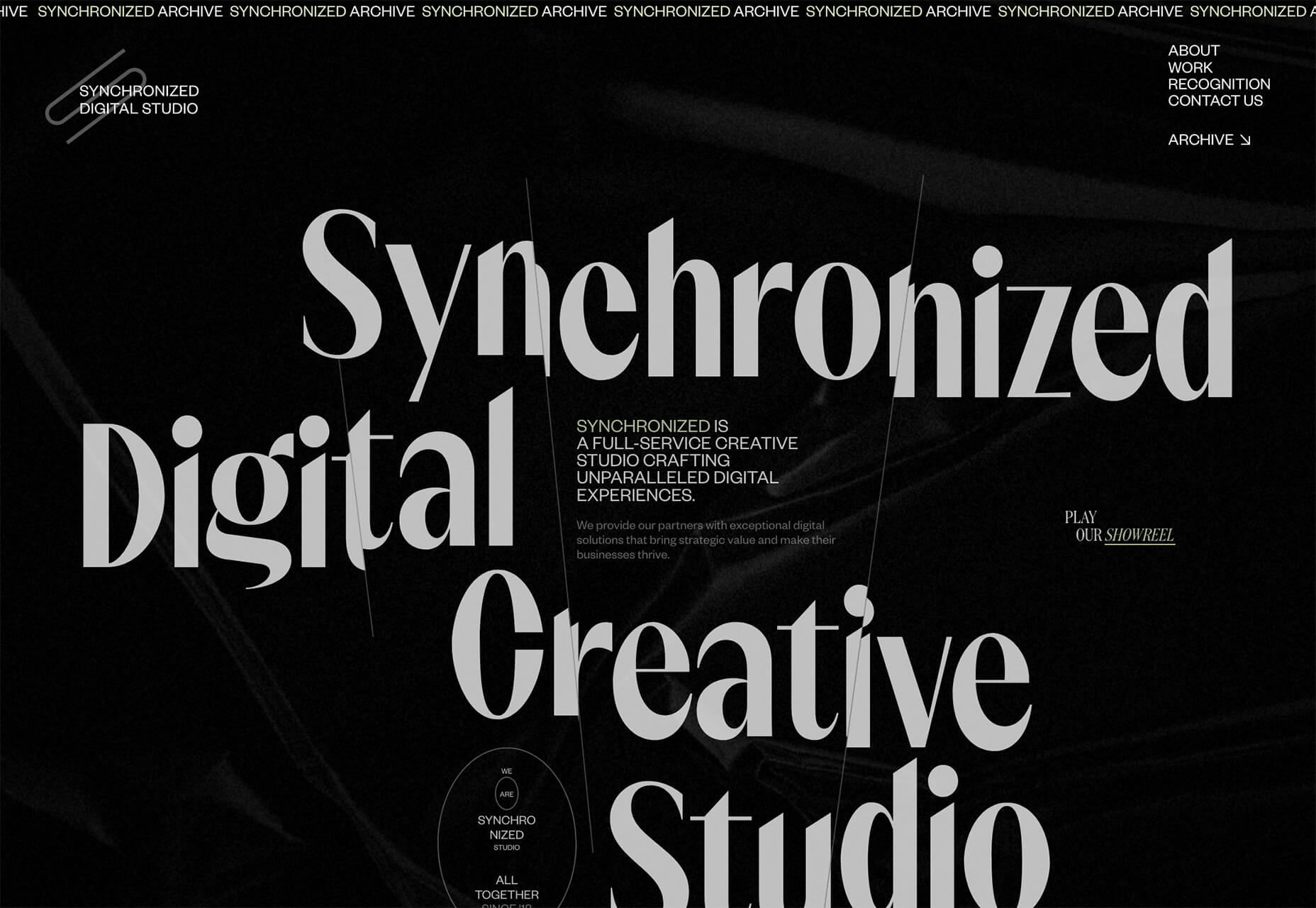
Synchronized Digital Studio goes another way entirely. While the text and design has a similar feel, they do it here with a modern sans serif. Note that the x-height is still quite tall and there are vast differences between thick and thin strokes.

Each of these compact, yet bold typefaces are used to create a dominant visual. That’s the beauty of this style – the typeface is the art thanks to so much visual interest. There’s also the added bonus that these condensed styles allow for higher character counts without getting visually overwhelming. (So, if you need to use a long word at a large size in the main headline, this could be a viable option.)

Conclusion

Design trends that are fun (and functional) are some of the best. Using angles can make it easier to incorporate text elements that are easy to read, overprint effects add flair and a bit of an old-school feel, and turn of the last century typography feels modern and fresh with a hint of 1920s flair.

Any of these design elements can be applied to websites without a complete overhaul and make a great refresh for the dog days of summer and beyond.

Source

p img {display:inline-block; margin-right:10px;}
.alignleft {float:left;}
p.showcase {clear:both;}
body#browserfriendly p, body#podcast p, div#emailbody p{margin:0;}

from Webdesigner Depot https://ift.tt/3gqOMAB


from WordPress https://ift.tt/39PcSmh

Sunday, August 2, 2020

Popular Design News of the Week: July 27, 2020 – August 2, 2020

Every week users submit a lot of interesting stuff on our sister site Webdesigner News, highlighting great content from around the web that can be of interest to web designers.
The best way to keep track of all the great stories and news being posted is simply to check out the Webdesigner News site, however, in case you missed some here’s a quick and useful compilation of the most popular designer news that we curated from the past week.

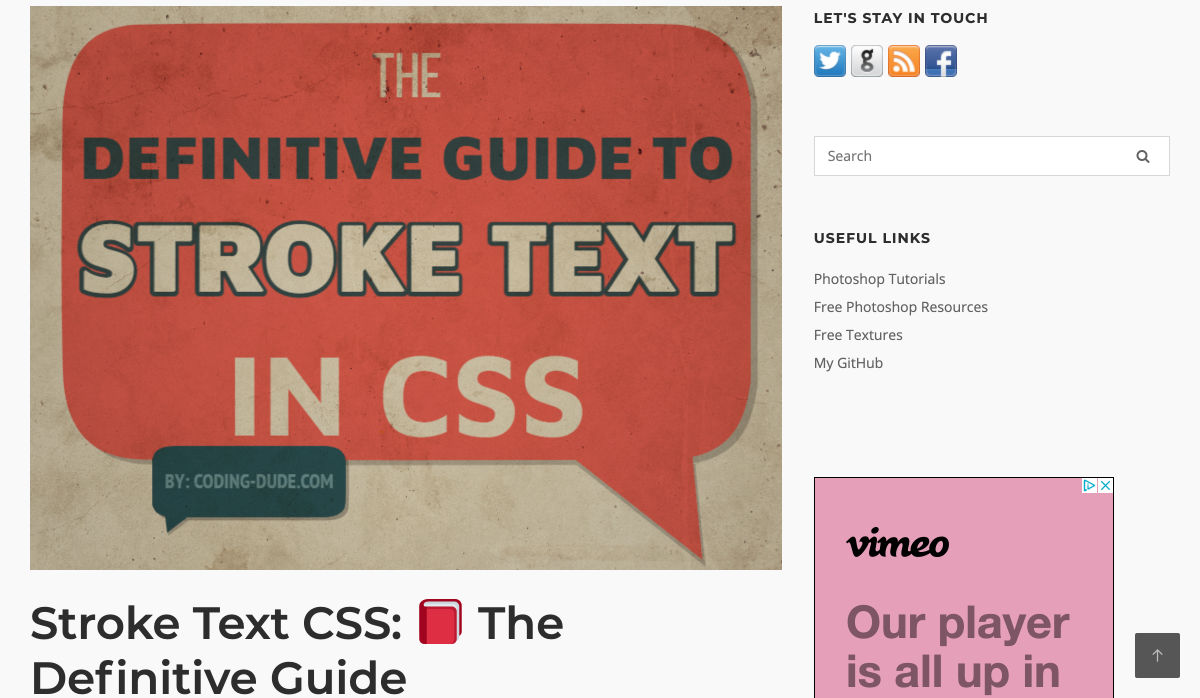
Stroke Text CSS: The Definitive Guide


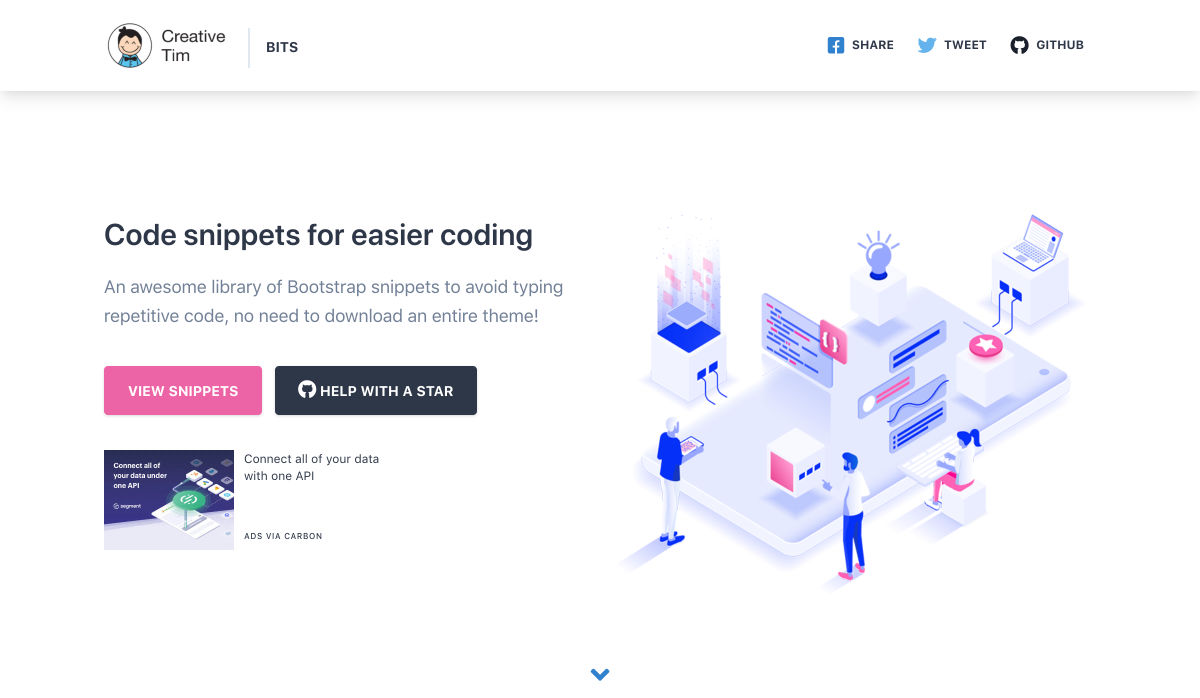
Code Snippets for Easier Coding


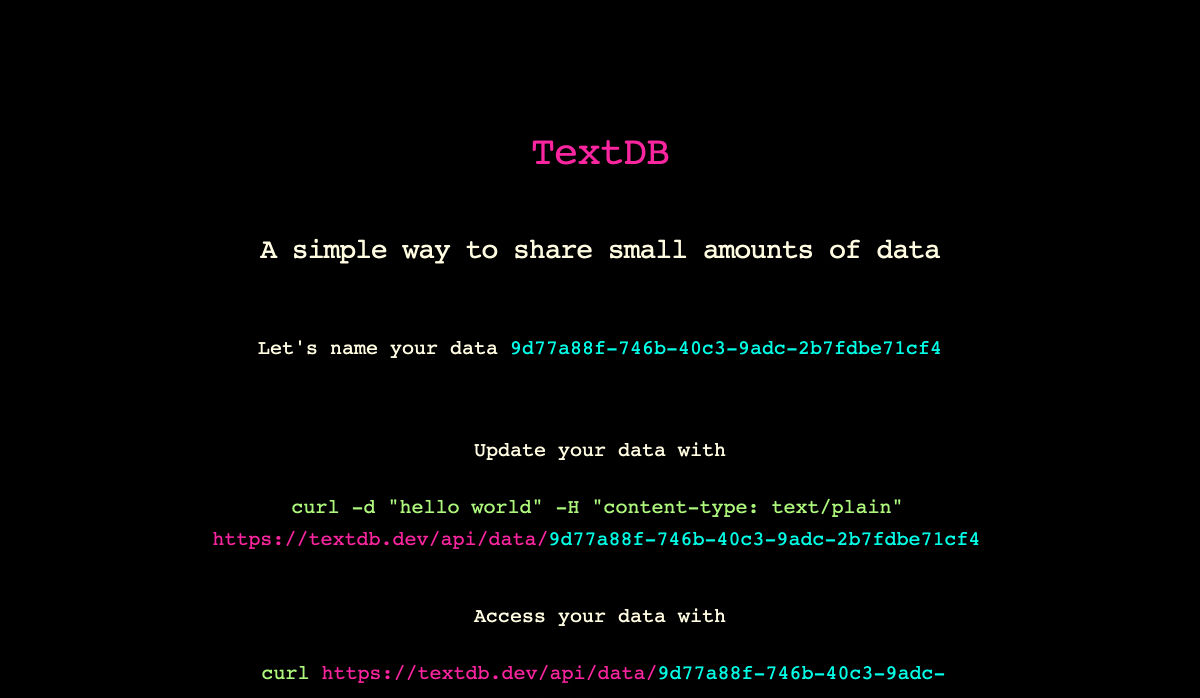
Textdb – A Simple Way to Share Small Amounts of Data


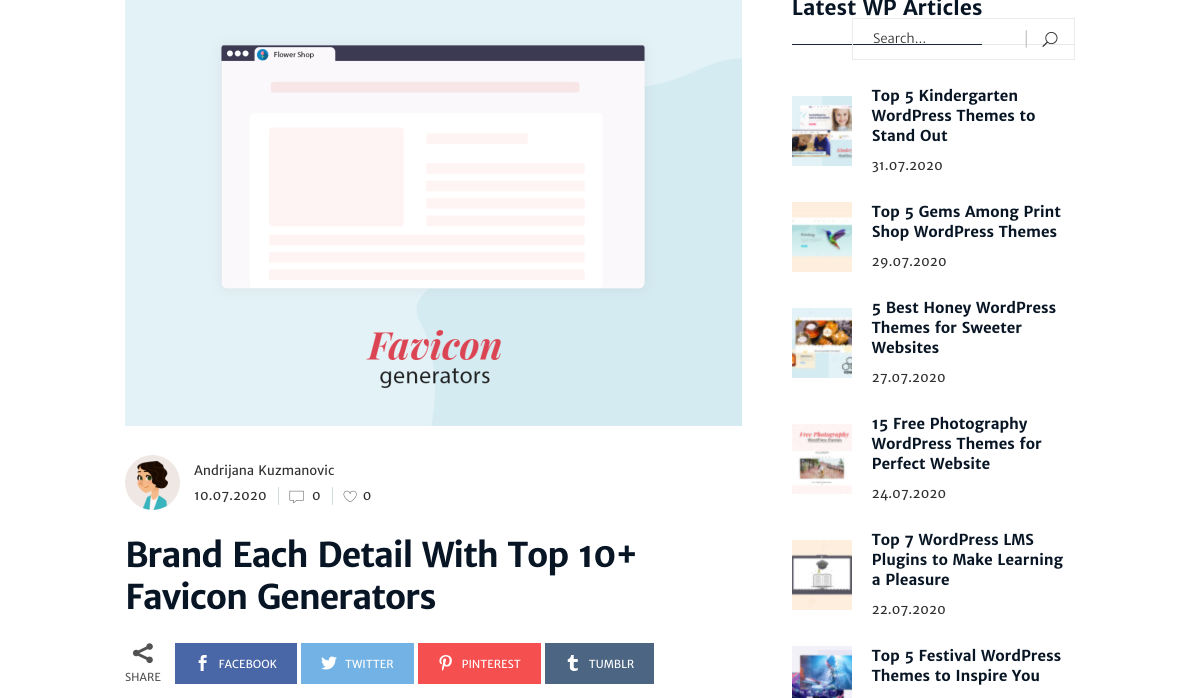
10+ Favicon Generators to Make your Brand Stand Out


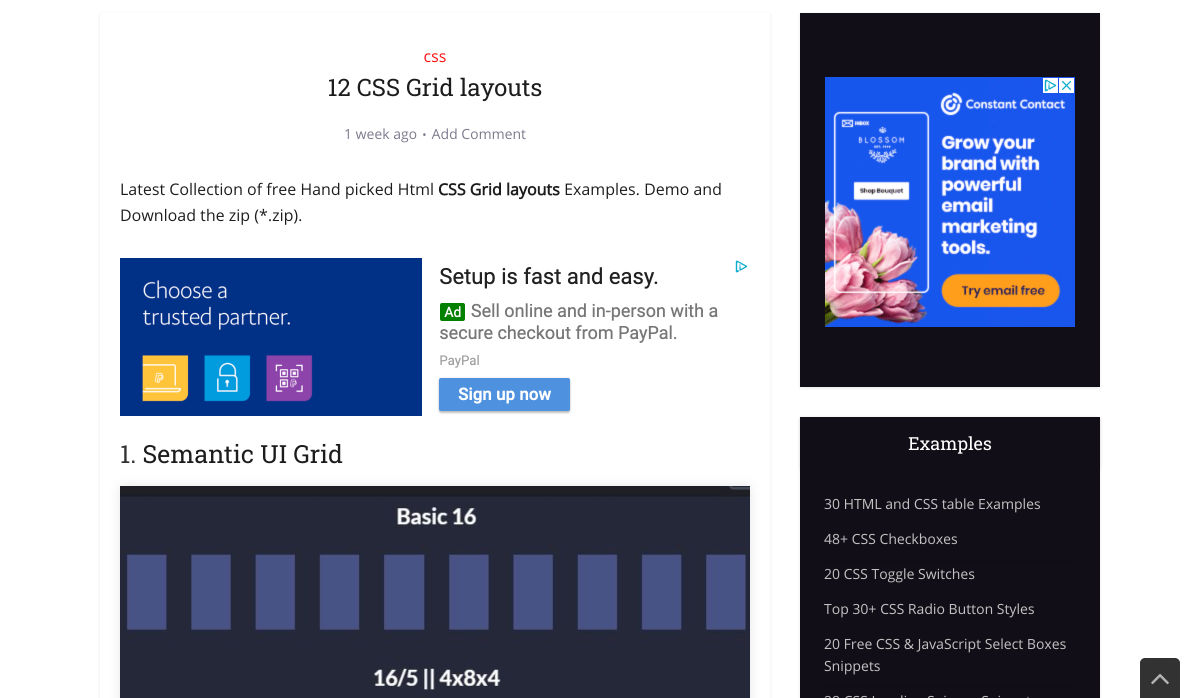
12 CSS Grid Layouts


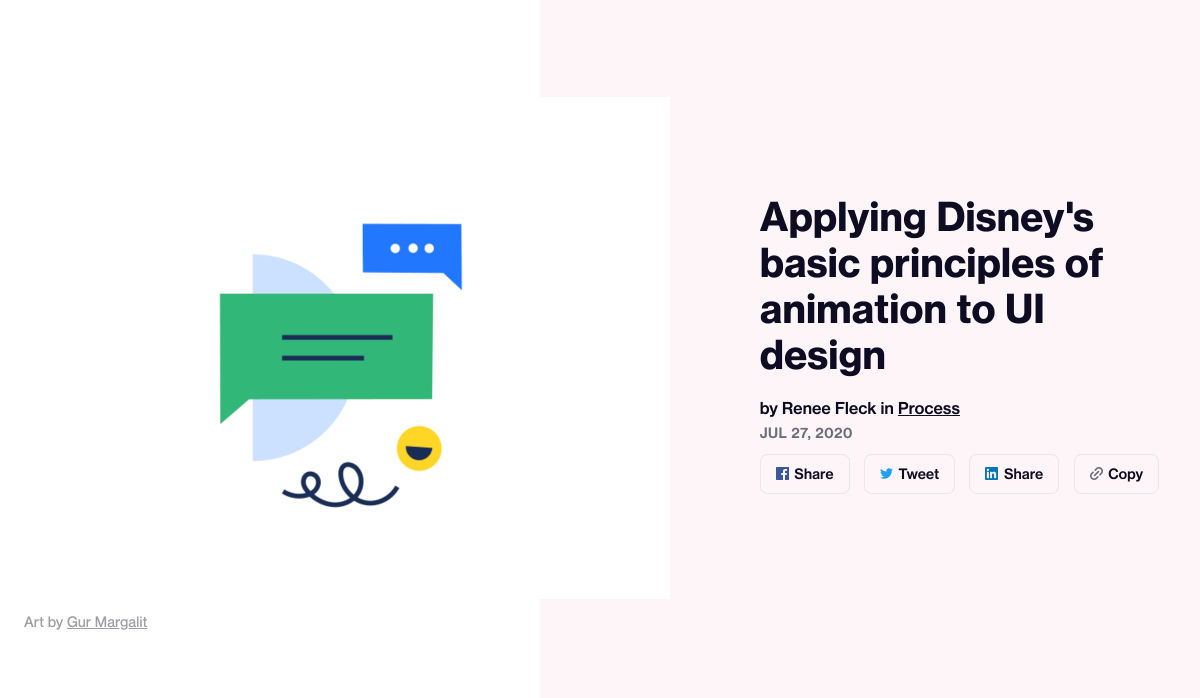
Applying Disney’s Basic Principles of Animation to UI Design


Curiosity Creates


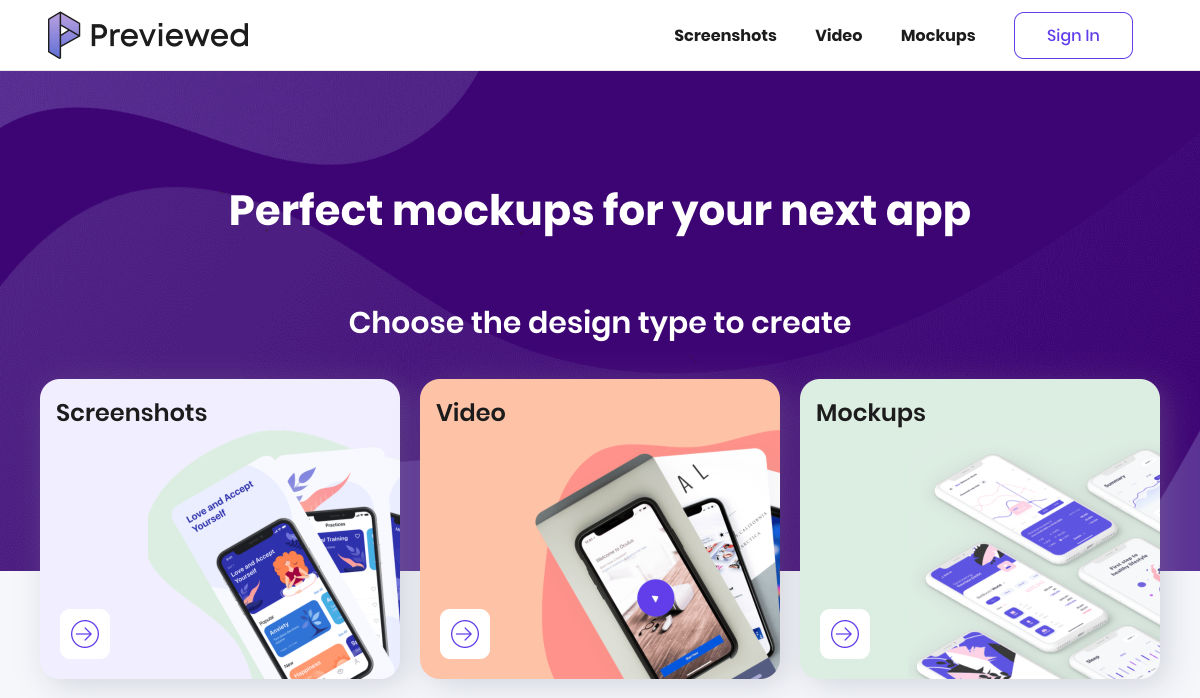
Previewed – Beautiful Mockups & Graphics for your Next App


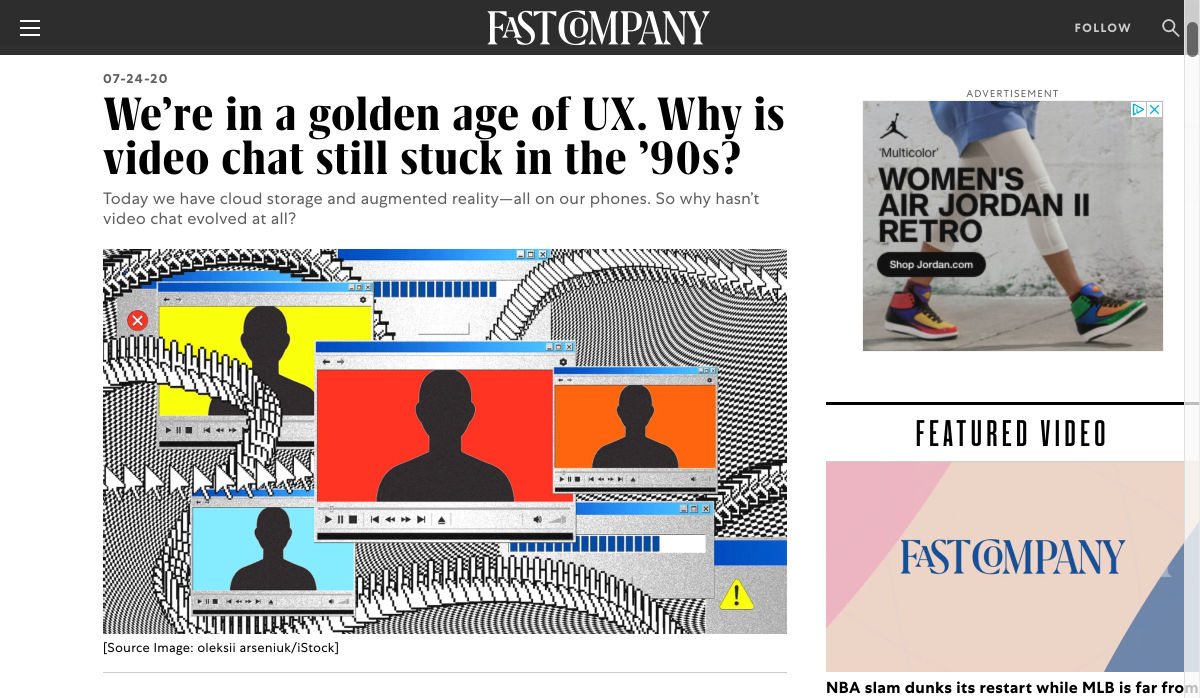
We’re in a Golden Age of UX. Why is Video Chat Still Stuck in the ’90s?


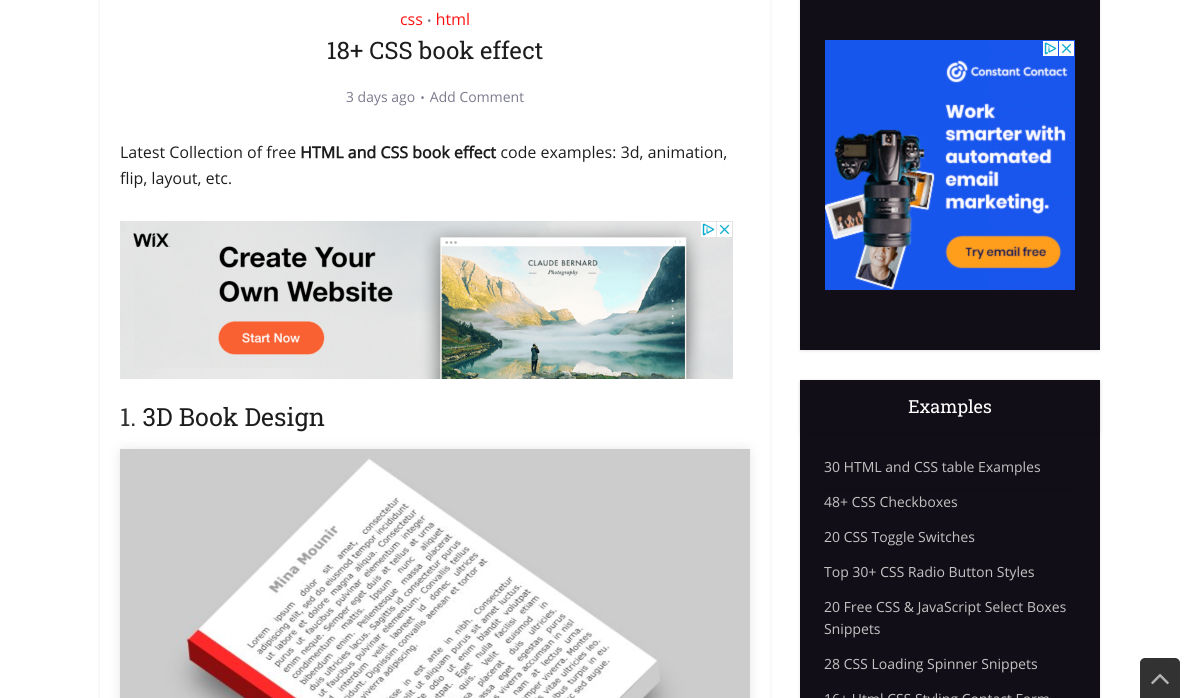
18+ CSS Book Effect


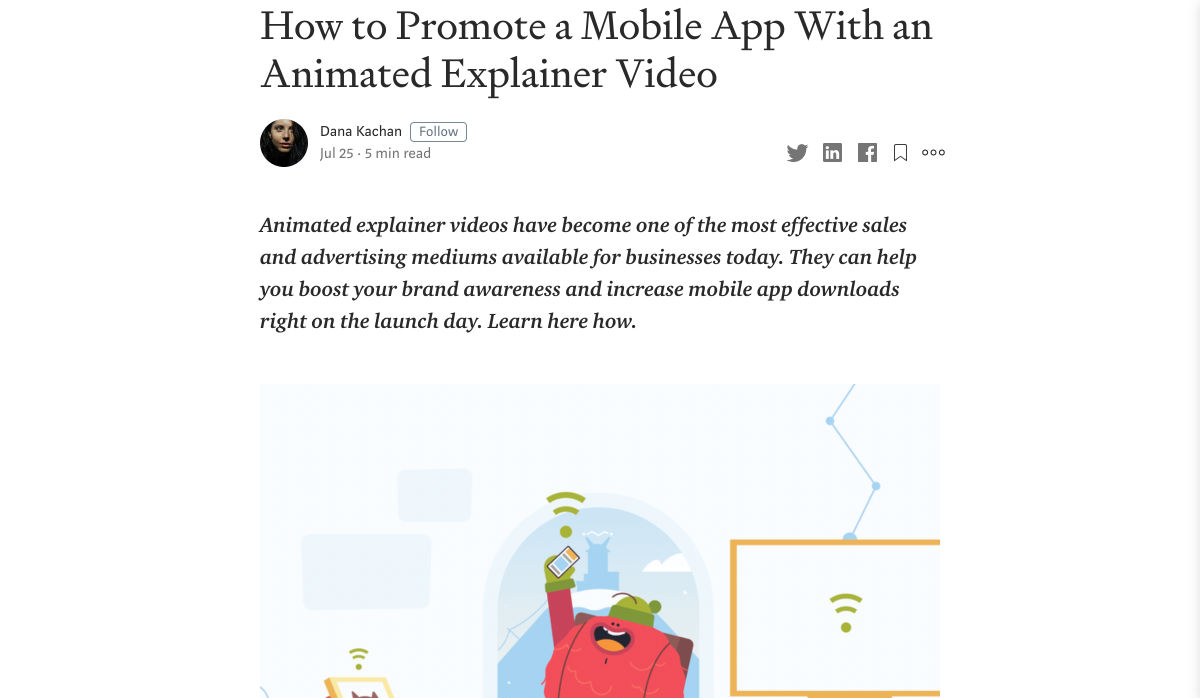
How to Promote a Mobile App with an Animated Explainer Video


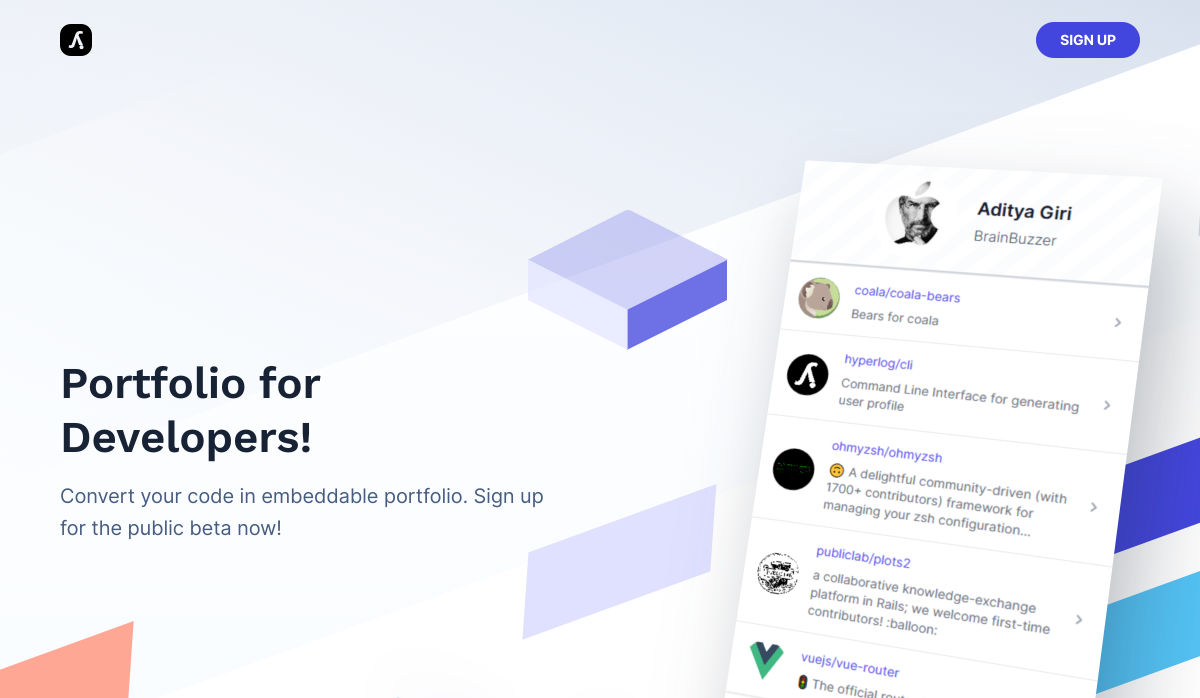
Hyperlog – Portfolios for Developers


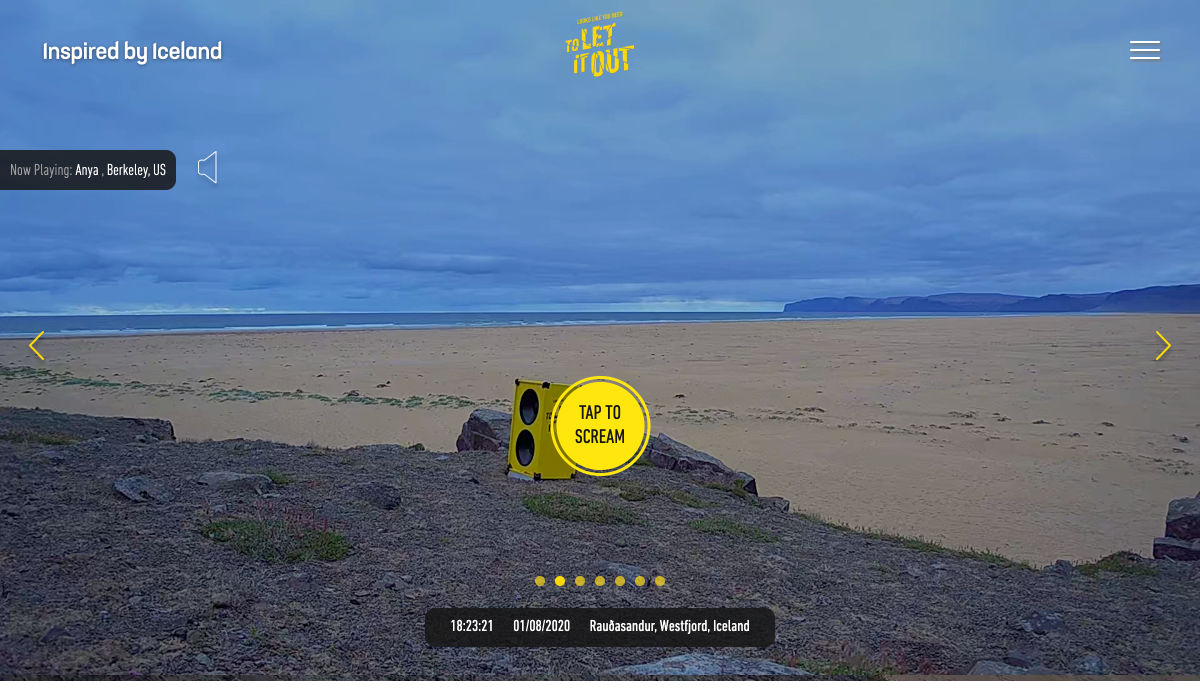
Site Design: Looks like You Need to Let it Out


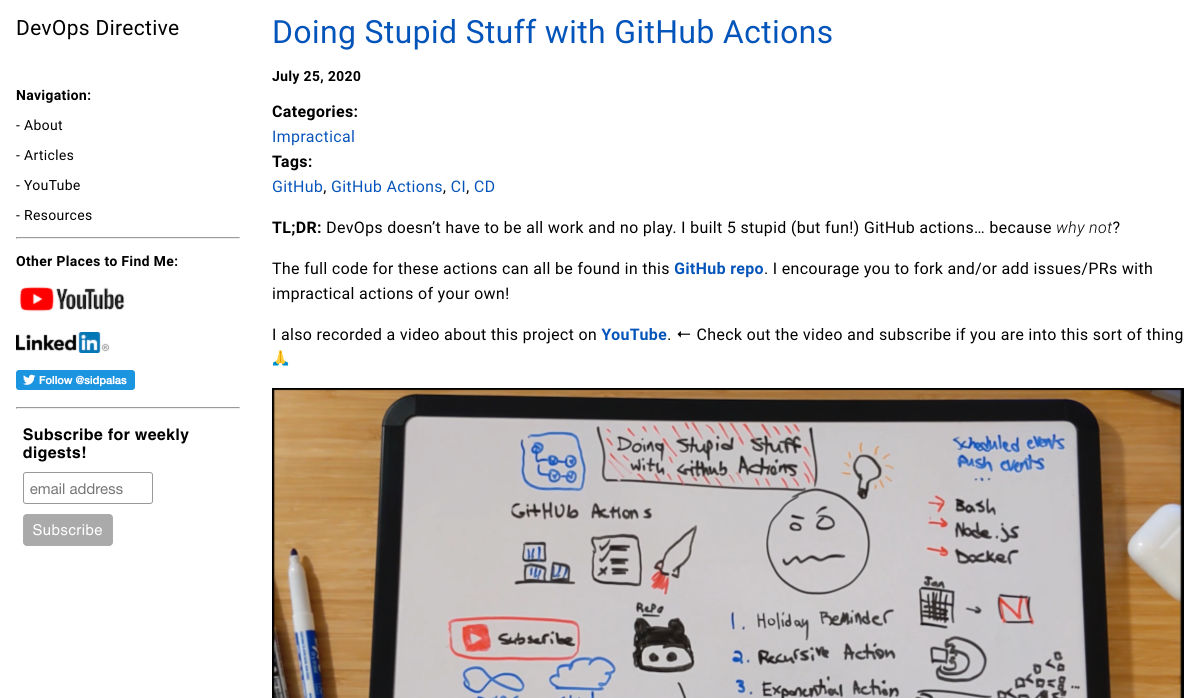
Doing Stupid Stuff with GitHub Actions


Is it Good Design? Well, Yeah.


15 Free Adobe XD UI Kits for Web and Mobile App Designers


The Office as You Know it is Gone


How Interactive Content will Increase your Visitor’s Time on Page


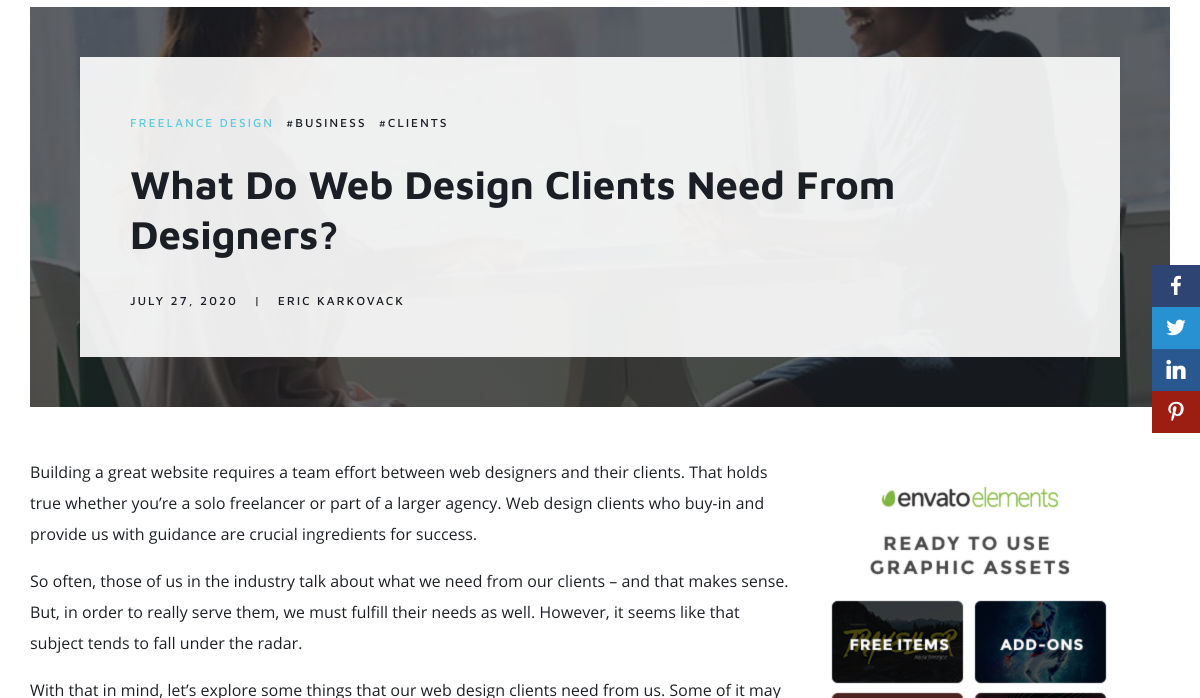
What do Web Design Clients Need from Designers?


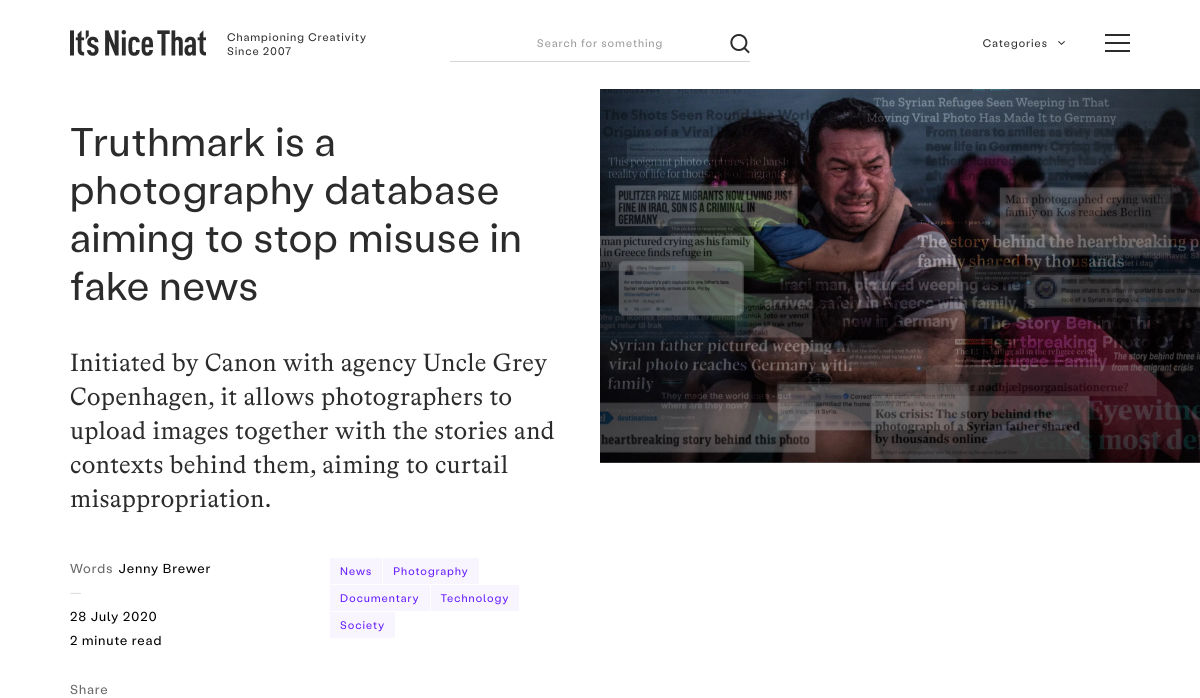
Truthmark is a Photography Database Aiming to Stop Misuse in Fake News


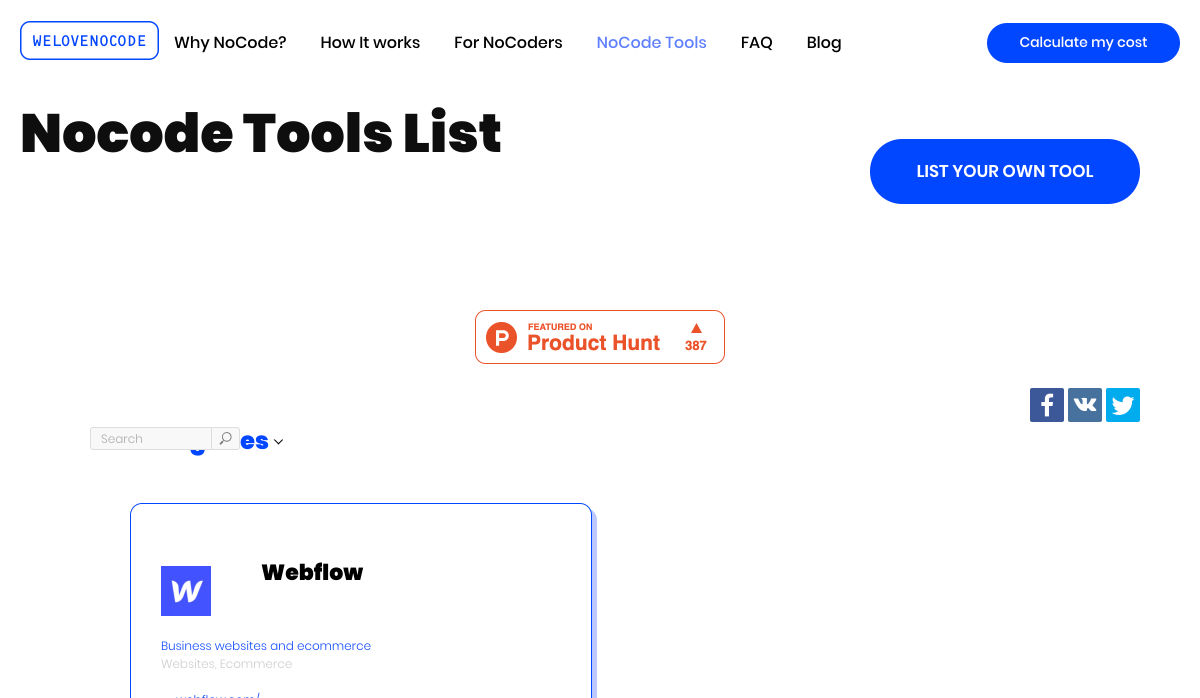
200+ NoCode Tool List by WeLoveNoCode


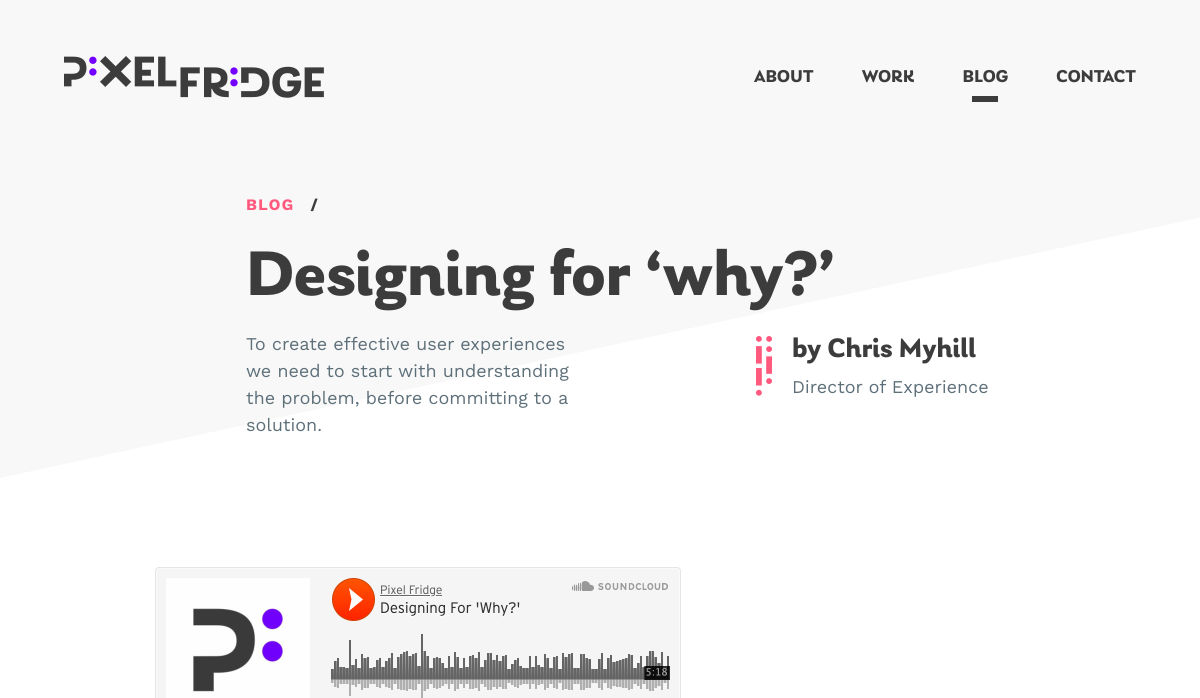
Designing for ‘Why?’


10 Tips Before You Buy a Domain Name


Making Memories to Last (August 2020 Wallpapers Edition)


Design Constraints are not Restraints – They Stoke Creativity


Want more? No problem! Keep track of top design news from around the web with Webdesigner News.

Source

p img {display:inline-block; margin-right:10px;}
.alignleft {float:left;}
p.showcase {clear:both;}
body#browserfriendly p, body#podcast p, div#emailbody p{margin:0;}

from Webdesigner Depot https://ift.tt/2PjP6Fv


from WordPress https://ift.tt/2Xjw0ng