Friday, December 21, 2018

7 Ways to Utilize User-Generated Content in 2019

Running low on content ideas? User-generated content (UGC) is becoming a more and more popular means of filling company websites. When used correctly, it can actually end up adding a near endless, high-quality stream of relevant content for your business to use.

Of course, figuring out the right way to incorporate user-generated content into your site or blog can be a real challenge. It has to be done in a way that engages your audience while subtly marketing your business to the masses without feeling redundant, staged, or all over the place.

a near endless, high-quality stream of relevant content for your business

These ideas can help you think up some unique ways to utilize UGC in a way that works for your brand.

1. Make An Effort to Be Authentic

When encouraging your audience to produce content that markets your brand, the first step in achieving success is being authentic in your outreach and engagement.

Social media is by far one of the biggest sources of user-generated content, and authenticity is definitely lacking on many social channels. So, in an effort to truly touch your audience and foster the production of quality content related to your brand, you need to go the extra mile.

Interacting with your audience is the first step to incentivizing them to interact even more. This means liking their comments and responding to them. Next is discovering the content users are already creating that’s associated with your brand and leaving a like and comment to encourage them to make more.

For proof and inspiration, look to just about any strong brand and you’ll see this interaction. Brands behind popular YouTube channels are especially catching on to the importance of this engagement.

Brands ranging from SnowboardProCamp (under 350,000 subscribers) all the way up to channels like Good Mythical Morning (with over 14,000,000 subscribers) use the same practices of pinning, liking, and responding to positive comments.

Authenticity should be the foundation of your content marketing efforts. The goal is to make your brand “personable” and you have to establish that tone and connection before you can start explicitly asking users to generate content for you.

2. Reward Your Top Contributors

While you may not be stealing the attention of Instagram’s biggest influencers just yet, you will incentivize users to generate more content around your brand if you highlight the rewards they’ll receive in return.

you will incentivize users to generate more content around your brand if you highlight the rewards they’ll receive

Saying the best posts about your latest product will be featured on your page and, in general, just showing interaction with the content that users are taking the time to post about your brand will help you encourage future contributions.

Giveaways and hashtag competitions also go pretty far when it comes to encouraging more user-generated content, so don’t shy away from them. Plenty of successful examples of social media giveaways exist out there.

The photo contest run by Man of Steel is a great example, getting millions of people to submit pictures and vote on submissions for some excellent user-generated content. They picked one winner every week, which was just enough to keep things interesting while the whole contest proved extremely lucrative.

3. Create New Hashtags

The start of this method involves creating a unique, easy-to-remember hashtag for your brand that can be used all over. Encouraging its use can get people in on the conversation and help you track the content your users are generating with greater ease.

The next step is actually creating hashtags centered around specific events, like a workshop your business is running or a product launch that you’re working on building hype about.

Again, the reason to use hashtags is so that you can more easily track what users are saying and you can then engage with those who have joined the discussion, thus encouraging them to post even more content so more people can discover your brand or event.

Fitness guru Cassey Ho uses this method all the time on her Instagram, @Blogilates. From promoting her new app and exercise routines (#poppilates) to her exclusive line of activewear (#popflex), she has built an empire for herself since starting only a few years ago, now reaching millions every day.

4. Give Enthusiasts Early Access

When it comes to building hype for a new release, there is perhaps no better way to do it than to give your brand’s top ambassadors a sneak peek.

Not only will this give you a headstart with some positive feedback and perhaps even a testimonial that can be used for marketing, it will also allow first-hand use of the product to reach the masses before launch day.

This technique is employed by brands big and small, but game makers are particularly on top of this method, giving some key influencers in the gaming industry early access to new releases in order to spread the word and build excitement for them when they go on sale.

5. Incentivize Your Best Clients to Testify

Customer stories (which used to go by the boring name of “case studies”) are ultra-sharable and, luckily for you, oh-so-easy to create in today’s world of smartphones and social media.

Customer stories are ultra-sharable and, luckily for you, oh-so-easy to create

Kajabi is one of the best examples by far of this method. Top users of the e-Course creation platform were given a super sharp, branded t-shirt and asked to get on video and explain how Kajabi has helped them.

The hashtag #KajabiHero accompanies story submissions and those that get featured have a real incentive: Kajabi will link back to the user’s own website, which helps to promote the e-Course they have created.

6. Create Customer-Centric Events

Whether online or offline, customer-centric events can help your brand take things to a new level. From a Twitter chat to an interactive webinar or even a promotion at a local tradeshow, these engaging events get customers to connect to your brand in a whole new way.

They also open the door to repurposing content, gathering feedback, and even creating a photo op that leads to additional UGC that your brand can utilize in more marketing efforts.

James Pollard from The Advisor Coach gives countless examples of how he runs customer appreciation events in the realm of financial advising, but any industry can benefit from a customer party that fosters engagement, loyalty, and ultimately leads to some fantastic promotional content.

7. Find New Ways to Collaborate

Looking to involve user-generated content more often? The possibilities are simply endless.

From asking for feedback and ideas to creating weekly round-up posts and digests, it’s easy to start taking advantage of the great things your users are already saying.

A couple prime examples to look to for inspiration include the gear manufacturer Burton, whose product pages feature pictures from real-world users, to the social media marketing platform Buffer, which is always featuring engaging (yet often random) photos from its own followers in a very effective manner.


Featured image via DepositPhotos.

Add Realistic Chalk and Sketch Lettering Effects with Sketch’it – only $5!

Source

p img {display:inline-block; margin-right:10px;}
.alignleft {float:left;}
p.showcase {clear:both;}
body#browserfriendly p, body#podcast p, div#emailbody p{margin:0;}

from Webdesigner Depot http://bit.ly/2BwtbDM


from WordPress http://bit.ly/2Rd0mpA

Wednesday, December 19, 2018

Most Popular MarketingExperiments Articles of 2018

Let’s get right into it. Here are your marketing peers’ favorite articles from 2018 …

Heuristic Cheat Sheet: 10 methods for improving your marketing

Marketing — far more so than other business disciplines — seems to be driven by gut. Or the individual star performer.

Marketing embraces a far less methodological approach than say accounting or manufacturing.

In this article, we provide a quick look at heuristics (aka methodology-based thought tools) created by MECLABS Institute (parent research organization of MarketingExperiments) to help marketing teams consistently deliver at a high level.

https://platform.twitter.com/widgets.js

In this article, you’ll find heuristics to help you increase conversion, create effective email messaging, launch projects in the most effective order and more.

READ THE ARTICLE


Conversion Lifts in 10 Words or Less: Real-world experiments where minor copy changes produced major conversion lifts

Sometimes it can seem like a massive lift to really move the needle. A new technology implementation. Investing in a vast campaign to drive more interest.

But marketing, at its core, is communication. Get that right and you can drive a significant difference in your marketing results.

https://platform.twitter.com/widgets.js

This 13-minute video examines five experiments where small copywriting changes had a large impact

WATCH THE VIDEO


Mental Cost: Your customers pay more than just money

The monetary price of a product isn’t the only cost for customers. Understanding (and optimizing for) non-monetary costs can lead to significant conversion gains

https://platform.twitter.com/widgets.js

What costs are you inadvertently thrusting on your customers? And how can you reduce them?

READ THE ARTICLE


Not all of the most impactful articles from 2018 were published this year. Here are some evergreen topics that were especially popular with your peers …

A/B Testing: Example of a good hypothesis

Hypotheses should be an evergreen topic for marketers engaged in A/B testing. If you’re unfamiliar with hypotheses-based testing, this article offers a simple process to start shaping your thinking.

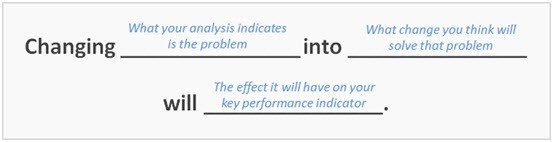
Raphael Paulin-Daigle advises in his blog article 41 Detailed A/B Testing Strategies to Skyrocket Your Testing Skills, “A trick to formulate a good hypothesis is to follow MarketingExperiment’s formula.”

Read this article to learn what a hypothesis is, and a simple method for formulating a good hypothesis.

READ THE ARTICLE

(Editor’s Note: Our hypothesis methodology has advanced further since this article was published in 2013. You can find a more advanced explanation of hypothesis methodology in The Hypothesis and the Modern-Day Marketer as well as a discussion of hypothesis-driven testing in action in Don’t Test Marketing Ideas, Test Customer Hypotheses.)


Interpreting Results: Absolute difference versus relative difference

“NASA lost its $125-million Mars Climate Orbiter because spacecraft engineers failed to convert from English to metric measurements when exchanging vital data before the craft was launched,” Robert Lee Holtz reported in the Los Angeles Times.

Numbers are crucial for A/B Testing and CRO as well. So make sure you understand the vital distinction between absolute difference and relative difference. Much like English and metric measurements, they measure the same thing but in a different way.

I have interviewed marketers before who bragged about a 3% conversion increase from a test, and I mentioned that while I was happy for them, it didn’t seem huge. Only then did they explain that their company’s conversion rate had been 2% and they increased it to 5%.

While that’s a 3% actual difference, it’s a 150% relative difference. The relative difference communicates the true impact of the test, and every business leader who learns of it will better understand the impact when the 150% number is used instead of the 3% number.

READ THE ARTICLE


6 Good (and 2 Bad) B2B and B2C Value Proposition Examples

What does a good value proposition look like? It’s a question we get asked often, and the article that answers that question was popular among marketers.

https://platform.twitter.com/widgets.js

Check out these B2B and B2C examples. We included some bad examples for balance as well.

READ THE ARTICLE


Customer Value: The 4 essential levels of value propositions

Some marketers think that the only value proposition that matters is the overall unique value proposition for the company. This can be disheartening because it is difficult for the average marketer to have a significant impact on that value prop (especially in a very large company).

In this article, we explore different levels of value proposition, including ones that even the more junior marketer impacts on an almost daily basis. At work, and even in life.

READ THE ARTICLE


Related Resources

Here is some more content that was popular with the MarketingExperiments audience this year …

Conversion Marketing Methodology

Powerful Value Propositions: How to optimize this critical marketing element – and lift your results

Research Archive

The post Most Popular MarketingExperiments Articles of 2018 appeared first on MarketingExperiments.

from MarketingExperiments https://ift.tt/2S94LqN


from WordPress https://ift.tt/2S55JEy

When to Use Old Code

COBOL is a programming language that was originally designed in 1959, an era that many people might think of as being “before computers”. That’s not true, of course; they just didn’t have computers at home. The language is still being used by some businesses on giant mainframe computers. It’s a bit like Linux: people interact with it every day, they just don’t know it.

The point here is simple: the world more or less runs on old code, and that’s not always a bad thing. We, as designers and front end developers, could learn a thing or two.

We generally think of older code as being slower and less secure. This actually varies greatly depending on the system in question. Hey, how many script kiddies do you know that could hack into anything running on COBOL, when they might not even know what it is? Sometimes old code is just more dependable.

All that work to get rounded corners into the spec, and we started using Metro-inspired flat design practically the next day

Now on the Front End, this is an issue of compatibility. IT departments around the world are doing a better job of updating their software, and most individuals use browsers that update themselves. Even so, there are some use cases when you can’t afford to let any potential user fall through the cracks. There will be times when certain bits of CSS3 just aren’t available to you, when you might have to go back to a float-based layout, or even—God forbid—back to XHTML. Pushing the envelope is fun, but there will be times when old code is just plain better better than a polyfill.

Hey, it’s not like we use rounded corners nearly as often as we used to, anyway. All that work to get rounded corners into the spec, and we started using Metro-inspired flat design practically the next day.

Government

Governments should ideally be using the latest, greatest, and most secure back end code, but they don’t. I mean, governments are known for being out of touch, and out of date. It’s sort of what they do. While this approach is often terrible for policy and backend code, it’s ironically kind of a boon to compatibility on the front end.

Anyone working in the government sector has a moral responsibility to make sure everything they make is backwards compatible enough for every single one of their constituents to access it. This includes people with aging family computers, even people whose only contact with the Internet happens in libraries, people who only have a smartphone, or what-have-you.

I mean, it’s government. When people cannot access the services a government provides, then government may as well not exist. In a case like this, a site that can be used on old browsers is literally a matter of public welfare.

Side Note: Internal Web Apps in Government and Publicly-funded Services

Have you ever seen a library’s online catalog that wasn’t a little ancient? Publicly-funded services like libraries wish they got the IT budgets that even stingy corporations are willing to front. Working on ten-year-old (or older) hardware is not at all uncommon. This happens in constituencies all over first world countries and the developing world alike, in small towns and big fancy states.

Don’t even get me started on federal agencies worldwide. If the department doesn’t generate massive revenue or bundles of good PR, chances are that they’ll get stiffed in the budget meetings. When it comes right down to it, politics affects UX. If you’re making something for internal use by a public service or governmental department, ask them what hardware they’re using. Ask to see their worst and oldest machines, because your website/app has to work on them.

Health Services

Whether it’s a site for a health insurance provider, a hospital’s internal management application, or just an app that helps you get to a health provider faster, backwards compatibility is an imperative. While doctors might get paid plenty, that’s not necessarily a guarantee for the IT departments, and people of every economic class get sick at some point.

It’s just that, not to put too fine a point on it, any hiccup in these systems in this context could literally kill people. It might be a rare thing, but what developer or designer wants even one death on their conscience? It puts a whole new kind of pressure on cross-browser layout testing.

Ecommerce and Other Generally Massive Sites

Thankfully, a site that doesn’t load for everyone in the wonderful world of ecommerce isn’t going to kill people… probably. All you have to lose is money. Of course, no one likes that.

Now small sites in general, and niche or luxury-focused ecommerce sites can get away with targeting a smaller number of browsers to maintain compatibility with. Any design researcher worth their salt will figure out what browsers their users prefer, and go with that.

The bigger your audience, though, the larger the number of people who use “non-standard” browsers. It’s just kind of how that goes. When the numbers get bigger like that, even if it’s only a few percentage points, it becomes less forgivable to ignore those users. This is especially true for publicly traded companies. Shareholders may not respond well to excuses like, “But who cares about Edge?”

Anywhere People Don’t Upgrade Their Hardware Often

Governments, public services, and hospitals aren’t the only places that get stuck with old hardware and software. It happens in companies all around the world. Administrators everywhere really seem to like their standardized systems, even when those systems might be a little out of date.

Companies big and small can end up feeling very afraid of change. In the big ones especially, one single day of having their systems out of commission represents a loss that, even if it would be a justified short-term sacrifice, feels too risky. Old hardware just comes with the territory.

You will, as always, have to assess each job as it comes. Some days you’ll be living in the future, and on others, well… 2009 was a simpler time. Enjoy the nostalgia.

Add Realistic Chalk and Sketch Lettering Effects with Sketch’it – only $5!

Source

p img {display:inline-block; margin-right:10px;}
.alignleft {float:left;}
p.showcase {clear:both;}
body#browserfriendly p, body#podcast p, div#emailbody p{margin:0;}

from Webdesigner Depot https://ift.tt/2QIG347


from WordPress https://ift.tt/2POnSVc

Tuesday, December 18, 2018

What Happened to Visual Composer? The Brain-Twisting Story of Our Confusing Name Change

If you’re familiar with Visual Composer, you may have witnessed a few big changes going on.

First, we changed the name of our Visual Composer Page Builder to WP Bakery. Then we launched a new product that’s called Visual Composer Website Builder.

And you’re probably wondering…

“What is going on? Which one is which?”

Is the Visual Composer Website Builder the same as the old Visual Composer? Is it a 2.0? Is WP Bakery a new product? Is it just rebranding (cause if it is, it’s a damn poor one)?

This confusion has upset many of our users, as well as our long-term partners.

And for good reasons.

What started as a minor problem quickly snowballed into a confusing mess that we did not handle right. Partly, because we got swallowed whole into the snowball and had to roll down with it. But also because we naively believed we could “fix it” (spoiler alert: we could not.)

So we decided to write this post for two big reasons.

First and foremost, we wanted to apologize for making an already messy situation worse. Ok, much worse.

We’re Deeply Sorry for the Confusion Created Around Visual Composer

And, most important, we’re sorry for not explaining what caused this mess from the very beginning.

Secondly, we wrote this post to finally explain what caused it from the very beginning.

As you’ll see, it’s quite a brain-twisting journey that led us onto this path. Things happened gradually, and the more we tried to “fix” problems along the way, the deeper they got.

Where It All Started: Changing the Name of Visual Composer Page Builder

You’ve probably seen that name dozens of times, on every major WP theme page. It was included as a premium plugin in many of your favorite themes.

So why would we decide all of the sudden to change the name our best-known product?

Short answer – we didn’t have a choice.

As for the long answer, you can watch the story unfold in the video or you can read it below.

It all began with our new product, the Visual Composer Website Builder.

This is a different tool from the Visual Composer Page Builder and we wanted to make that crystal clear to our users (clearly, that did NOT go according to plan).

The Page Builder was an Envato-exclusive product with lifetime license (like all products sold with Envato).

The Website Builder, our new product, was meant to go in a different direction.

We tried to move away from the lifetime license model, because our new product was more complex in features, and built for a growing part of our users whose website building needs have rapidly evolved.

All this and the new React.JS technical stack meant much higher development costs that could only be sustained with a yearly license model.

We also wanted to be directly in touch with our users to offer them stronger, faster support.

But what happened next was anything but what we had planned:

We Missed One Key Detail That Forced Us Into a Difficult Decision

And that “detail” was our contractual limitations with Envato. In short, we couldn’t sell another product under the name of Visual Composer outside their platform.

So we had to choose between 2 options:

1. We tone down our new product to fit the lifetime license model and put it up on the marketplace, or…

2. We change the name of the product we already had on Envato, Visual Composer Page Builder, so we could lift our contractual limitations.

So we thought long and hard about this, and eventually decided to change the name of the Visual Composer Page Builder, the plugin we had on the marketplace, to WP Bakery.

It was a tough decision, but it was the only way we could maintain the quality of our new product.

And That’s How the Visual Composer Page Builder Became WP Bakery

At this point, we were swamped with work on our new product and overwhelmed with all the unplanned changes.

We were in the eye of the storm and couldn’t see the big picture:

The massive confusion we had created for Visual Composer users.

People were not only confused about the name change from Visual Composer Page Builder to WP Bakery.

But they were completely puzzled about our new product, Visual Composer Website Builder.

They didn’t understand whether this was a rebranding of the old Page Builder or a totally new product.

And it’s 120% our fault.

That’s why we decided to walk you through the whole journey, in an effort to make things as clear as possible.

What is Visual Composer Website Builder and What Does it Do?

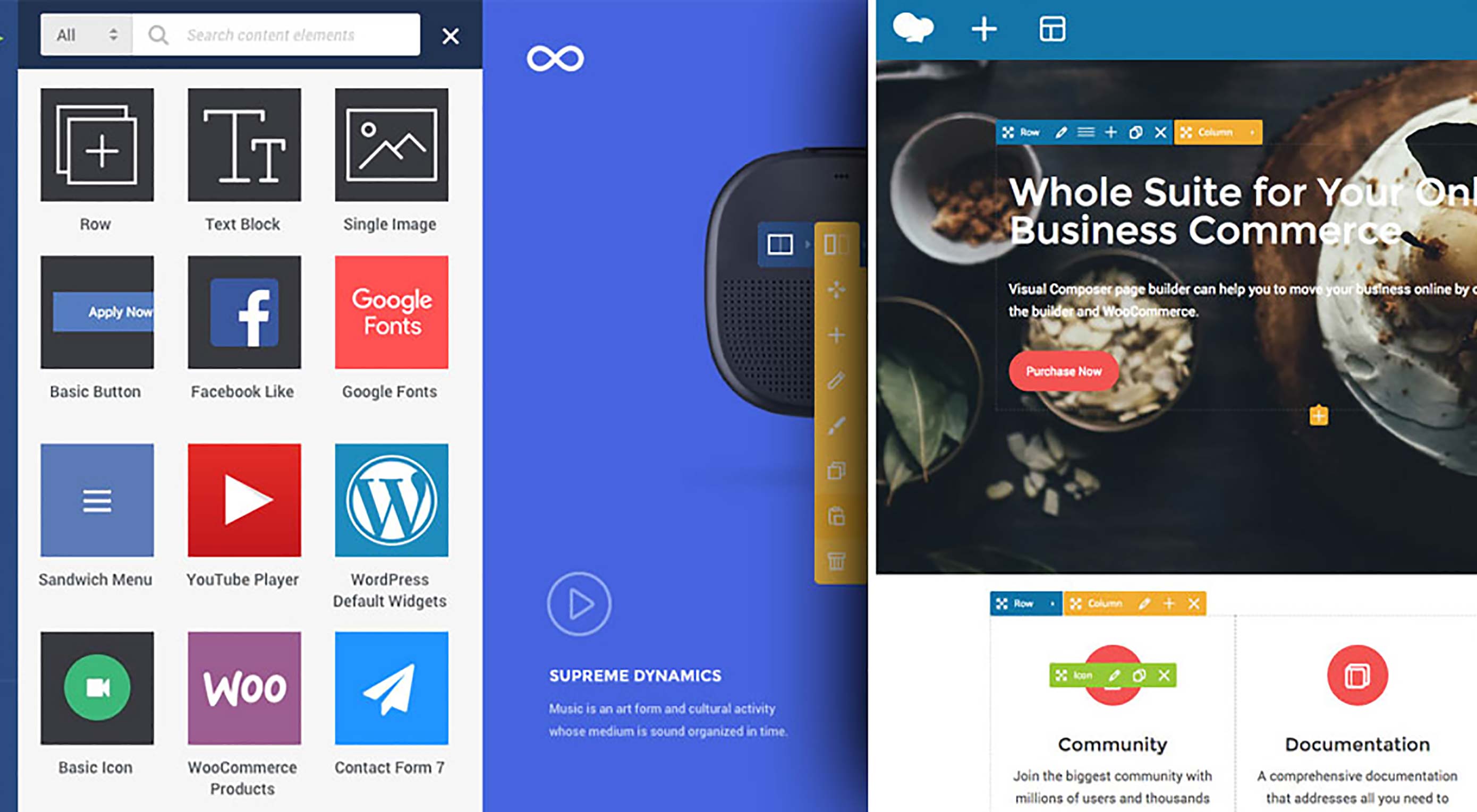
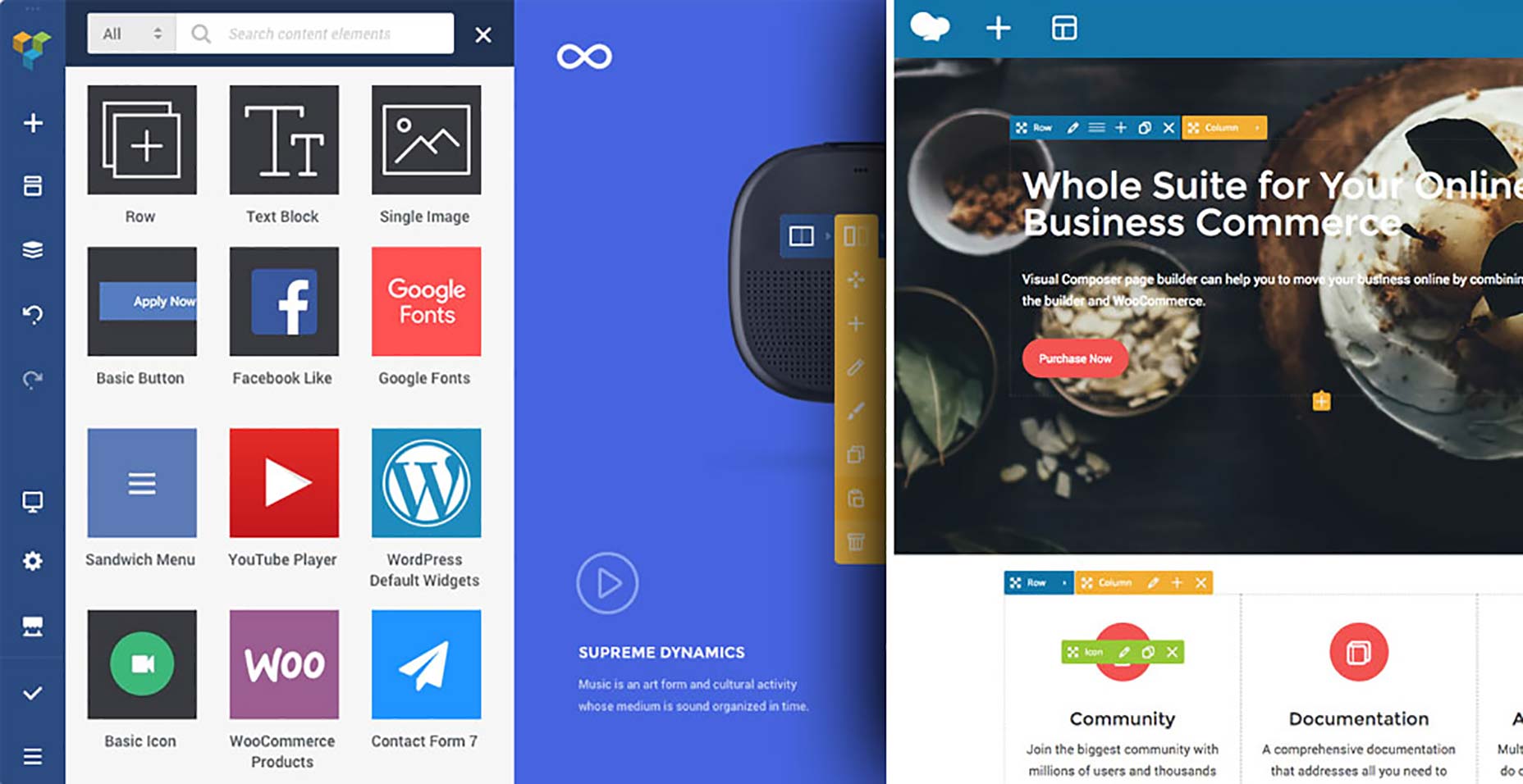
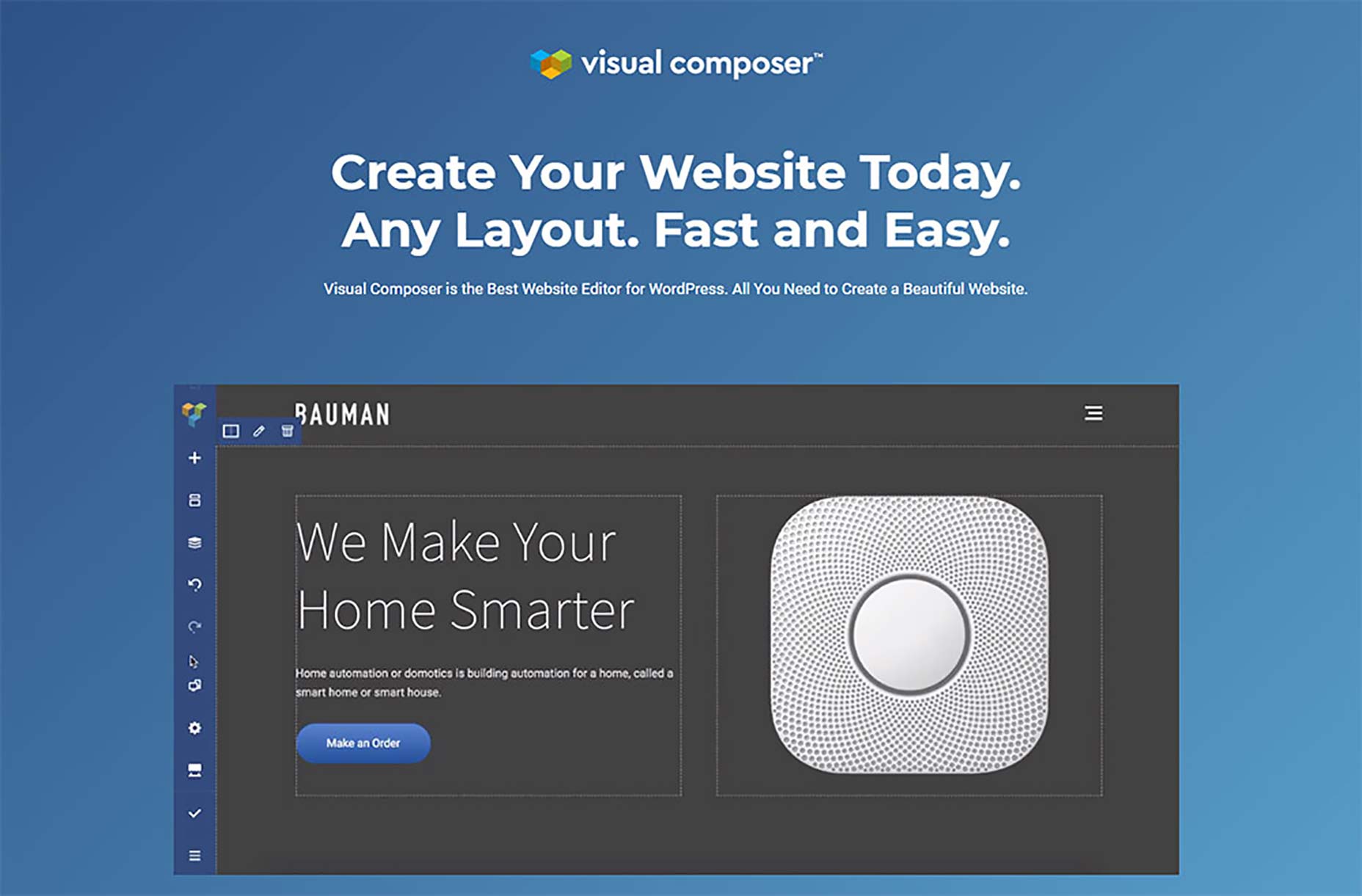
The Visual Composer Website Builder is a live-preview editor with drag-and-drop features.

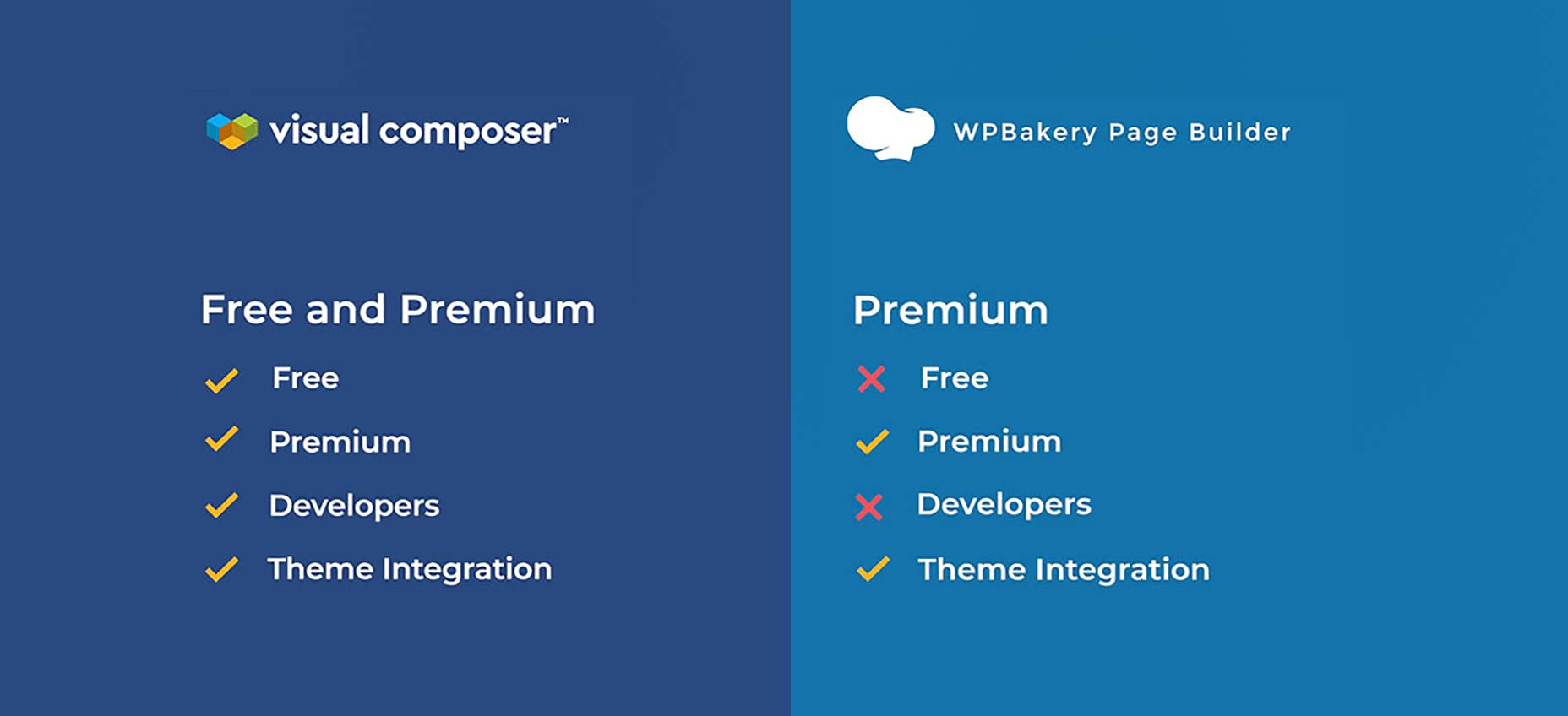
You have a free version and a Premium version with extra features (and more to be added next year).

There are hundreds of ready-to-use content elements to choose from, so you’ve got extra freedom to implement your vision.

You can play around with the drag-and-drop block and see your changes instantly (no more time wasted going back and forth).

You can use Visual Composer Website Builder with any theme, which means you can integrate it into your existing themes.

You can also choose from a handful of ready-to-use WordPress templates for different types of pages (landing pages, portfolios, corporate websites, product pages and many more).

We’ve set up two types of page editing: frontend editor and tree view. If you use the tree view, you’ll be able to navigate through the elements available on a page which speeds up the process.

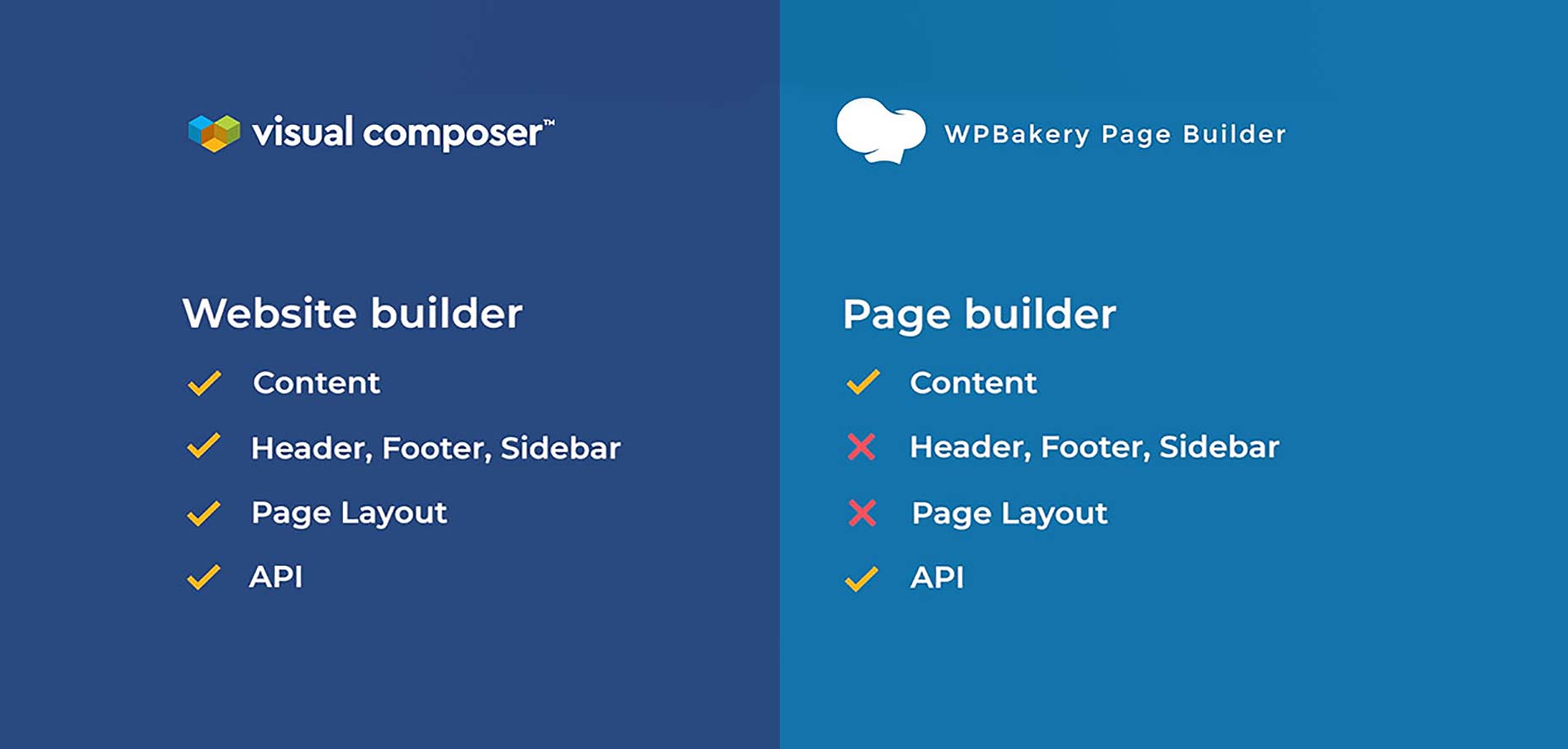
A big plus: there’s a header, footer, and sidebar editor available in the Premium version of the product. You’ll also have access to a wide variety of add-ons (you can get them from the Visual Composer’s dedicated Hub or get them from third-party developers).

So What Exactly Are the Differences Between Visual Composer Website Builder and WP Bakery?

We got this question a lot lately, so I’d like to take an extra minute to explain these differences here.

First of all, Visual Composer Website Builder is not the ‘premium’ version of WPBakery. It is a completely different product that incorporates the feedback we received from users in the past few years.

We wanted to help them achieve more with one single product, so we created the new product as a platform that can easily be extended according to the users’ needs and desires.

Visual Composer Website Builder’s code was built from zero with React.Js. It doesn’t use any of the WordPress shortcodes. This helps to achieve better performance.

A key difference between the two products is that WP Bakery is only for the content part, while Visual Composer Website Builder allows you to build a complete website (with Headers and Footers).

Another thing that sets the two apart is that WP Bakery is shortcode based, while Visual Composer Website Builder is not.

This helps you in two ways:

  1. it allows you to generate clean code;
  2. it doesn’t get messy if you disable the plugin (like it happens with shortcode-based plugins).

Finally, Visual Composer Website Builder comes with a cloud-based Hub. From which you can download only the elements you need. As a result, you don’t bloat your website with unwanted assets.

There’s a full list of the difference between the two products that you can check right here.

And if you have any questions, please leave a comment and we’ll try to clarify things for you as well as possible.

Thank you for reading this – we really appreciate you taking the time to walk through this journey with us.


[– This is a sponsored post on behalf of Visual Composer –]

Add Realistic Chalk and Sketch Lettering Effects with Sketch’it – only $5!

Source

p img {display:inline-block; margin-right:10px;}
.alignleft {float:left;}
p.showcase {clear:both;}
body#browserfriendly p, body#podcast p, div#emailbody p{margin:0;}

from Webdesigner Depot https://ift.tt/2QZrCYN


from WordPress https://ift.tt/2S6AwRt

My Secret Playbook: 28 Hacks Guaranteed to Grow Your Traffic and Sales

neil patel

Are you tired of algorithm updates?

Well, who isn’t?

From Facebook to Google, marketing is continually changing and getting harder. Even if you are willing to give these platforms money, it still doesn’t guarantee success.

You can experiment, run tests, but digital marketing isn’t as easy as it used to be. Years ago, when I started as an online entrepreneur, companies used to raise money to hire engineers and build infrastructure.

But nowadays, technology has become easy to build and companies like Amazon Web Services save you millions on infrastructure costs.

So, these days companies raise money for one main thing… can you guess what it is?

Marketing!

It’s become so much easier and cheaper to build companies that the majority of the money is spent on customer acquisition.

This is why marketing has become so competitive. But that shouldn’t stop you from succeeding, it just means you need to get creative in this ultra-competitive landscape.

So, to start you off… here are 28 digital marketing hacks that I still use and still work in today’s marketing landscape.

Hack #1: Video remarketing

The highest converting marketing tactic I have ever leveraged is to remarket everyone who visits my checkout page but does not convert. I then show them a video of what it would be like to be a customer… these videos appear on Facebook and YouTube.

For every dollar I spend, I typically am able to get a 17-20x return on my ad spend. If you are going to take away one thing from this post, start using this tactic.

Whether you are in B2B or B2C, this tactic works extremely well. Just keep your video to under 5 minutes in length.

Hack #2: Do the opposite

Most remarketing campaigns don’t work well because you are driving people back to the same page that they didn’t convert in the first place. So instead of doing that, when you are remarketing users, send them to a page that has the opposite pitch.

For example, if your original sales pitch was logical, try a landing page that leverages emotions instead of logic.

Just think of it this way, that person didn’t buy from you the first time for a reason. You need to show them something different if you want them to convert into a customer.

Hack #3: 2-step checkouts beat one step

From my experience, I am usually able to get a 9 to 11% lift by making my checkout pages 2 steps.

Whether it is an e-commerce site or a B2B lead generation site, 2 steps typically beat out 1 step.

It’s counter-intuitive but once someone gives you their name and email, they are more likely to give you the rest of their information because they’ve already started the process. You can also email everyone who didn’t complete the registration process and convert some of those people.

If you have a strong brand like Nike or Amazon, this doesn’t matter as much. But if you don’t, which is more likely your case, use a 2-step checkout page. Whether it is a lead generation page or an e-commerce checkout page, use a 2-step.

Hack #4: Don’t forget sidebar links

Within your blog, link to your cornerstone content within your sidebar on every page. And I literally mean every page of your blog.

You don’t have to make the links rich in anchor text… but this one little thing will give more juice to your cornerstone content.

And within a year of doing this, those pages will shoot up to the top of Google for competitive terms. This is how I rank for terms like “Google AdWords” on page 1.

Hack #5: Blend in keywords from Google Suggest

If you are already ranking for popular terms, take them and put them into Ubersuggest.

It will provide a list of long-tail phrases that people search for. Integrate those keywords (at least the ones that are related) into the same page that ranks for the main head phrase.

This one little hack will increase the traffic to your most popular pages within 30 to 60 days.

Just be careful when using this tactic because you can’t keyword stuff. You need to adjust the content to also be relevant to the long-tail phrases if you want this hack to work.

Hack #6: Don’t stop with email

Email marketing is something that most blogs and sites leverage. If you add in push notifications and you add in chatbots, however, you’ll double up the traffic you were getting from email.

In other words, if emails drive you 1,000 visitors a month, push and chatbots combined should also drive you at least another 1,000 visitors a month.

You also find that push notifications and chatbot notifications generate higher click-through rates than email, but they also receive substantially more unsubscribes.

So, the next time you are sending out an email, don’t forget to also send out that same message to your push notification and chatbot list.

Hack #7: Brand queries is the fastest way to increase rankings

No matter which industry you are going after, the more people that type in your brand name into Google and click on your site, the faster your rankings will climb.

And not just your rankings for brand related terms, more so for all of your terms.

If you want to boost your brand queries, you have to do crazy PR stunts. Companies like PRserve do them on a performance basis.

You can also monitor if the PR stunts are working by typing your brand name into Google Trends. This one trick helped me rank on page 1 for the term “online marketing.”

If you are successful with this strategy, you should see results within 2 or 3 months.

Hack #8: YouTube only cares about the first 24 hours

If you want to do well on YouTube, your video needs to do well in the first 24 hours. It’s the opposite of traditional SEO. On YouTube, you’ll rank right away and get tons of traffic if you can make sure the first 24 hours are successful.

Every time you release a video, promote it to your email list, push notification list, and messenger bot list. It’s a great way to ensure your video does well.

Hack #9: Facebook loves comments

One of the largest parts about Facebook’s algorithm is how many comments you generate. The more comments you generate the more views your videos will get and the more reach your status updates and posts will get.

Asking people to leave a simple comment helps more than a like or share.

For example, in a video, I may ask the question of… “Do you use voice search? If you do, leave a comment with yes and if you don’t, leave a comment with no.” It doesn’t matter what people type as their comment, but this is the easiest way to ensure you get 2 to 3 times more reach from Facebook’s algorithm.

I’ve tested this a handful of times and the key is to make it easy for your fans to leave a comment. If you ask them to type up a sentence or a paragraph, you’ll get fewer comments.

Hack #10: Adding the year to your title tag increases CTR

If a lot of your traffic is generating from your blog, the easiest way to boost your rankings is by getting a better click-through-rate than all of the other listings.

Adding the year in your title tag lets people know your content is up to date and relevant and typically it helps get more clicks than anything else.

For example, the title “The Complete List of SEO Tools (Updated in 2018)” would do better than “The Complete List of SEO Tools”.

Another example that worked well was, “How to Start a Blog in 2019.” That generated way more clicks as people want to know how to start a blog in today’s competitive environment.

On the flip side, if you add a year to your title tag and your content is old and outdated, you will get a lot of bounce backs, which means your rankings will go down. So be careful when using this hack.

Hack #11: Don’t put dates in your URL

A lot of bloggers and site owners put dates in their URL in hopes that news sites will crawl them.

Don’t do this!

I removed the dates in my URLs and my search traffic went up 58%. It was the easiest and dumbest marketing win I ever got. When I removed the date in my URLs, it took 30 days to see the results.

And if you leverage this hack, make sure you use 301 redirects and you update all of your internal links to the new URL.

Hack #12: Subdirectories over subdomains

People love using subdomains, but Google passes more juice to subfolders. When I changed blog.crazyegg.com to crazyegg.com/blog, I saw an instant 11% increase in search traffic.

Now, it didn’t happen overnight, but it was close enough… I saw the results within 7 days. Same when I moved the blog on TimothySykes.com into a subfolder.

If you are going to use this hack, you also need to change your internal links to the new URL and, of course, 301 redirect the old URLs to the new ones.

Hack #13: Hreflang works better with subdomains

I know above I said subdirectories work better than subdomains, but that is not true when you are translating your content into different languages.

For example, if you are expanding your website into Portuguese for Brazil you are better off creating URL structure that is br.yourdomain.com than youdomain.com/br/.

I need to fix this on NeilPatel.com still, but when I tested this on 2 other sites that focused on the global market, one saw a 17% increase in international search traffic within 3 months and the other saw a 23% increase in international search traffic within 3 months.

Hack #14: Start with the Link Intersect

Links still matter when it comes to SEO. And it will for a very long time because it is becoming harder to build them.

The easiest way to build them is by using the Link Intersect feature by Ahrefs. What this Ahrefs feature does is it shows you everyone who links to your competitors but not you.

If someone is linking to 3 or 4 of your competitors, this tells you that they don’t mind linking out and there is a good chance you can get them to link to you.

Hack #15: It’s easier to build up a personal brand

From social profiles to blog traffic, people relate more to personal brands than they relate to corporate brands.

If you want more followers on your social profiles and you want to quickly grow your traffic fast, make everything around a personal brand.

But keep in mind, a personal brand is harder to sell and grow into a multi-billion dollar company.

Hack #16: The best way to get podcast listeners is through an exit popup

If you want more listeners for your podcast, the best way is to add an exit popup to your mobile site.

And on your mobile exit popup, ask people to subscribe to your podcast. Don’t use the same exit popup for all mobile devices, you should be sending people who use iPhones to the iTunes Store and people using Android to their version of the iTunes store.

Keep in mind that showing an exit popup on mobile devices is irritating, so wait at least 30 seconds before you show mobile users an exit popup.

Hack #17: LinkedIn prefers video

If you want to get the most attention from LinkedIn, upload videos instead of text-based content. Videos on LinkedIn get 2 to 3 times more engagement than text.

So, if you want more traffic from LinkedIn, upload videos.

And if you want more traffic from any social network, look to see what type of content they are lacking. If you provide them with that type of content, you’ll notice that your traffic will go up.

Hack #18: Journies and courses convert better than ebooks

Typically, most people offer ebooks in exchange for an email. And although it is more effective to give away an ebook in exchange for an email address than it is to ask people to opt into your newsletter, it still isn’t the best strategy.

If you offer a 30-day course or if you offer a journey, you’ll generate more email subscribers.

A good example of a 30-day course is, “30-Day Free Course: Double Your Traffic in 30 Days.” A good example of a journey is, “Follow My Journey to $100,000, I Am Learning a Lot and So Will You.”

Hack #19: Buying sites is cheaper than buying traffic

If you know certain pay-per-click terms convert extremely well, why not just buy a site that already ranks for all of those terms.

That’s what I did when I recently spent $500,000. I bought a website that already has traffic.

If you buy a site that already has the traffic, keep in mind that the traffic won’t convert as well as paid traffic.

With paid traffic, you are able to control your landing page more, limit the amount of text, and optimize for conversions. Nonetheless, it is still worth buying sites who already have your audience.

Hack #20: Quizzes collect more leads than lead forms

Most people collect leads by asking people to fill out lead forms. It’s not as effective as collecting leads through quizzes.

Here is a good example of this.

When I converted my lead form pages into a quiz, I increased my lead count by 281%.

If you don’t know how to create a lead generation quiz, you can always use tools like Lead Quizzes.

Hack #21: Tools generate more traffic than content marketing

The upfront cost is higher, but the long-term cost is significantly less.

For example, when I created the SEO Analyzer I put in around $25,000 in money and another $1,800 each month for hosting, but it consistently brings in 73,201 visitors a month.

Ubersuggest costs me more, but it brings in 492,394 visitors a month.

In general, tools are easier to maintain and are more affordable in the long run for how many visitors they generate.

Hack #22: Send paid traffic to content first

Marketing is like dating. You can’t expect to send cold traffic to a product or service and expect people to buy a high-ticket item.

You’ll find that paid advertising is much more effective and affordable for selling high ticket items if you send people to an educational piece of content such as a blog post. And then remarketing those visitors and then driving them to your product or service.

In the long run, this is cheaper if you are selling products for above $500 and it is more effective as paid ads to content are cheaper than paid ads to landing pages.

Hack #23: Facebook Info and Ads

Are you struggling to run Facebook Ads that convert and are profitable when you know your competitors are crushing it on Facebook? Well, struggle no more.

Go to your competitor’s fan page and in the left navigation bar click on “info and ads.” This will show you all of the ads that your competition is currently running.

Now when you create Facebook ads, start off by running similar ads to your competition. This will give you the best shot at success.

Hack #24: Respond to comments with a question

As I broke down in hack number 9, Facebook loves comments.

Another simple hack, which works for Facebook and every other social network, is to respond to comments answering their question and of course also asking another question.

This keeps the momentum going and it causes a portion of the people who left a comment to come back and leave another comment.

By doing this on Facebook, Instagram, YouTube, and LinkedIn, you will find yourself getting more reach for every single thing you share on each of those networks.

I know this hack sounds dumb, but it works really well and no one leverages it.

Hack #25: Don’t forget about the AMP framework

No one talks about Google’s AMP framework, but it is a simple way to get more mobile traffic.

If you are targeting traffic from the United States or even most parts of Europe like the UK or Germany, the AMP framework won’t give you a lift in traffic.

But if you are also targeting international markets where their infrastructure isn’t as great, AMP framework will give you a boost in search traffic.

For example, when I rolled out the AMP pages in Brazil, I got a 28% increase in mobile search traffic.

For markets where their infrastructure isn’t as developed and people rely on mobile devices, enabling the AMP framework will typically give you a 20 to 30% boost in mobile search traffic for those regions.

Hack #26: Webinars are the best way to sell ebooks and courses

If you want to monetize your blog, the best way is usually selling ebooks and courses. But driving people to a sales page to sell an ebook isn’t too effective.

Instead, if you create a webinar and then sell a $497 or $997 ebook/course, it is much more effective.

It’s so effective, in fact, that I am able to get 3.6 sales for every 100 webinar registrations. This video will teach you how to do it step-by-step.

Hack #27: Order bumps don’t hurt conversions, they help increase revenue

On your checkout page, you don’t just want people to buy, you want them to spend more money.

The easiest way to generate more revenue from each customer, without reducing your conversion rate, is order bumps.

As long as you make your order bump a really good deal, it can typically add $5 to $15 to every purchase on average.

If you don’t have an order bump, you should create one right away.

Hack #28: Share your content over and over again

You spend all of this time writing content, but then you spend very little time promoting it.

What most people do is write content and then share it on all of their social profiles. A few people send out email blasts notifying people about their content, which you should also do.

But if you want to double your social traffic, what I do is share the same piece of content 6 times throughout the next 12 months. In other words, retweet that content 6 times. Share the same post on LinkedIn a few times over the next 12 months.

As for Facebook, sharing the same URL over and over again doesn’t work, but the other social networks are fine with this.

This one simple hack has doubled the amount of traffic I get from social sites on a monthly basis. Best of all, no one really complains as the majority of your social connects won’t see the content the first time you post it.

Conclusion

I know some of the hacks I mentioned above seem simple, but they work. And if I had to bet you a dollar, you don’t do most of those “simple” hacks.

No matter what vertical you are marketing in, it’s competitive. You aren’t going to find one hack that’ll drastically increase your traffic. You’ll find that you need to do a lot of little things.

But don’t take them for granted because all of those little things add up to a massive amount of traffic over time.

What other hacks do you leverage to increase traffic and sales?

The post My Secret Playbook: 28 Hacks Guaranteed to Grow Your Traffic and Sales appeared first on Neil Patel.

from Blog – Neil Patel https://ift.tt/2BqNulS


from WordPress https://ift.tt/2LqgtuH

Monday, December 17, 2018

What’s New for Designers, December 2018

Happy holidays!

This collection of new tools and resources is our gift to you this season. And there are plenty of holiday-themed elements sprinkled in. Enjoy!

If we’ve missed something that you think should have been on the list, let us know in the comments. And if you know of a new app or resource that should be featured next month, tweet it to @carriecousins to be considered!

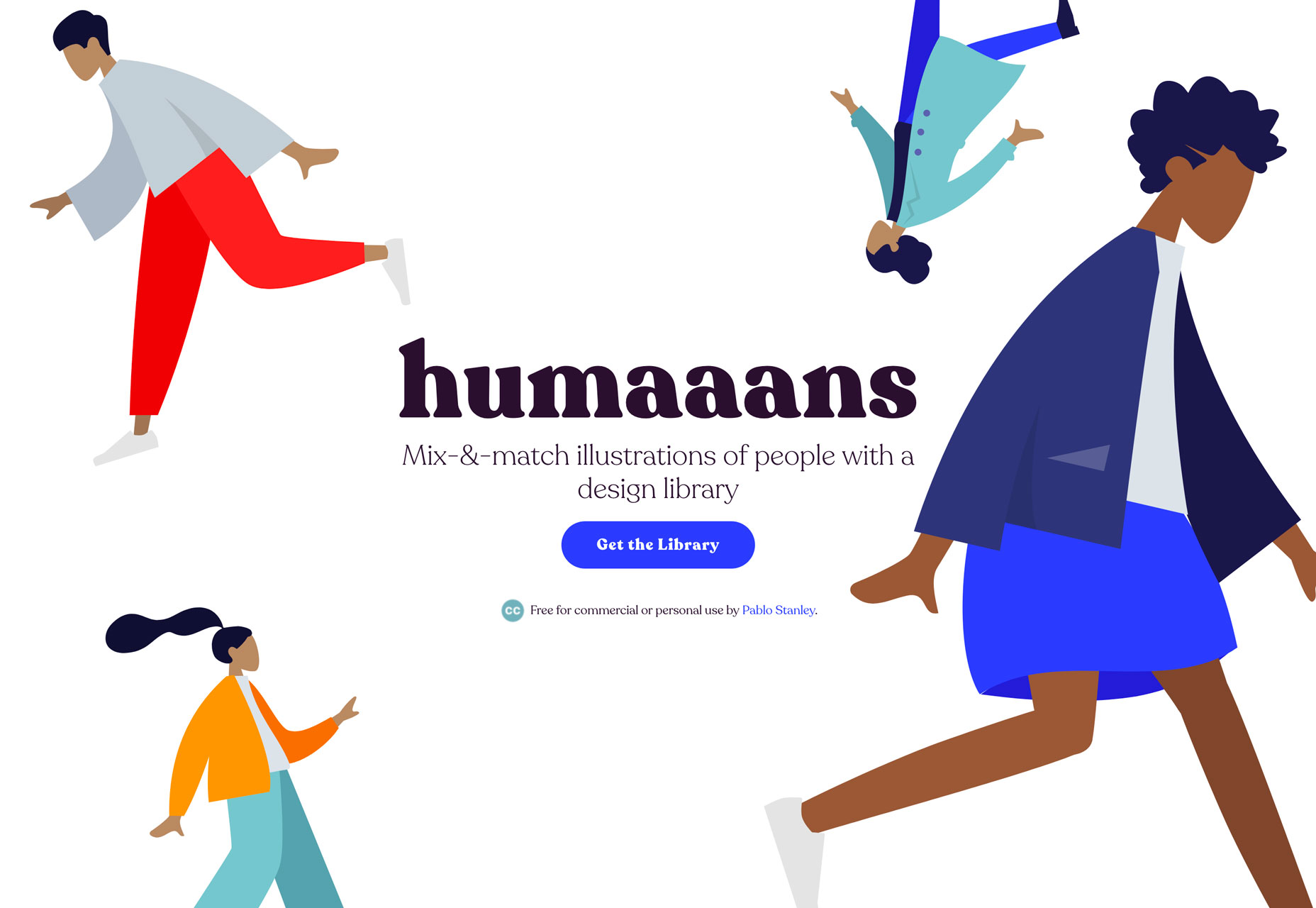
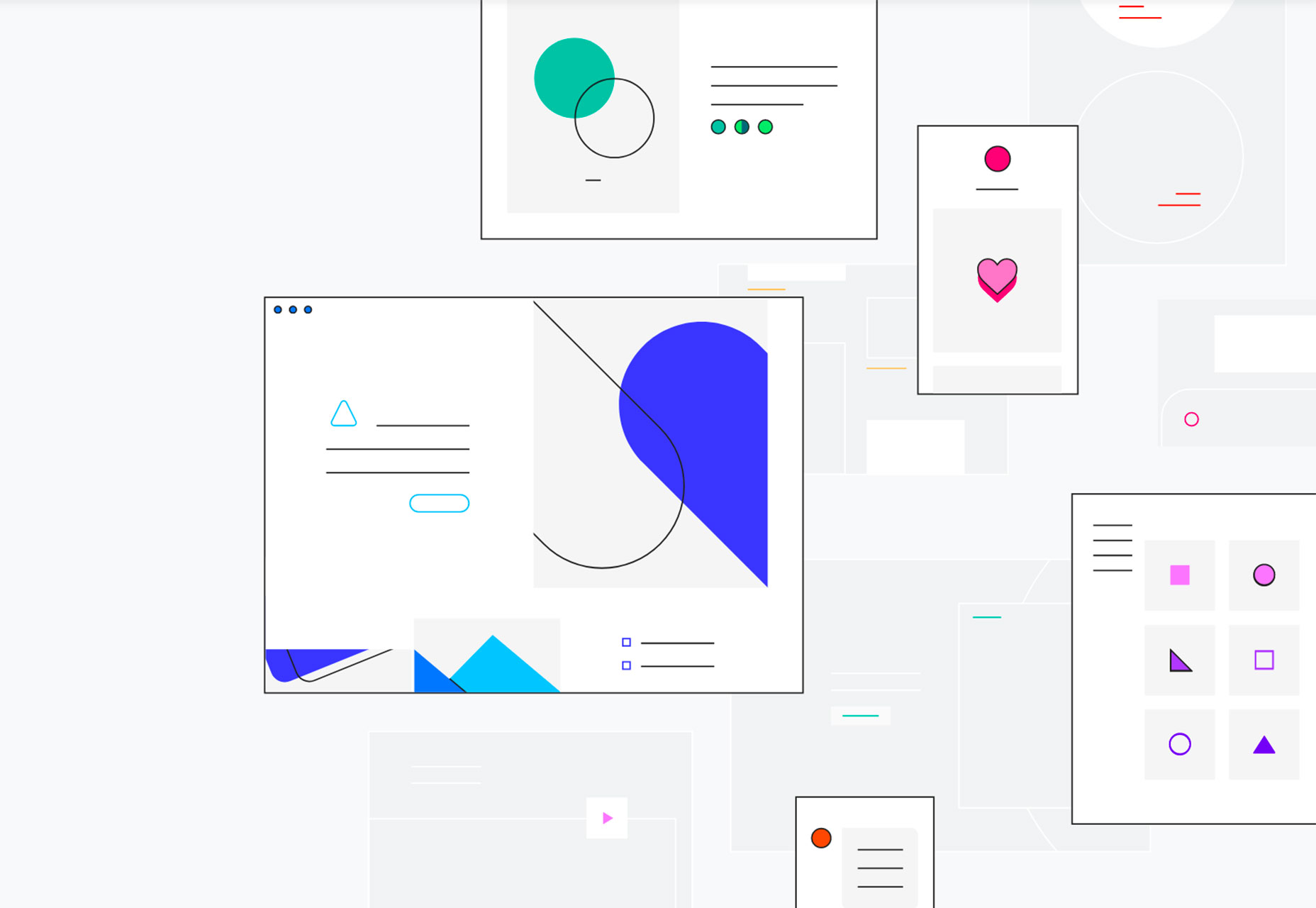
Humaaans

Humaaans is a design kit packed with illustrations of people with a fun style. You can mix and match people and styles – from clothes to hairstyles – to find illustrated humans to match your design projects. Use the illustrations alone or add extra elements to create an entire scene. (The only probably with this free, creative commons-licensed tool is that you might spend all day playing with it.)

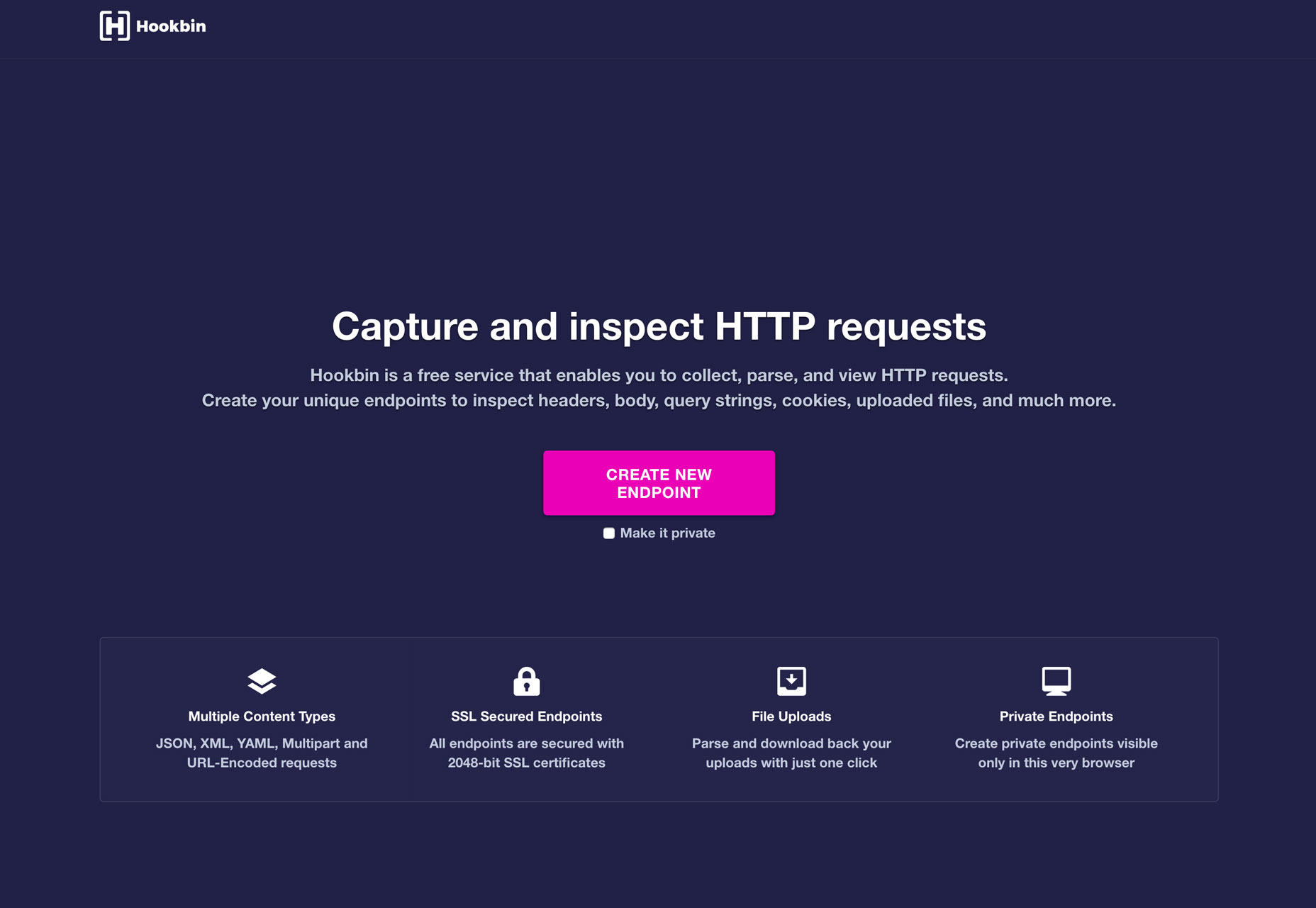
Hookbin

Hookbin allows you to capture and inspect HTTP requests. The free tool lets you inspect a number of content types – JSON, XML, YAML, Multipart and URL-encoded requests and every request uses SSL endpoints. Plus you can inspect headers, body, query strings, cookies, uploaded files and more in a private environment if you like.

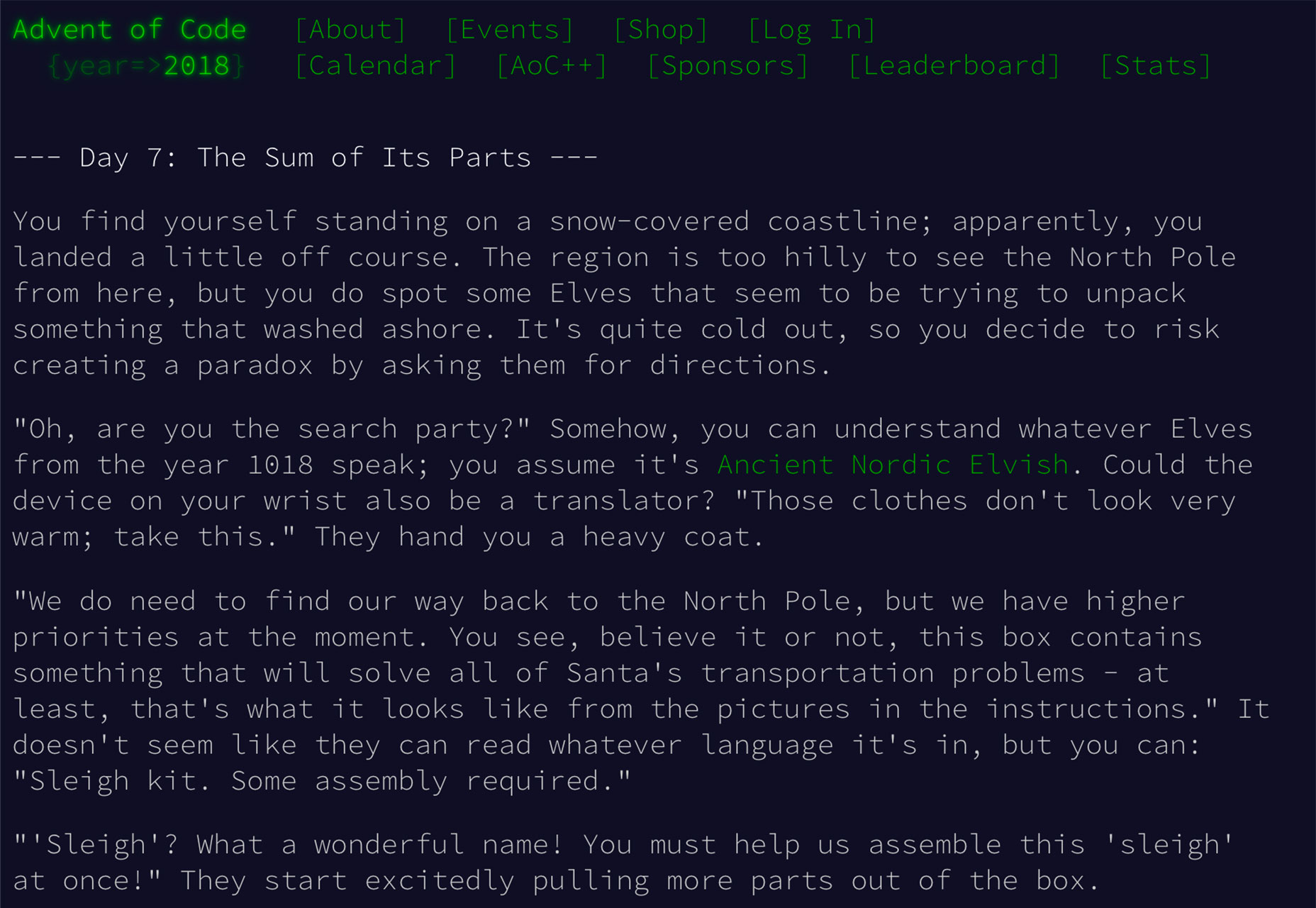
Advent of Code

Advent of Code is an Advent calendar of small programming puzzles for a variety of skill sets and skill levels that can be solved in any programming language you like. Use them as a speed contest, training, coursework, practice problems, or to challenge other designers. You don’t need a computer science background to participate – just a little programming knowledge and some problem solving skills will get you pretty far.

Fibre

Fibre is a WebGL application for visualizing and coding 3D vector fields and dynamic systems. Vector fields can be authored in the code editor and shared via HTML link with the embedded code.

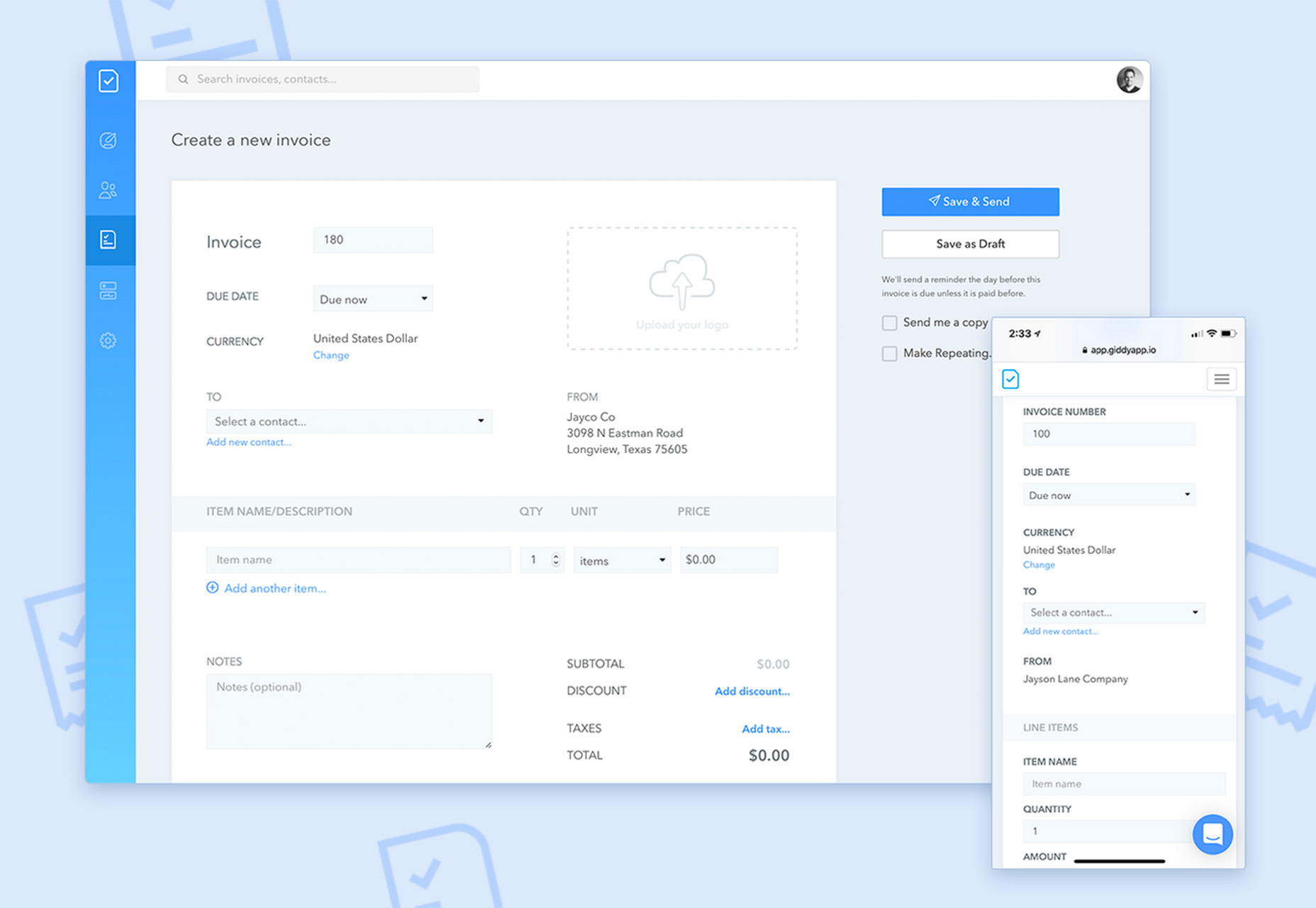
Giddyapp

Giddyapp is a lightweight invoicing tool that’s made for small businesses and creatives. Invoices have a sleek design that’s easy to use and send. Payment processing is integrated with Strip, Square and PayPal and notifications let you know when clients open and pay invoices. If you need a way to manage clients, this is it.

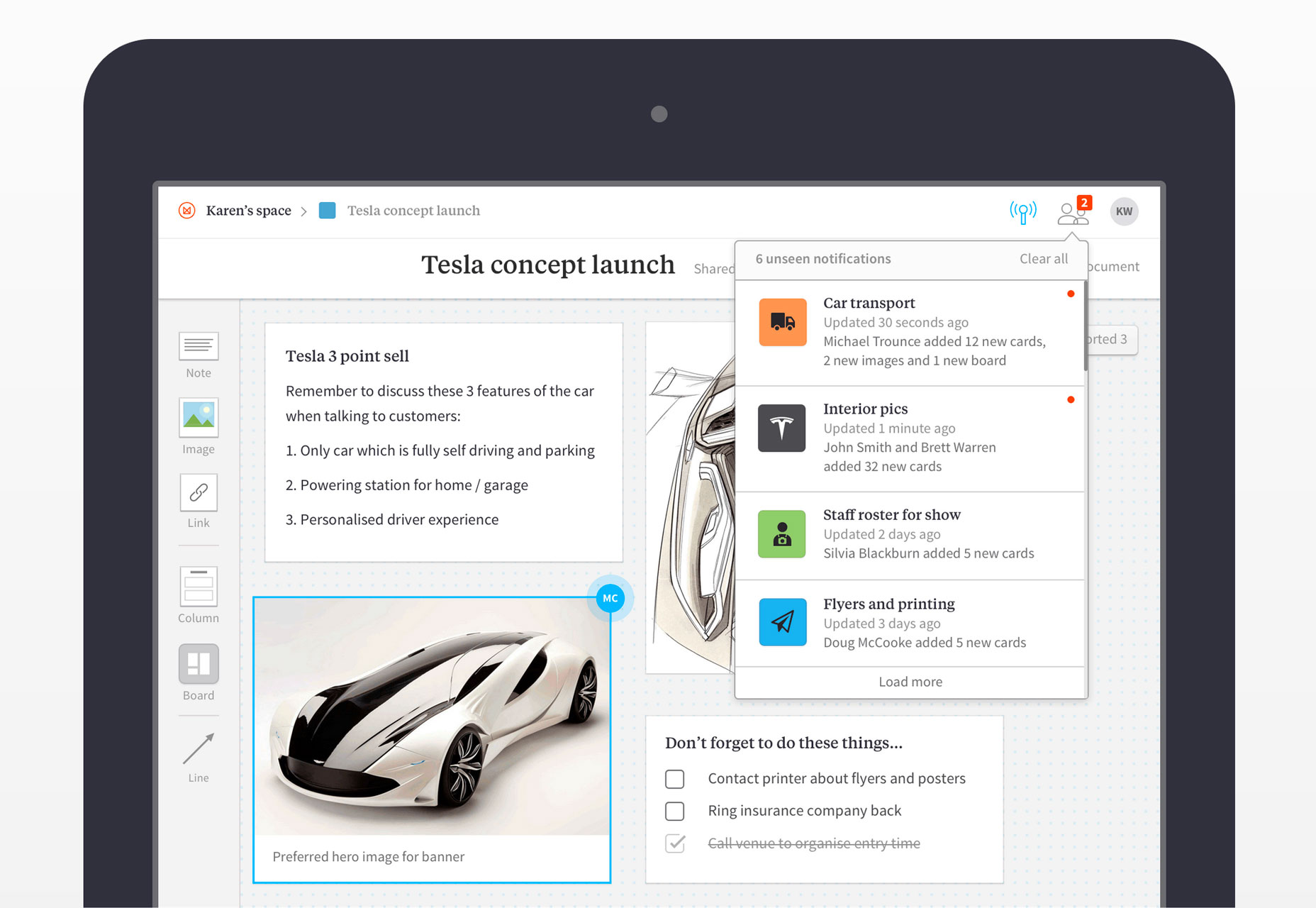
Milanote

Milanote is a brainstorming tool for teams. Use it to collect elements for moodboards or event to outline design projects. The interface is easy to engage with and you can add structure and purpose to how projects are created and even invite others to collaborate. One of the best things is that it all works in the cloud and is available anywhere eon any device.

Christmas HQ

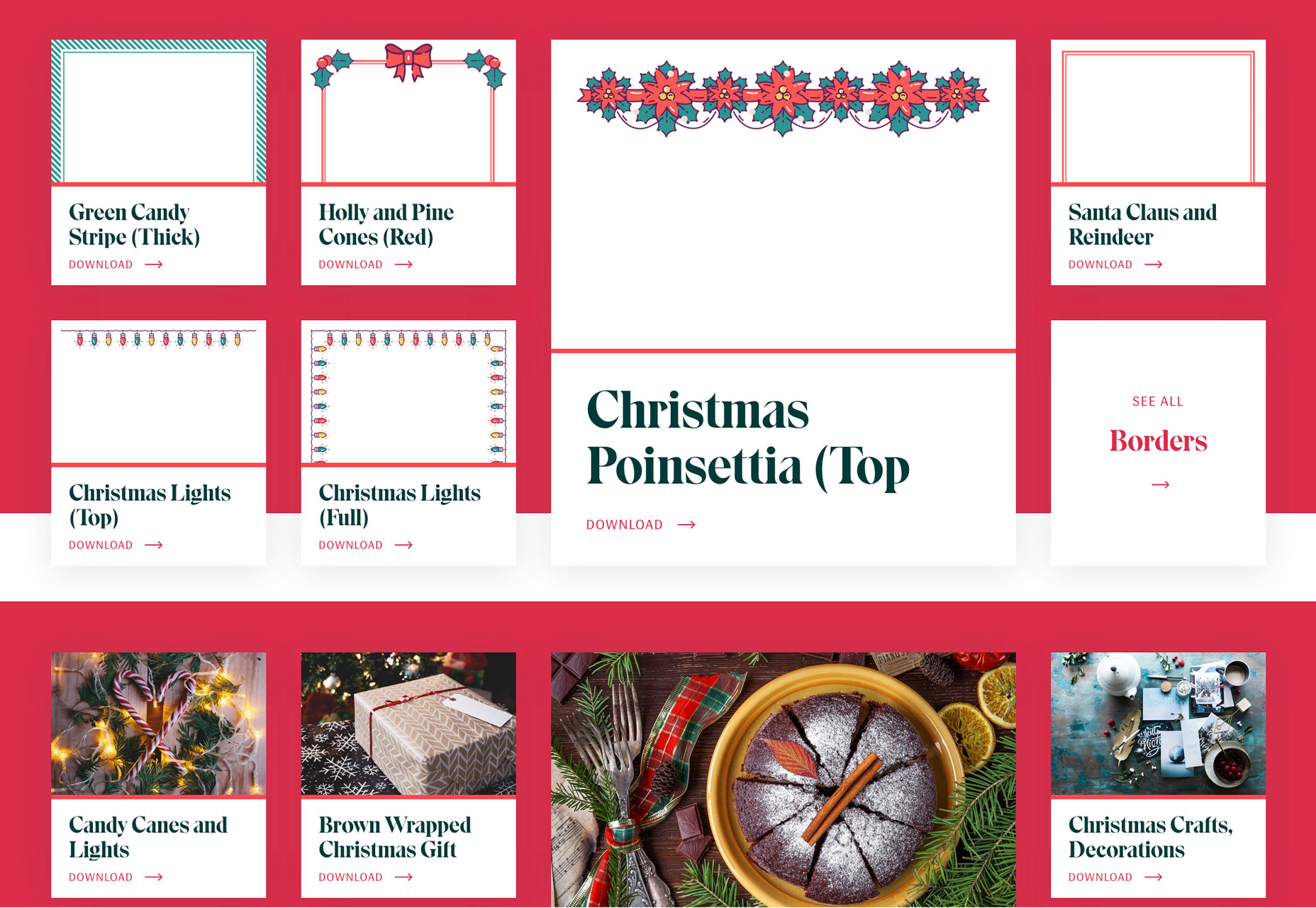
Working on holiday themed projects? Christmas HQ is packed with designs including clip art elements, backgrounds, fonts, borders images and other elements to jumpstart creative projects.

Color Koala

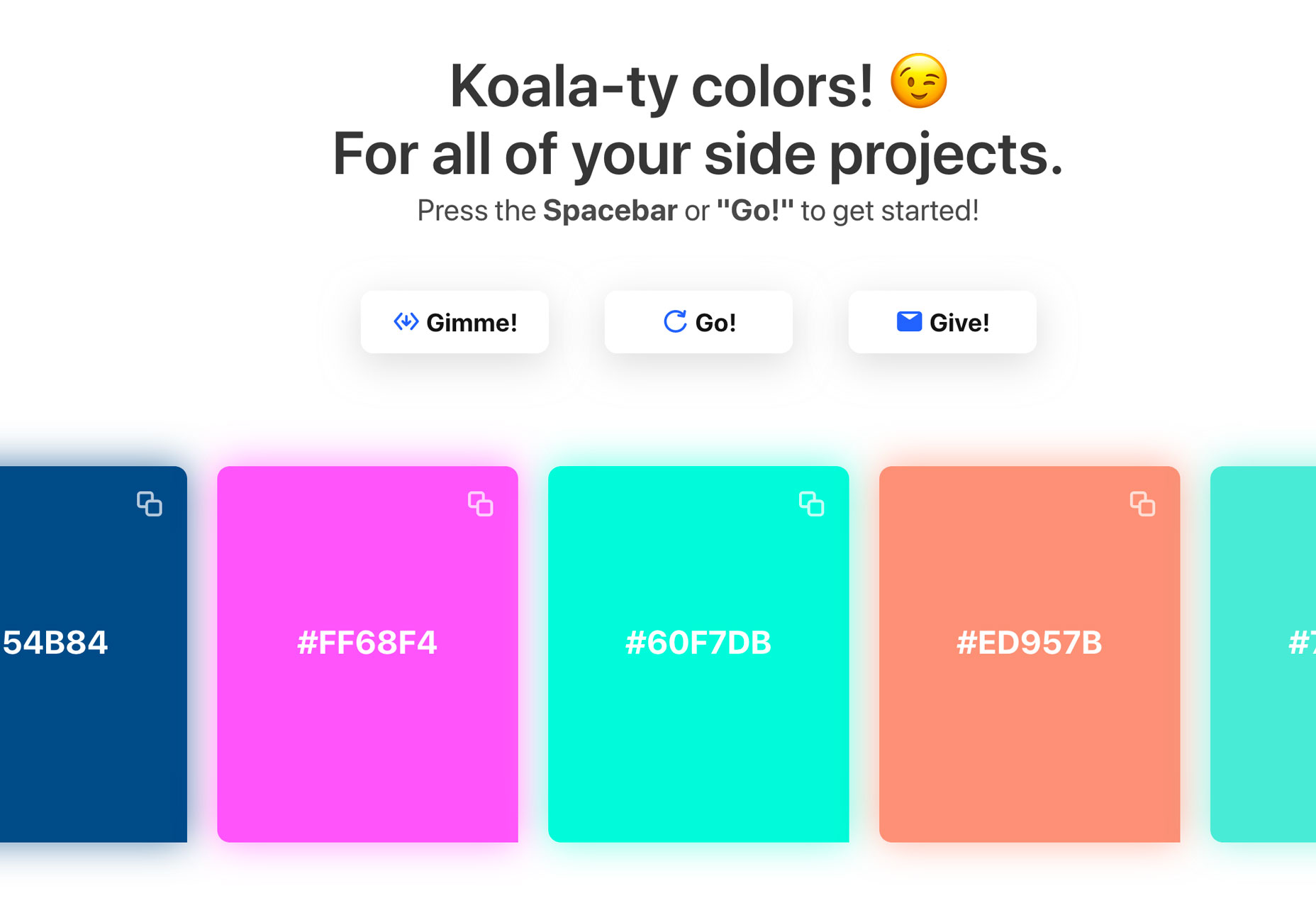
Color Koala is a fun project that helps you create color palettes. Just press the spacebar and new combinations appear on screen for you to grab and use. Choose from light, dark or trending bright color palettes.

CSS File Icons

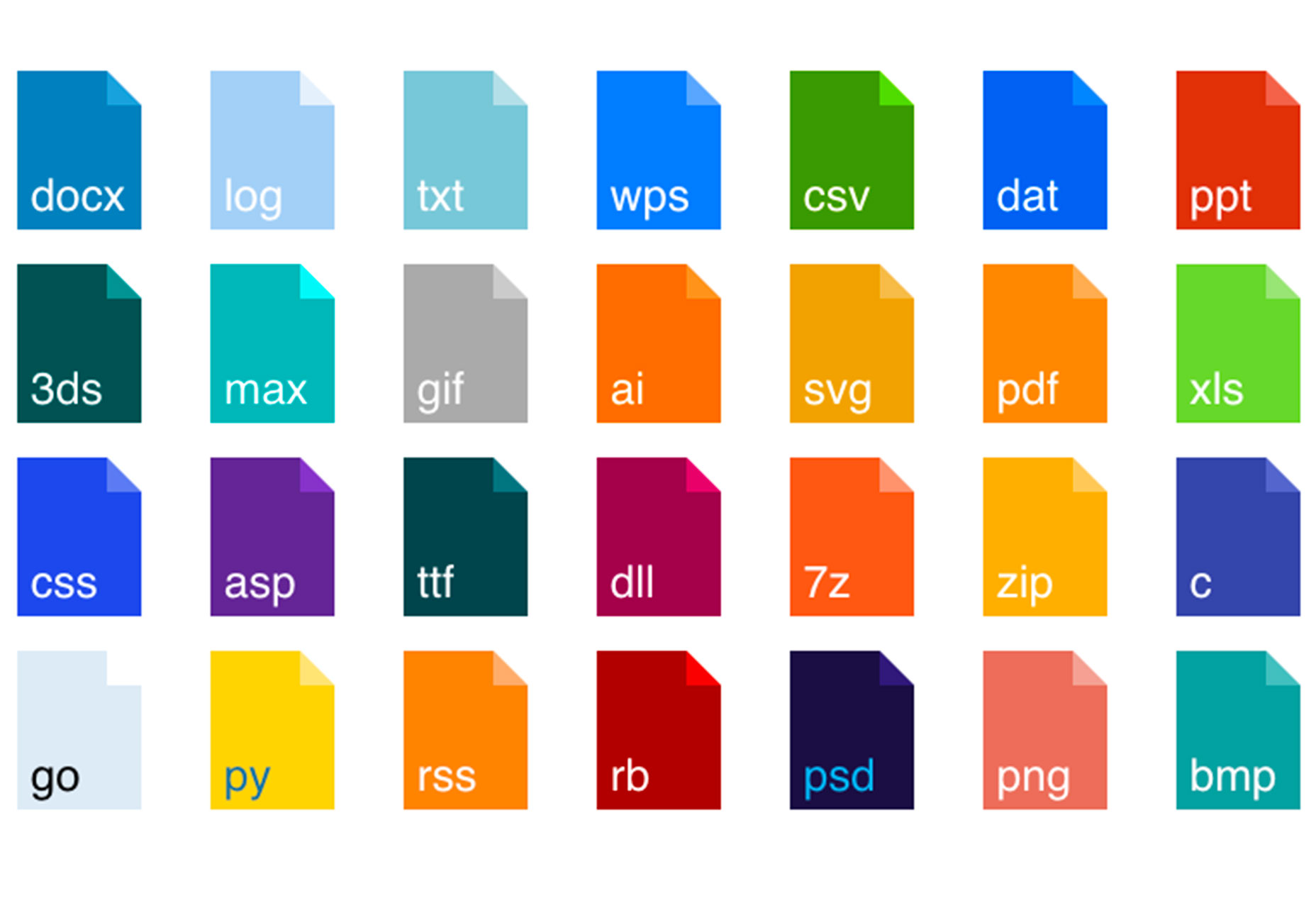
This collection of CSS file icons includes popular file icon extensions in a colorful flat style. Just include the CSS to the header and you are ready to go.

Squoosh

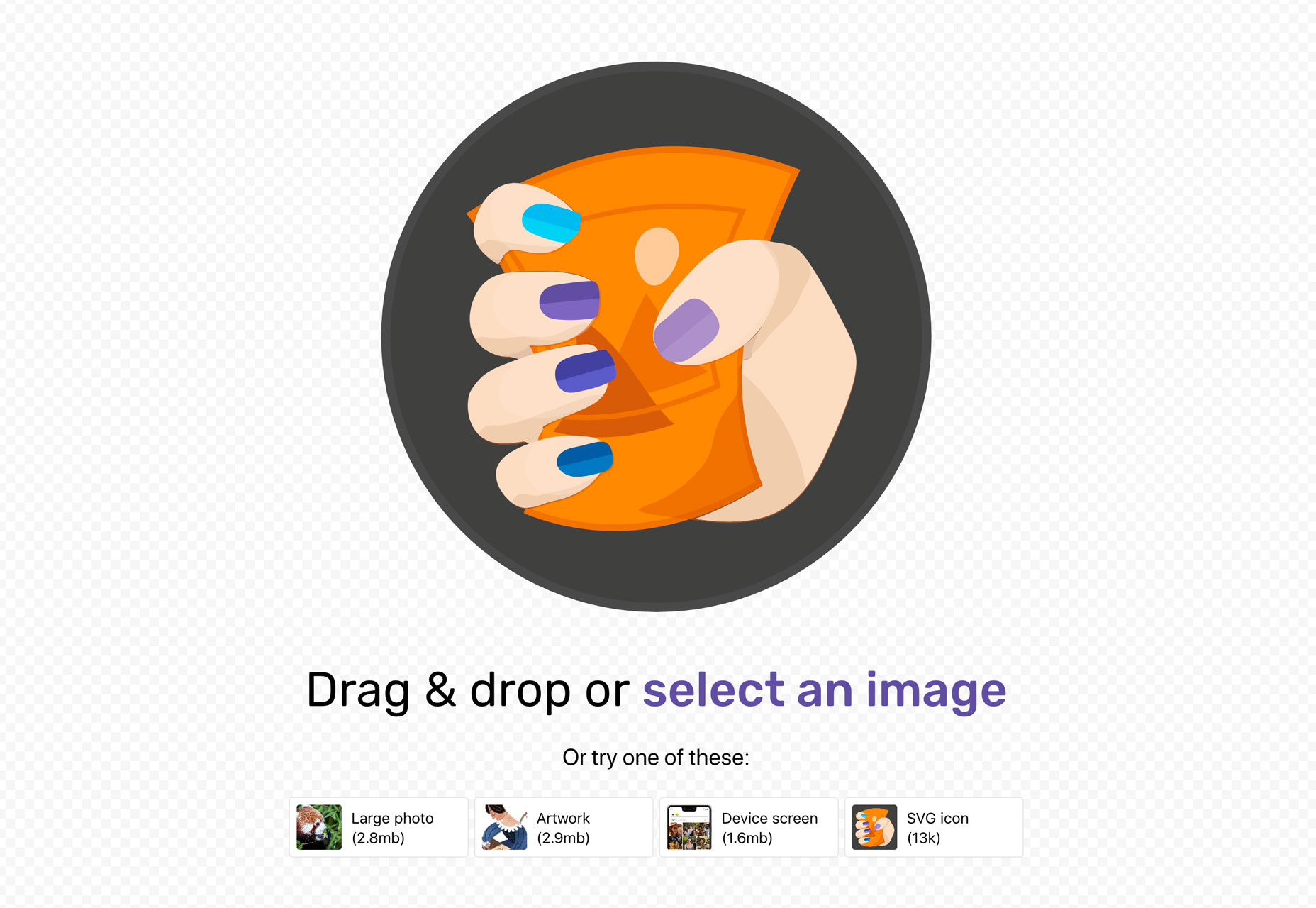
Optimize images for the web with one drag and drop. Squoosh is a project that lets you do just that and works for images, artwork, mockups and SVG files. You can adjust optimization settings for each file.

Write Freely

Write Freely is open-source software for creating a simple blog. It’s lightweight and the intuitive editor is made for getting your words on screen quickly. Without a bunch of unnecessary add-ons, this tool provides a distraction-free way to write (and read).

VR/AR Icons

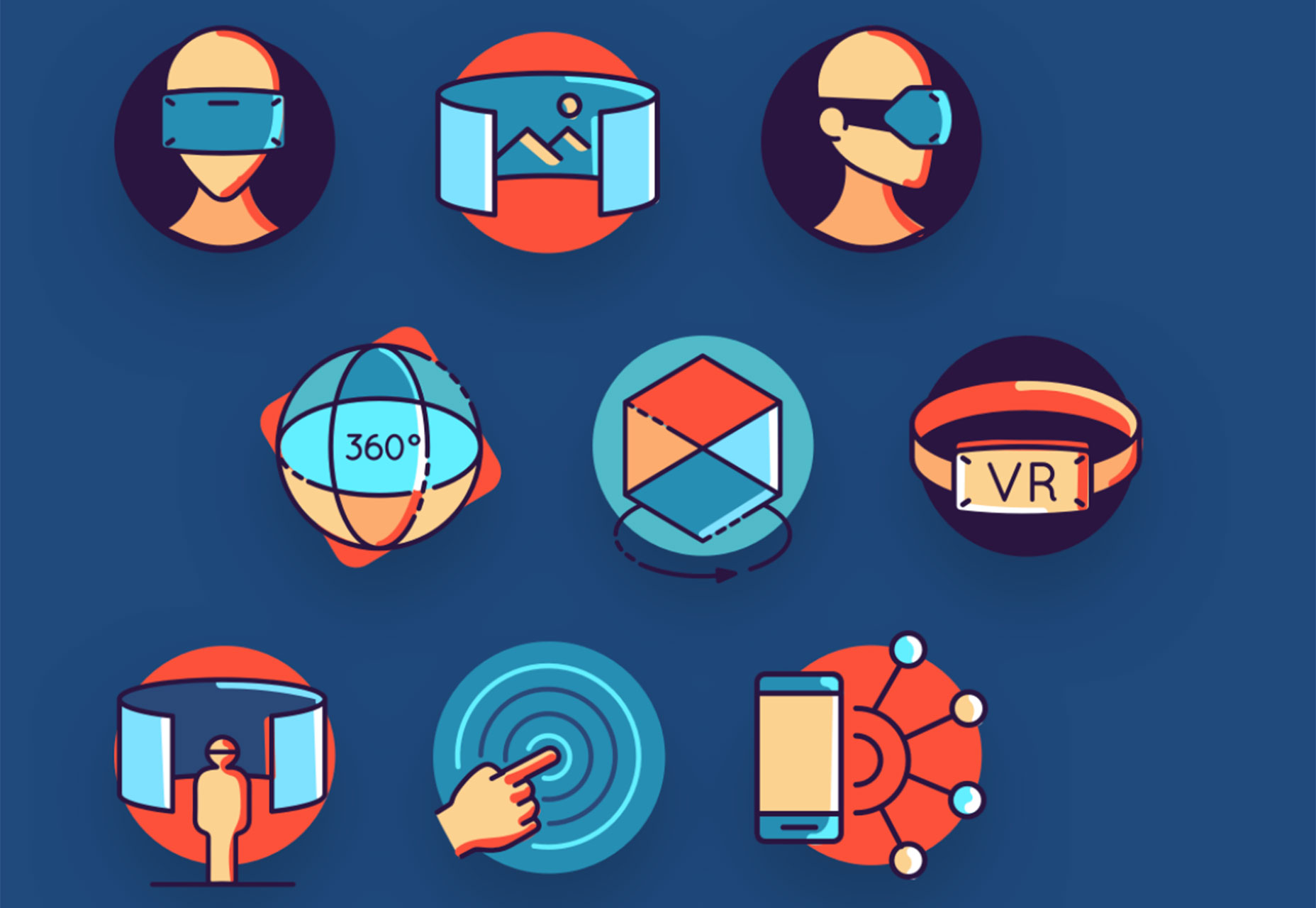
InVision App is offering a collection of 48 colorful icons featuring virtual reality and augmented reality designs. It’s a nice collection for themed projects.

Christmas Desktop Backgrounds & Wallpapers

Decorate your computer screen for the holidays. This collection of 25+ desktop backgrounds all feature cool designs with holiday themes. Perfect for getting you in the holiday (and creative) spirit.

UX Store

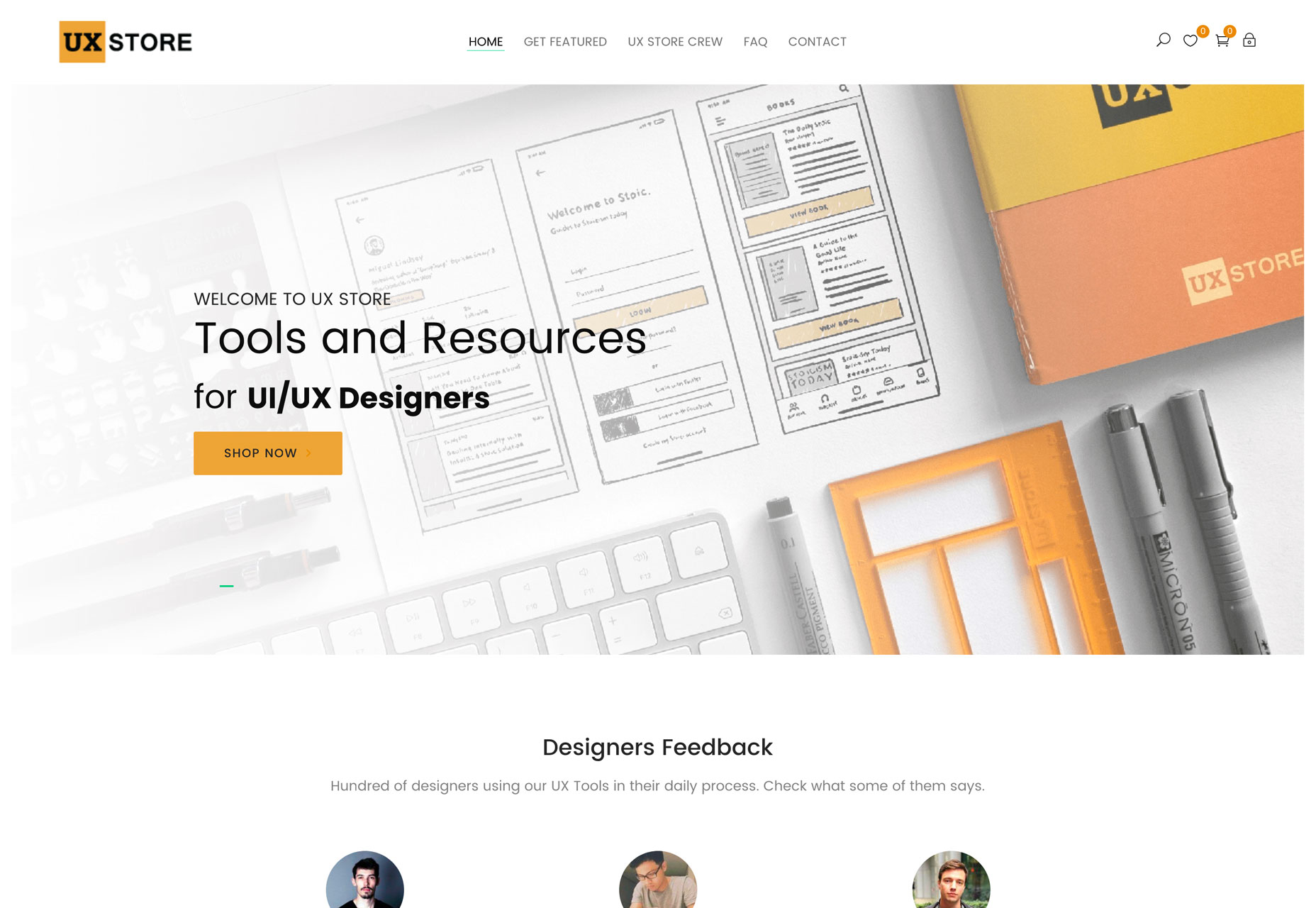
UX Store is a collection of design resources made for UI/UX designers. From tools such as sketchbooks and stencils to freebies including UI kits, icons and illustrations, this site is packed with elements that you can use. (Still looking for gifts for the designer in your life? UX Store might be the answer.)

Tutorial: HTML Canvas API

The Canvas API allows browsers to draw on the screen in the design process. This tutorial takes your through the process of using the API step-by-step.

Talk: How to Read Color Hex Codes

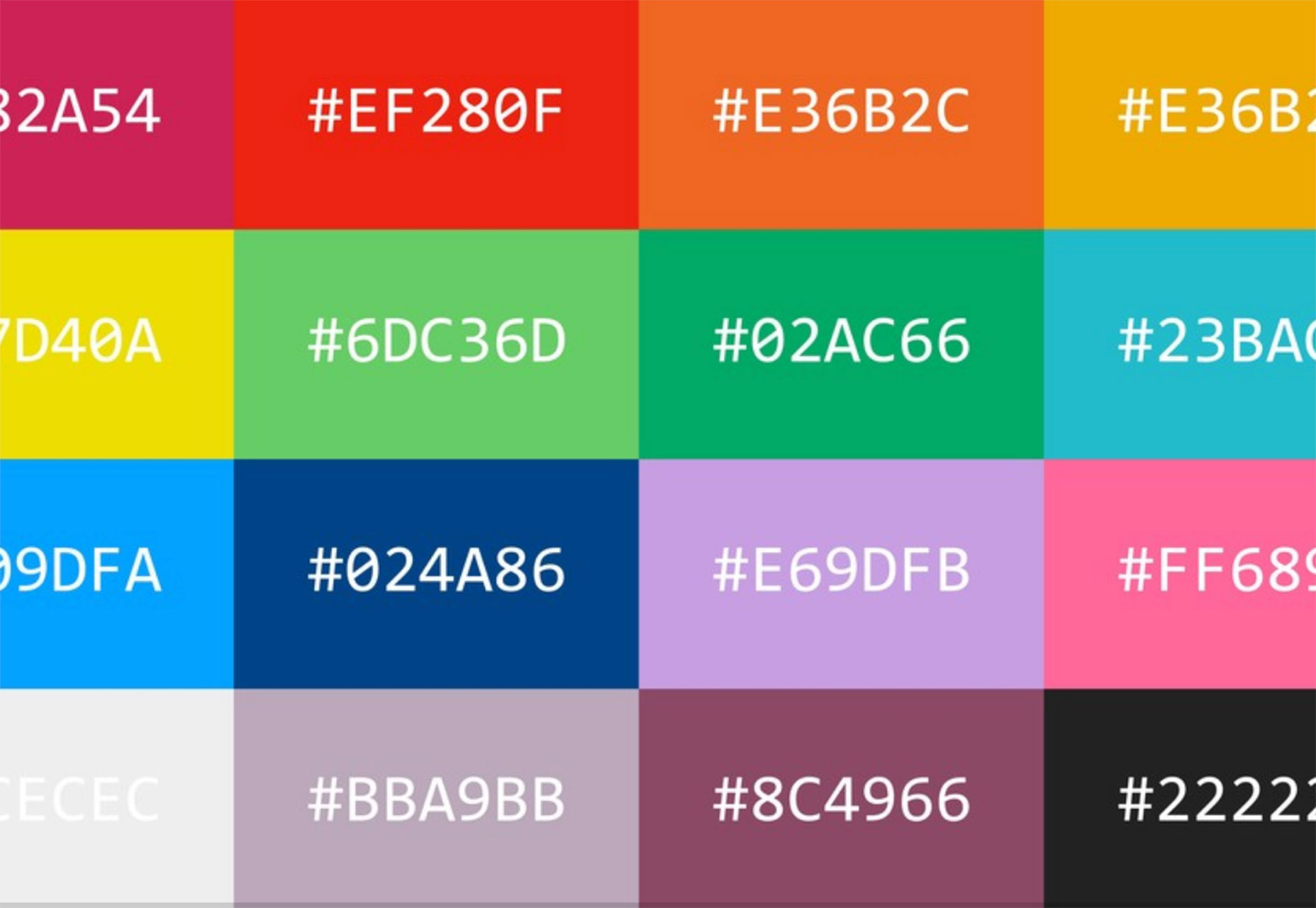
The transcript from this Dot Conferences talk is a fascinating look at color. Here’s the description: “How does a colorblind designer work with color? Not with his eyes! Instead David relies on reading color hex codes. He shares his process into understanding those six-digit codes and related insights into human vision, computer history, and digital color.” What are you waiting for? Go read the transcript!

Guide to Voice User Interfaces

Are you ready for VUI? Voice user interfaces are exploding in popularity, and you need to be ready to design for them. Justin Baker’s guide is a great place to start. And it flips everything you know about design upside down: “Keep in mind, a VUI does not need to have a visual interface — it can be completely auditory or tactile (ex. a vibration).”

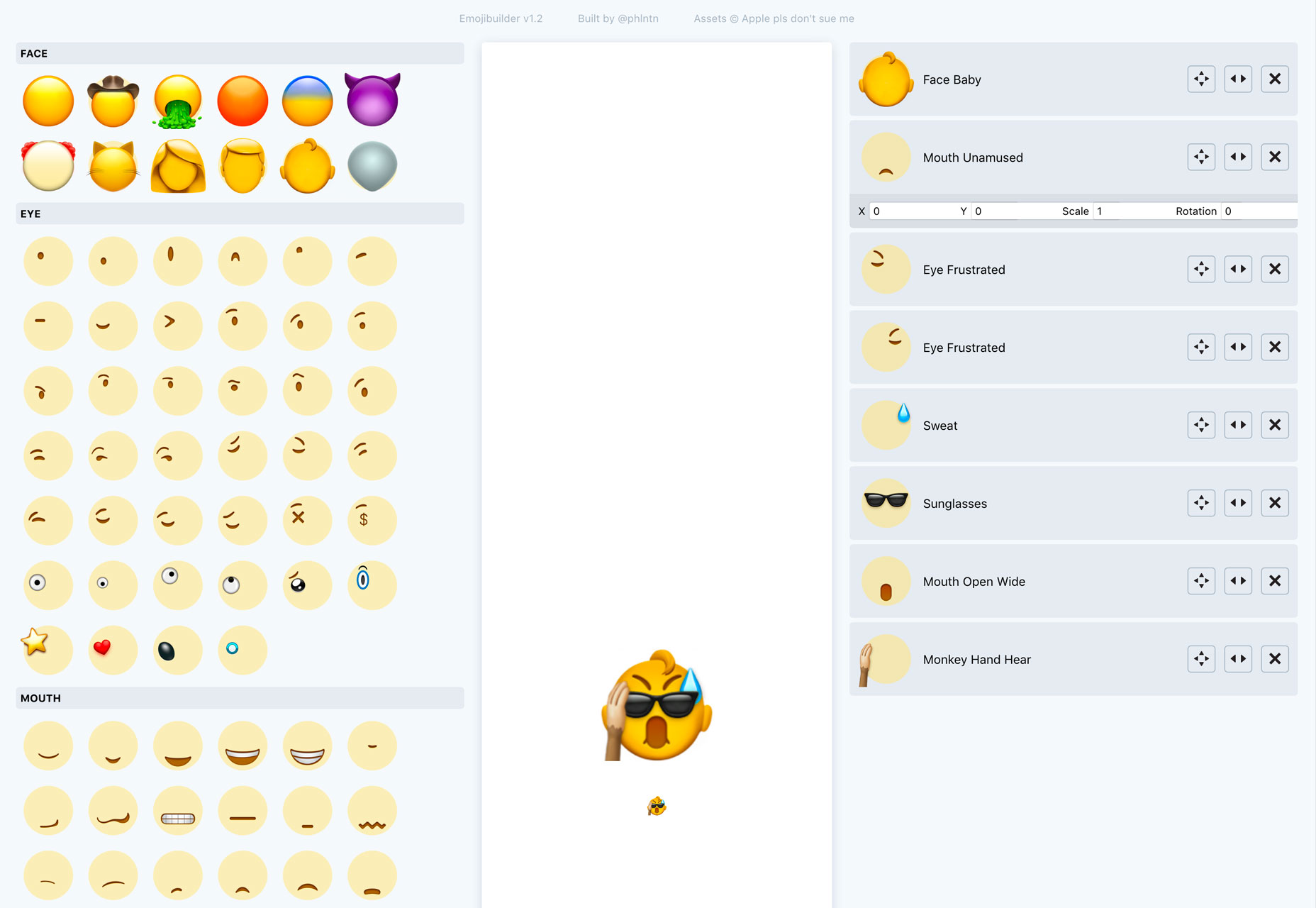
Emoji Builder

For those times when the standard emojis just won’t do it, there’s Emoji Builder. Using standard starting points and plenty of add-ons, you can create the right virtual face for whatever you are feeling.

Web.dev

Google’s new learning tool is designed to help make you a better, modern designer. There are structured curriculums to help you build “a better web.” The good news is that it’s all rooted in Google’s user research. (And there’s a lot of it.)

Designer’s Eye Game

This game tests your visual skills. Can you tell if dots are in the middle of shapes? (It’s harder than you think.)

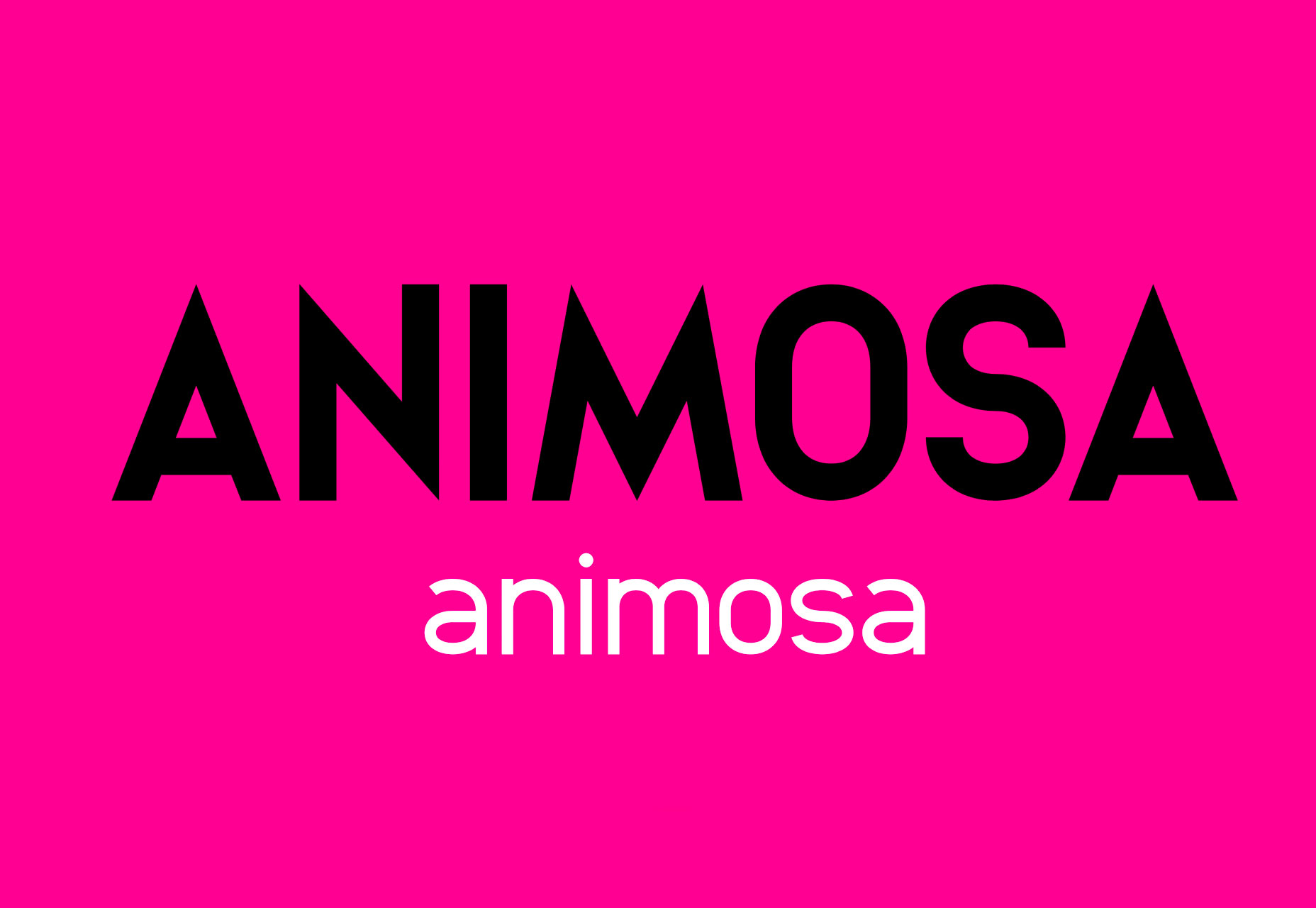
Animosa

Animosa is a fun, free serif font family with 508 characters in five weights. It features sharp edges and a light vibe that’s highly versatile.

Bumblebear

Bumblebear is a handwriting style typeface that can work for display use. It includes upper- and lowercase characters, numerals and punctuation.

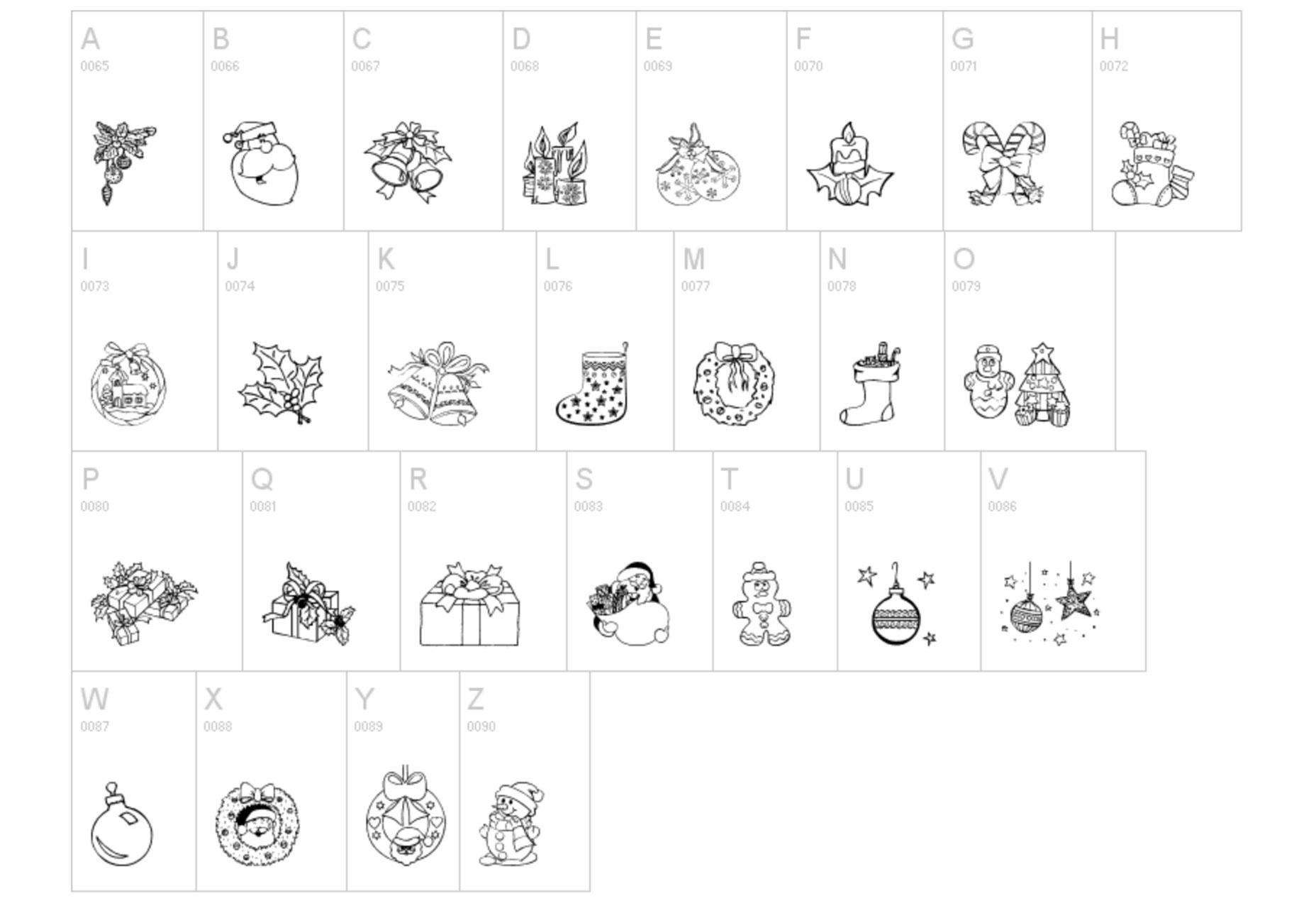
Christmas Ornaments

Christmas Ornaments is an icon font with line and hand-illustrated holiday icons. It includes 50+ characters to play with.

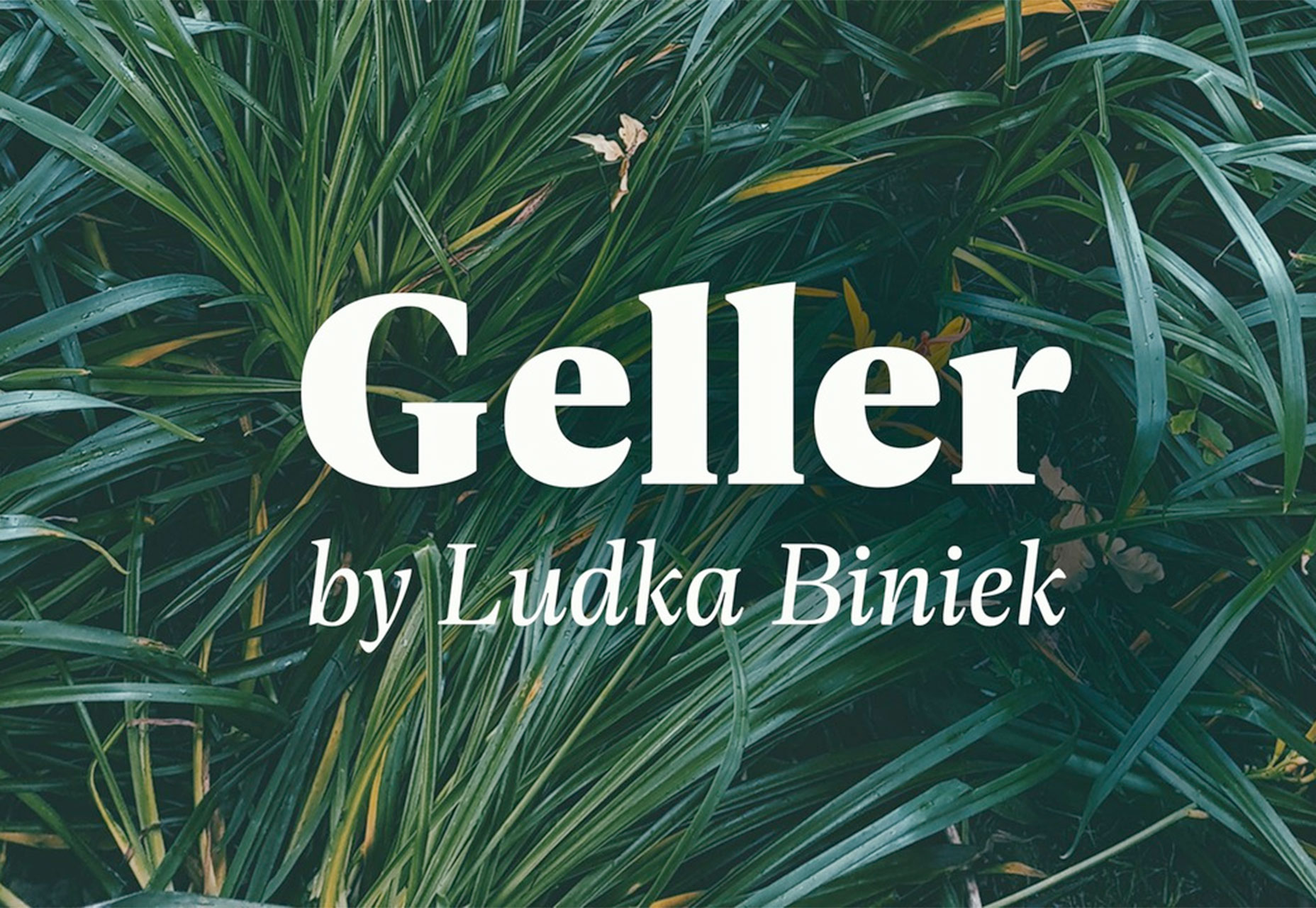
Geller

Geller is a solid serif typeface made for editorial use. The premium typeface includes a full family with every variation you could need and is highly readable.

Hermann

Hermann is a beautiful and highly readable premium typeface family made for body type as well as display. The discretionary ligatures are what set this font apart for display use.

Pumpkin Pie Lattes

Pumpkin Pie Lattes is a thin, hand-drawn font that makes a great addition to holiday projects. The feel is simple and light in this all uppercase typeface.

Add Realistic Chalk and Sketch Lettering Effects with Sketch’it – only $5!

Source

p img {display:inline-block; margin-right:10px;}
.alignleft {float:left;}
p.showcase {clear:both;}
body#browserfriendly p, body#podcast p, div#emailbody p{margin:0;}

from Webdesigner Depot https://ift.tt/2Bt7V1M


from WordPress https://ift.tt/2PII3UH