Monday, May 25, 2020

Is it Time to Redesign Your Portfolio?

For many professionals looking for new work opportunities, they know that prospective employers are going to ask for proof of their credentials; where they went to school; how long they worked in the field; who they worked for; a résumé communicates these details nicely.

For web designers, though, a list of jobs and accolades isn’t sufficient.

Imagine if you created a resume that listed off your skills and experience as a designer:

  • I have 10 years of experience building responsive websites;
  • I’m an Adobe certified expert;
  • I’m proficient in HTML, CSS, and JavaScript.

None of these things would mean much to prospective clients unless they themselves are designers or developers. It’s the same reason you don’t talk to clients using web design “speak”. They want to know what you’re going to do for them, not how you do it.

Below, you’ll find five signs that it’s time to update or redesign your portfolio website again:

Sign #1: Business Has Been Slow

There are many reasons why business may be slow for you. What I’d suggest is taking a look at your Google Analytics account to get a sense for why.

Do You Have Steady Traffic?

If the answer is “no”, then there’s an issue with visibility in search. You’ll need to address either your indexing issues or problems with SEO to fix the problem.

Is Your Bounce Rate High (>90%) & Time on Page Low (< 10 seconds)?

There’s likely something wrong with loading speeds. Check your speed through PageSpeed Insights and Google will tell you how to repair the issue.

Do You Have Traffic But Zero Leads?

Then the issue is most likely your portfolio. Even then, there are so many things that could be happening here. The work samples might be underwhelming, outdated, or not geared towards the audience you’re targeting. The copy might be too confusing or vague. Next steps might be unclear or inaccessible (like a broken contact form).

Use Google Analytics to look at your Users Flow (under Audience > Users Flow):
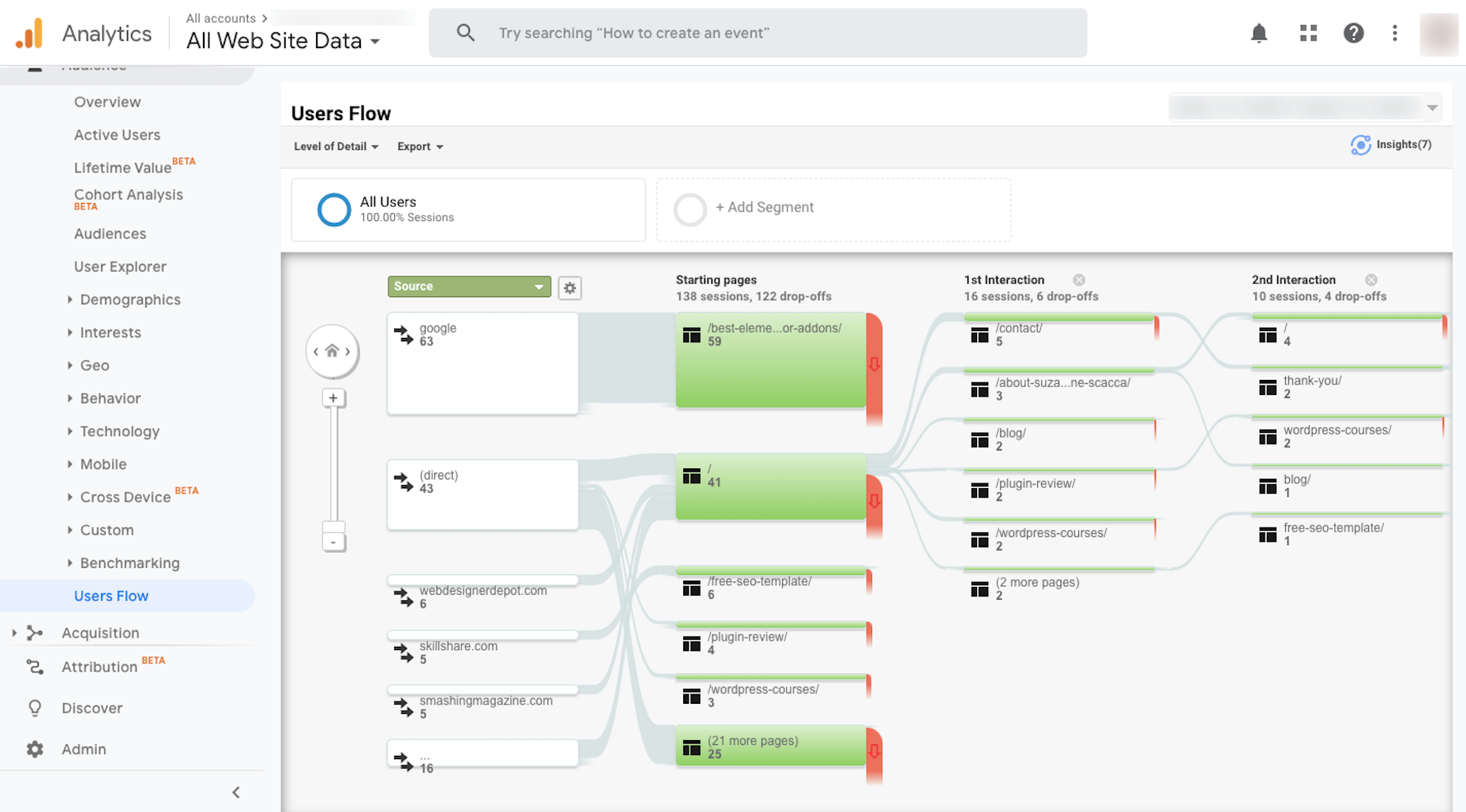
This will help you visualize where your traffic is going within your portfolio site and to see where most of it is dropping off. If you find that people are viewing your work, but aren’t taking action, then it’s definitely time to give the site a rework.

Sign #2: Business Has Been Extremely Busy

When you first built your portfolio website, you probably selected the best of the best to represent your body of work, right? But that was then. What about now?

As business picks up, it’s easy to lose sight of your portfolio because you’re so busy tending to clients that need help. However, if you want to keep those numbers up, then you should make time to update your portfolio so it accurately reflects your best work up to the minute.

Let me show you an example:

This is 10up’s “Work” page as of May 2020:
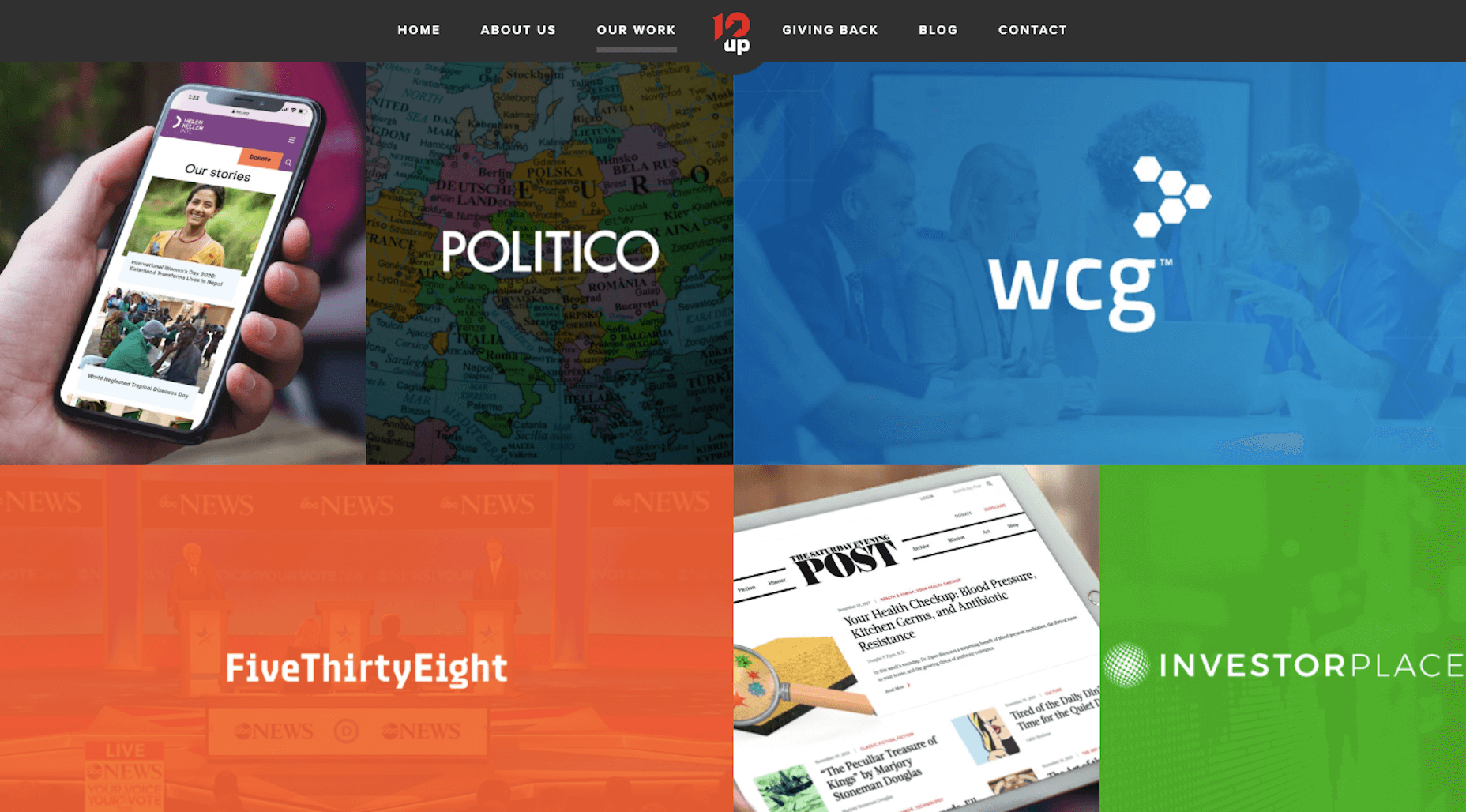
Helen Keller International, Politico, WCG, FiveThirtyEight Live Blog, The Saturday Evening Post, and Investor Place are the first samples you see.

Now, let’s go back to February 2019. This is what the “Work” page looked like then:
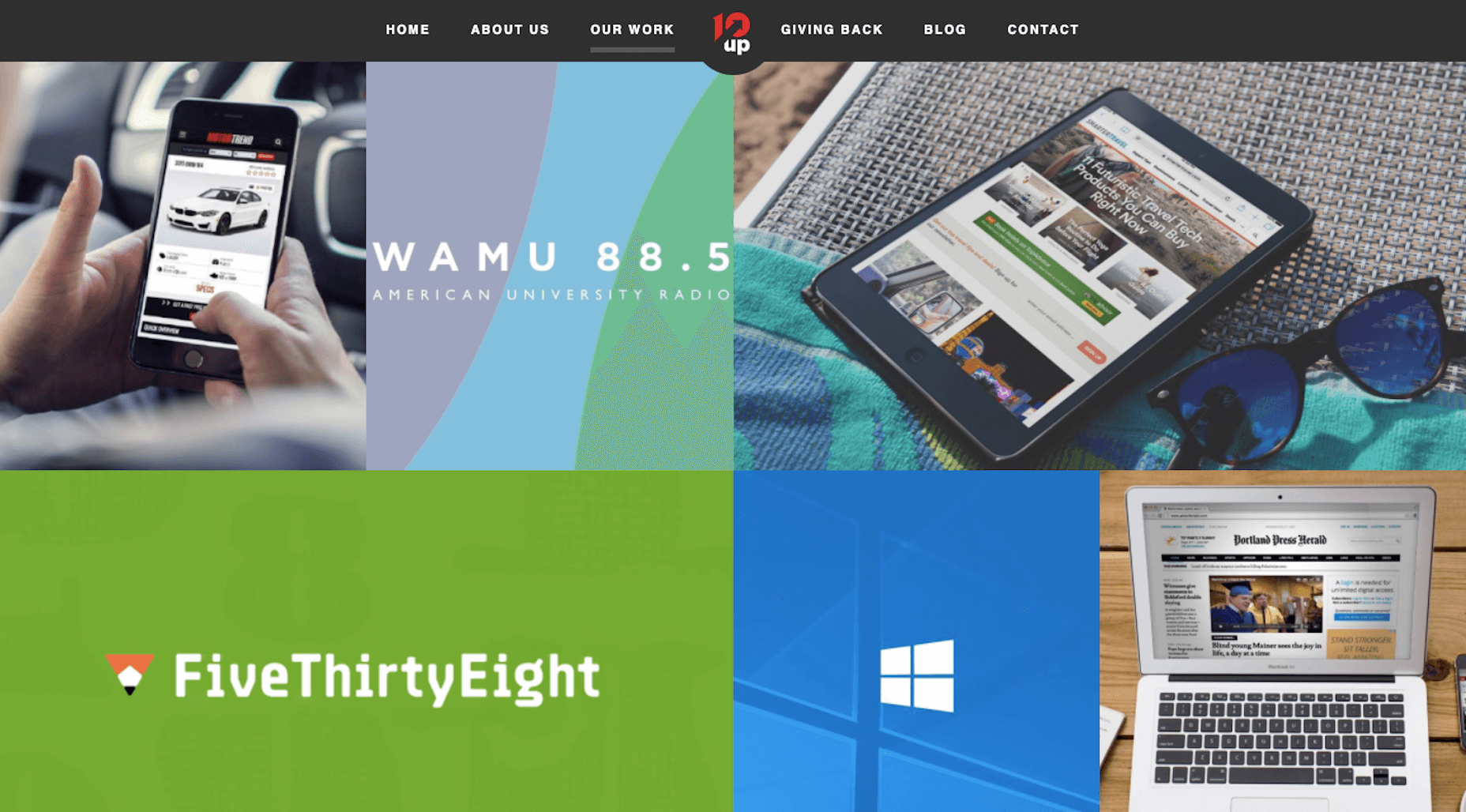
Motor Trend, WAMU.org, Smarter Travel, FiveThirtyEight, Windows Launch Event, and Maine Today Media are in the top spots.

If you scroll down the page as it stands today, you’ll find these projects there. It takes about three scrolls to find them. So, it’s clear that 10up updates its portfolio at least once or twice a year with fresh work.

Sign #3: You Recently Acquired a New Skill

A portfolio should be a reflection of your current skill set. And what that translates to is showing off websites that align with current web design practices and ideals. It also means redesigning your website so that it accurately depicts what’s going on with web design today.

Considering how quickly design trends come or go, this means you’ll need to update your portfolio site about once a year or so. It doesn’t need to be a major overhaul, but it should at least help you “sell” new clients on more modern designs and website features. For example:

Client: My friend has a chatbot on her site and she said it’s been a big help in getting her more appointments. Is that something we can do?
You: As a matter a fact, it is. And it’s something I’ve personally had a lot of success with.

You would then show the prospect your portfolio site equipped with a chatbot.

That said, you don’t need to litter your site with all the trendy new features. All you need is a portfolio site that reflects the very best in design today.

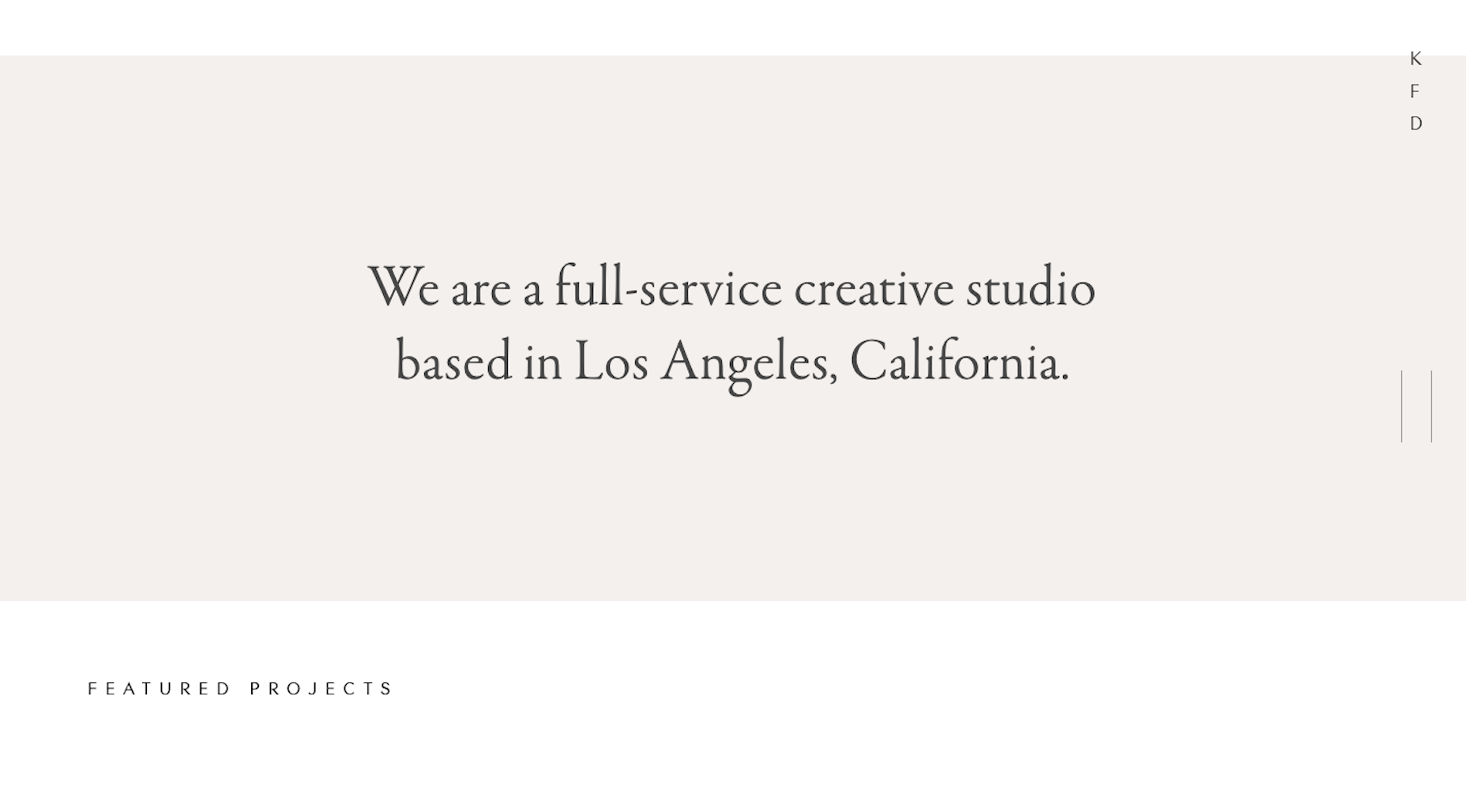
The portfolio website for Kati Forner Design, for example, went under the knife to reflect this type of modernization of design:

This was how the website looked in 2019:
And this is how the studio’s “Works” were displayed:
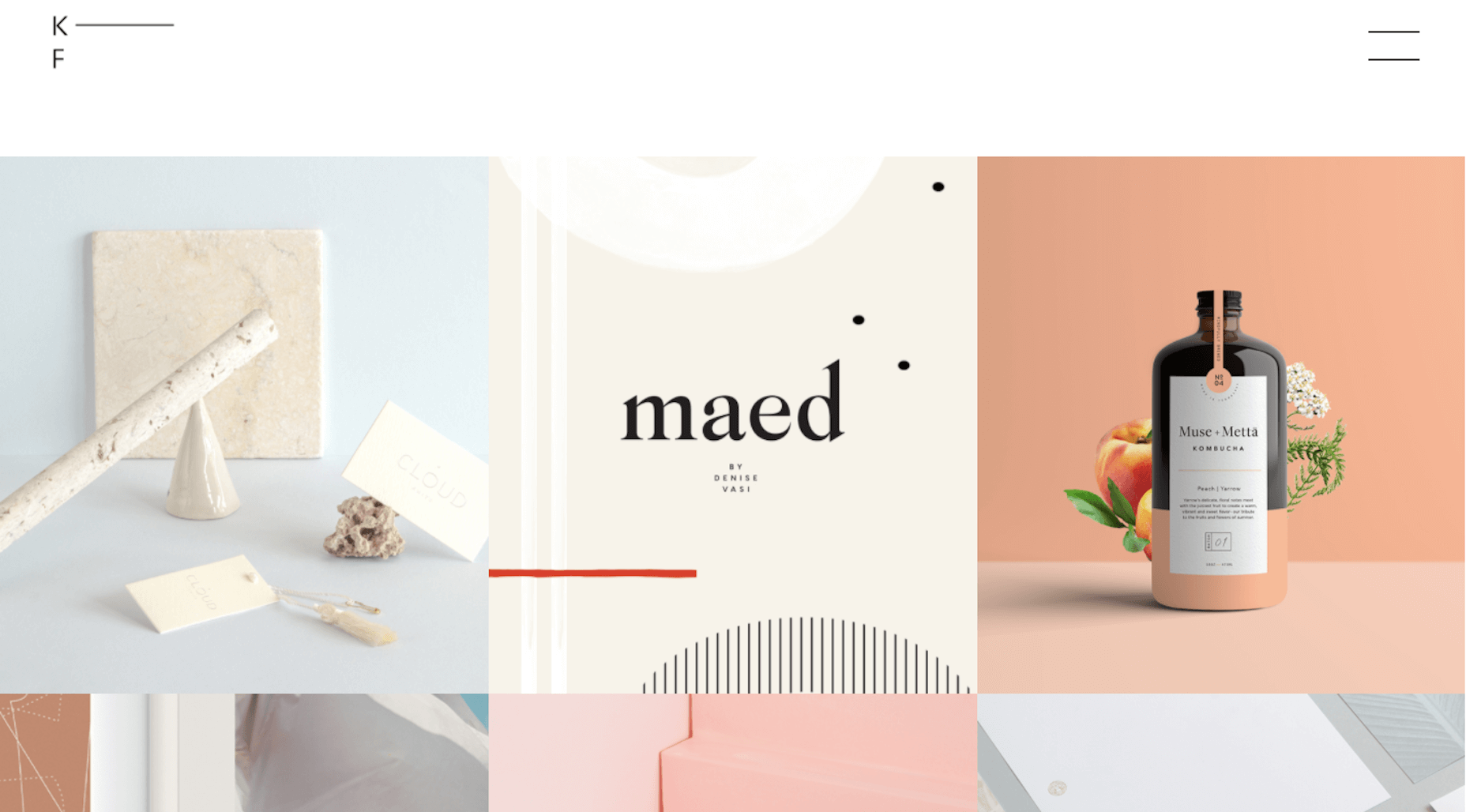
It’s an attractive website and one I’m sure did very well with its target audience. That said, a lot changes over the course of a year, so it’s no surprise to see that the studio has adopted a new look in 2020:
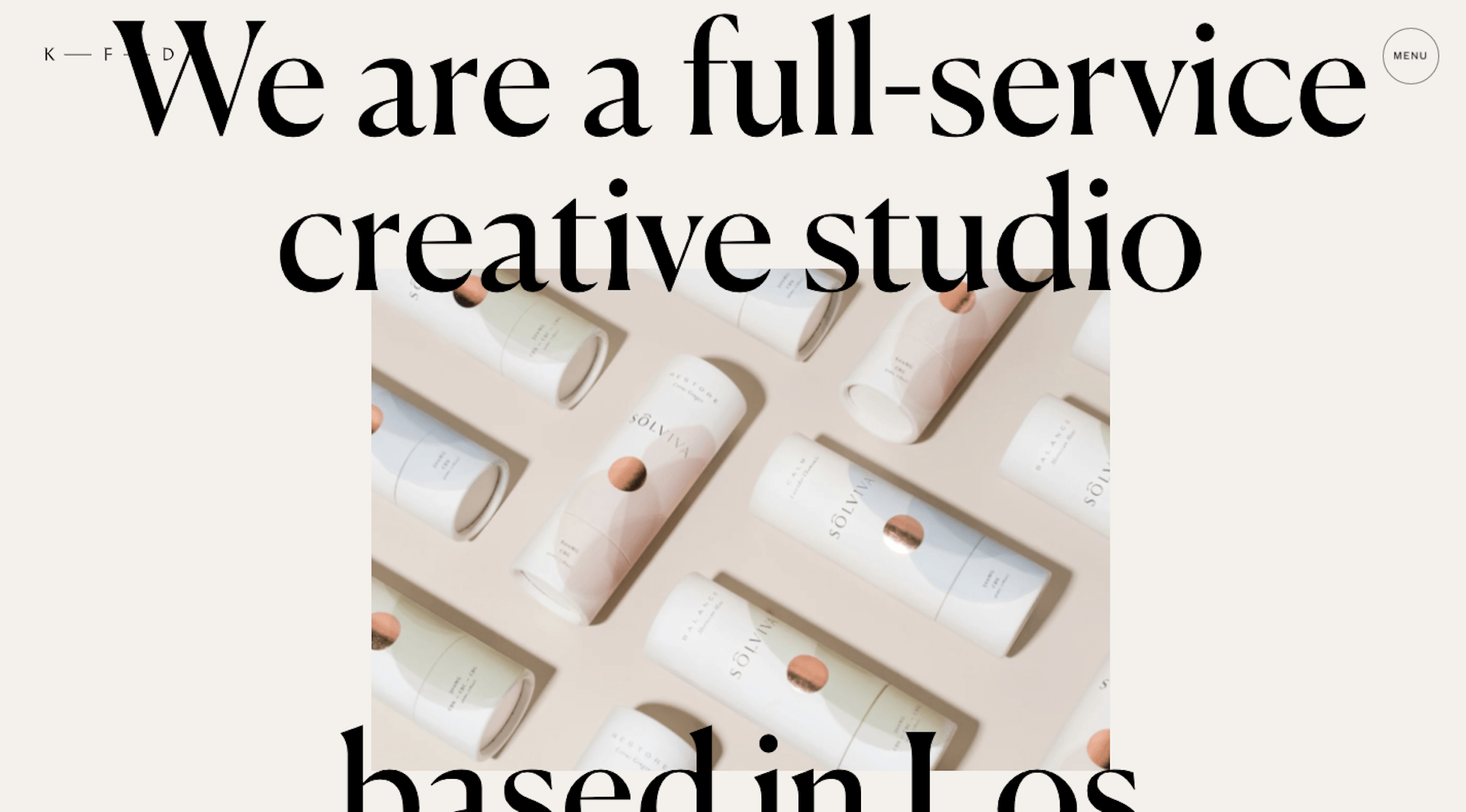
The same goes for its portfolio page:
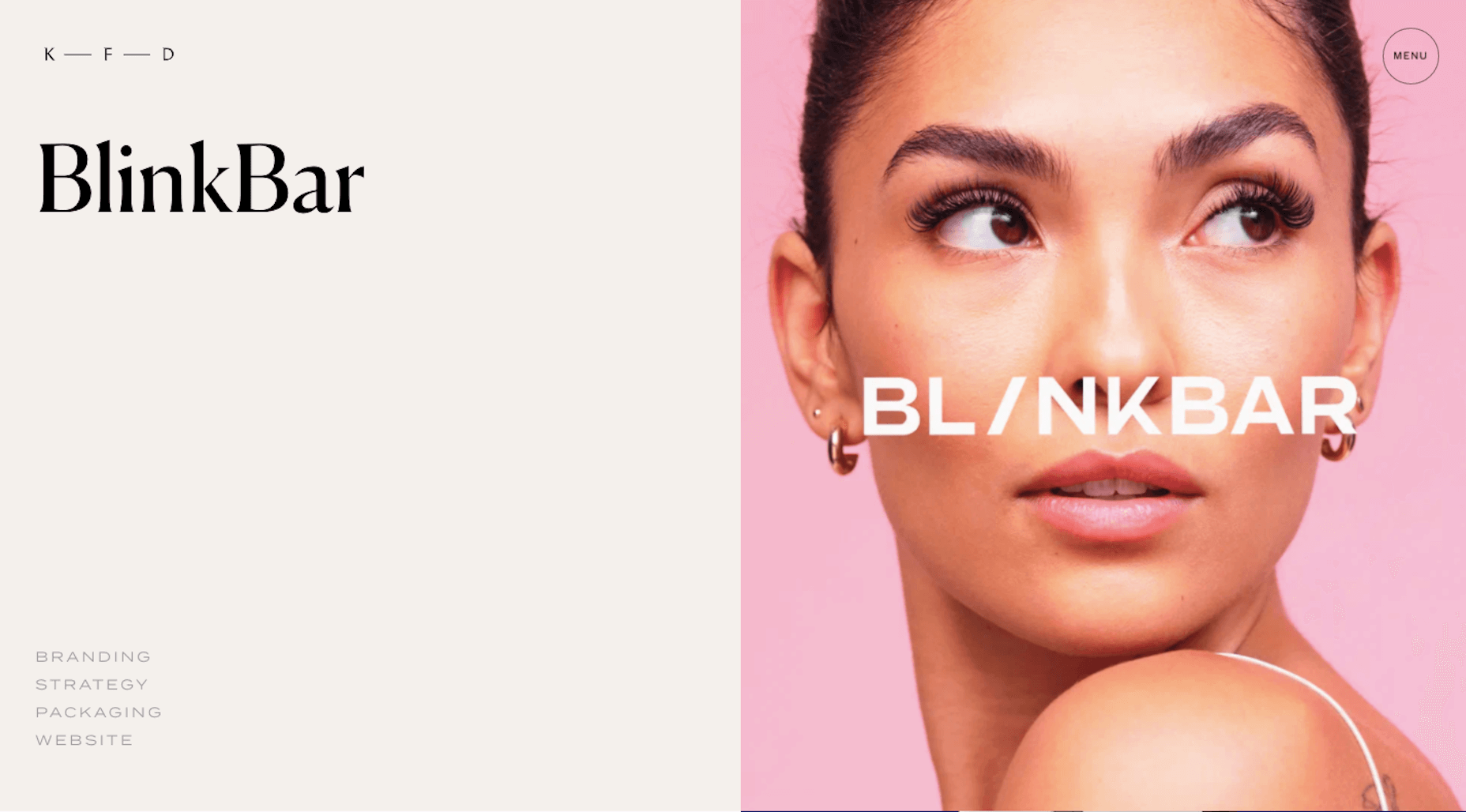
 

The style of the website and portfolio page have a bolder and more confident look to them these days. This could be a reflection of the times and it very well could be a reflection of a change in their audience demographic. Both are valid considerations when updating a portfolio website.

Sign #4: You Recently Switched Niches

For web designers that work on their own, it makes a lot of sense to niche down. By carving out a singular niche for yourself, it’s easier to find clients as you’re not having to sell yourself as a jack of all trades or to constantly be changing gears from job to job.

Design agencies, on the other hand, may decide that it’s worth catering to various niches because they have the amount of capacity to do so. And that’s fine, too, so long as the resources and expertise are there.

Regardless of which boat you find yourself in, a change in niche or an addition of a new one is not unheard of. When that happens, though, your portfolio website needs to reflect this change.

Let’s look at the example of Gravitate Design.

This was Gravitate’s areas of expertise in 2016:
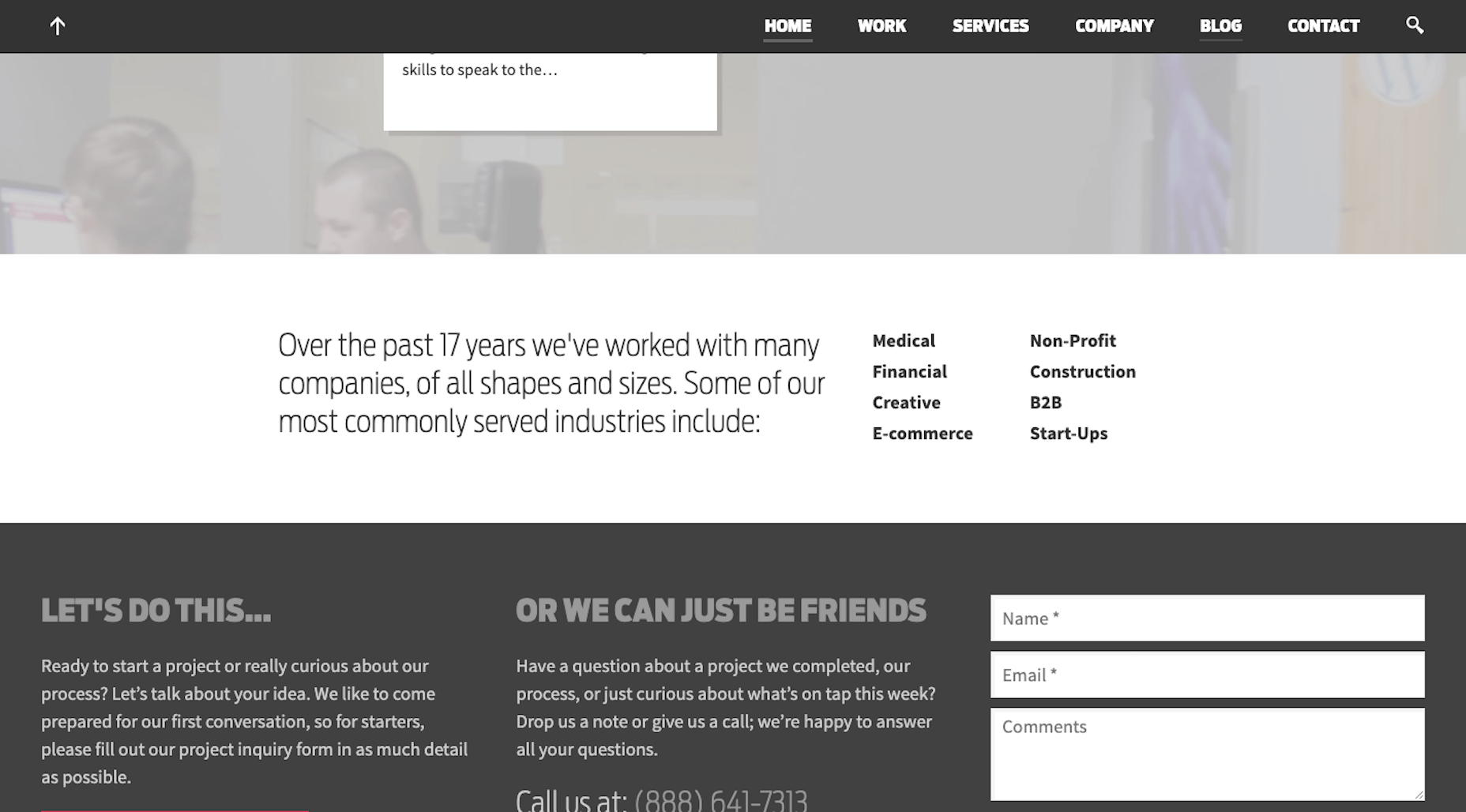
  • Medical
  • Financial
  • Creative
  • E-commerce
  • Non-Profit
  • Construction
  • B2B
  • Start-Ups

Let’s fast forward to 2020. The list of niches has changed (as has the overall look of the site):
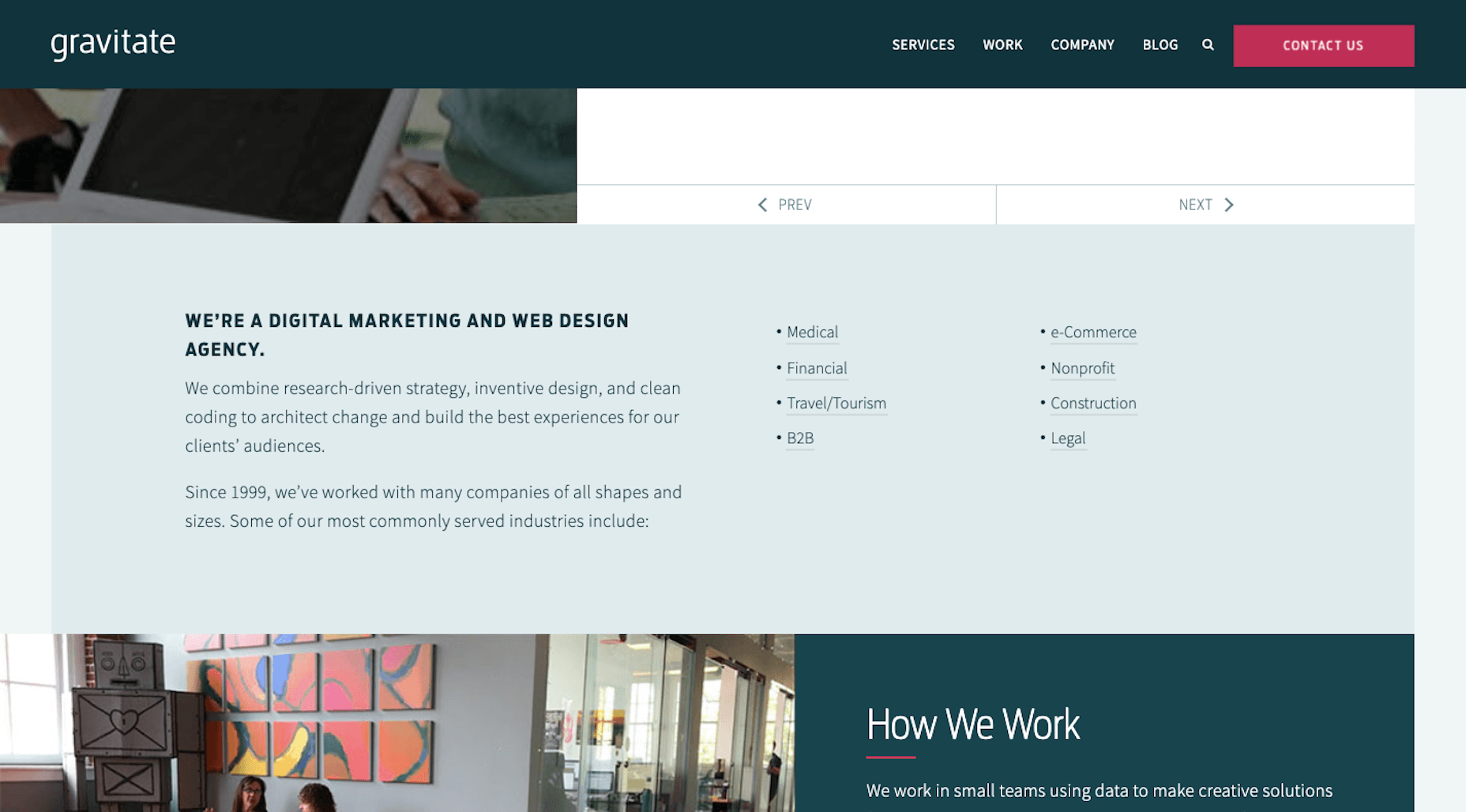
  • Medical
  • Financial
  • Travel/Tourism
  • B2B
  • e-Commerce
  • Nonprofit
  • Construction
  • Legal

Creative and Start-Ups are now gone. In their place are Travel/Tourism and Legal — and each page comes with information on how the agency serves the niche, information on a sample project, and a custom contact form.

Whenever it comes time to change up your niche, just make sure you’re prepared with all of the details needed to sell prospective clients on it.

When In Doubt, Update Your Portfolio Website

I know it’s not easy finding the time to give your design business the love and attention it deserves. But your portfolio website is something you can’t afford to ignore. It’s the web designer’s version of a résumé and it’s an essential part of your marketing and sales strategy.

Just keep in mind that a portfolio website is just like any other website. There’s no setting it and forgetting it. It needs to be updated so that it’s always the most accurate reflection of your body of work, skills, and area of expertise.

Even if you take a few hours every year to look in on it and make sure the design, copy, and samples are up to snuff, that may be all you really need to do to maintain it.

Source

p img {display:inline-block; margin-right:10px;}
.alignleft {float:left;}
p.showcase {clear:both;}
body#browserfriendly p, body#podcast p, div#emailbody p{margin:0;}

from Webdesigner Depot https://ift.tt/2XqKb9o


from WordPress https://ift.tt/2LTKtjG

Sunday, May 24, 2020

Popular Design News of the Week: May 18, 2020 – May 24, 2020

Every week users submit a lot of interesting stuff on our sister site Webdesigner News, highlighting great content from around the web that can be of interest to web designers.
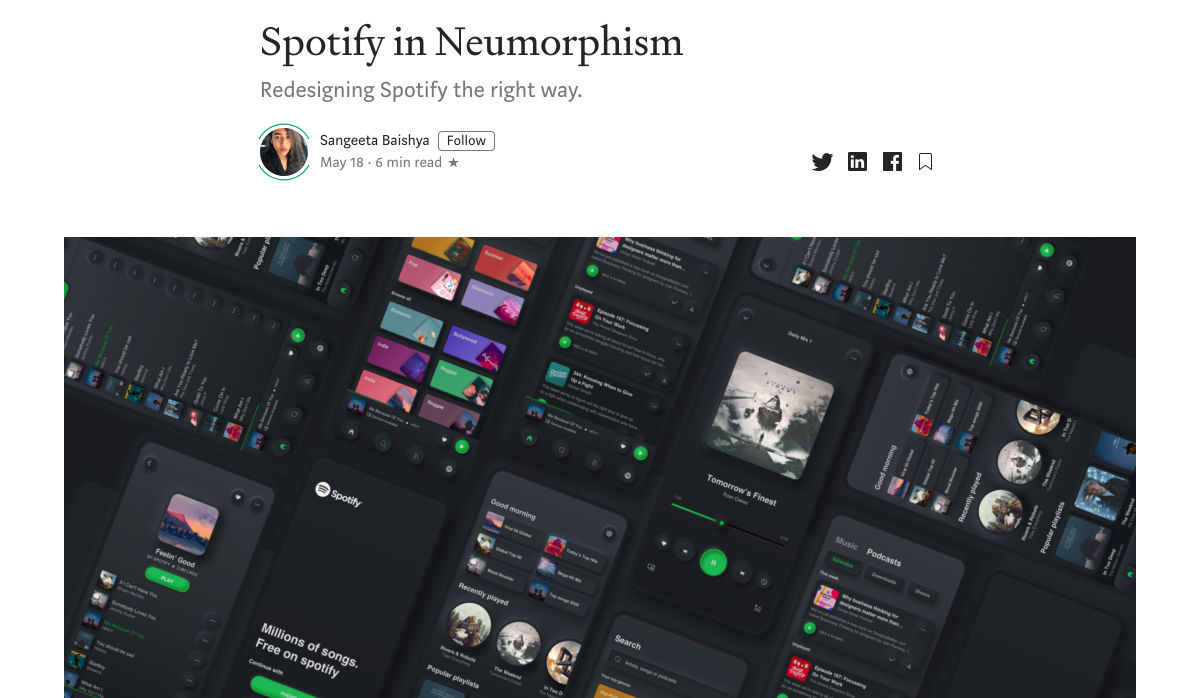
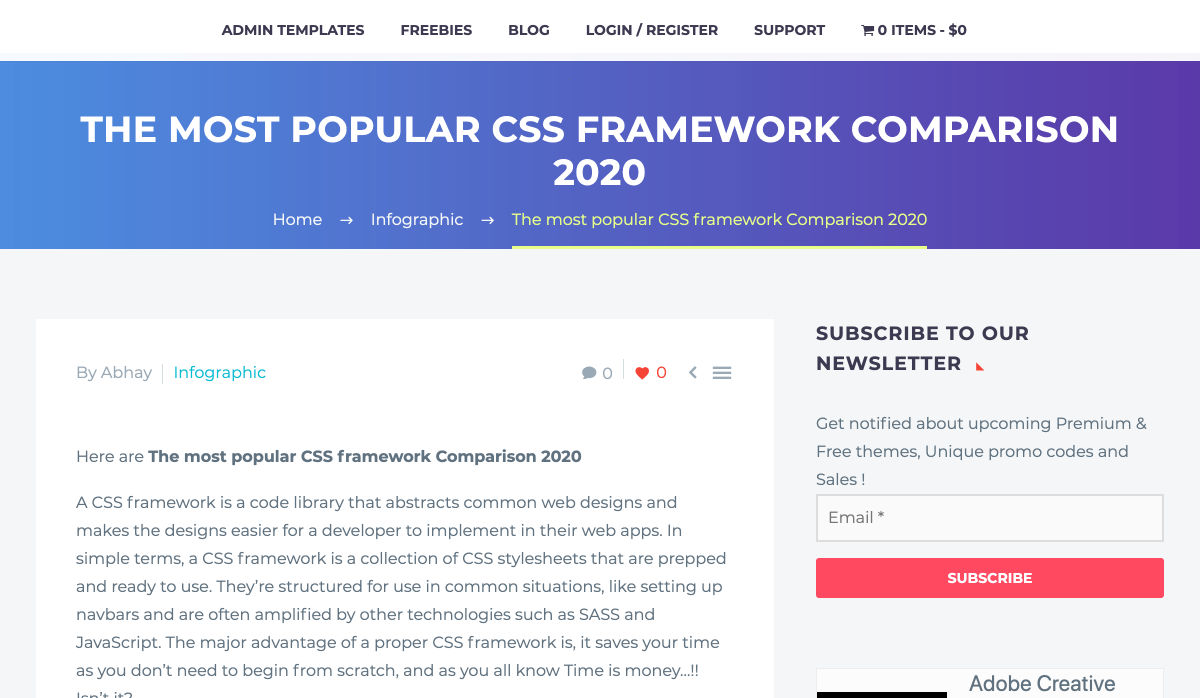
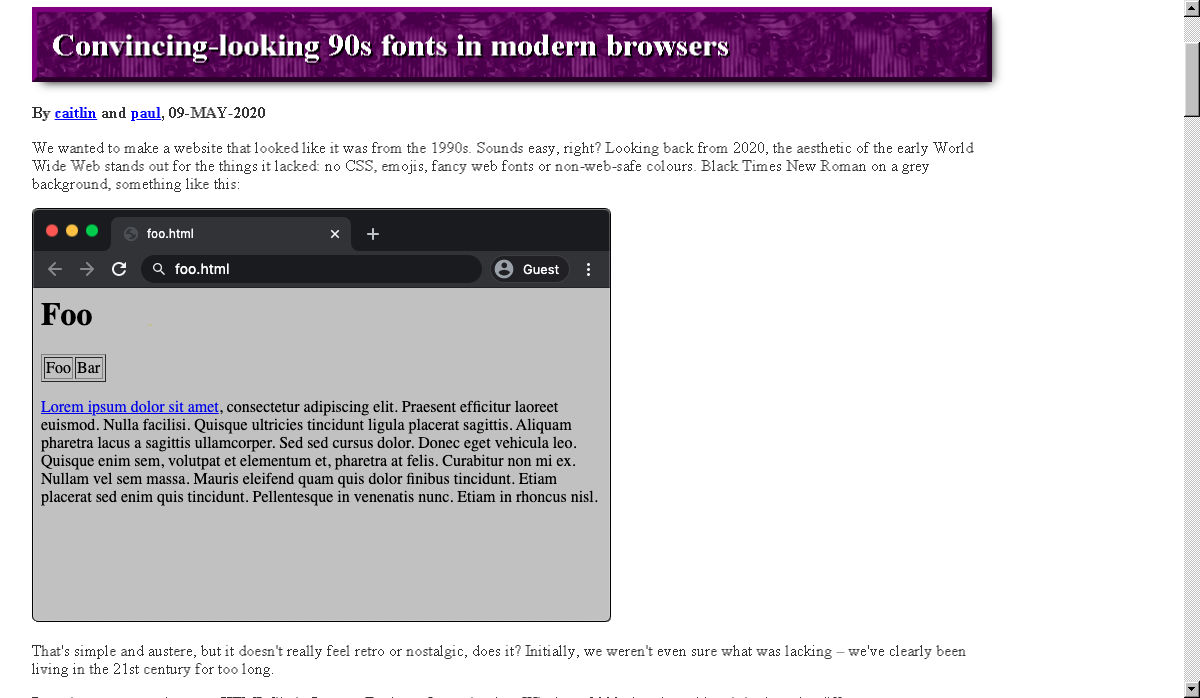
The best way to keep track of all the great stories and news being posted is simply to check out the Webdesigner News site, however, in case you missed some here’s a quick and useful compilation of the most popular designer news that we curated from the past week.

Spotify in Neumorphism


The Most Popular CSS Framework Comparison 2020


The Fastest Google Fonts


Blush, Illustrations for Everyone


New.css


Facebook Releases Avatars – Here’s How to Get Yours


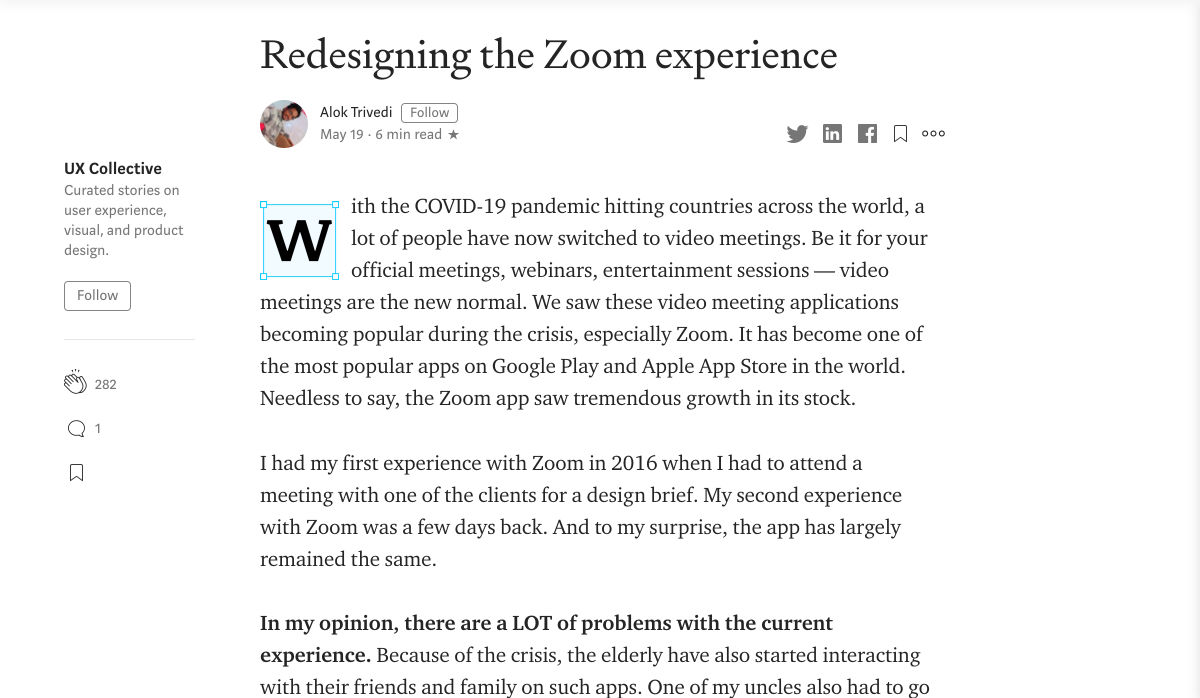
Redesigning the Zoom Experience


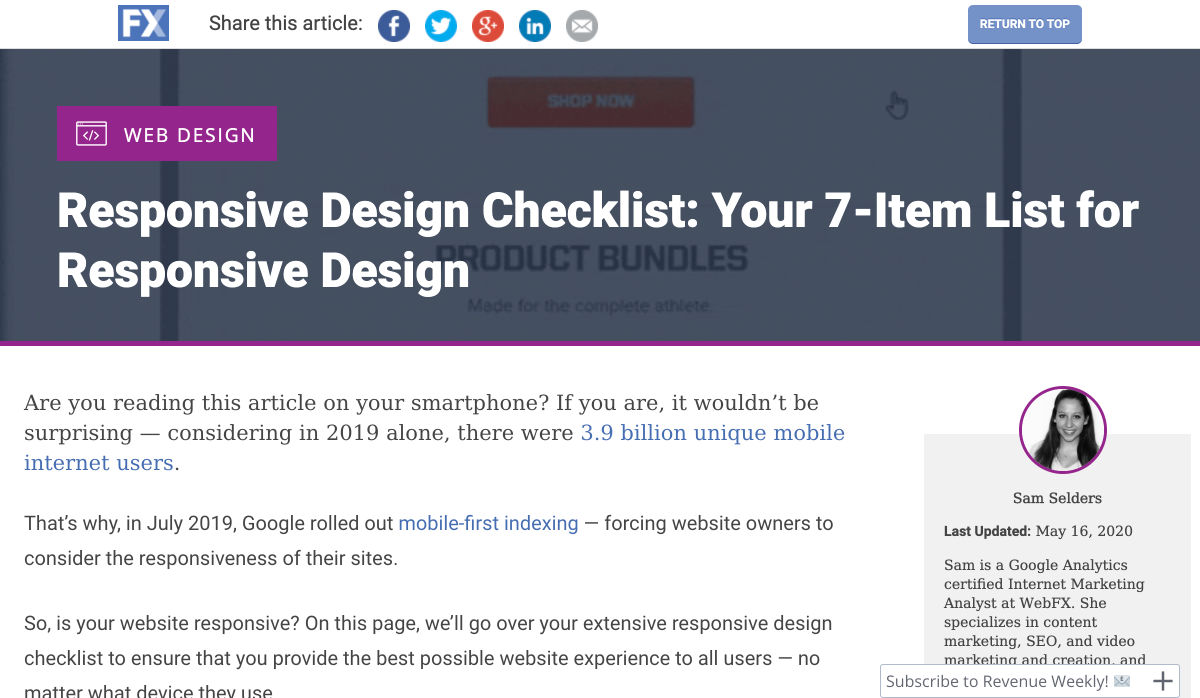
Responsive Design Checklist: Your 7-Item List for Responsive Design


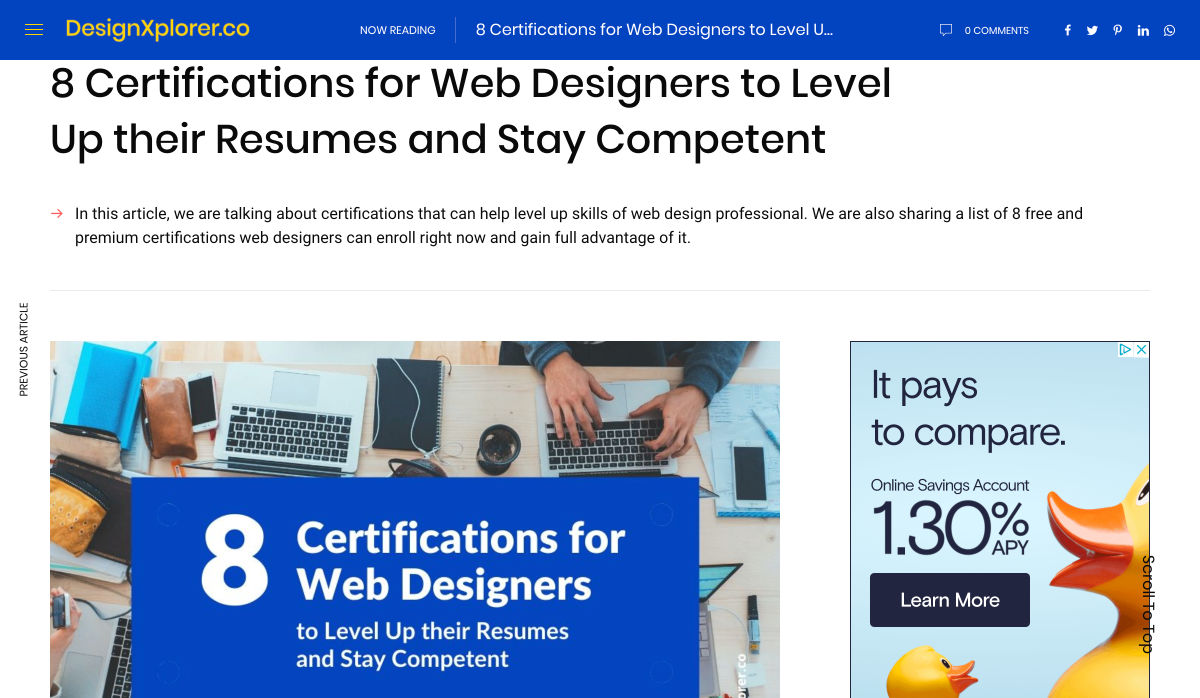
8 Certifications for Web Designers to Level up their Resumes


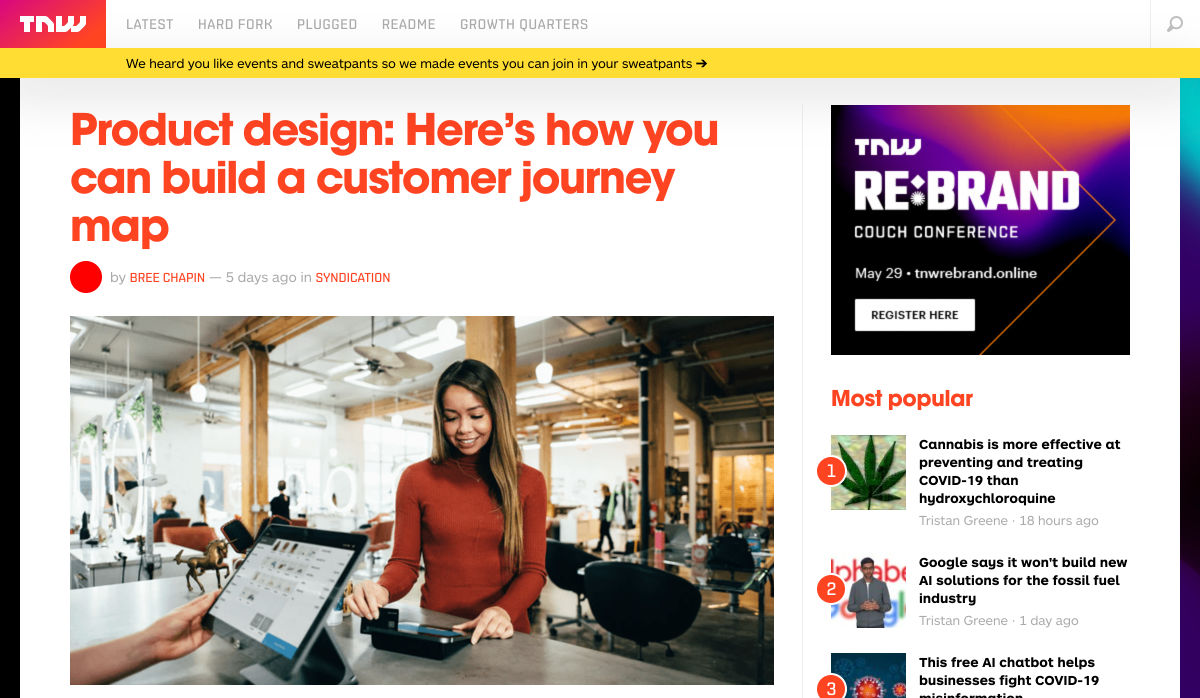
Product Design: How to Build a Customer Journey Map


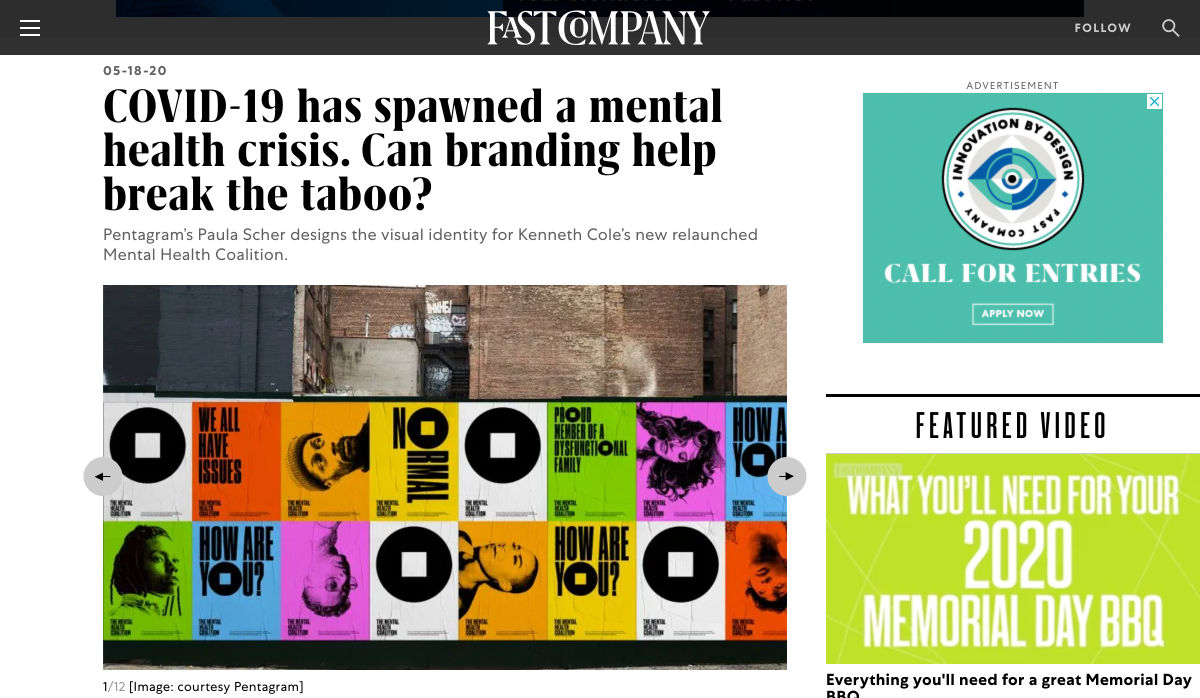
COVID-19 has Spawned a Mental Health Crisis. Can Branding Break the Taboo?


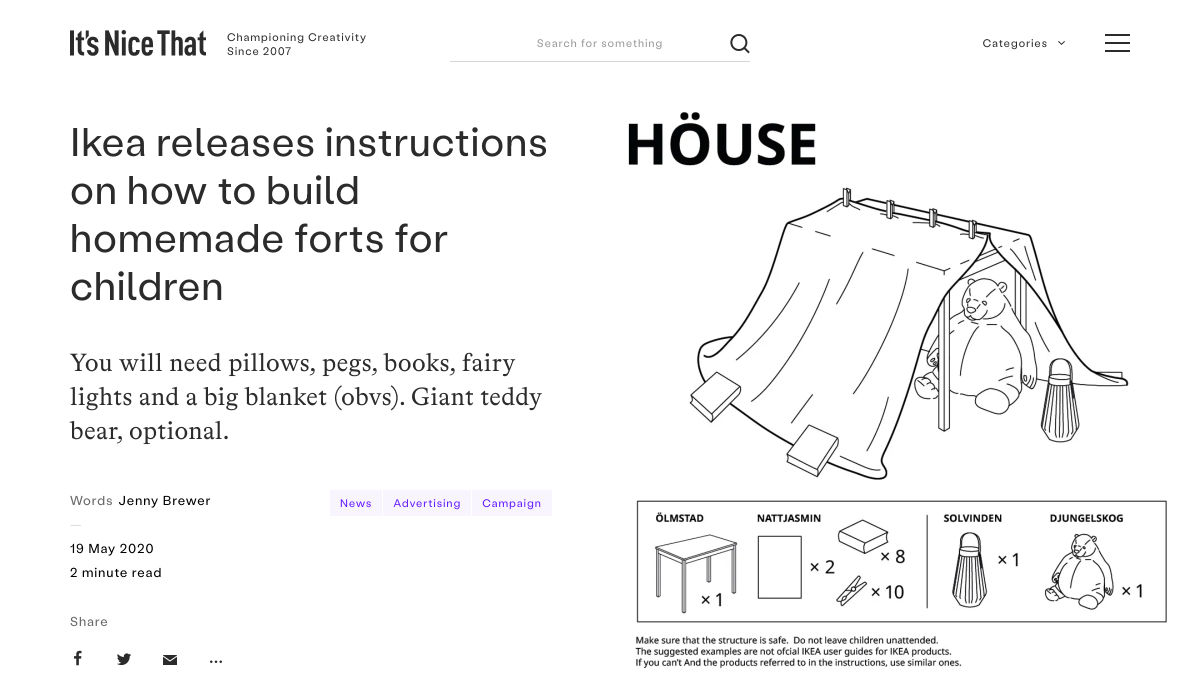
Ikea Releases Instructions on How to Build Homemade Forts for Children


Design Systems: From Definition to Distribution


How to Build a Social Media Presence: Tips for Designers & Creators


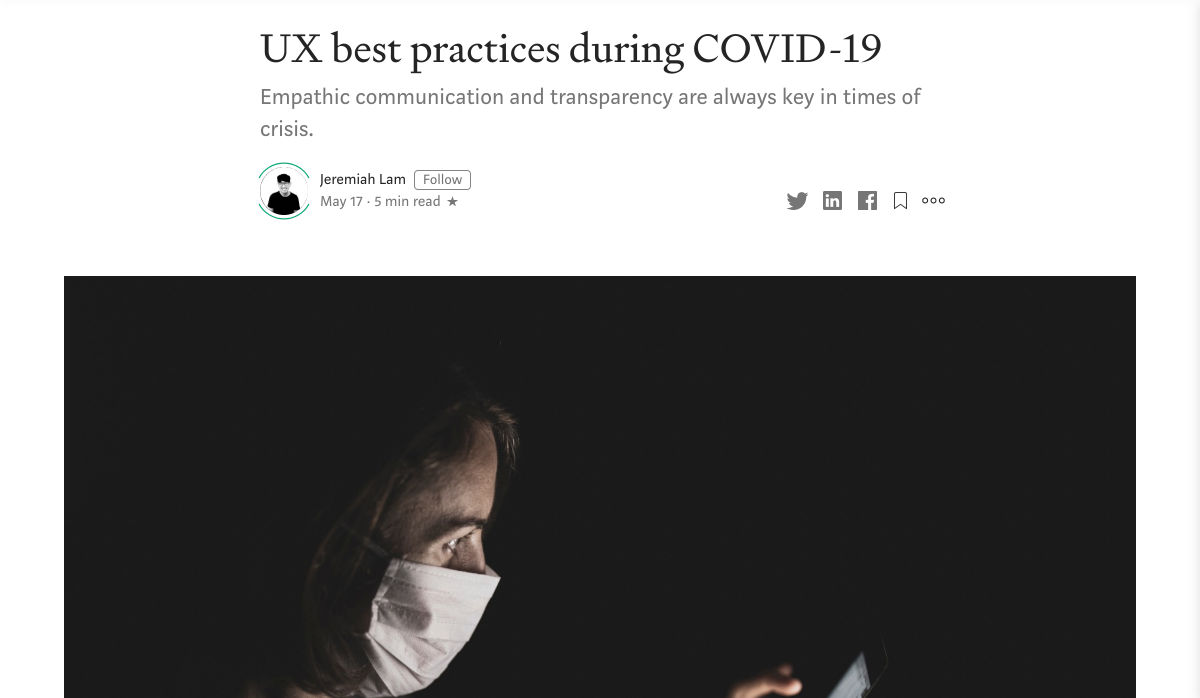
UX Best Practices During COVID-19


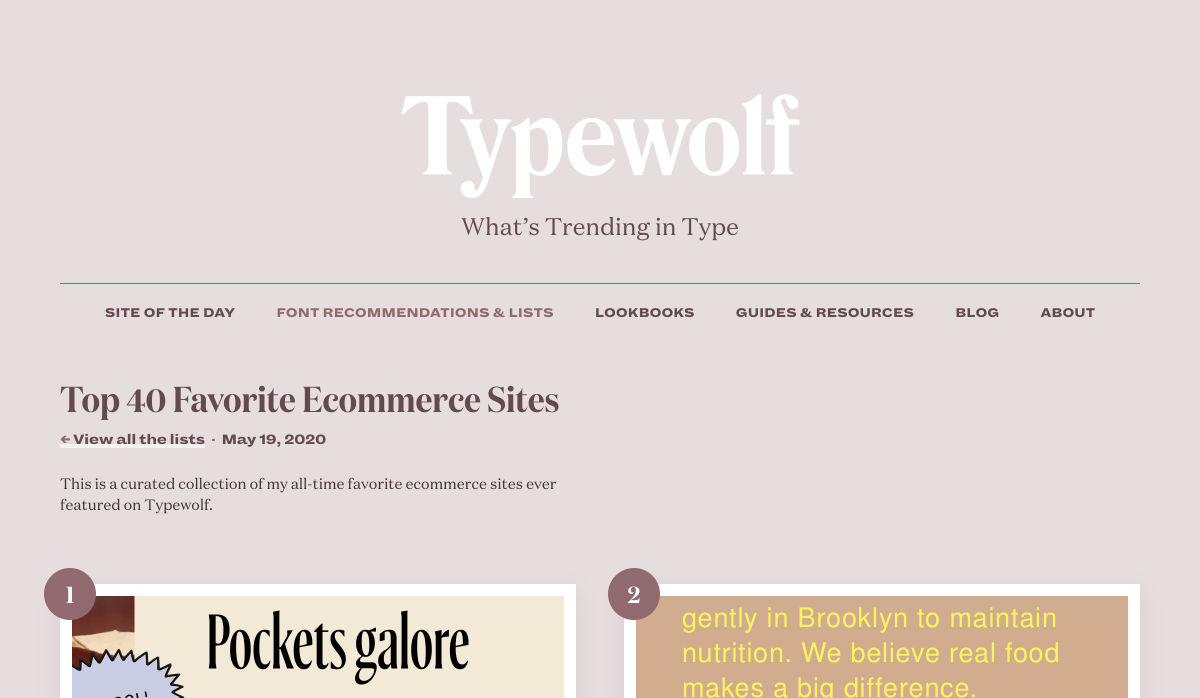
Top 40 Favorite Ecommerce Sites in 2020


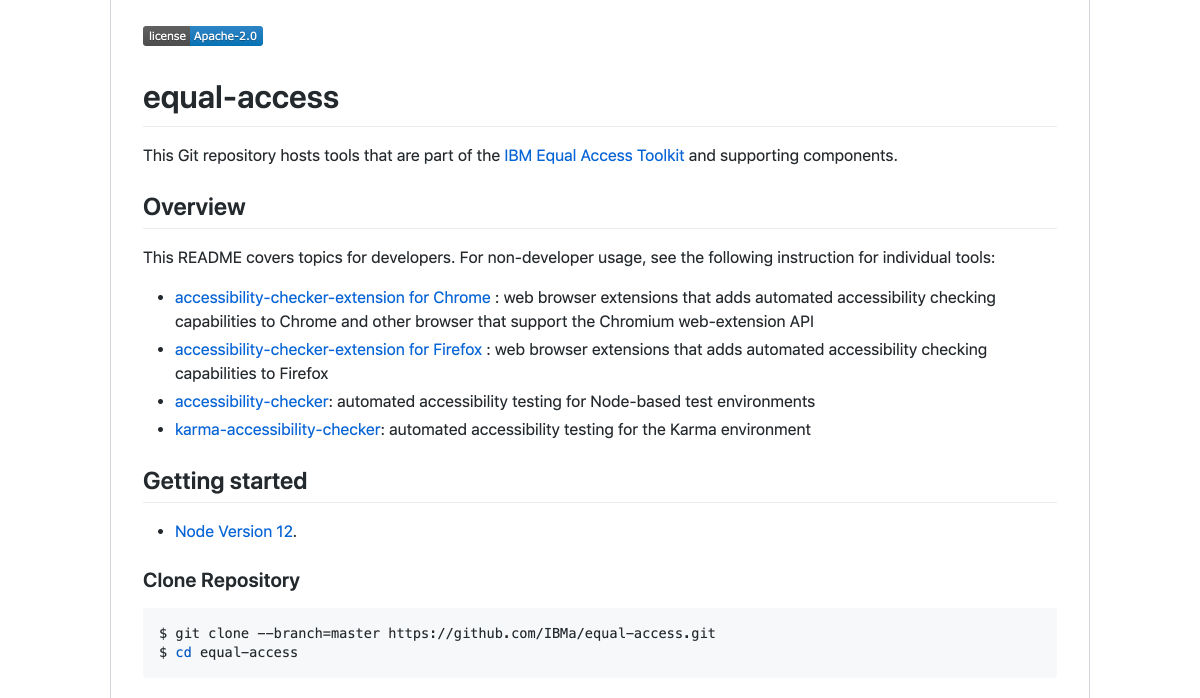
Automated Accessibility Checker for Web Projects


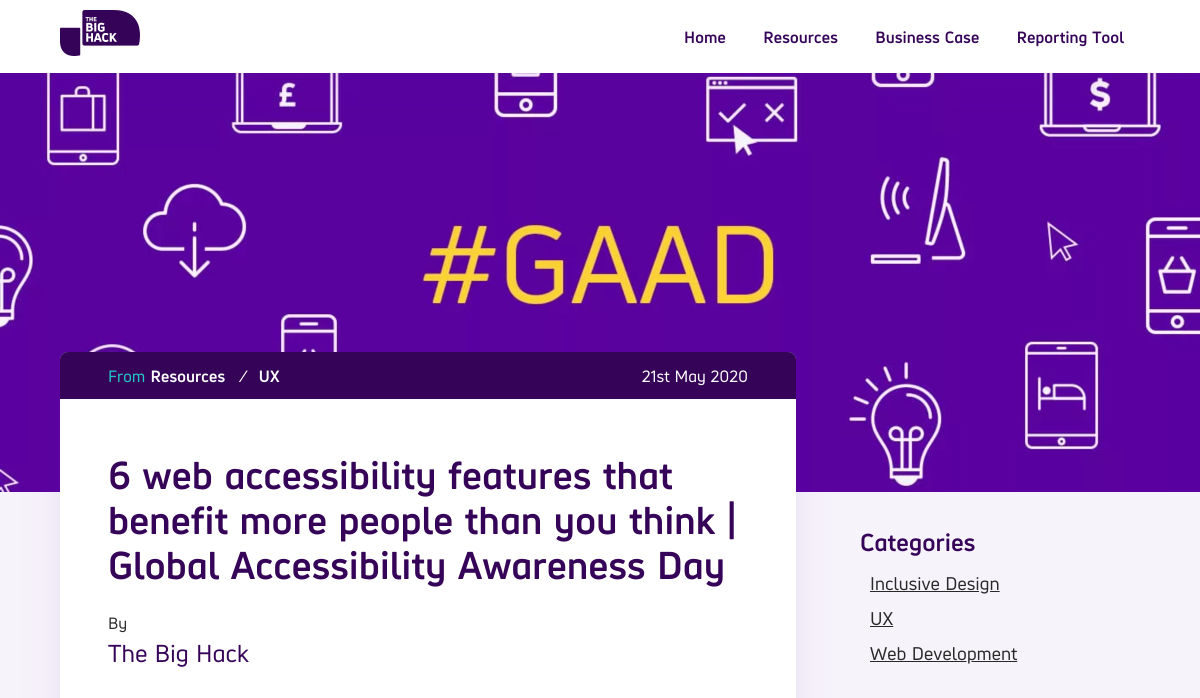
6 Web Accessibility Features that Benefit More People


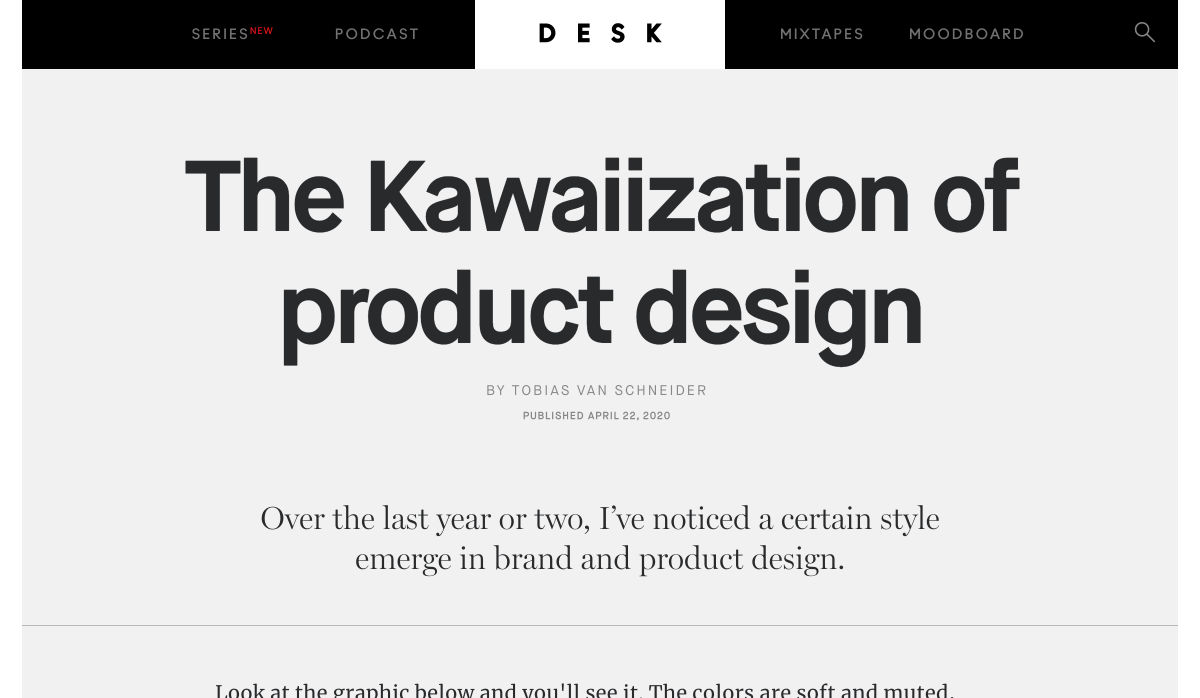
The Kawaiization of Product Design


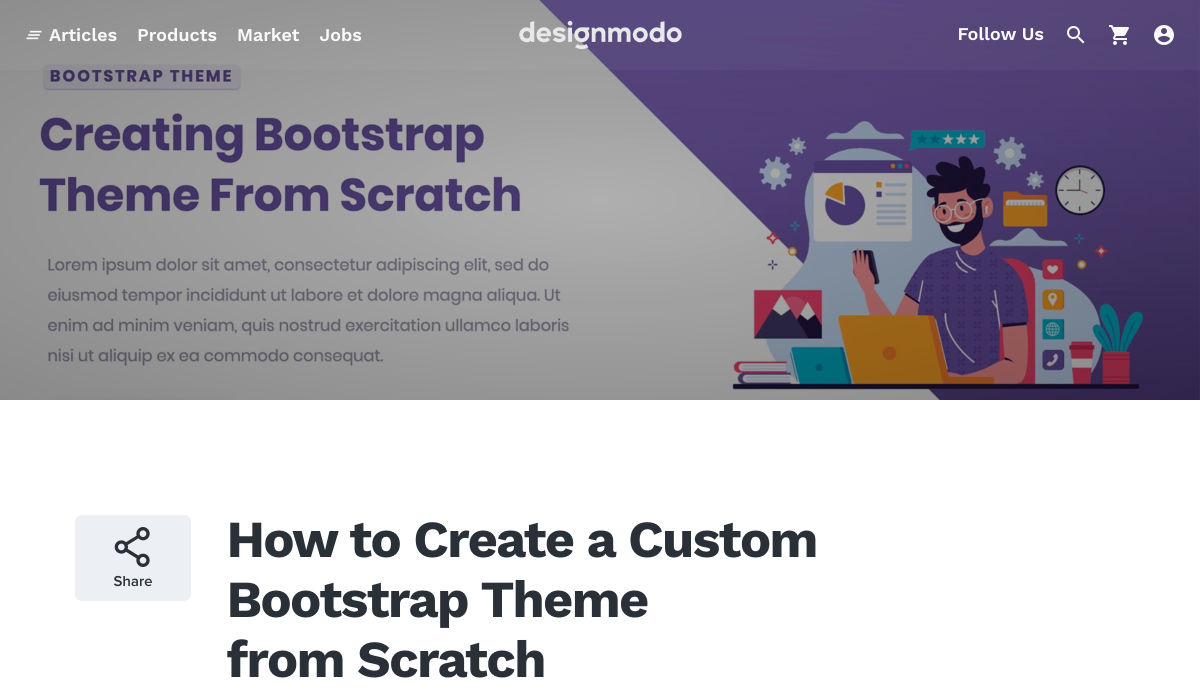
How to Create a Custom Bootstrap Theme from Scratch


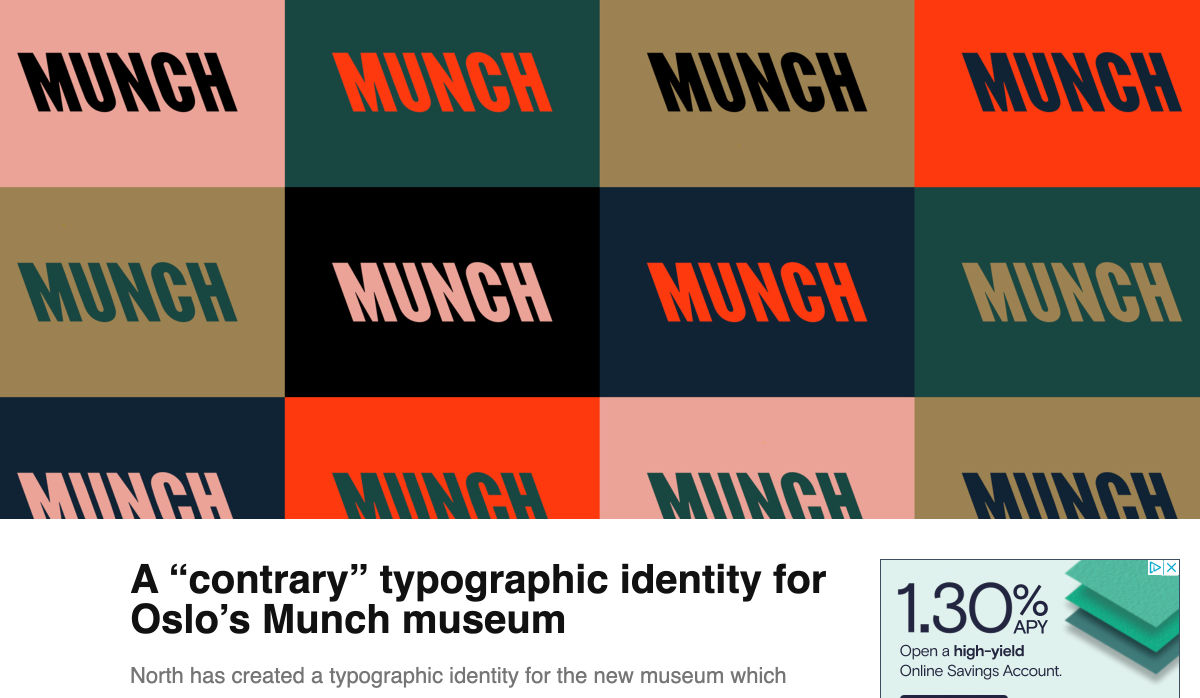
A “contrary” Typographic Identity for Oslo’s Munch Museum


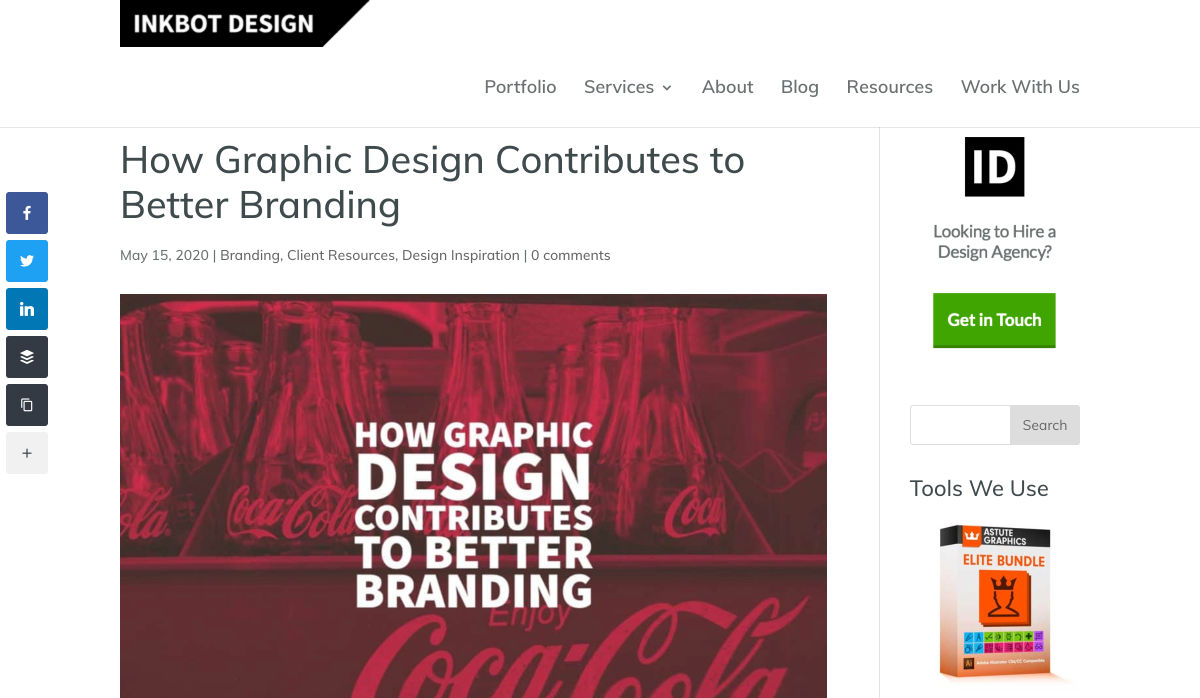
How Graphic Design Contributes to Better Branding


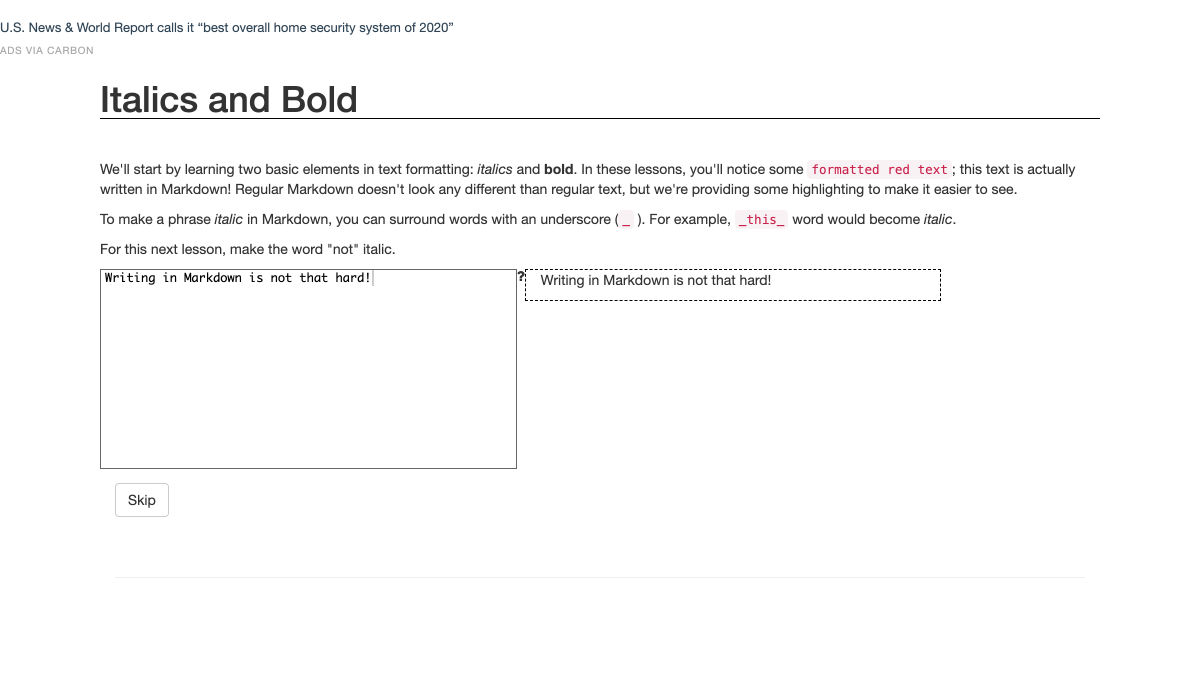
Markdown Tutorial


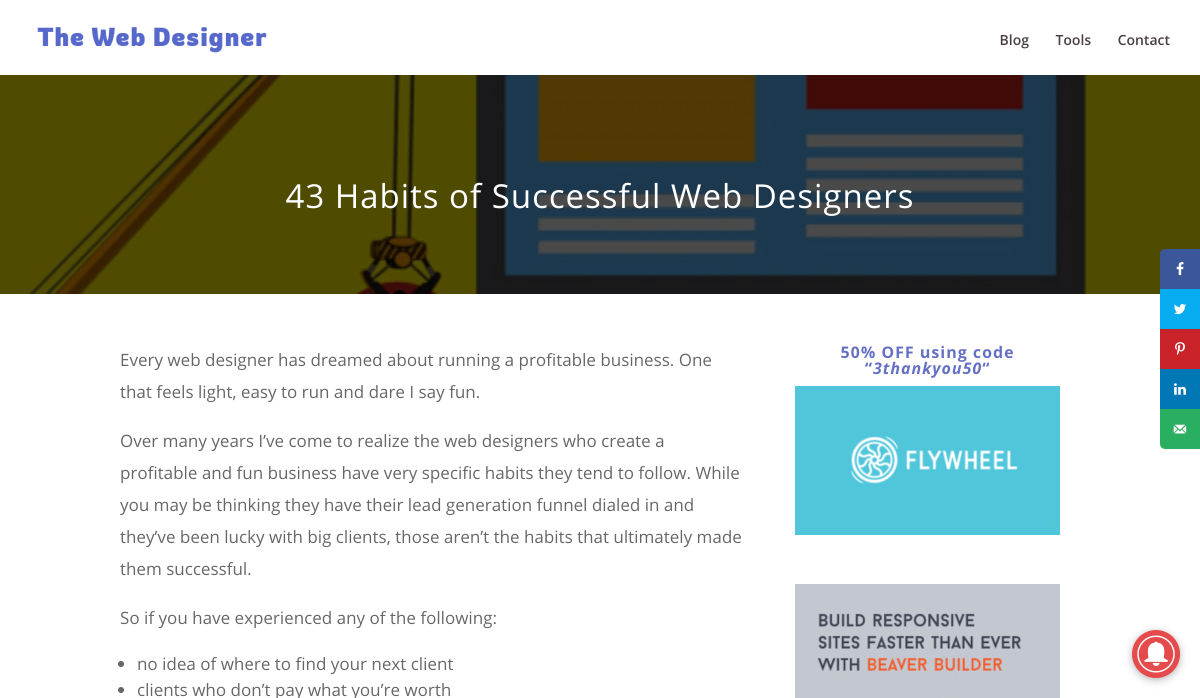
43 Habits of Successful Web Designers


Exploring Data Visualization Psychology


Want more? No problem! Keep track of top design news from around the web with Webdesigner News.

Source

p img {display:inline-block; margin-right:10px;}
.alignleft {float:left;}
p.showcase {clear:both;}
body#browserfriendly p, body#podcast p, div#emailbody p{margin:0;}

from Webdesigner Depot https://ift.tt/2A2CY7l


from WordPress https://ift.tt/3d2ddTa

Friday, May 22, 2020

19 JS Libraries/Plugins for Typography

Typography is an integral part of website design. The typography and fonts you use play a huge role in multiple aspects of a website design. It affects factors such as readability, user experience, and even the perceived length of an article or page. It is very important that web designers get it right with typography to adequately convey the purpose of the website and its content. 

As with almost every part of web design, there are several tools available to help make you more effective. Typography is no different. 

In this article, we would be looking at 20 JS Libraries/Plugins for typography to help you create awesome web pages. Some of these tools even deal with the dreaded stuff like widows and orphans. 

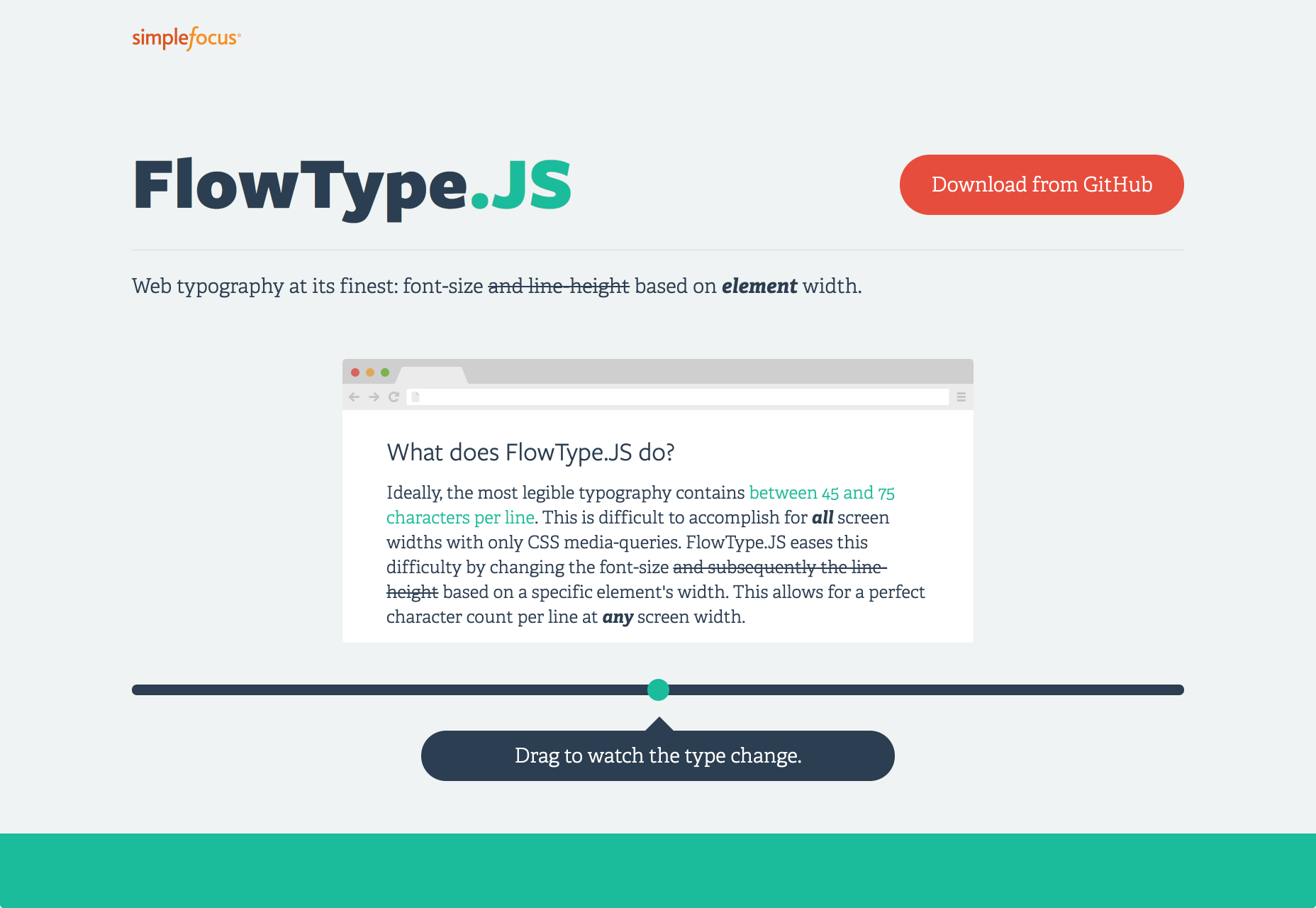
1. FlowType.js

FlowType is a responsive jquery plugin that helps you to automatically resize font size based on a specific element’s width. For website typography to be readable, there should be approximately 45 to 75 characters per line. For most screens with only CSS media queries, this can be difficult to achieve. Flowtype adjusts your font size to ensure that there is a perfect character count per line no matter the kind of screen or browser the reader is using.

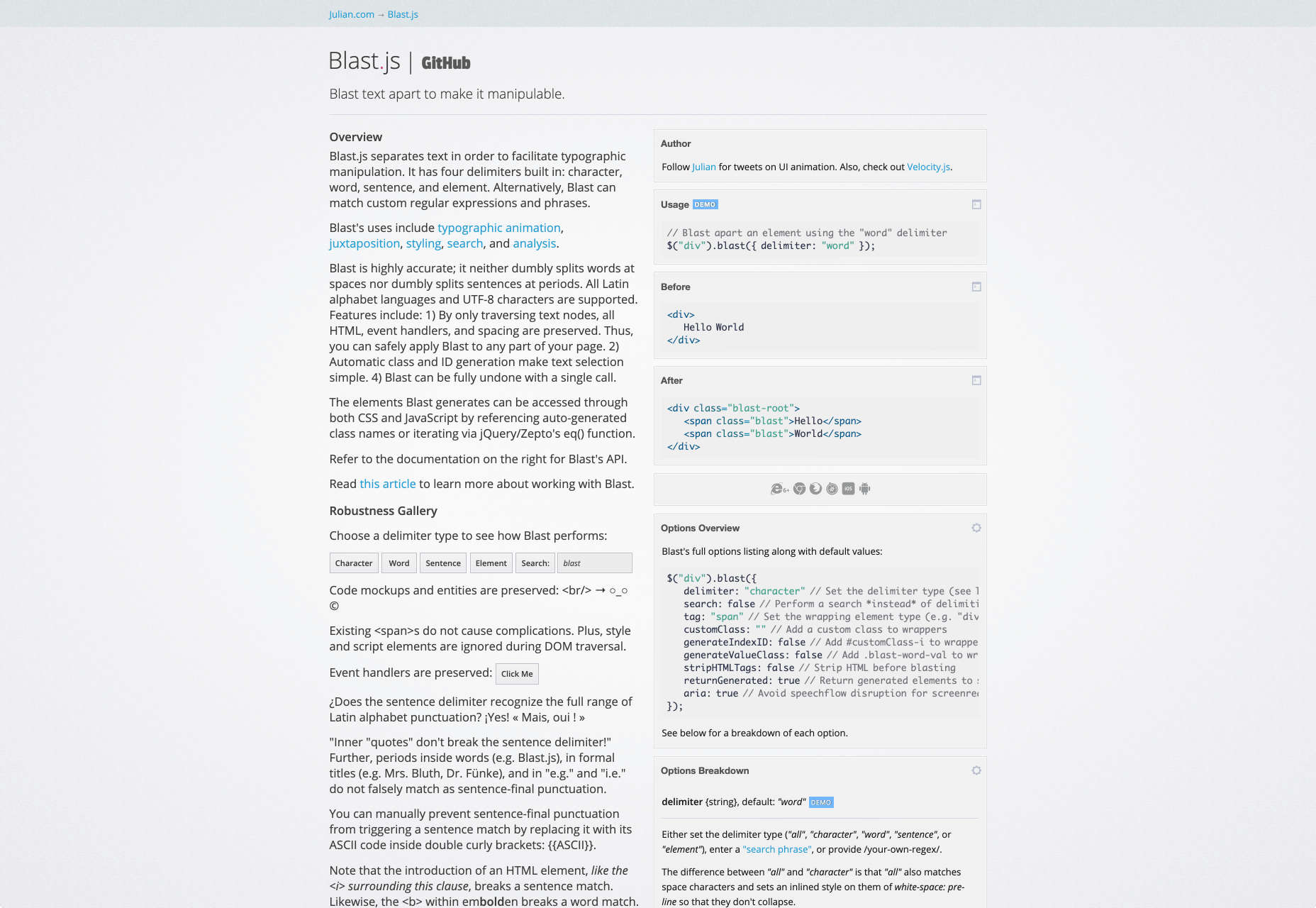
2. Blast.js

Blast.js allows you to do: typographic animation, juxtaposition, styling, search, and analysis. The tool allows you to separate text to enable typographic manipulation. It has character, word, sentence, and element delimiters built-in. Blast also matches phrases and custom regular expressions. 

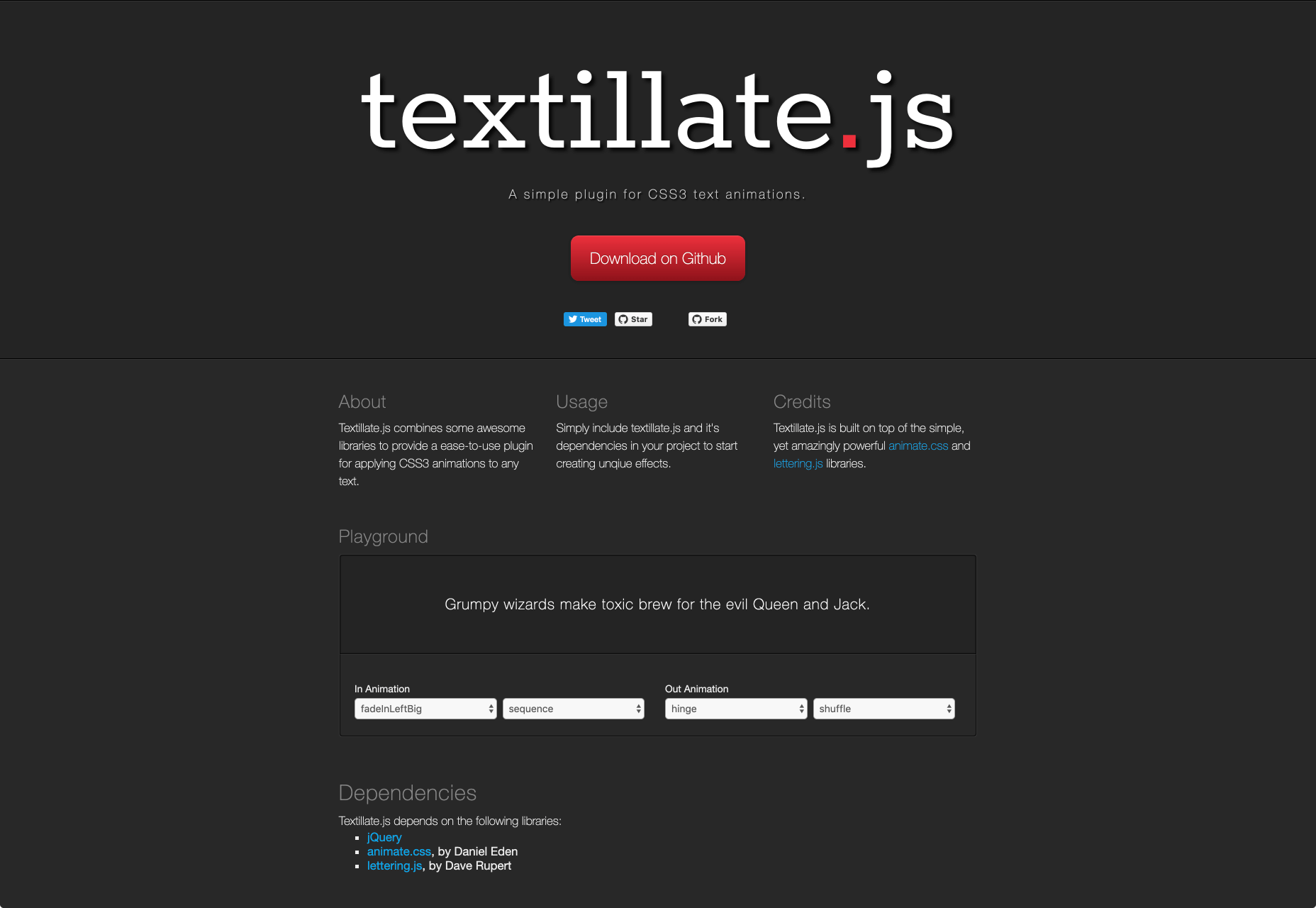
3. Textillate.js

Textillate.js is a simple plugin for creating CSS3 text animations. The plugin combines different libraries to help apply CSS3 animations to any text. To make use of it, all you need to do is add textillate.js and its dependencies to your project. 

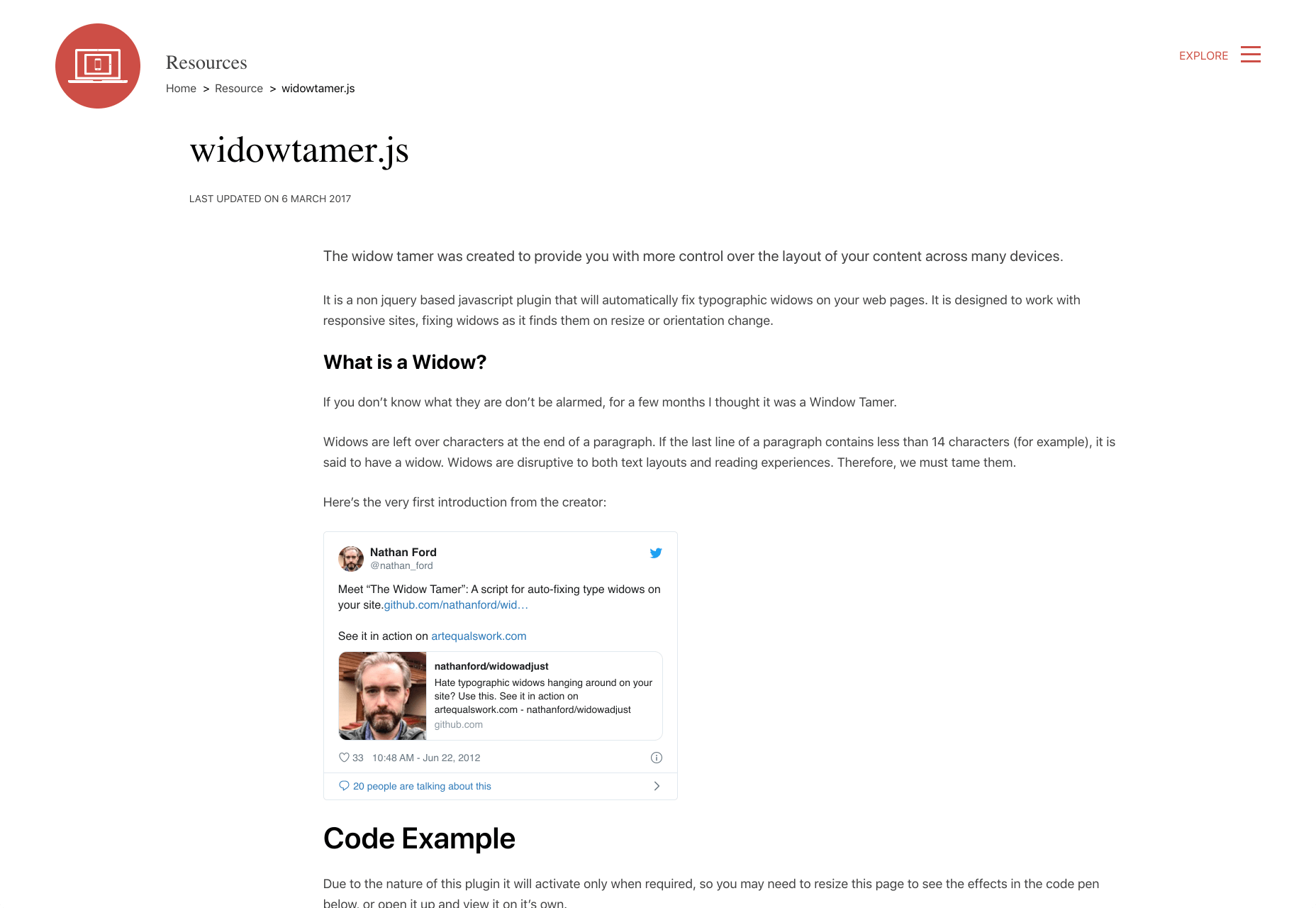
4. Widowtamer.js

Widowtamer.js is a JavaScript plugin that would automatically fix typography widows on your web pages. The plugin is designed to work with only responsive sites. 

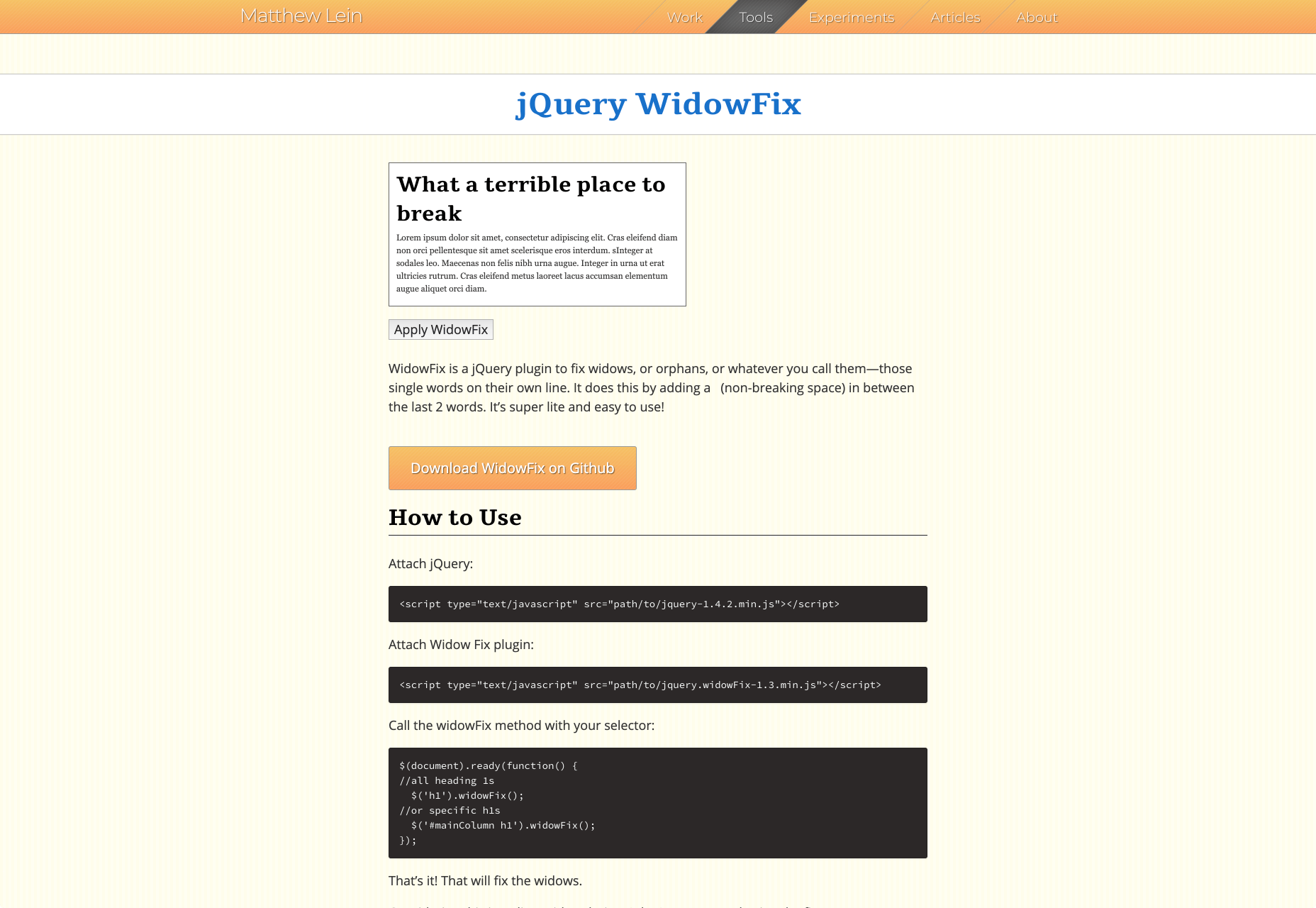
5. jQuery WidowFix

JQuery WidowFix is a jQuery plugin to help you fix widows. It fixes them by adding a nonbreaking space between the last two words. The tool is lightweight and easy to use. 

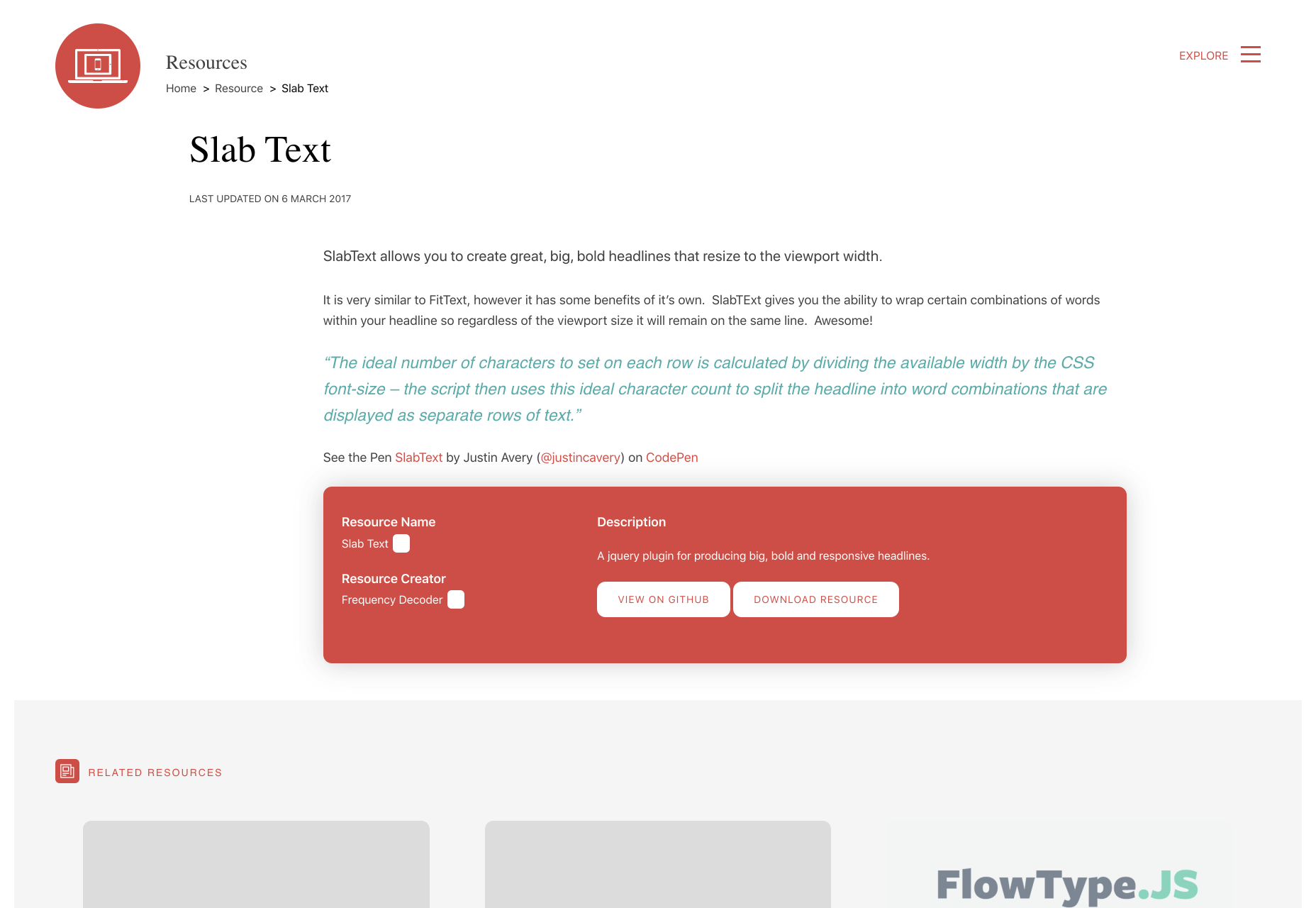
6. Slab Text

Slab Text is a jQuery plugin to help you create big, bold headlines. You can also resize your viewport width so that regardless of the viewport size, the combinations of words within your headline will remain on the same line.

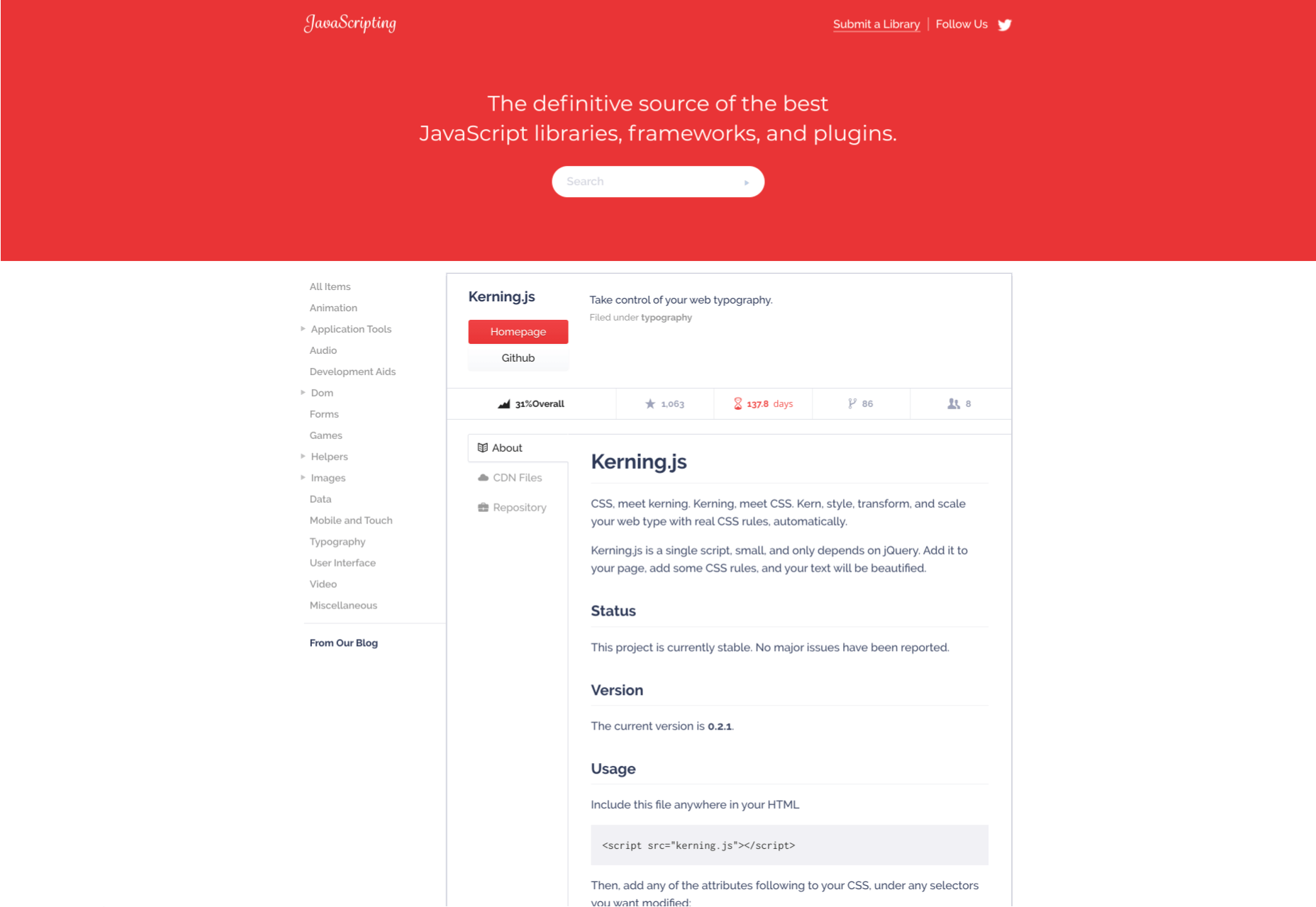
7. Kerning.js

Kerning.js is a simple jQuery script that allows you to scale your web type with real CSS rules automatically. It comes with no dependencies so when you add it to your web page and add some CSS rules, your page will be automatically beautified. 

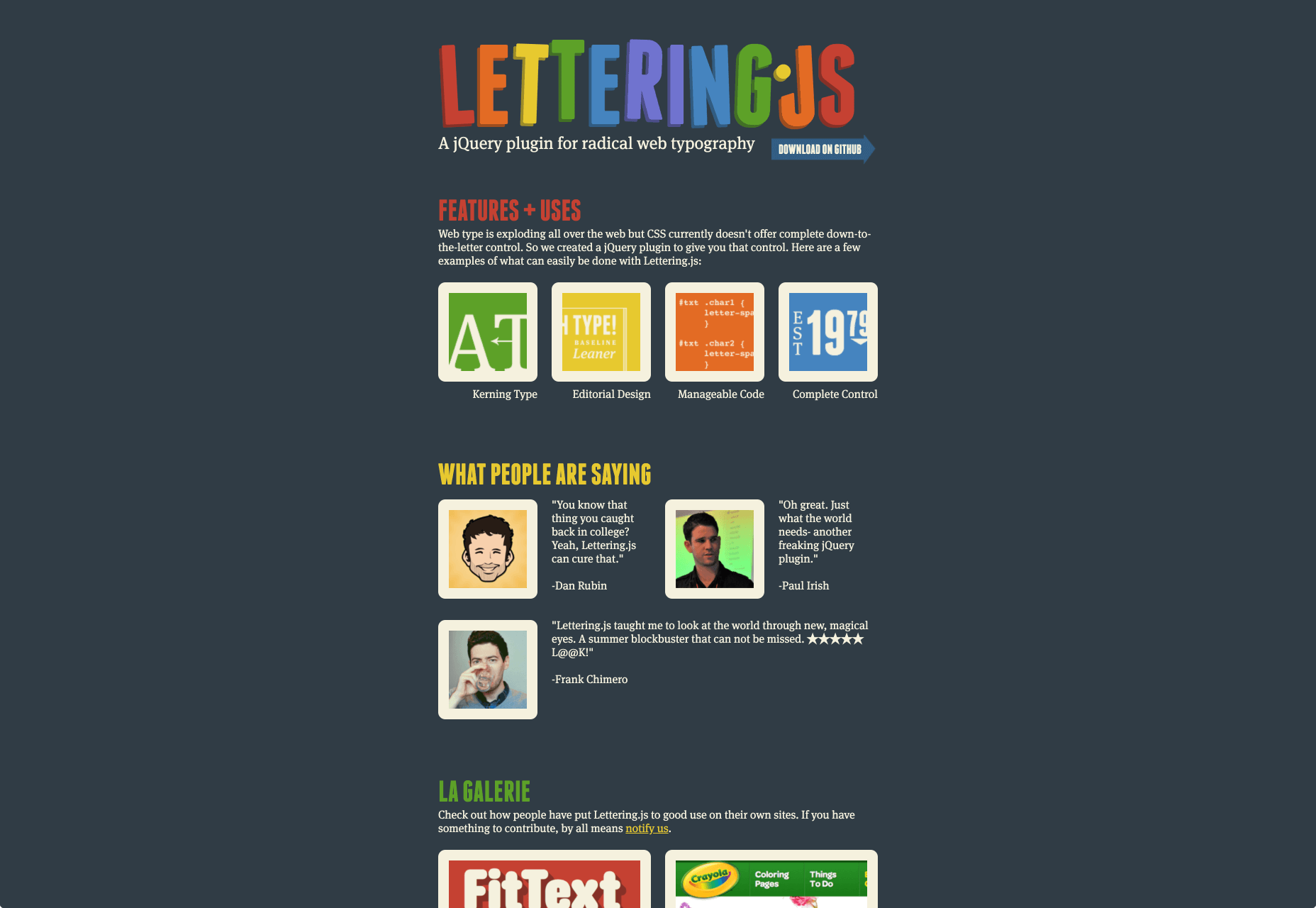
8. Lettering.js

Lettering.js is a jQuery plugin for radical web typography. The plugin offers you complete down-to-the-letter control. Some of the things that can easily be done with Lettering.js are Kerning Type, Editorial Design, and Manageable Code.

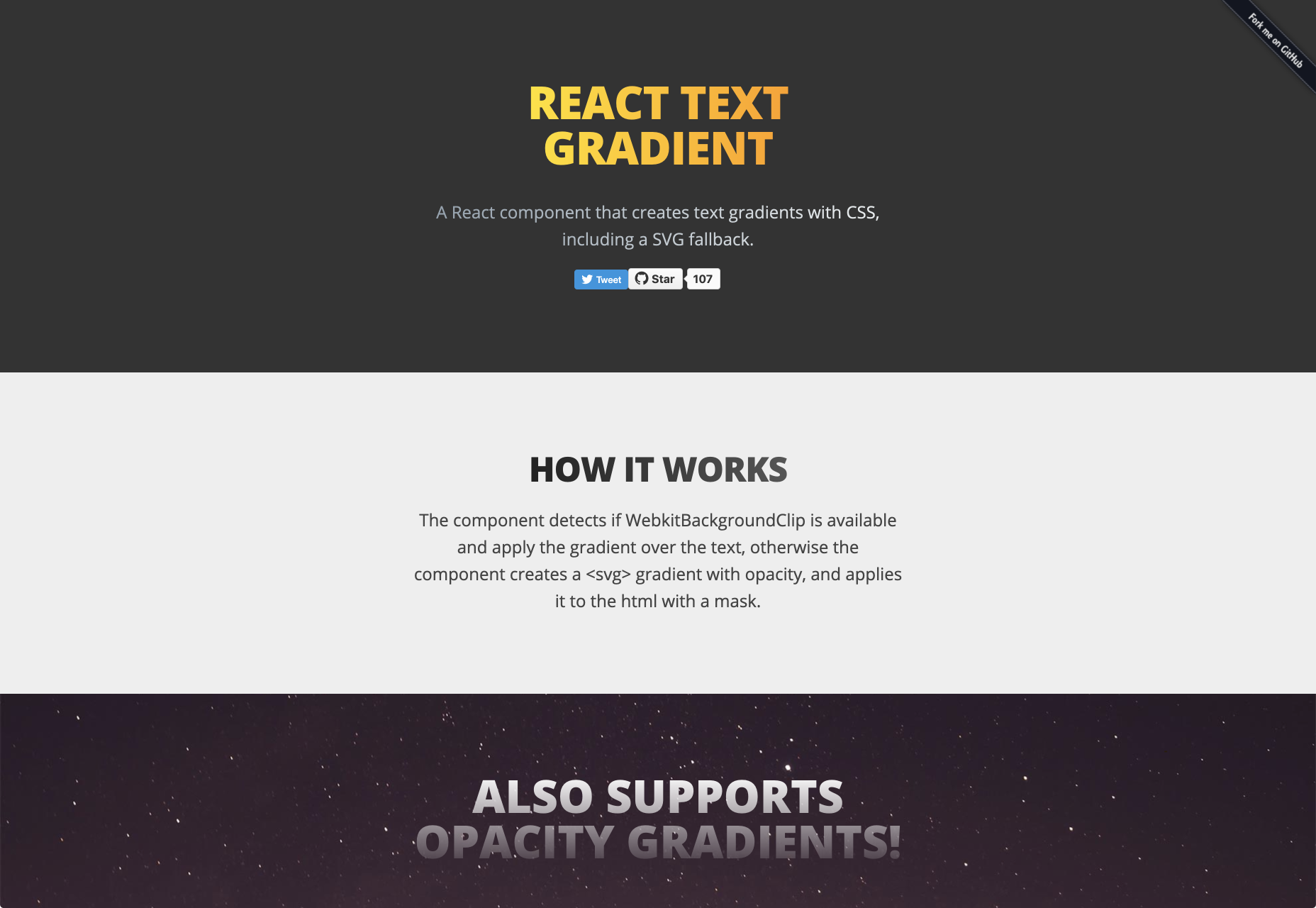
9. React Text Gradient

React Text Gradient is a cool plugin that allows you to add text gradients to your site. It’s a React component that creates text gradients with CSS. The component will detect if a website background-clip is available and would then apply the gradient over the text. 

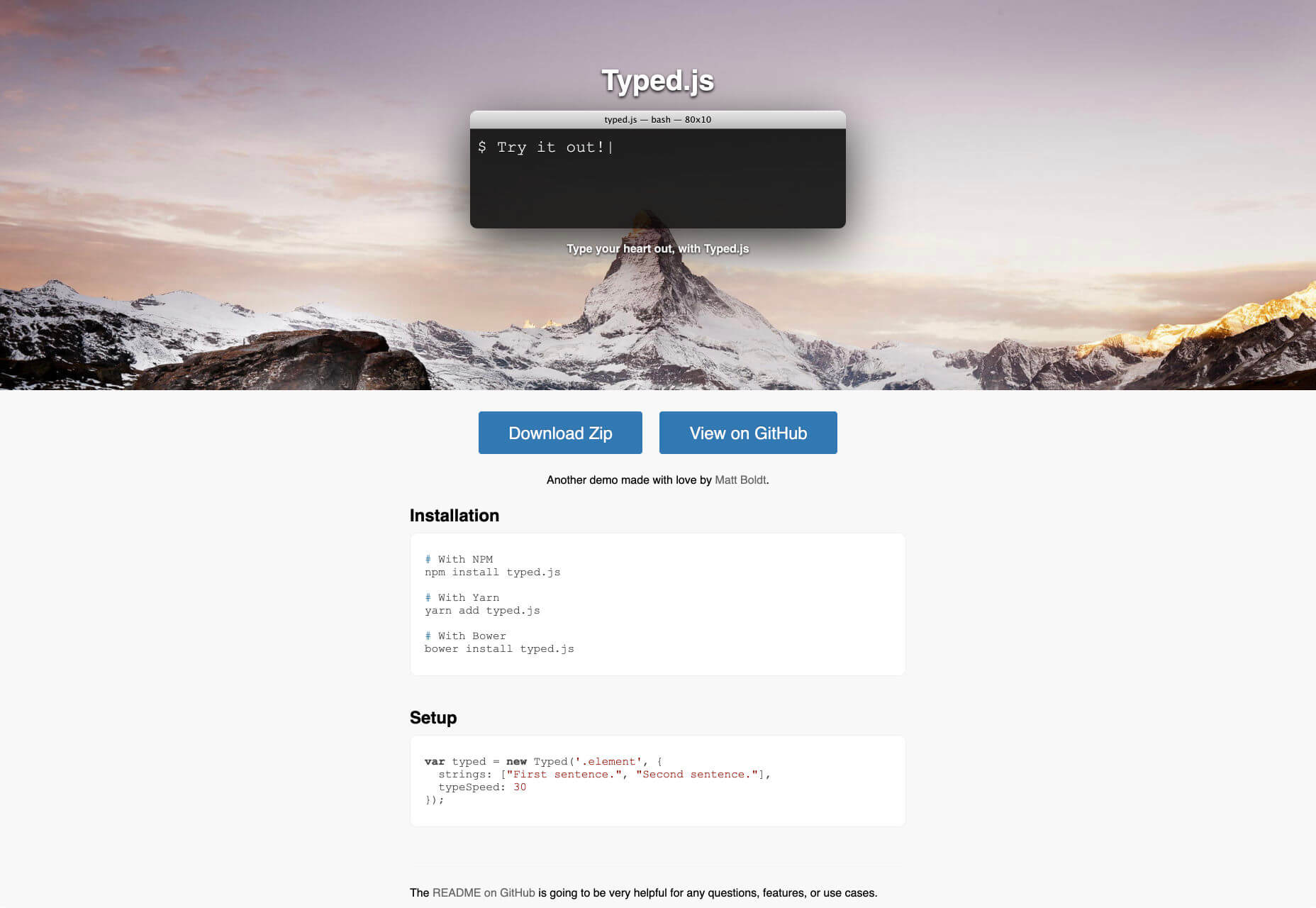
10. Typed.js

Typed.js is a JavaScript library that types out sentences in a browser, deletes them, and moves on to the next string. The tool is pretty easy to use and you can create an unlimited number of strings. The library is great for storytelling. 

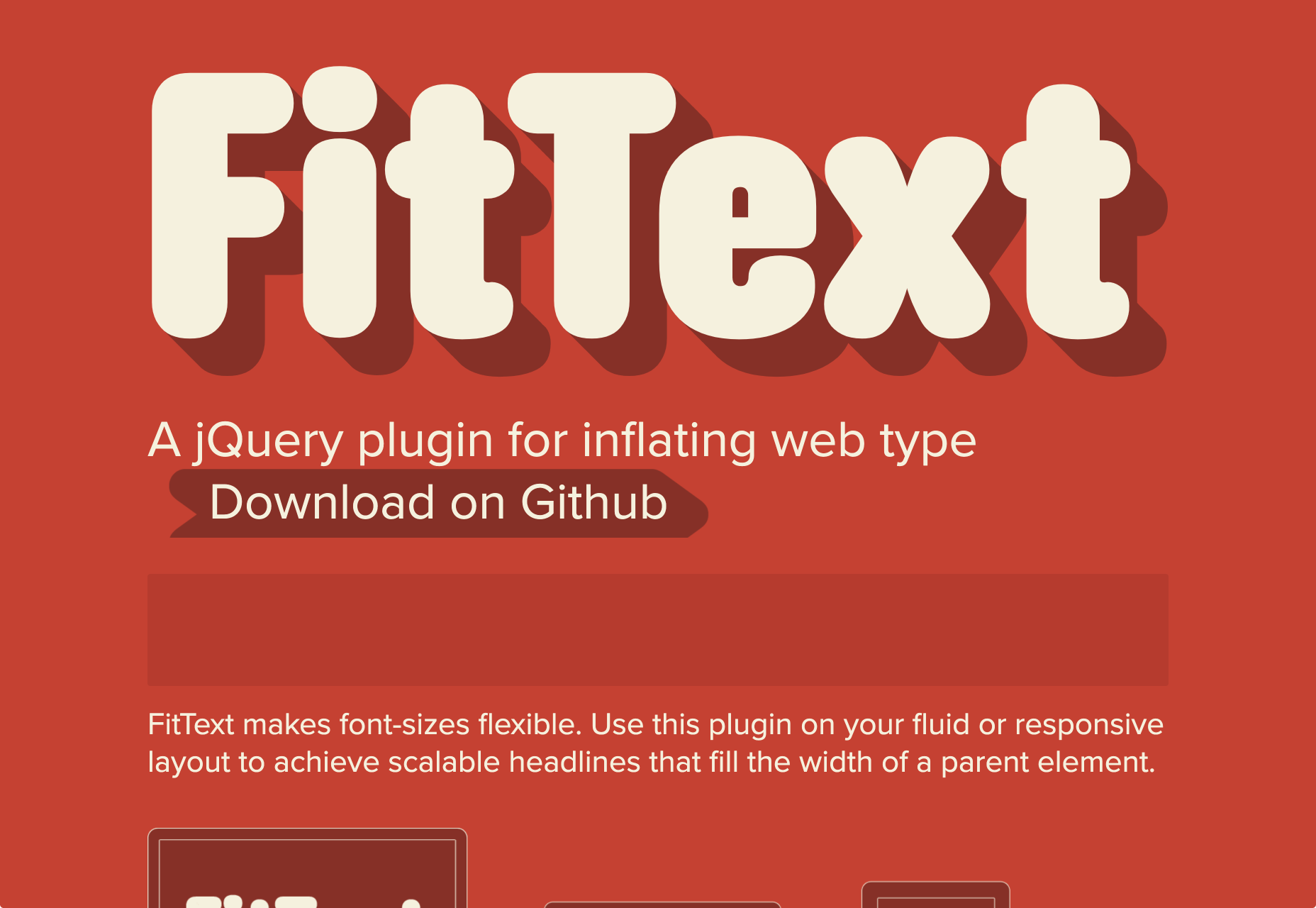
11. FitText

FitText is a jQuery plugin used for inflating web type. The plugin automatically scales text so that it fills the width of a parent element. The plugin ensures that the layout of the page is not broken no matter the kind of browser you are using. 

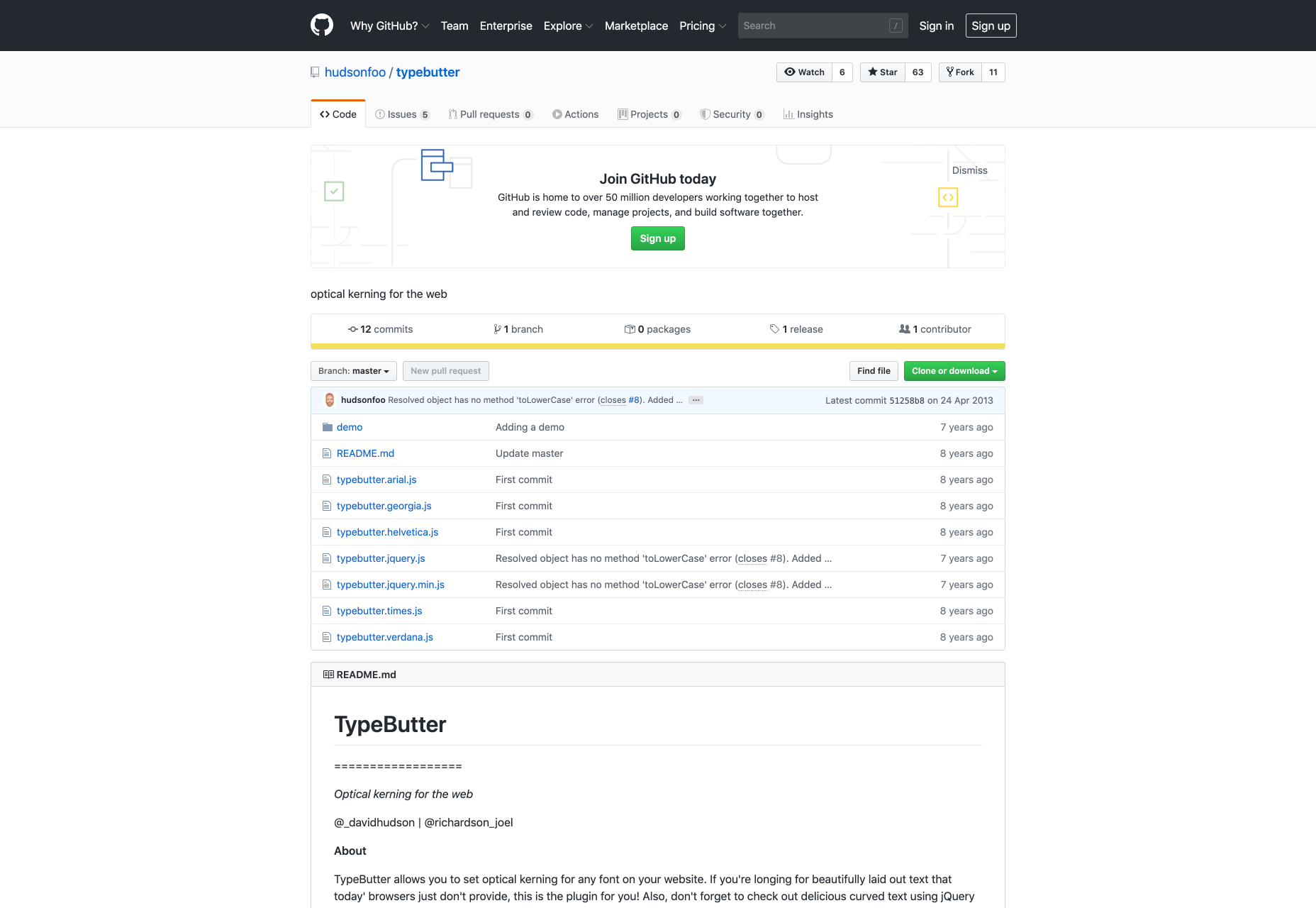
12. TypeButter

TypeButter is optical kerning for the web. This plugin allows you to create beautifully designed texts. Typebutter also allows you to Kern your headlines and removes spaces between characters that make text hard to read. All you need to do is install the plugin and your fonts would lose unnecessary spacing. 

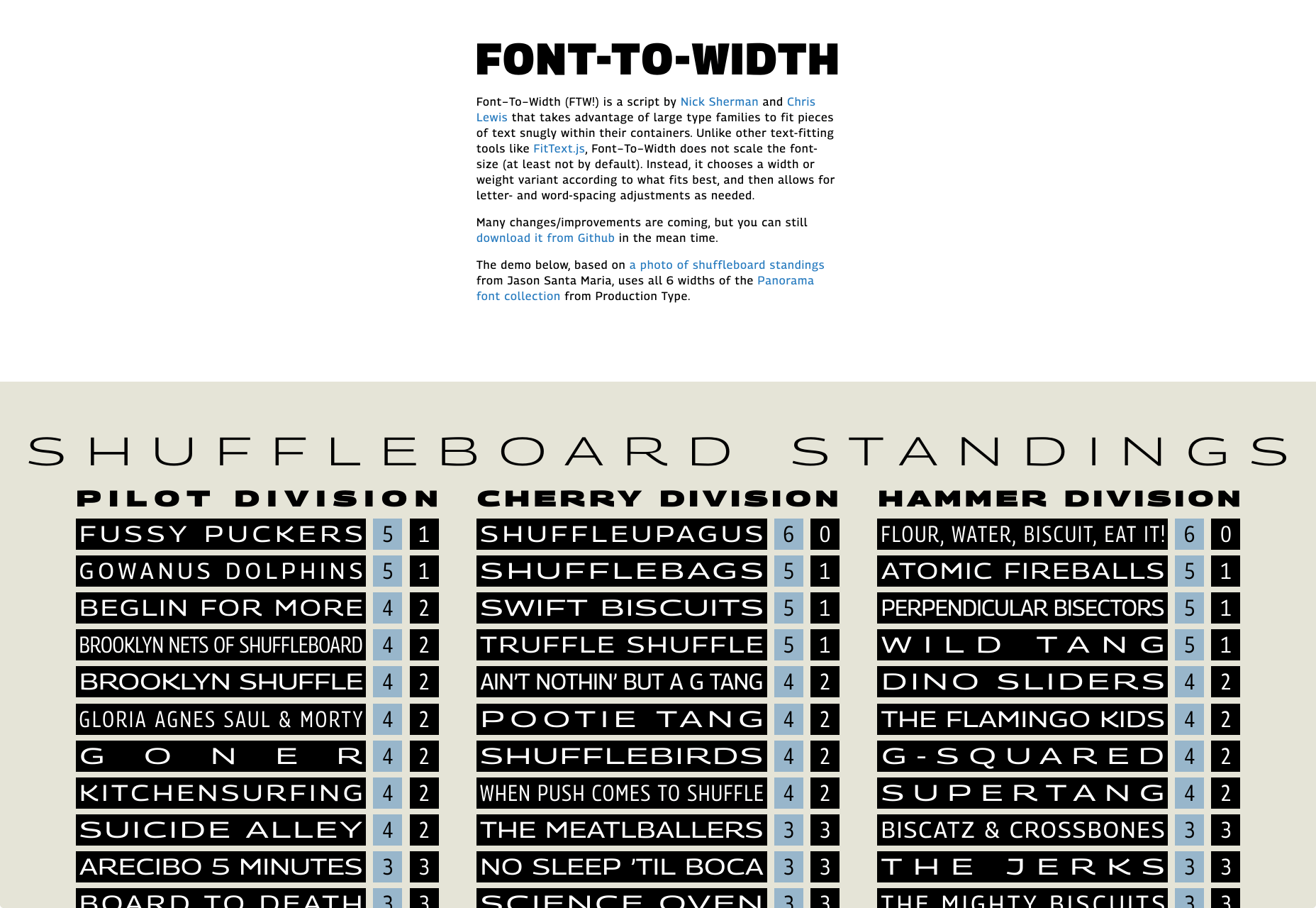
13. Font-To-Width

Font-To-Width is a script that allows texts to fit within their containers. Instead of scaling the font size to make text fit, Font-To-Width chooses a width or width variant and then allows for letter and word adjustments as needed. Note that this script is made for headlines or short pieces of text. It is not meant for multi-line body of text. It also works best in browsers that support subpixel spacing like Chrome. Browsers that round spaces to integer values will show rounding errors. 
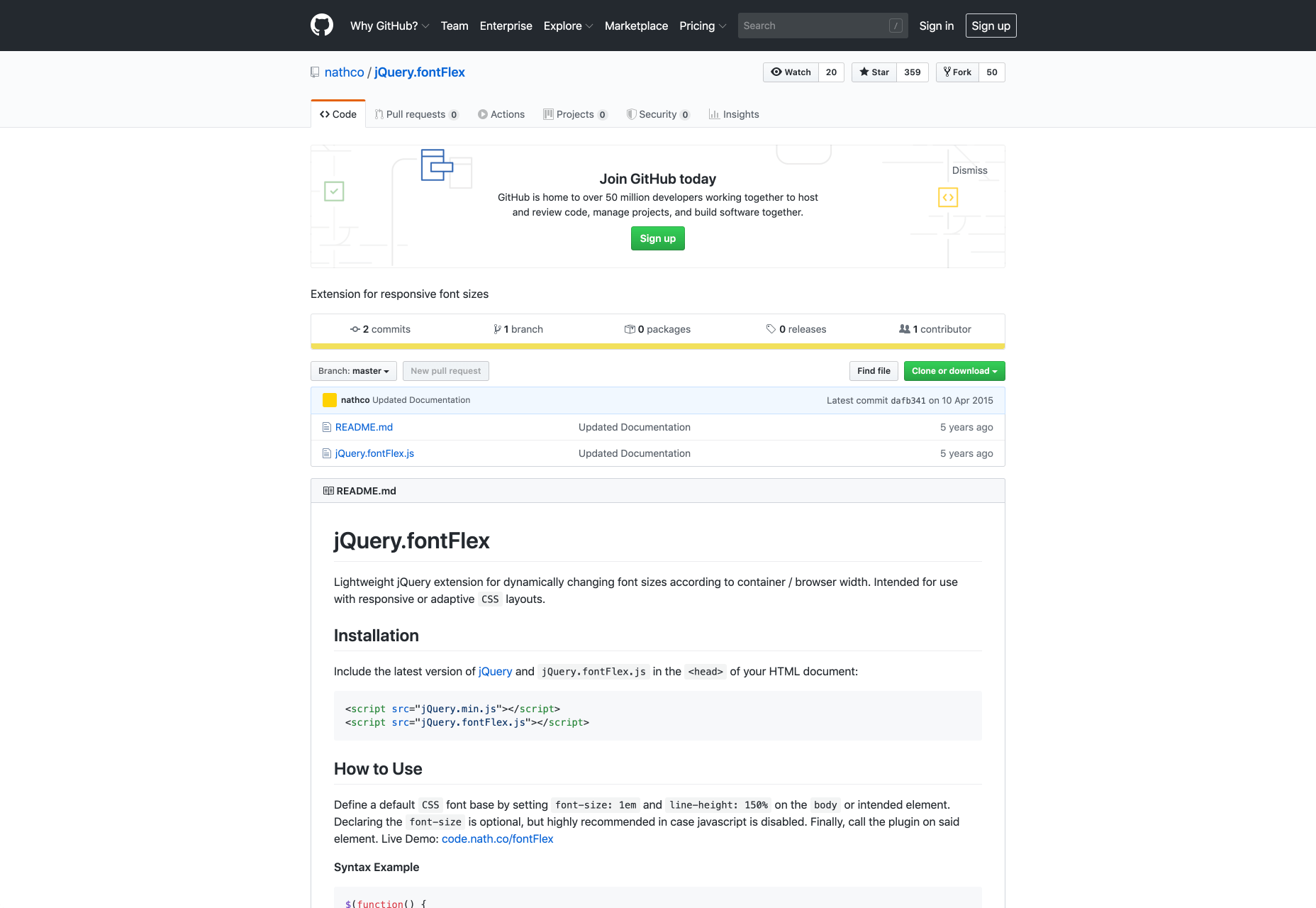
14. Font Flex

Font Flex is a jQuery plugin for dynamic font sizes. The plugin makes your text flexible and adaptable to any screen. The lightweight jQuery extension is intended for use with responsive or adaptive CSS layouts. 

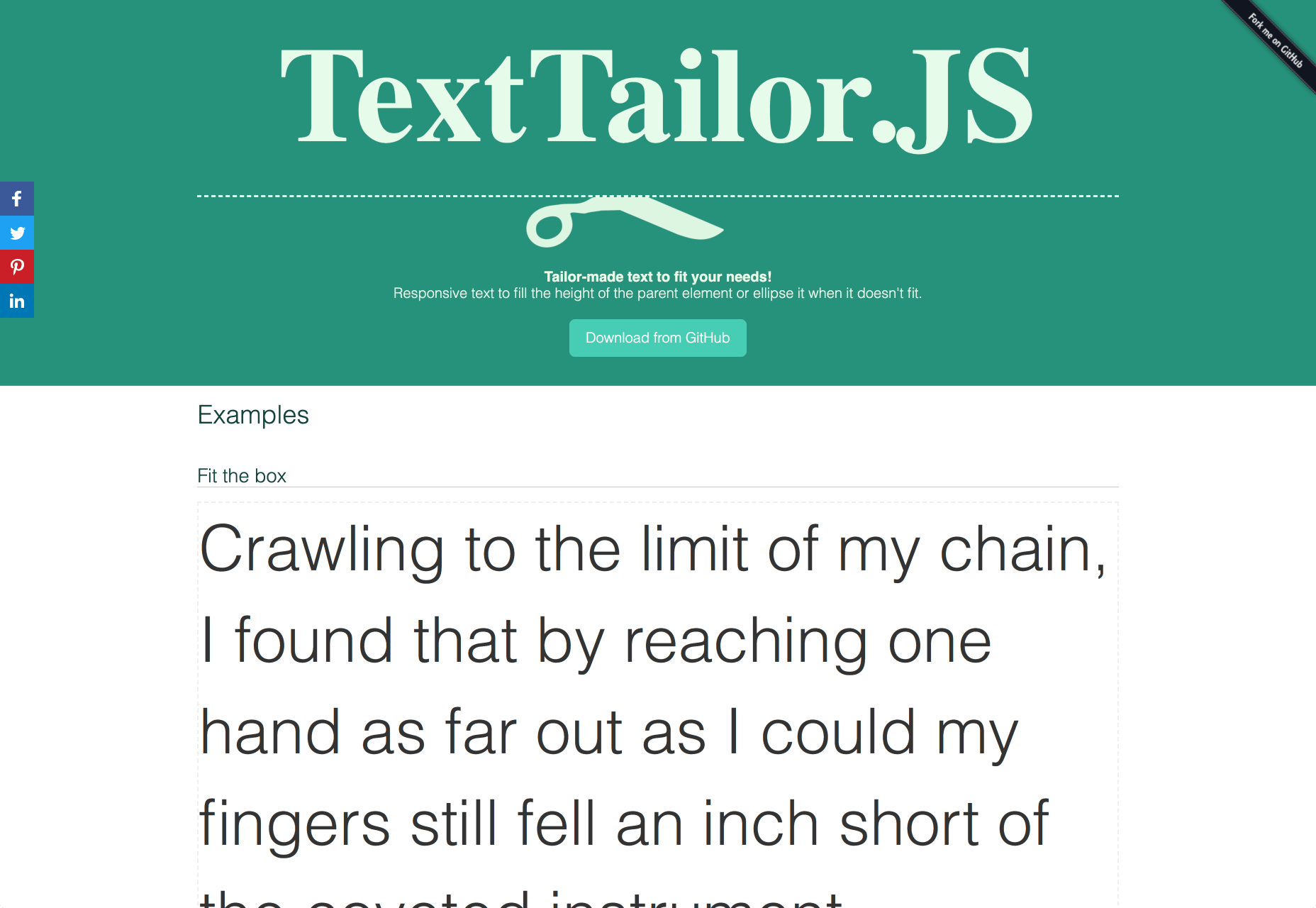
15. TextTailor.js

TextTailor.js is a jQuery plugin that allows text to fill the height of the parent element or truncate it when it doesn’t fit. It works perfectly with posts that have images and fixed fonts. 

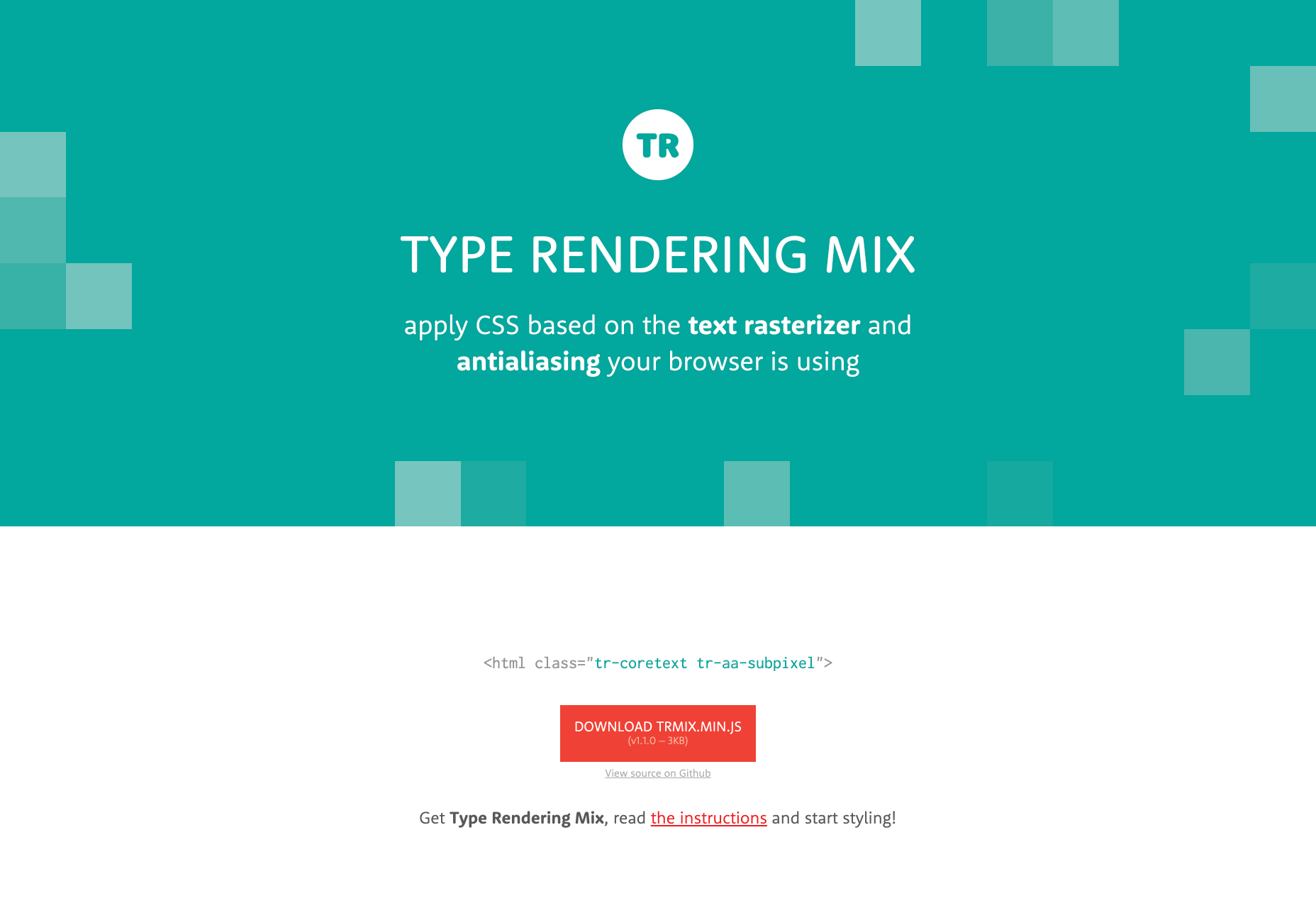
16. Type Rendering Mix

With Type Rendering Mix, you can decrease the font-weight for browsers that use Core Text to render text. It also allows you to disable web fonts when no anti-aliasing is applied. You can also disable web fonts if they render badly with some text rasterizers. 
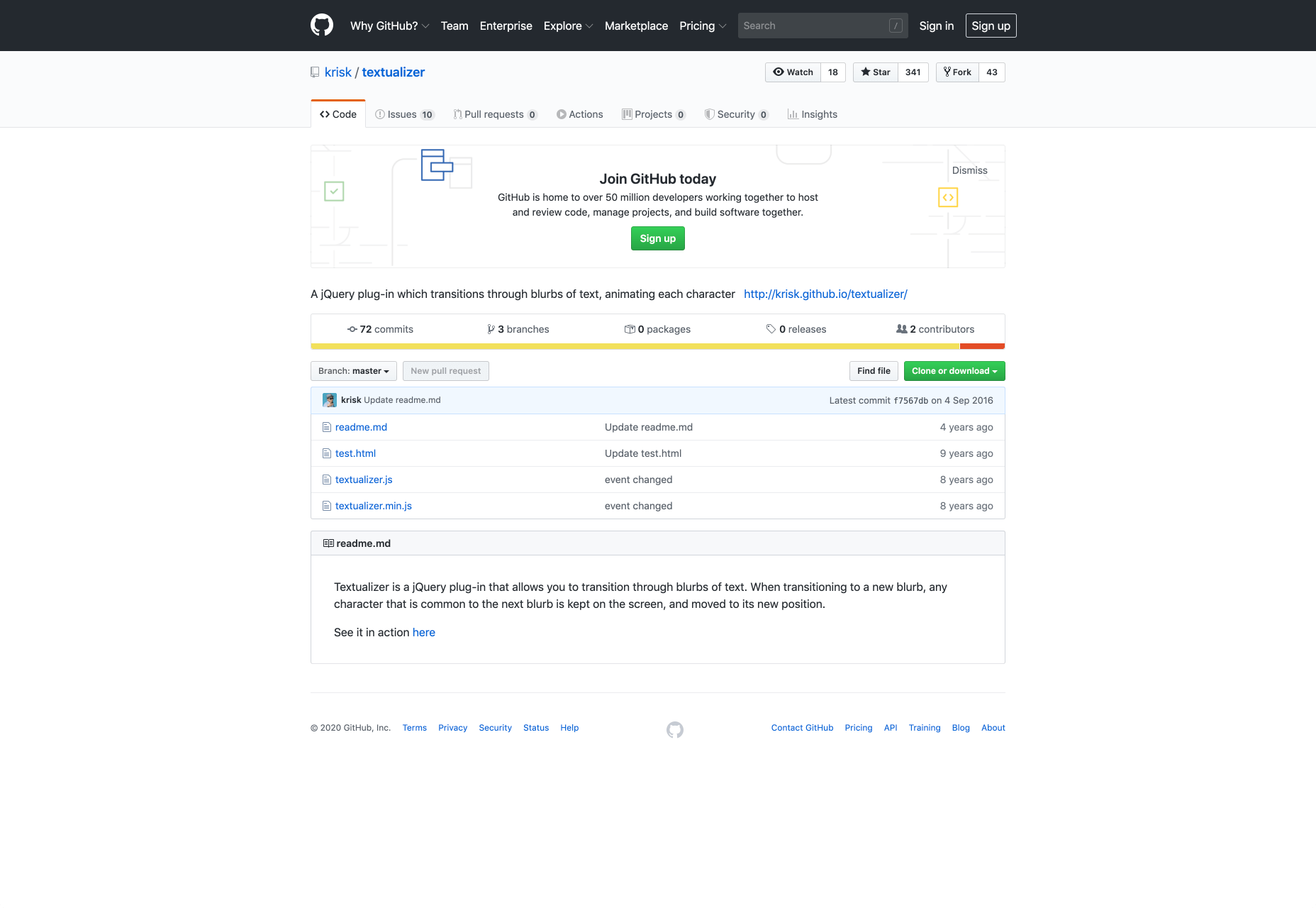
17. Textualizer

Textualizer is a jQuery plugin that transitions through blurbs of text while animating each character. When the text is transitioning, any character that is common to the next blurb is left on the screen and moved into its new position. Some of the effects it has are slideLeft, slideTop, fadeIn, and random. 

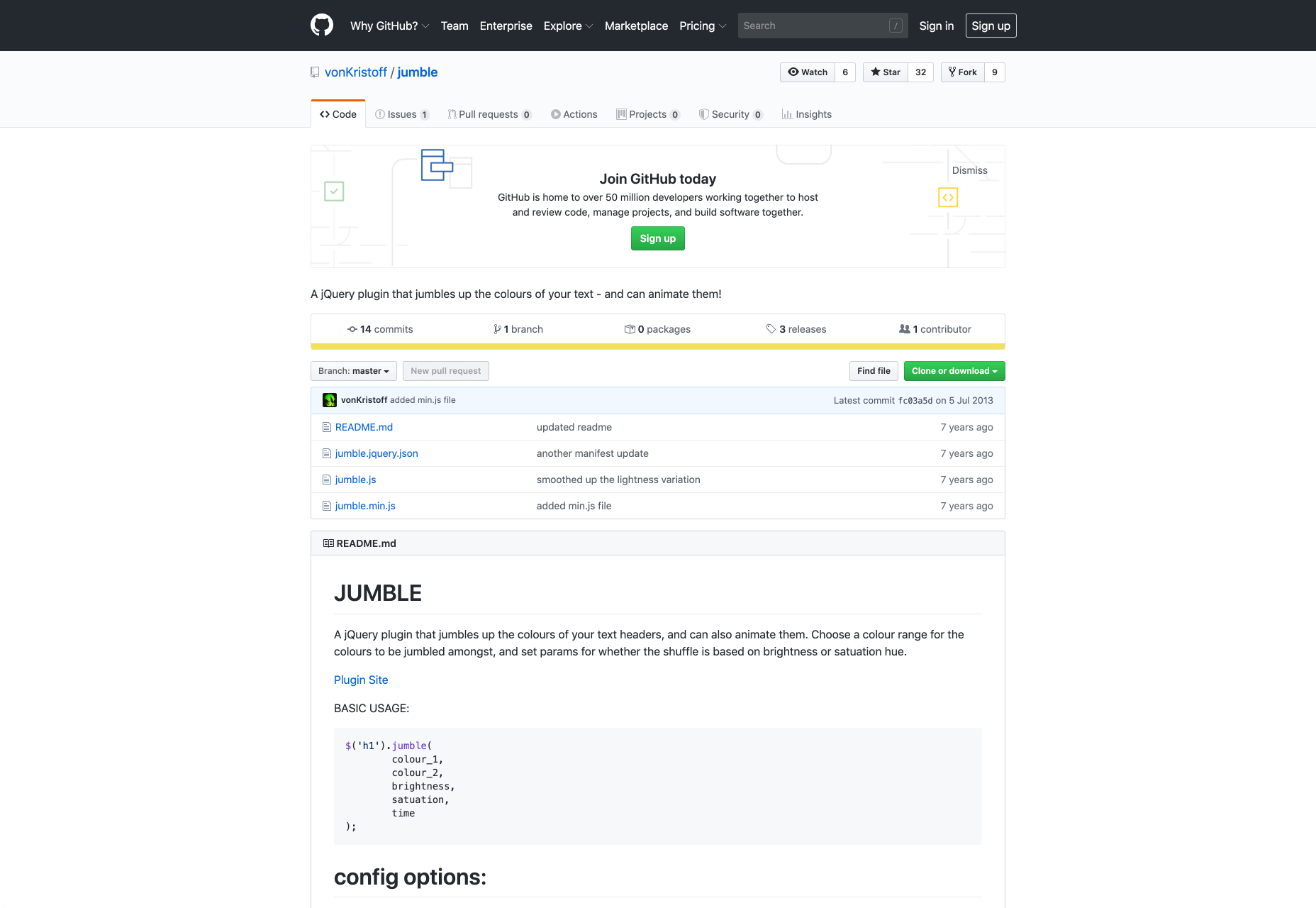
18. Jumble

Jumble is a jQuery plugin that adds colors to your headlines and also animates them. You can set parameters for the color shuffle based on brightness and saturation hue. You are also provided with a good range of colors you can jumble from. 

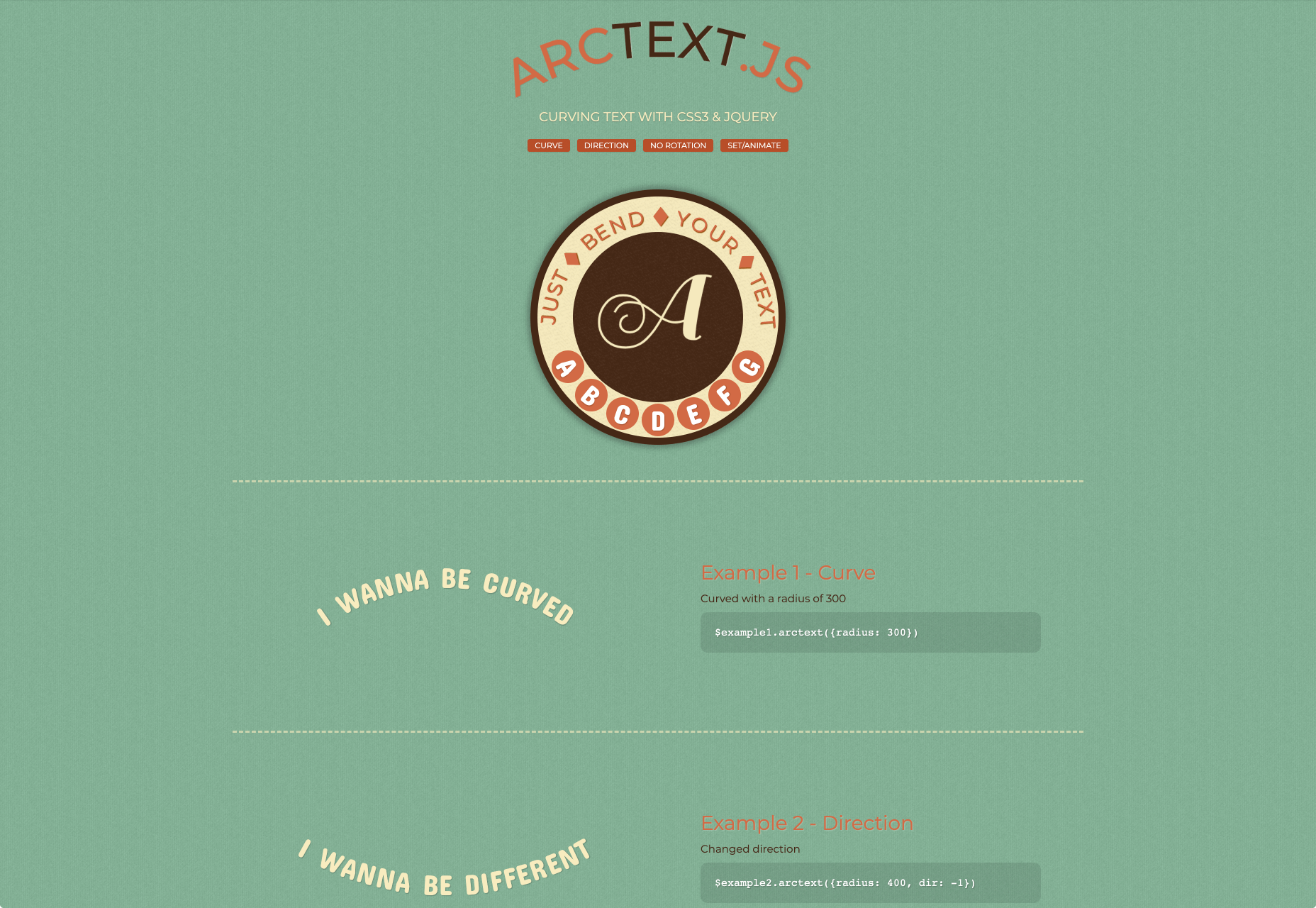
19. Arctext.js

Arctext.js is a jQuery plugin that allows you to curve text using CSS3 & jQuery. You can curve text up to a radius of 300, change the direction of the text, create non-rotated letters, and set or animate text. The plugin will calculate the right rotation of each letter and distribute it across the arc of the set radius.
Exploring Typography With Different JS Libraries/Plugins

As a web developer, you need to have an arsenal of tools to be efficient and get the best out of your web designs. 
Relying on just your skills might make web typography difficult to circumvent. When you use the JS libraries/plugins for typography, you have control over the look, feel, and function of your text. You can easily tackle widows and orphans, add special effects, and create a friendly UX.

Source

p img {display:inline-block; margin-right:10px;}
.alignleft {float:left;}
p.showcase {clear:both;}
body#browserfriendly p, body#podcast p, div#emailbody p{margin:0;}

from Webdesigner Depot https://ift.tt/2TKuQQ7


from WordPress https://ift.tt/3ggACST